
 Moom
Moom Mole
Mole Moho Pro
 Mitti
Mitti


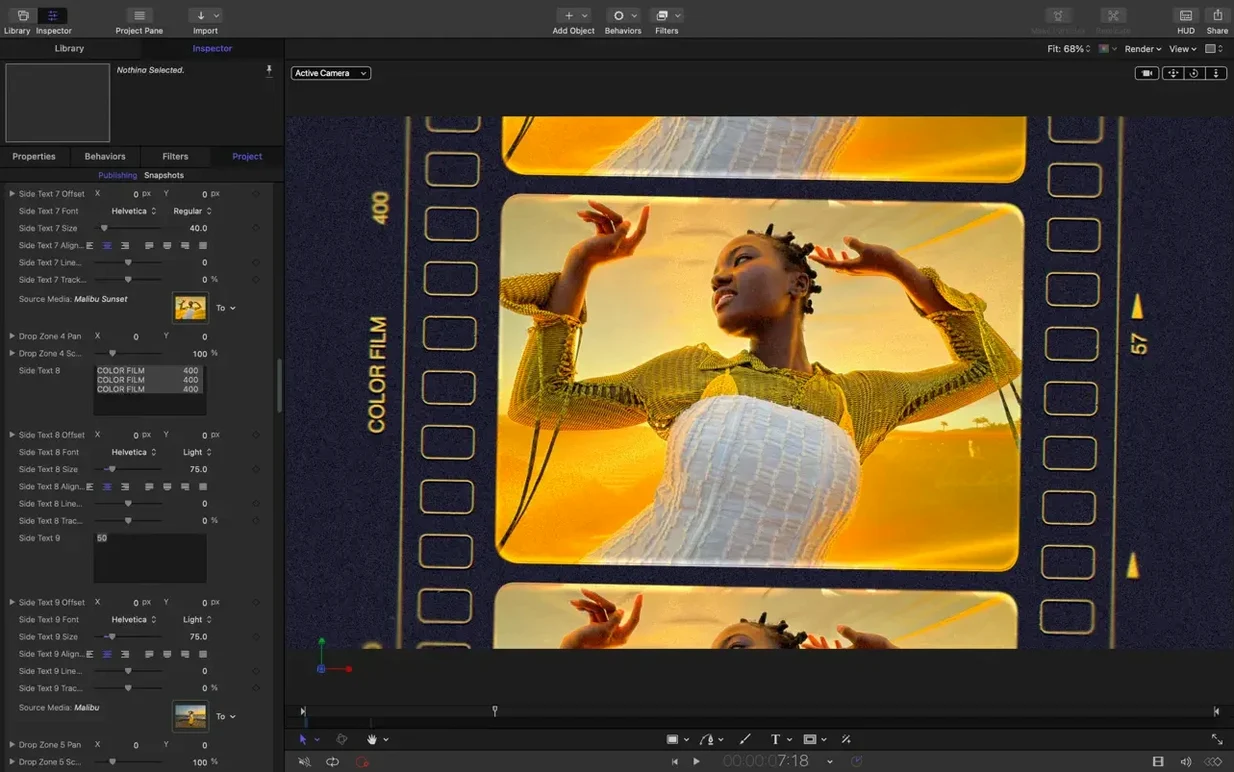
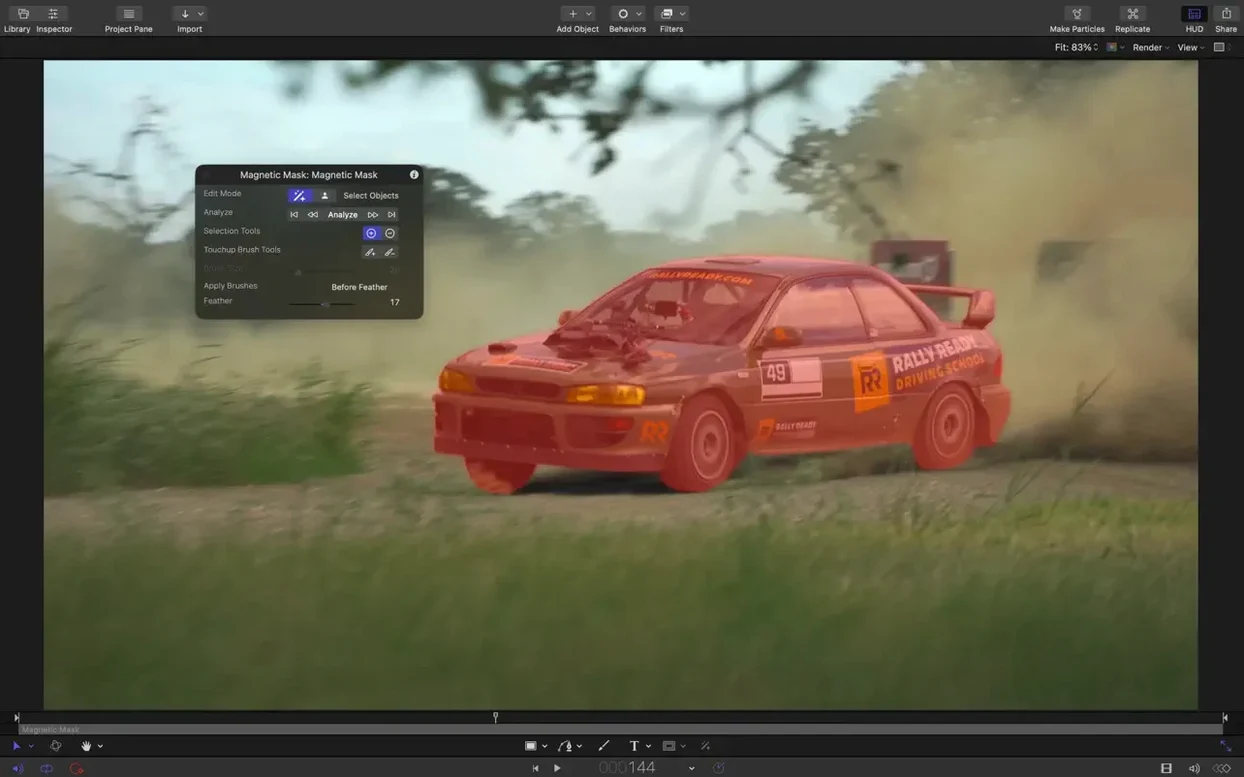
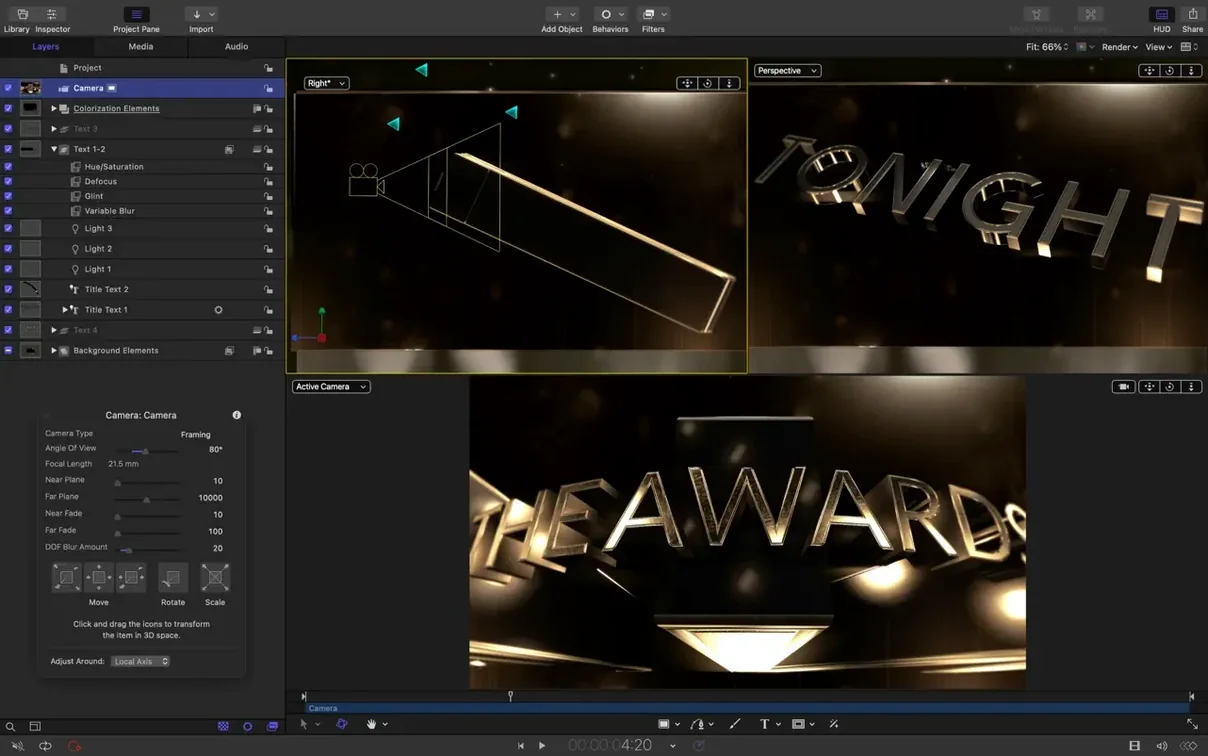
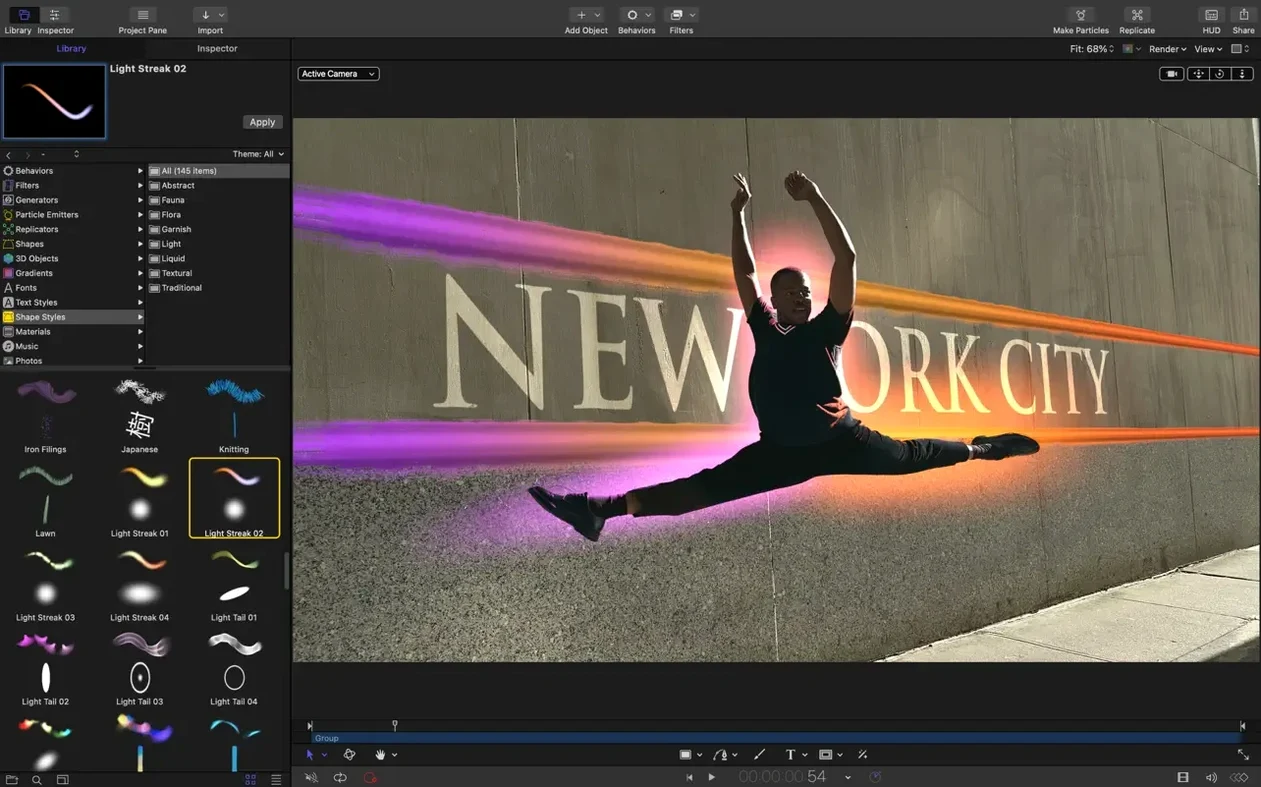
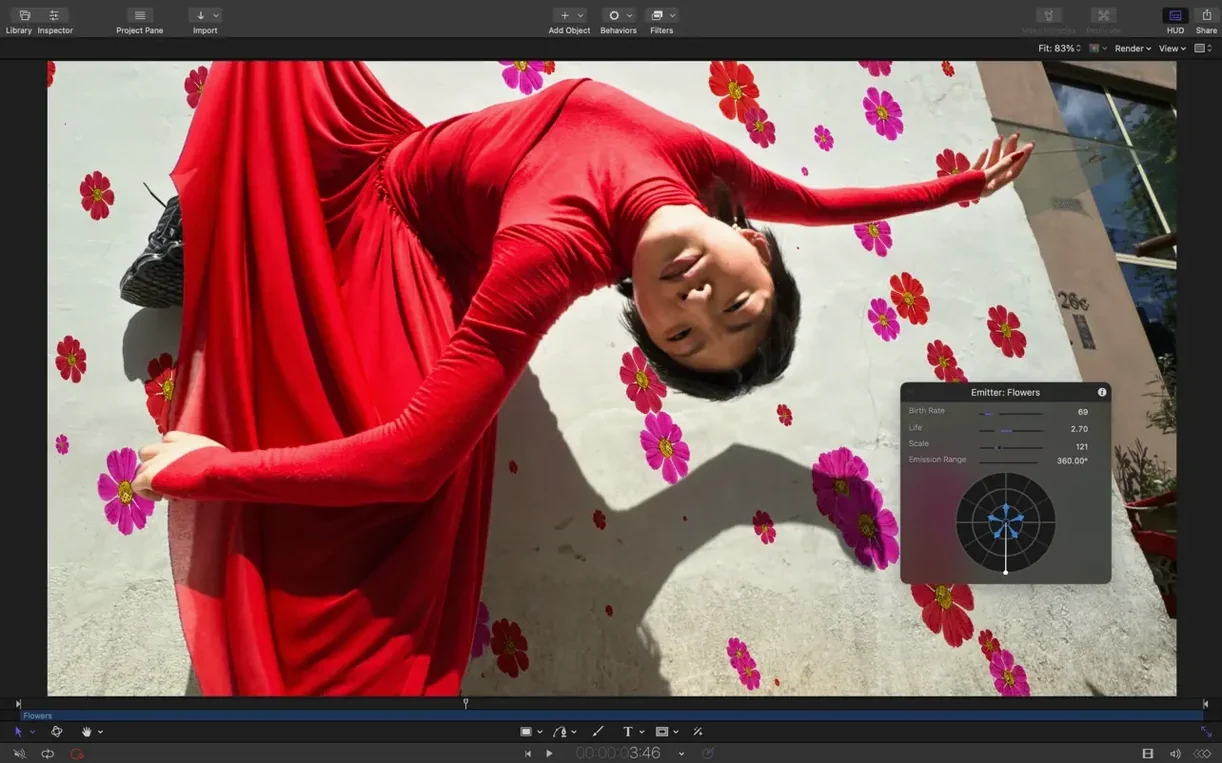
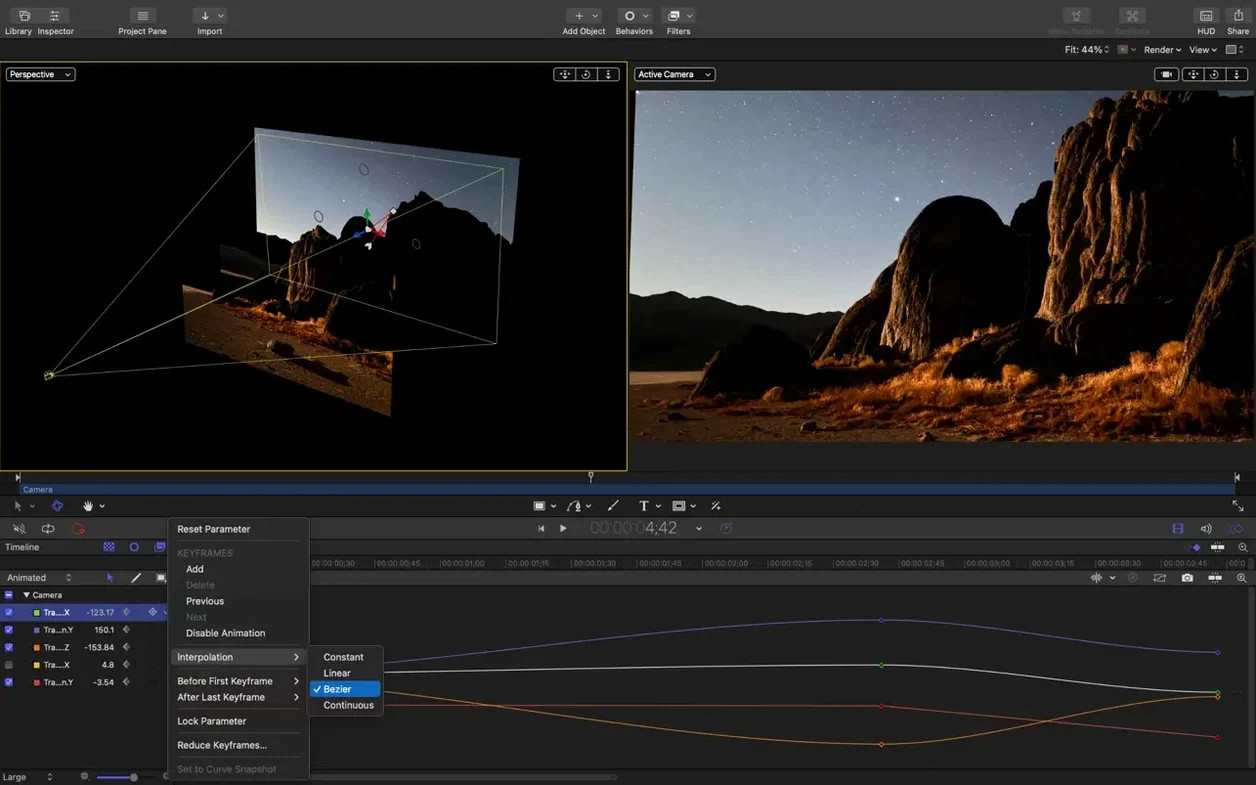
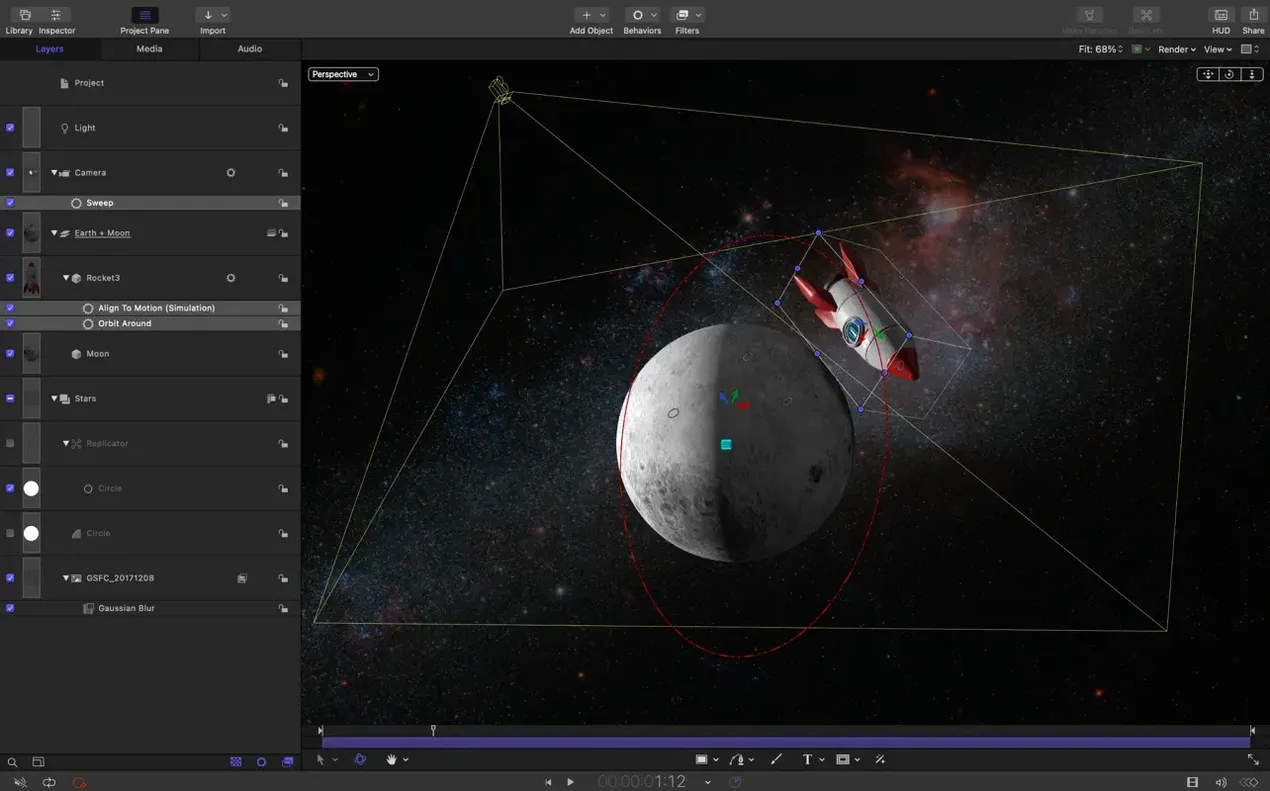
Motion is the quickest way a video editor can turn a flat cut into something with real visual lift — custom titles, fluid transitions, and effects that feel polished rather than off-the-shelf.
Open a new project and drop in a few stills or video clips. Head straight to the timeline and try the new stagger and cascade controls. Dragging a handful of clips into a soft, offset rhythm takes about ten seconds, and it immediately shows you why editors reach for Motion when a standard NLE timeline feels too rigid.
Next, create a 3D title. Pick one of the cinematic presets, type a short line, and scrub through the depth and lighting sliders. The text stays crisp at any scale, and if you bring in an SVG logo from Illustrator, it slots right in without losing edge quality. Swap the background for a short clip of your own, and you have a TV-style opener that looks like it took an afternoon.
Before you export, open the Library and layer a few generators — particles, lens flares, or a subtle glint — then drag a color correction filter onto the whole stack. The filters now render evenly across macOS versions, so the look you dial in on set is the look that lands in the edit bay.
Jumping in cold and expecting an NLE mindset to carry you is the first stumble. Motion thinks in layers, objects and behaviours — not tracks and blade cuts. If you start slicing clips on the timeline like you would in Final Cut, you will fight the app all day.
Another common one is ignoring the Project Browser presets. Newcomers often set the canvas to some arbitrary resolution, then wonder why their 3D text looks soft or why a particle emitter runs at a crawl. Pick a broadcast preset that matches your footage, and the performance headroom doubles immediately.
Beginners also tend to leave the default project length at 10 seconds and then cram too much into it. Motion’s timeline is elastic — stretch it to 30 or 60 seconds before you start, and your keyframes and behaviours will breathe. Lastly, watch out for nesting too many 3D groups early on. Each group flattens its contents before compositing, so stacking six of them with blurs and shadows can tank real-time playback on an older Intel Mac. Keep the group count lean while you block out your idea.
You open Motion and pick the 1080p broadcast template. The canvas brightens to a blank grey, and you drop four photos from a recent shoot into the Layers list. They land as individual objects, stacked one above the next.
Select all four, right-click and choose Add Behaviour > Basic Motion > Fade In/Fade Out. Instantly each photo fades up and dissolves away. You drag the behaviour bar in the mini-timeline to stretch it over three seconds — a gentle, easy rhythm.
Now for the staggered cascade. In the new release you highlight the photo layers, open the Timing pane and tap the cascade icon. The thumbnails spread out in a neat diagonal. You nudge the offset slider until each image steps in half a second after the last. The viewer updates live, no rendering.
You want a title. Head to the Library, click the 3D Text tab, and double-click “Cinematic Bold.” Type the name of the project, then push the depth slider to 40 and pull the lighting angle around so the bevel catches a warm rim light. The text snaps sharp at retina resolution.
To tie it together, you drag a simple particle emitter — the “Spark” preset — behind the title. In the HUD you drop the birth rate to 30 and the life to 1.5 seconds so the particles drift rather than explode. One last pass: a colour correction filter on the master group pulls the blacks down a touch and nudges the midtones cooler. A quick File > Share > Export Movie, and three minutes after launch you have a twelve-second opener that would take twenty in a standard editor.
Out of the box, a few preferences reward a quick visit. Open Motion > Settings and go to the Project tab. Set the default project length to something useful — 60 seconds is a safe middle ground. While you are there, uncheck “Create layers at playhead position” if you prefer new objects to land at the start of the timeline, not wherever the playhead happens to be.
Under the Canvas tab, tick Show Rulers and set the safe zones to 90% and 80%. Title-safe guides save you from re-edits when a client runs the spot on an old display. In the Cache pane, point the media and render cache to a fast external SSD rather than your boot drive — heavy particle emitters eat space quickly, and keeping caches off the system volume prevents those sudden “disk full” warnings mid-session.
On Apple Silicon machines, check Playback and make sure “Use hardware acceleration” is enabled. It usually is, but some users who grabbed an apple motion download migrated from an Intel backup and found it switched off.
Does Motion run without Final Cut Pro? It does. Motion is a standalone app. Editors who grab an apple motion free download often discover they use it for standalone title renders, social media bumpers and looping backgrounds without ever opening Final Cut. The round-tripping with FCP is handy, not required.
Will it slow down my older Intel Mac? The 6.3 update tightened playback, but a 2018 MacBook Pro with integrated graphics will still sweat on a heavy 3D scene with multiple emitters. Stick to 1080p timelines and use the “Half” resolution preview in the canvas toolbar and you can work fluidly. People grabbing a Motion torrent for an older machine should keep their projects lean and cache clean.
Is it hard to learn if I know After Effects? The layer-based thinking transfers, but Motion’s behaviour system replaces a lot of manual keyframing. Spend a day playing with Throw, Gravity and Attractor behaviours and you will realise how much time you used to spend tweaking curves. That shift is the single biggest time-saver for new users.
Can I import my old SVG library? Yes — the 6.3 release made SVG import a first-class feature. Logos, icons and typography that used to need conversion now drop straight onto the canvas and scale cleanly. That is why many designers hunting an apple motion download are specifically after the SVG pipeline.














Chat 0
Hop in or make an account to join the chat.
Quiet in here so far. If you have used this build, tell me what the install actually did.