
 Moho Pro
 Moom
Moom Mitti
Mitti Mission Control Plus
 Motion



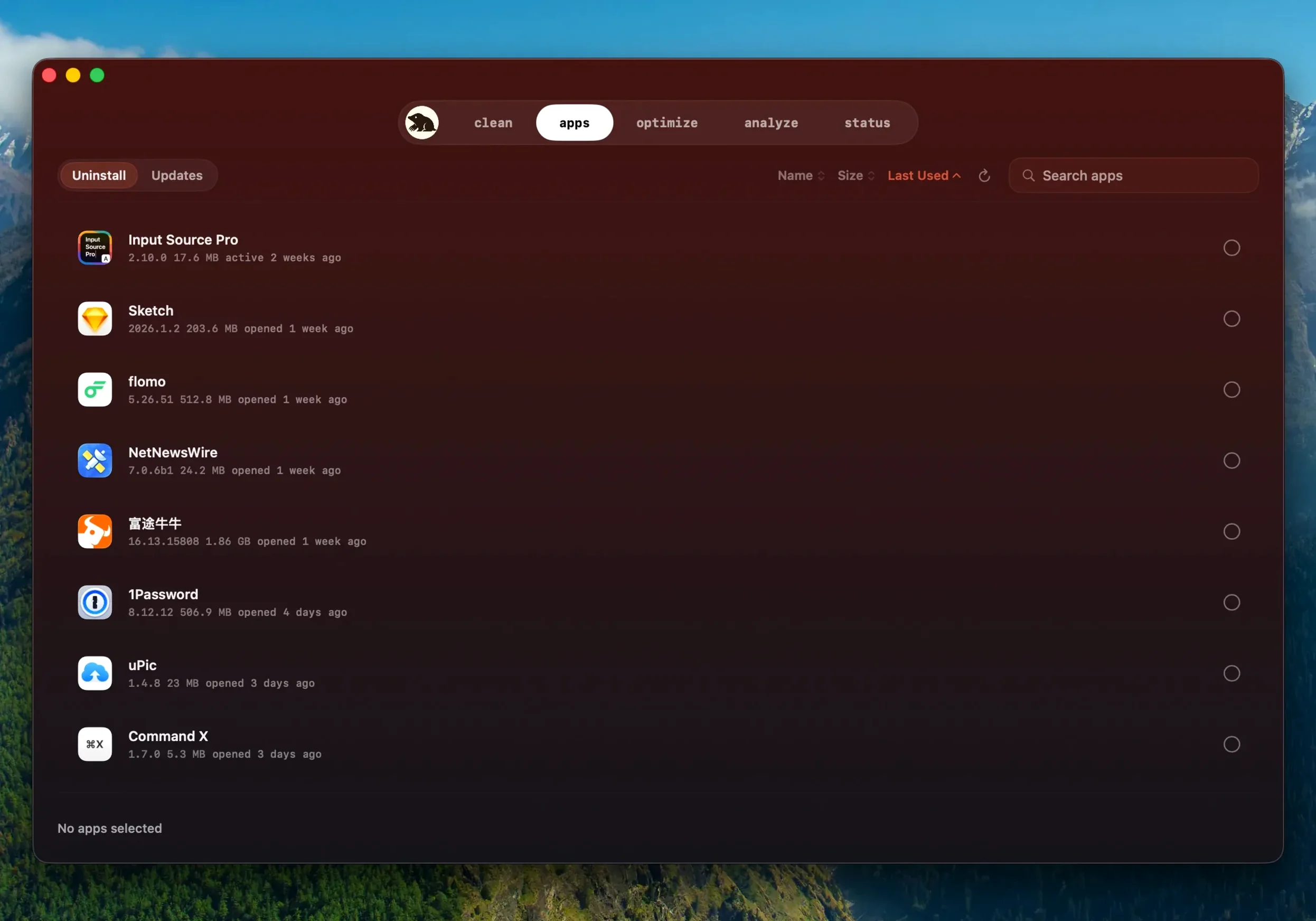
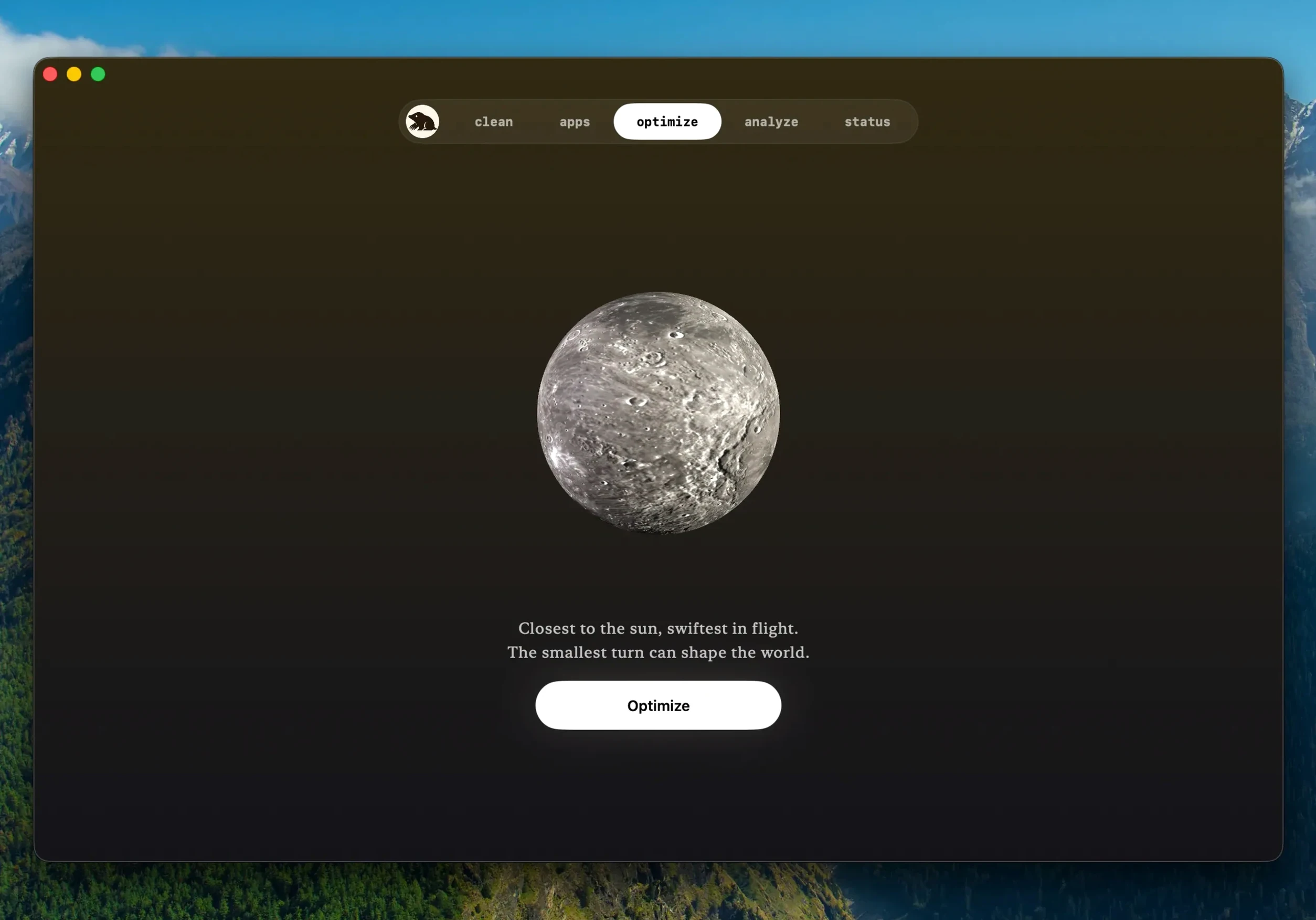
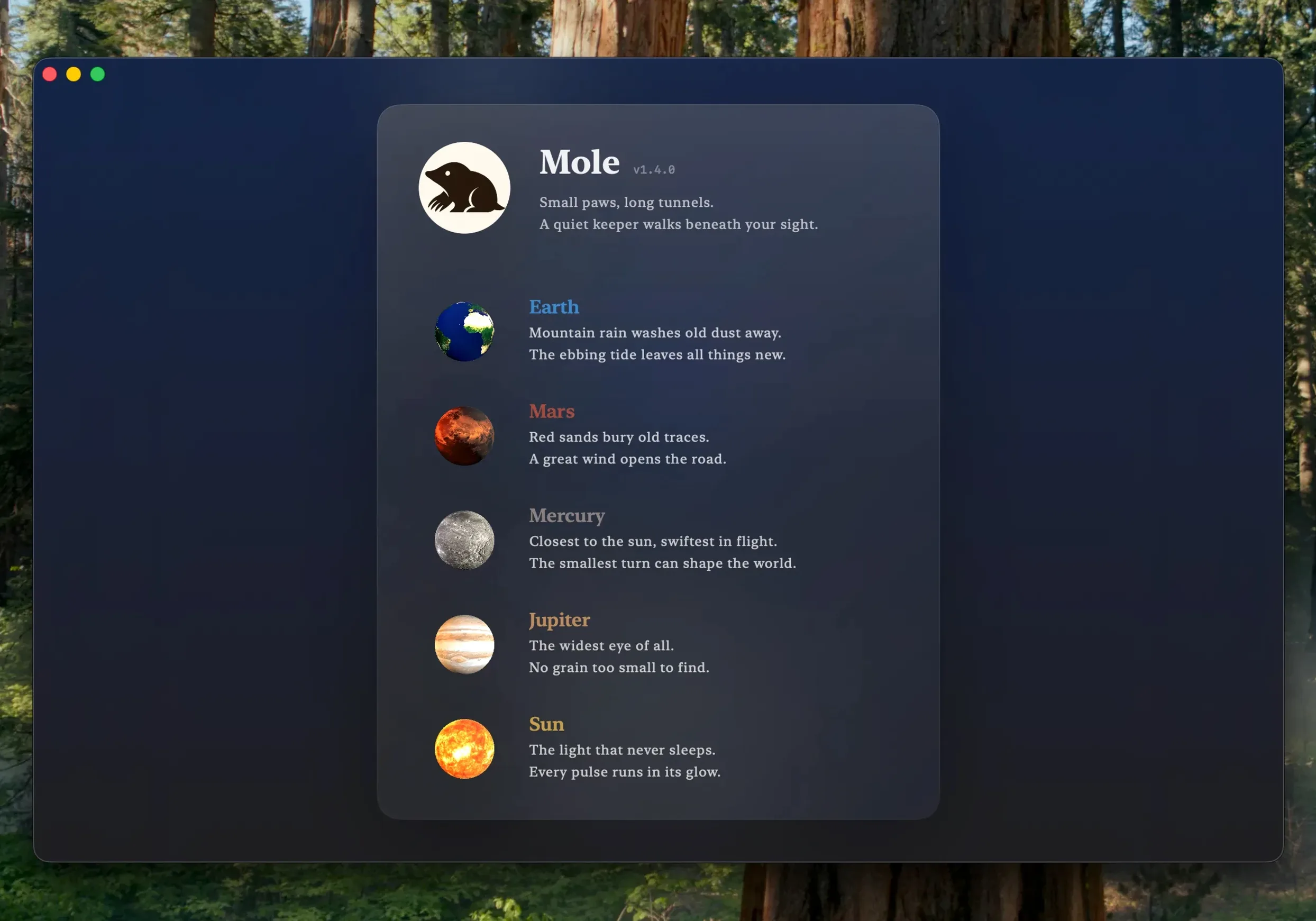
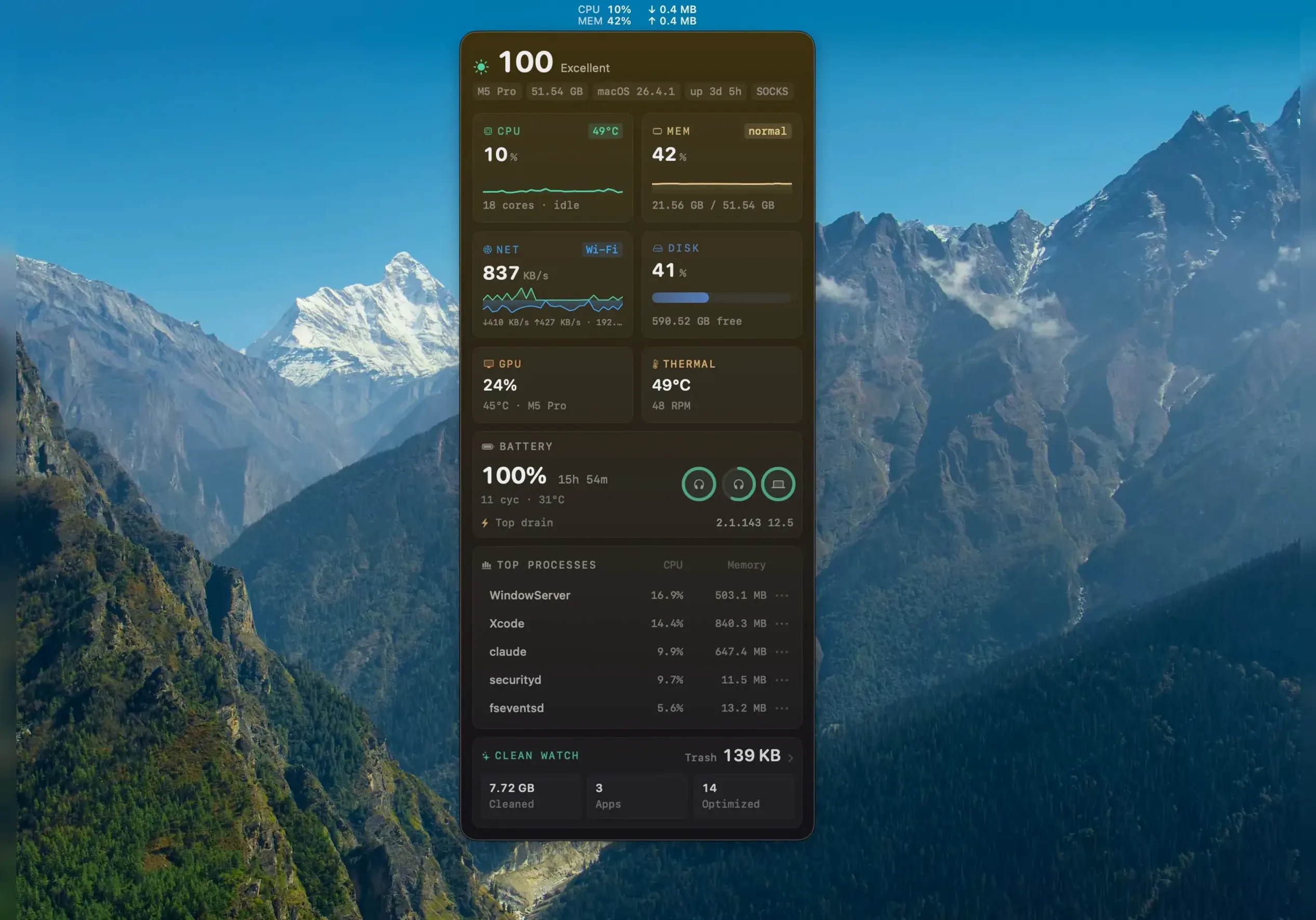
A menu bar tool showing CPU and memory is fine until you actually need to trace what's eating your disk or find leftovers from an app you removed six months ago. Mole pulls those deeper maintenance jobs into a single Mac app without automating anything you'd want to approve first.
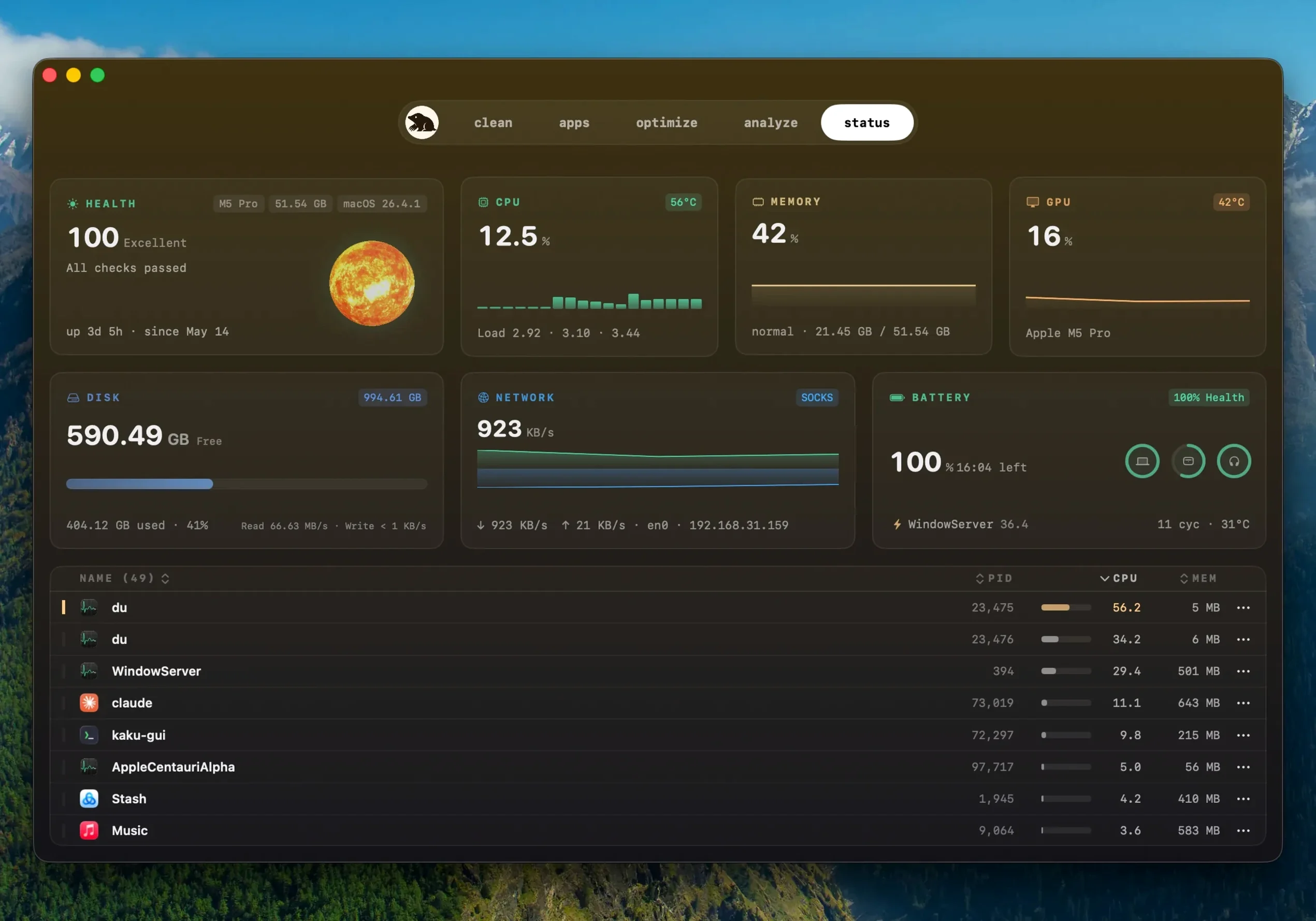
Glance at real-time CPU, GPU, memory, disk, network, battery charge, and temperature readings from the menu bar. The data stays local—file contents and browsing history are never uploaded.
Mole finds files left behind after you drag an app to the trash. Every removal waits for your confirmation, and the app skips anything it flags as suspicious.
Apps you grabbed outside the App Store now update right inside Mole. It spots a newer build of the same version—something the app's own updater might miss—and asks before quitting a running app. Once the installer finishes, Mole reopens it for you.
If an update stalls, the app reuses the download it already fetched instead of starting over. That alone saves minutes on a slow connection.
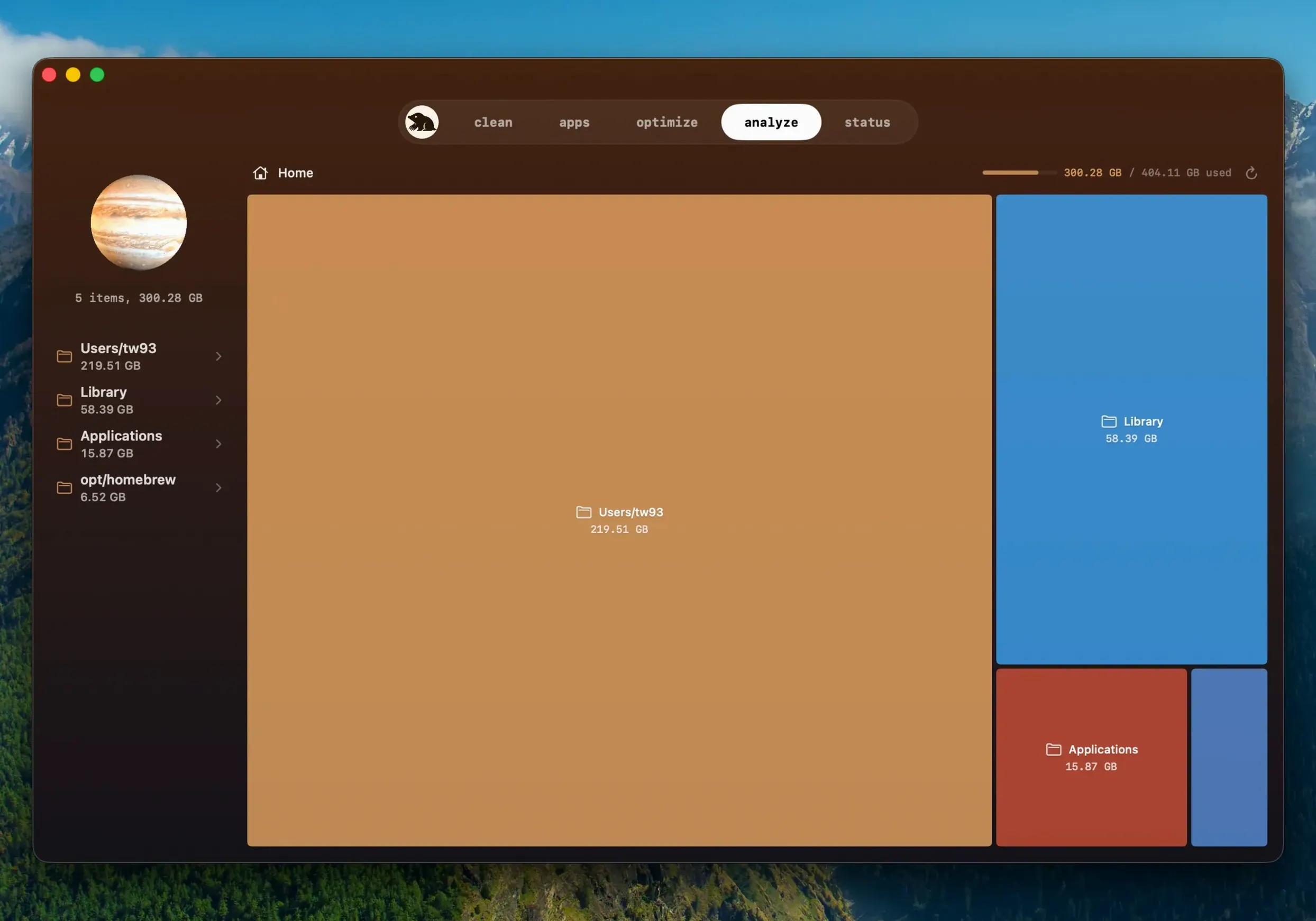
Grant full disk access in System Settings and Mole's deep scan reaches caches other cleaners skip. The tree map ties into Finder's own folder structure, so what you see in Mole matches what you'd dig through manually.
Startup items Mole lists are Dock launch agents and daemons—removing one here is the same as hunting it down in ~/Library yourself. The one-click maintenance tasks mirror commands you'd run in Terminal, minus the typing.
Because Mole reads system sensors, it plays nicely with activity monitors and menu bar stats apps. It won't fight them for CPU time; it samples, logs, and steps aside.
Open preferences and toggle deep scan on—without it, the tree map and leftover search stay surface-level. The app will prompt for full disk access the first time you try.
Next, check the skip suspicious items option. It's on by default, and you want it that way. Mole erases nothing you haven't reviewed, but this extra gate keeps edge-case system files off the list entirely.
If you use the menu bar stats, pick a compact view. The default shows six readings; dropping to three keeps the bar tidy. CPU, disk, and battery cover most days.
Finally, under software updates, set Mole to check weekly. It won't nag you, and you'll catch those quiet build bumps before an app's own updater even notices.
A tree map shows exactly which folders and file types are hogging space, so you can decide what to clear instead of guessing.














Chat 0
Hop in or make an account to join the chat.
Quiet in here so far. If you have used this build, tell me what the install actually did.