
 Mitti
Mitti Moho Pro
 Mole
Mole Moom
Moom Mimestream
 Millumin
 Motion

It runs on any Mac with macOS 10.13 (High Sierra) or newer, covering both Intel and Apple Silicon machines. If your system can open Mission Control, this little helper slots right in.
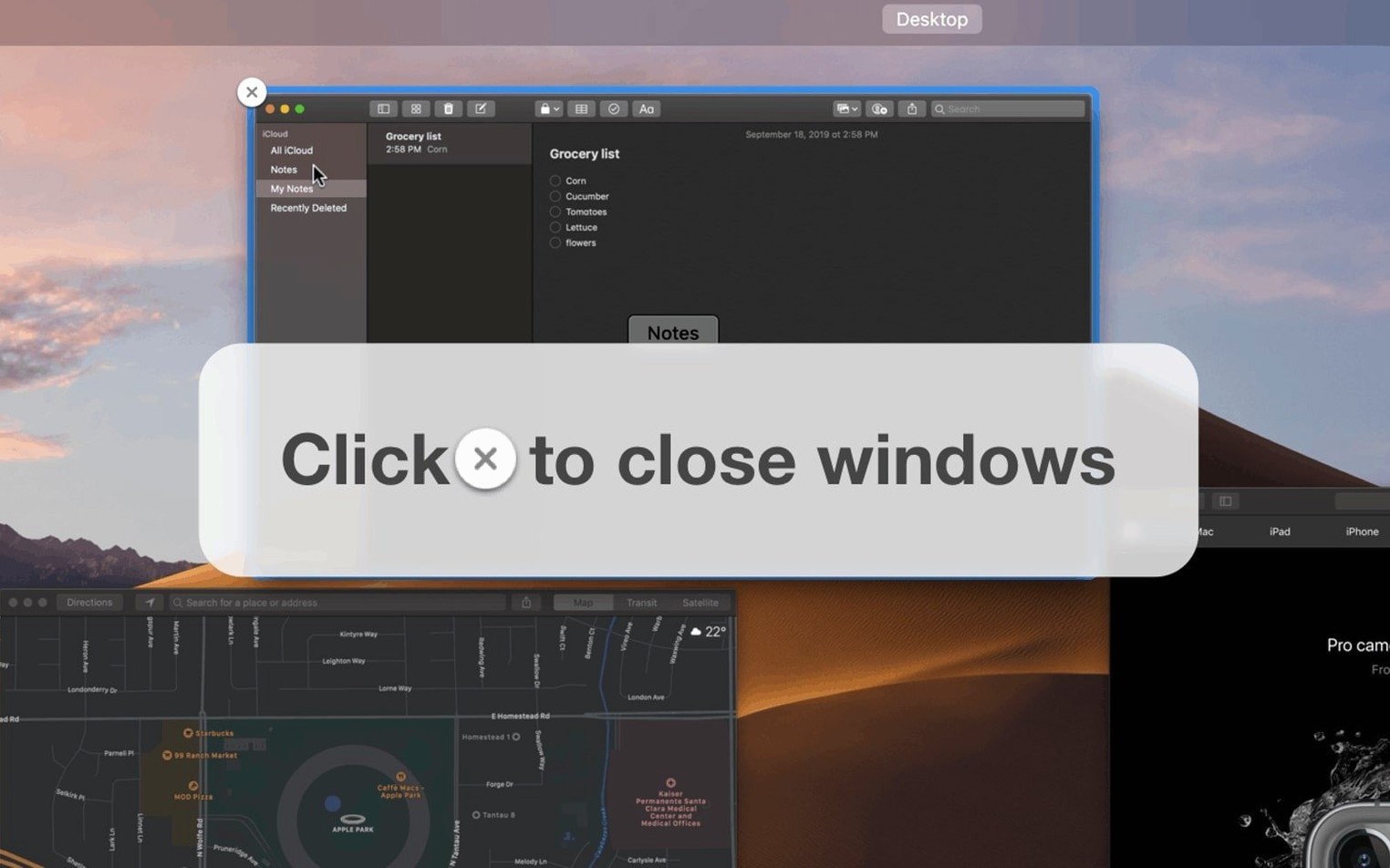
Think of it as a small set of extra controls. You get a close button on every window thumbnail inside Mission Control, plus keyboard shortcuts to quit apps or kill stuck processes without leaving the overview.
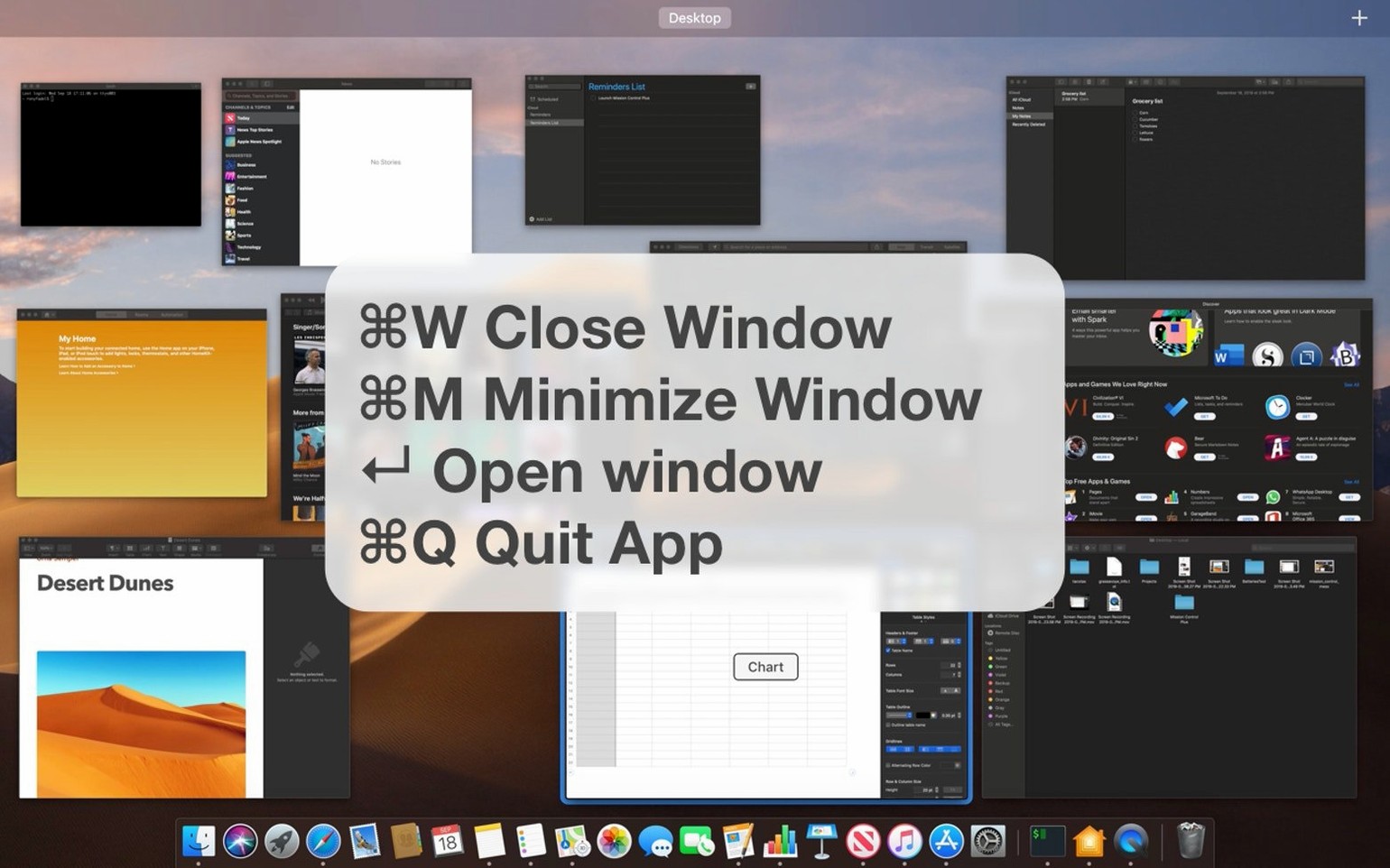
Yes. A single shortcut can close every open window at once, and another lets you minimise windows straight from the keyboard. It takes the existing Mission Control view and gives it more direct actions.
I spread a dozen Finder windows, a few Safari tabs pulled out into their own spaces, plus Slack and Notes. It looks like a paper storm. Four fingers up on the trackpad — Mission Control opens.
Right away I spot three windows I no longer need. Before Mission Control Plus, I’d have to click each one, bring it forward, then hit Cmd-W. Now each thumbnail has a small close button in its top-left corner. I hover and click it off, one after the other, without ever leaving the overview. Gone.
Next I want to quit Pixelmator Pro entirely. I tap the shortcut I set — Option-Q — while its windows are visible in Mission Control. The app quits instantly. I didn’t switch to it, didn’t open a menu.
Finally, a stray Preview window sits on desktop three. I arrow-key over to its thumbnail and press the shortcut for opening a window. It pops forward, ready to work. Total time: maybe fifteen seconds.
A few things only surface after a week with the app.
A technical writer I know runs a dual-display setup. By 10 a.m., she has Safari, Bear, Xcode, Terminal, and Preview open, often with six or more windows per app. She used to rely on Cmd-Tab and Cmd-` to cycle through everything, losing track of which document sat where.
Now she flicks open Mission Control with a hot corner. From there, she closes the three leftover Safari windows left from researching a doc change, quits Terminal without switching into it, and opens the right Xcode project — all from the bird’s-eye view. Her Dock stays sparse because she doesn’t need to click icons to switch apps anymore. She told me it cut her window-hunting time by at least half, especially when juggling builds and drafts across screens.
If you manage many windows and use mission control plus macos daily, the muscle memory builds quickly — the shortcuts become as automatic as Cmd-Space for Spotlight.
The interface comes in English, Italian, French, and Czech. It picks up your system language automatically where it matches.














Chat 0
Hop in or make an account to join the chat.
Quiet in here so far. If you have used this build, tell me what the install actually did.