
 Mitti
Mitti Mole
Mole Mission Control Plus
 Moom
Moom Motion
 Mimestream


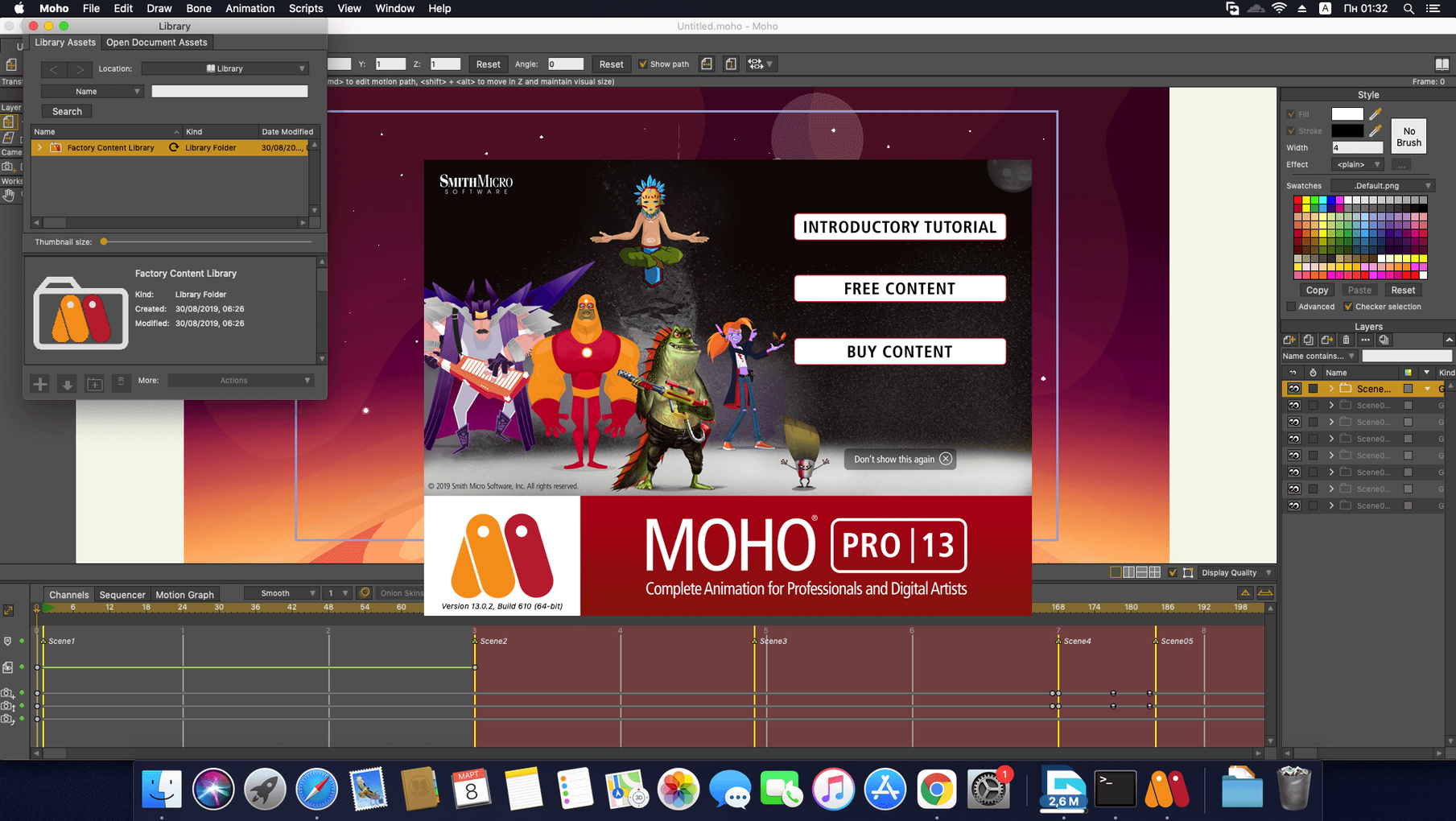
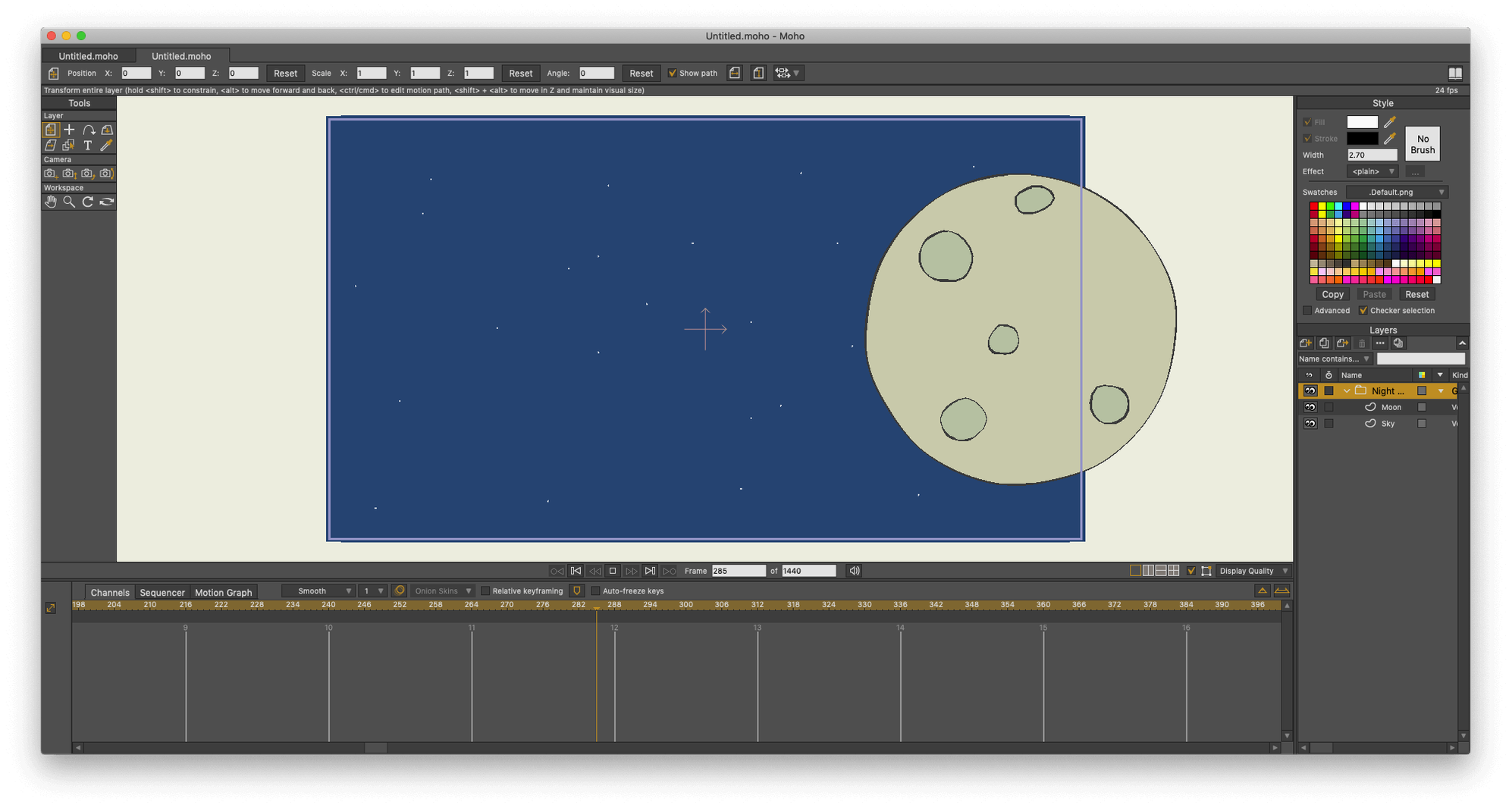
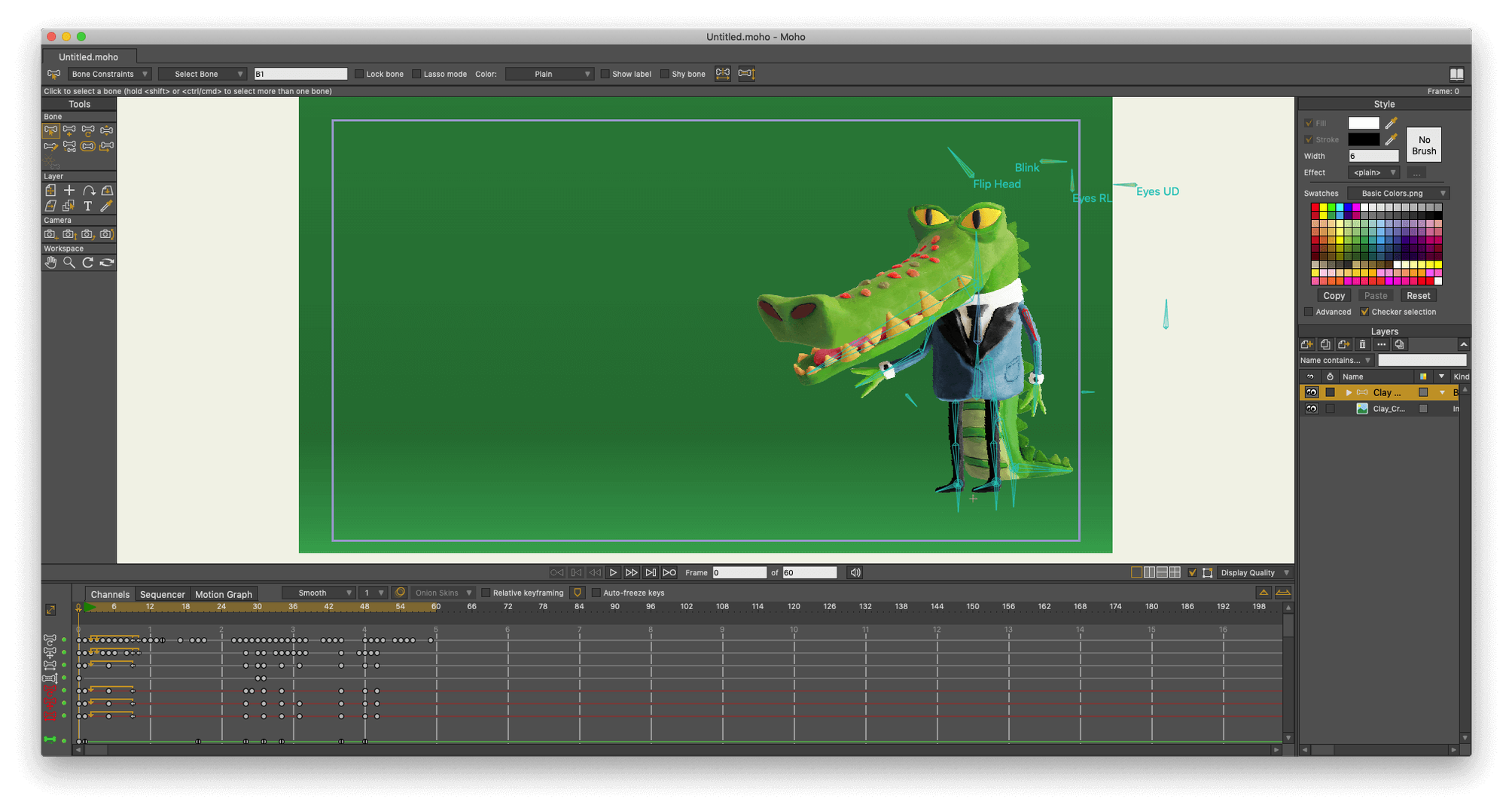
A character rig needs a walk cycle before lunch. Moho Pro is open on a Mac, a bone layer selected, and the timeline already has twelve frames of contact poses. That is the usual starting point before anyone asks the practical questions.
Moho Pro used to be called Anime Studio Pro, so you may see that name in older tutorials. It runs on macOS 10.15 and later on both Intel and Apple Silicon Macs, with the same installer covering Windows.
Mac users who think in layers and keyframes get the most mileage here. That includes freelance animators building explainer videos on a deadline and small game studios rigging characters for side-scrollers. The physics engine clicks for motion designers adding secondary motion — a scarf dragging through a turn, a stack of crates tumbling. If you are coming from a raster workflow, the vector bones save you redrawing every in-between.
Cut-out animators with libraries of reusable parts settle in fast. Moho's layers panel mirrors habits from Photoshop, so character builds from arms, mouths and blink cycles on separate layers feel familiar. People exporting to Unity or Godot also lean on the glTF export to skip a re-rigging step in-engine.
Say a side-view character needs to cross a forest clearing. Here is one way through it.
Moho Pro plays a middle role between raster frame-by-frame apps and full 3D suites. A Photoshop document lands on a layer with its blend modes intact, so background painters can hand off a scene file and you rig over it without exporting flat PNGs first. Poser scene import lets a 3D creature step into a 2D painted world — the camera tracks and the shadows composite inside Moho before the final render.
The sequencer ties audio and scene cuts together. Drag a voice line under a character rig, scrub to the phoneme, and key the mouth switch layer. On export, the HD video output includes the audio mix, so a short goes from timeline to an MP4 without round-tripping through a video editor.
Scripting in Lua 5.4.4 means custom tools live alongside the stock ones. A quick script can randomise blink intervals across a crowd scene or batch-rename layers on a multi-character project. The built-in library of visual objects gives you starter props and rigs to pull apart and study — helpful when you are learning how the bone hierarchy affects movement.
For game teams, the glTF pipeline slots Moho into a workflow with Unreal or Godot. Animate the character once, export, and the engine reads the skeleton. Updates to the particle system in version 14.4 keep sparks and dust inside the export, so a spell effect travels with the rig.
Good to know: switching from the old Anime Studio Pro name means a lot of forum answers still use the old label — searching "Anime Studio Pro rigging trick" often turns up the right thread.
Yes, it can import scenes from Poser so you can combine 3D and 2D animation in one project.
Moho supports integration with Unity, Unreal and Godot, and the current version adds glTF/GLB export for 3D software and game engines.
Yes, it was formerly known as Anime Studio Pro, so older tutorials and references may use that name.














Chat 0
Hop in or make an account to join the chat.
Quiet in here so far. If you have used this build, tell me what the install actually did.