
 Motion
 Mountain Duck
 Moom
Moom Mole
Mole

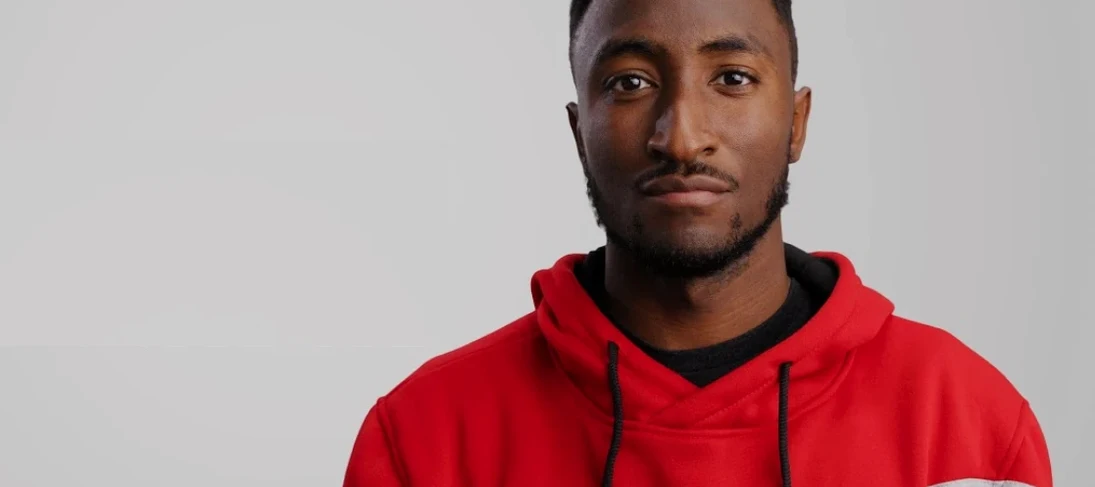

Editors who follow Marques Brownlee’s channel know the look — clean text, slick wipes, and motion that feels quick without being busy. This mKBHD plugin from motionVFX bundles those tricks into a set you can drop straight onto your timeline.
The pack runs on Apple Silicon and Intel Macs. FCP requires version 10.6.5, Resolve needs 17.4, and the Adobe route calls for Premiere Pro and After Effects 2022 or newer.
New users often treat every preset as a finished look. The mKBHD pack is designed to be a starting point — drag a title in, then adjust the typeface, colour and scale to match your project. Leaving the defaults untouched is the quickest way to make your edit feel like someone else's.
Another common slip: stacking too many animated elements on the same beat. Two mKBHD transitions back-to-back can make a cut feel jittery. Space them out. Let a clean cut land before the next wipe or zoom. The presets have natural stopping points if you trim them in the timeline.
On the install side, editors sometimes dump both folders into the wrong location. Double-check that the transitions folder lands inside Motion Templates/Transitions and the titles folder inside Motion Templates/Titles. A misstep there means Final Cut Pro won’t see anything in the browser.
Picture a gadget reviewer on a tight turnaround. Footage of a new phone is in the timeline — hands-on shots, screen recordings, a quick talking-head segment. They need titles that feel like their channel but don’t eat up the morning.
They pull an mKBHD lower-third straight onto a b-roll clip. The animation snaps in cleanly. A quick colour pick sets the accent to match the phone’s finish. For the comparison section, they drop one of the six transitions between two product shots — the wipe moves at the same tempo as their voiceover. By the time the export queue is full, they’ve used five presets and barely touched the keyframe editor. The whole sequence reads like one coherent package, not a patchwork of effects from different libraries.
That’s the scenario the pack aims for: speed without the scramble. Editors who already have the motionvfx download mac folder unpacked can jump straight into the browser and start dragging.
Speed is what you notice first. Titles preview without a stutter on an M1 machine, even with 4K footage in the timeline. The 6 transitions render fast — no spinning beach ball while the wipe calculates its motion path. If you’re hunting for a motionvfx free download that doesn’t choke on longer projects, the performance here is solid.
Stability is uneventful, which is the best kind. No crashes during a two-hour editing session across Final Cut Pro 10.6.5. DaVinci Resolve 17.4 holds steady with the 10 effects loaded. The motionvfx torrent version floating around carries the same file set — if you’ve grabbed a motionvfx cracked copy, the plugin behaviour matches the motionvfx crack builds people pass around forums. What matters is that the presets don’t corrupt timeline data or cause render glitches.
Resource use is modest. Memory sits around 400 MB above baseline while browsing the preset library. GPU spikes briefly during transition previews, then settles. On a MacBook Air with 16 GB of RAM, you can keep a browser, music app and the editor running without swap pressure. The package won’t punish a machine that meets the listed specs.
It includes elements for Final Cut Pro, DaVinci Resolve, and Adobe Premiere Pro with After Effects.














Chat 0
Hop in or make an account to join the chat.
Quiet in here so far. If you have used this build, tell me what the install actually did.