
 Motion
 Mountain Duck
 MouseBoost Pro
 Moom
Moom

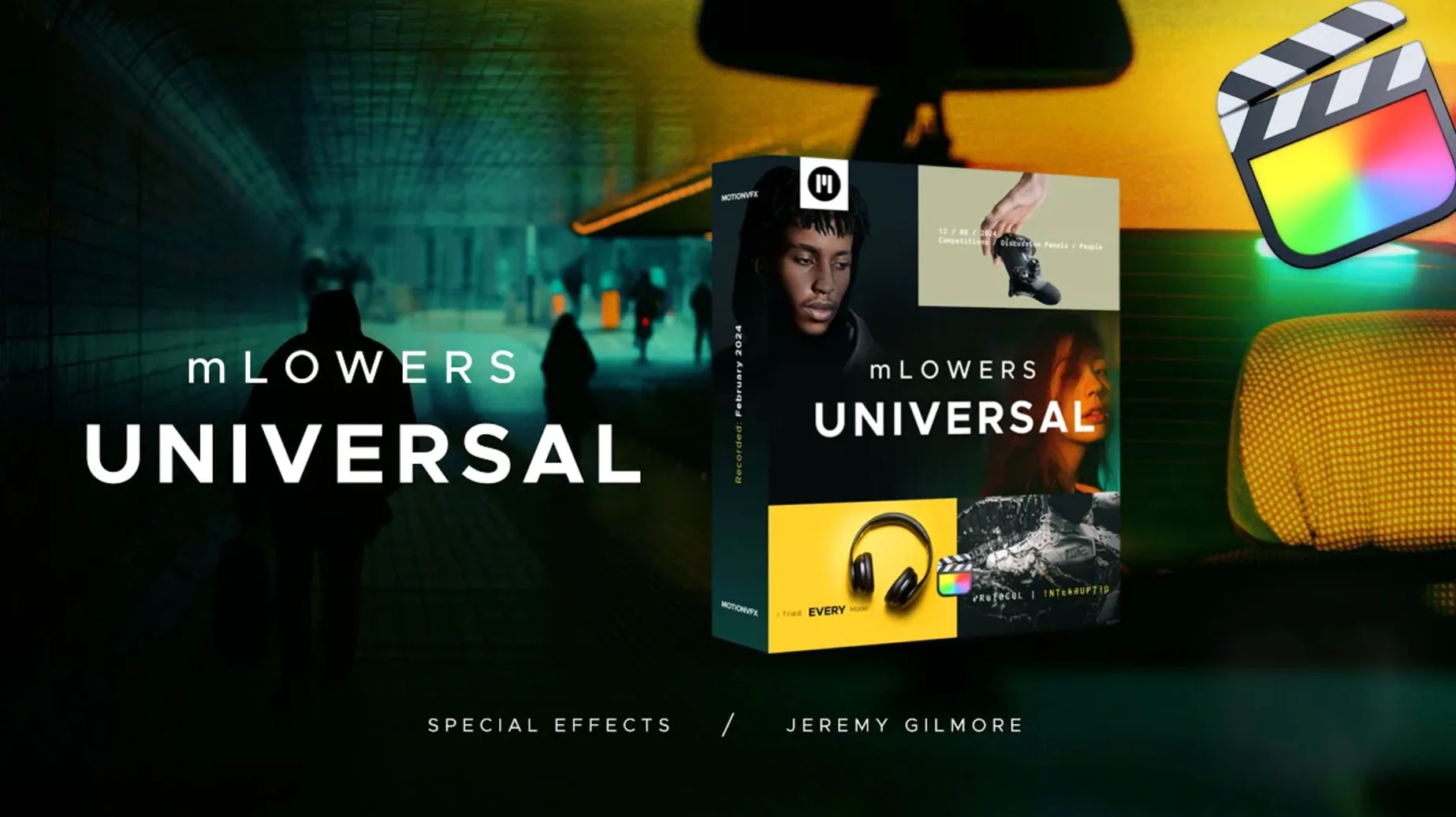
Built for any Mac that runs Final Cut Pro smoothly, mLowers Universal slides straight into your timeline without fuss. It is a tidy collection of lower-third and title presets that covers everything from a quick name strap to a layered cinematic ident.
The pack leans on movie-screen inspired layouts — think wide aspect-ratio panels, subtle lens-flare accents, and metallic edge details. With 70 animated presets to browse, you can match a futuristic tech look as easily as a warm lifestyle piece. Each title block comes with built-in motion; you simply type your text and let the keyframes do the heavy lifting.
Most editors drop a title on the timeline and move on, but a handful of small moves make mLowers Universal feel quicker. The browser previews inside Final Cut Pro are fairly large, so you can skim the 70 presets by eye without dragging each one onto the storyboard first. If you work across a few recurring projects, right-click any favourite and choose Make Default Title — that one preset will pop up whenever you tap the shortcut for a new title.
Another thing worth knowing: the glitch-style presets respond nicely to a blend-mode switch. Try setting the composite to Screen or Add over dark footage for a neon-sign feel that looks far more integrated than the default overlay. And if you ever need to strip the animation but keep the layout, open the title in Motion and turn off the behaviour rig — the static design underneath is often clean enough to use as a simple graphic plate.
Say you are cutting a 30-second Instagram teaser for a podcast relaunch. The intro is a fast beat-synced montage of guest clips, and you need each guest’s handle to appear in rhythm without cluttering the frame.
The most common hiccup is a title that shows a red missing-plugin screen. That almost always means the folder structure is slightly off. Double-check that the presets live inside /Users/Your Name/Movies/Motion Templates/Titles and not one level higher or inside a sub-folder that Final Cut Pro skips. If they still won't load, quit Final Cut Pro, open a Finder window to that exact path, and confirm the .moef files are directly inside the Titles folder — then relaunch.
Another occasional grumble: text that looks pin-sharp in the viewer but soft on export. This can happen with the glitch designs because their built-in displacement effects sometimes render at a fraction of the timeline resolution in preview mode. The fix is to toggle the viewer quality to Better Quality before rendering, or simply trust the final export — the full-resolution pass nearly always resolves it.
If you find a preset that's almost perfect but the animation runs too fast for a slow scene, select the title clip and press Control-D to bring up the duration dialog. Stretching the clip longer retimes the built-in keyframes, which works fine for moderate tweaks. For drastic changes, though, you will want to open the preset in Motion and adjust the animation curves directly, which is straightforward since the rig is well labelled.
It offers 70 animated lower thirds and titles, drawing from movie-screen aesthetics, dynamic glitch effects, and social-media marker styles for cross-platform promotion.














Chat 0
Hop in or make an account to join the chat.
Quiet in here so far. If you have used this build, tell me what the install actually did.