
 ACDSee Photo Studio
 Absynth
 Ableton Live
 A Better Finder Attributes
 1Password
 Adobe Premiere Rush
 Affinity Designer
 Affinity Photo


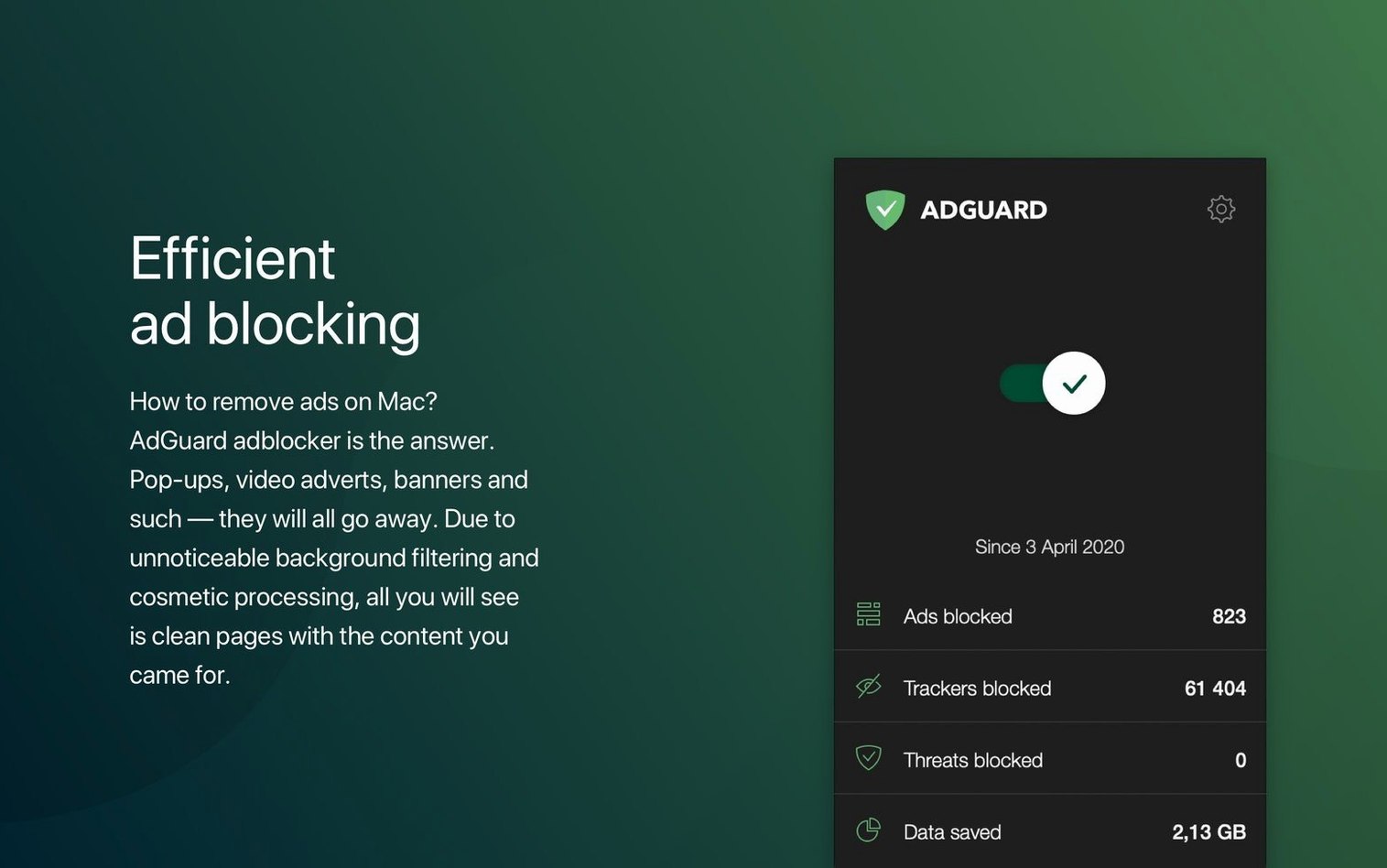
Designers, writers, and anyone who works in a browser all day will recognise the problem: a clean page turns into a mess of auto-play videos and blinking banners. AdGuard has always been the answer for people who want to see content, not chaos.
I open Safari and Firefox at the same time — research tabs in one, YouTube and a couple of news sites in the other. AdGuard sits in the menu bar, a tiny shield icon. A quick click opens the main window. The dashboard shows a live count of blocked requests, split into ads, trackers and phishing attempts. I watch the numbers tick up as pages load. It’s oddly satisfying.
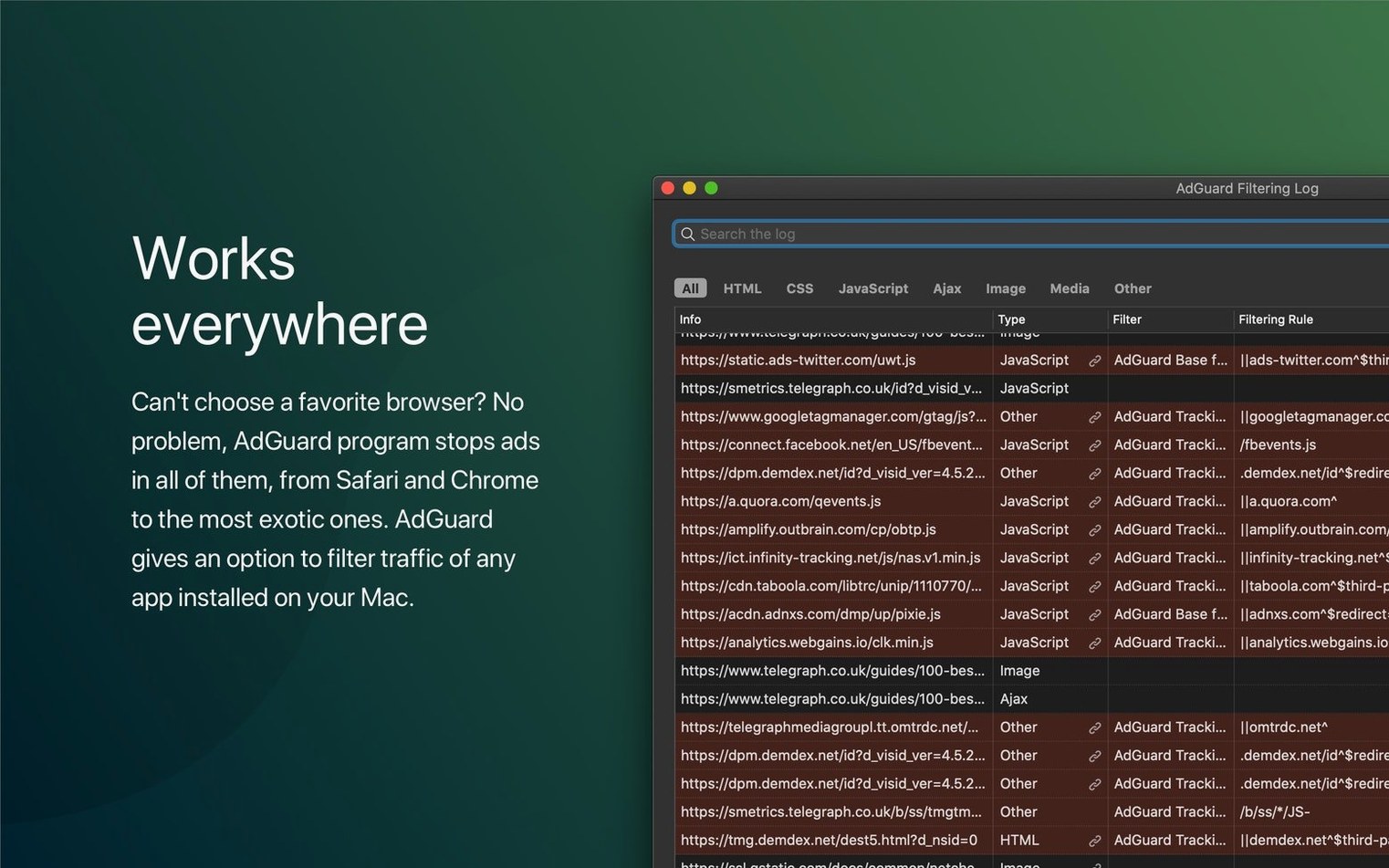
I jump into Filtering Log to see exactly what got caught. Each row is a request — domain, type, which filter rule triggered it. A marketing tracker from a news site appears, highlighted in red. I right-click it and choose Block this domain. From now on, that tracker is gone across every browser and app on the Mac.
Mid-morning, I notice a recipe blog where the layout broke. The ingredient list slid behind a white gap where an ad banner used to live. I open AdGuard’s Assistant — a small floating panel that appears at the bottom of Safari when I click the toolbar icon. I pick Block an element on this page, drag a rectangle over the leftover gap, and confirm. The page snaps back into shape. Three clicks, and I haven’t opened a single preference pane.
System-wide filtering means AdGuard doesn’t stop at the browser. I use an RSS reader that loads sponsored posts inside article previews. Those aren’t web pages I can inspect — they’re rendered inside the app’s own window.
I open AdGuard’s main window and switch to the Network tab. I leave it running, then refresh the RSS app’s feed. AdGuard lists every connection the app makes. I spot a domain called doubleclick.net and another one that ends in adsafeprotected.com. Both show the type Advertisement. I select them, click Block, and they’re added to my user rules. The sponsored posts vanish from the reader within seconds.
This same approach works for any app that fetches remote content: email clients with tracking pixels, weather apps that pull banner ads, even design tools that phone home to analytics services. The workflow is always the same: open the Network tab, trigger the content, and block whatever you don’t want to see again.
AdGuard sits in a small group of Mac apps that filter traffic at the system level. The closest alternative is 1Blocker, which is lighter and lives entirely in Safari’s content-blocker framework. 1Blocker is fast to set up and never touches apps outside the browser. The trade-off: it won’t help with RSS readers, email trackers or in-app ads. AdGuard covers all of those, but it needs more system permissions and a background network extension to do it.
uBlock Origin is the browser-extension benchmark. It’s remarkably efficient inside Firefox or Chrome, but it’s just that — a browser extension. macOS apps, Apple News, and anything outside the browser are invisible to it. AdGuard’s advantage is that one set of filters applies everywhere. The interface is heavier, but you’re configuring it once, not per browser.
Then there’s NextDNS, which blocks ads and trackers at the DNS level by routing queries through a filtered resolver. It’s elegant and works on every device on a network. The limitation is granularity: DNS-based blocking can’t remove the empty spaces where ads used to sit, and it can’t do element hiding or cosmetic filtering. AdGuard handles those at the content level, so pages look cleaner.
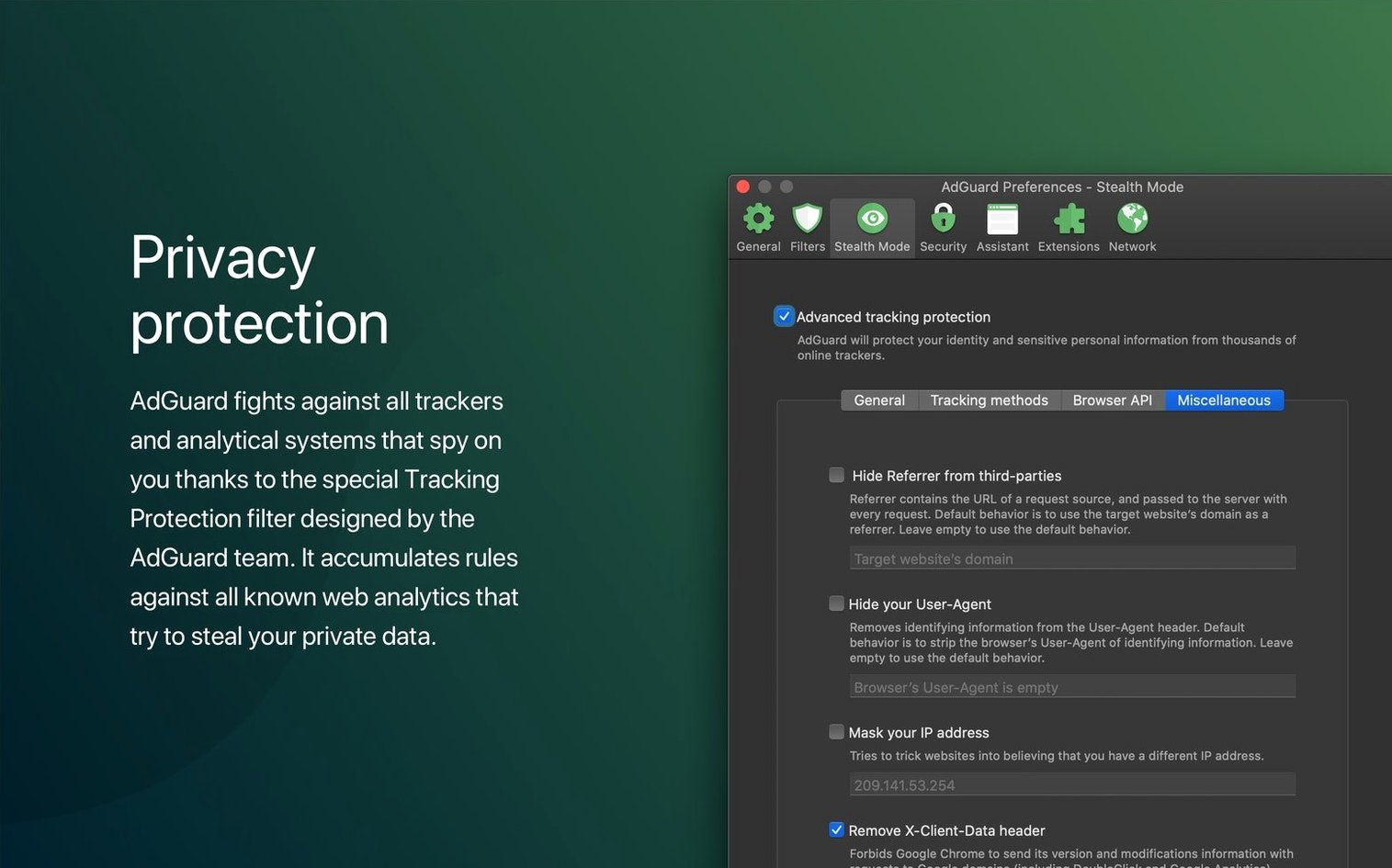
AdGuard plays nicely with other tools in predictable ways. I run it alongside Little Snitch, which monitors outbound connections at a lower level. Little Snitch catches apps phoning home; AdGuard catches the trackers and ad servers inside the traffic that Little Snitch already approved. They don’t conflict because AdGuard operates as a local proxy, not a firewall.
macOS privacy features work in parallel. iCloud Private Relay hides IP addresses in Safari, and AdGuard filters the content that arrives after the relay. They stack without issues. If you use Pi-hole on the home network, AdGuard can complement it — Pi-hole blocks at the DNS level, and AdGuard cleans up the in-page elements that Pi-hole can’t reach.
The menu bar icon ties into macOS’s Notification Centre. When AdGuard blocks a known phishing site, it fires a native notification. These are the same alerts you get from Messages or Calendar, so they don’t feel intrusive. Dark mode support keeps the dashboard matching the system appearance, which matters when you’re looking at filtering logs late at night.
For people who grab an AdGuard torrent to test the Mac version, the installation instructions explain how to get the network extension approved in System Preferences. The process is the same whether you’re setting up a fresh install or an AdGuard cracked Mac build — macOS requires you to allow the extension manually the first time.
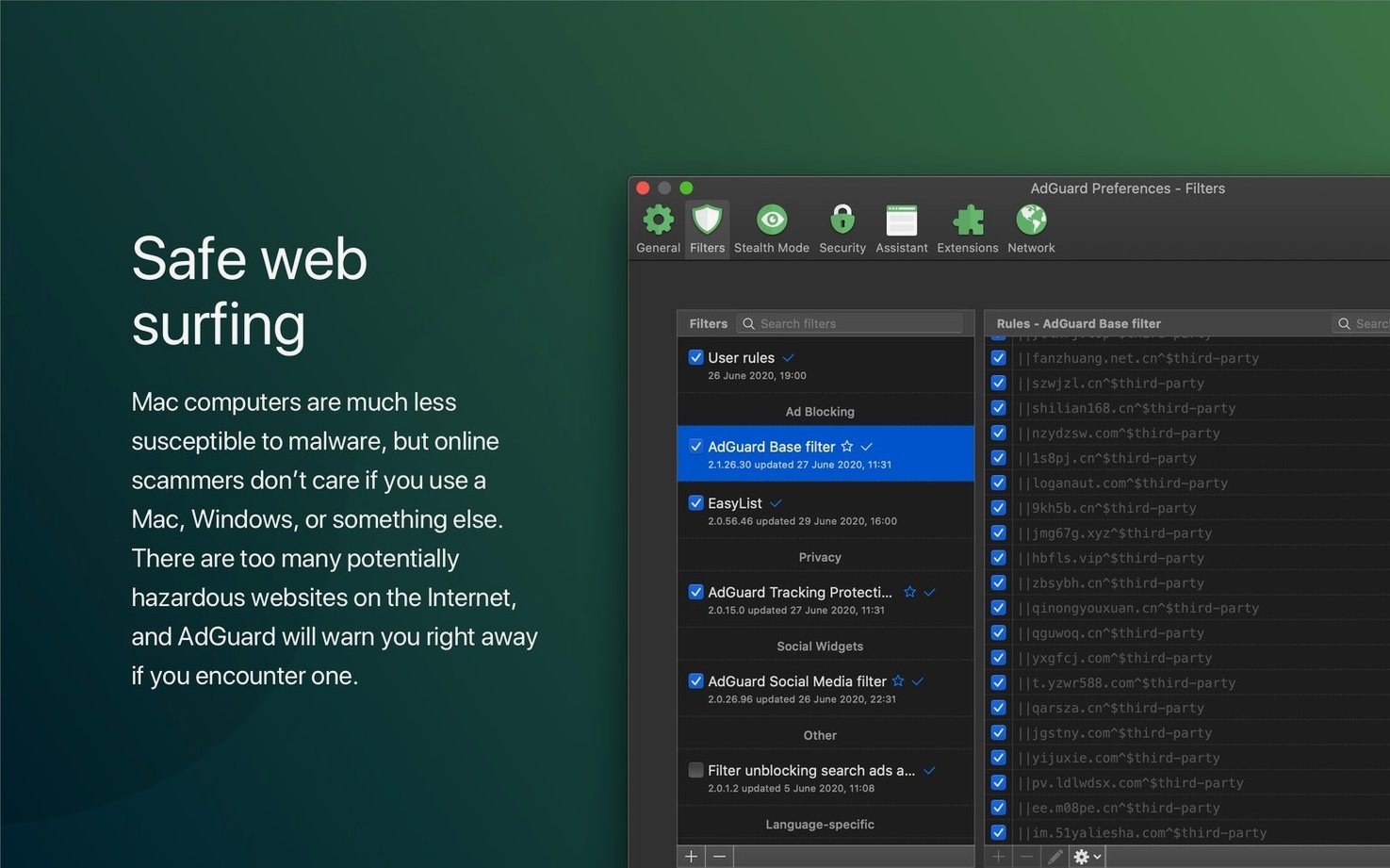
AdGuard’s filtering engine uses the same rule syntax as browser extensions, so you can import custom filter lists from sources like EasyList or AdGuard’s own repo. If you’ve already built a rule set for an adguard for windows v8.0 nightly setup, many of those rules transfer across platforms. The Mac app also supports DNS filtering as a secondary layer — useful when you want network-wide blocking without running a separate service.














Chat 0
Hop in or make an account to join the chat.
Quiet in here so far. If you have used this build, tell me what the install actually did.