
 Ableton Live
 ACDSee Photo Studio
 A Better Finder Attributes
 Adguard
 1Password
 Adobe Premiere Rush
 Affinity Designer
 Affinity Photo


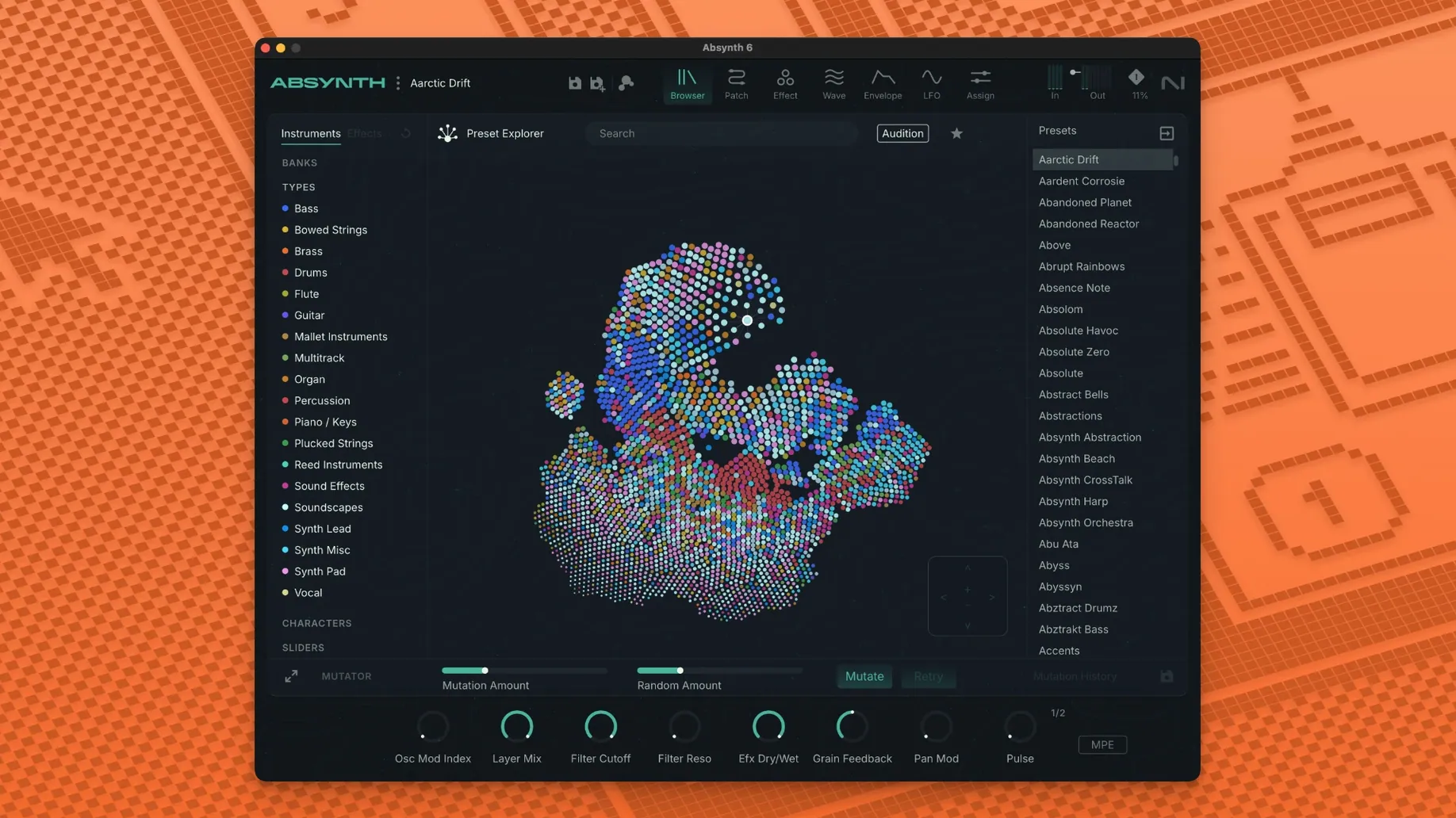
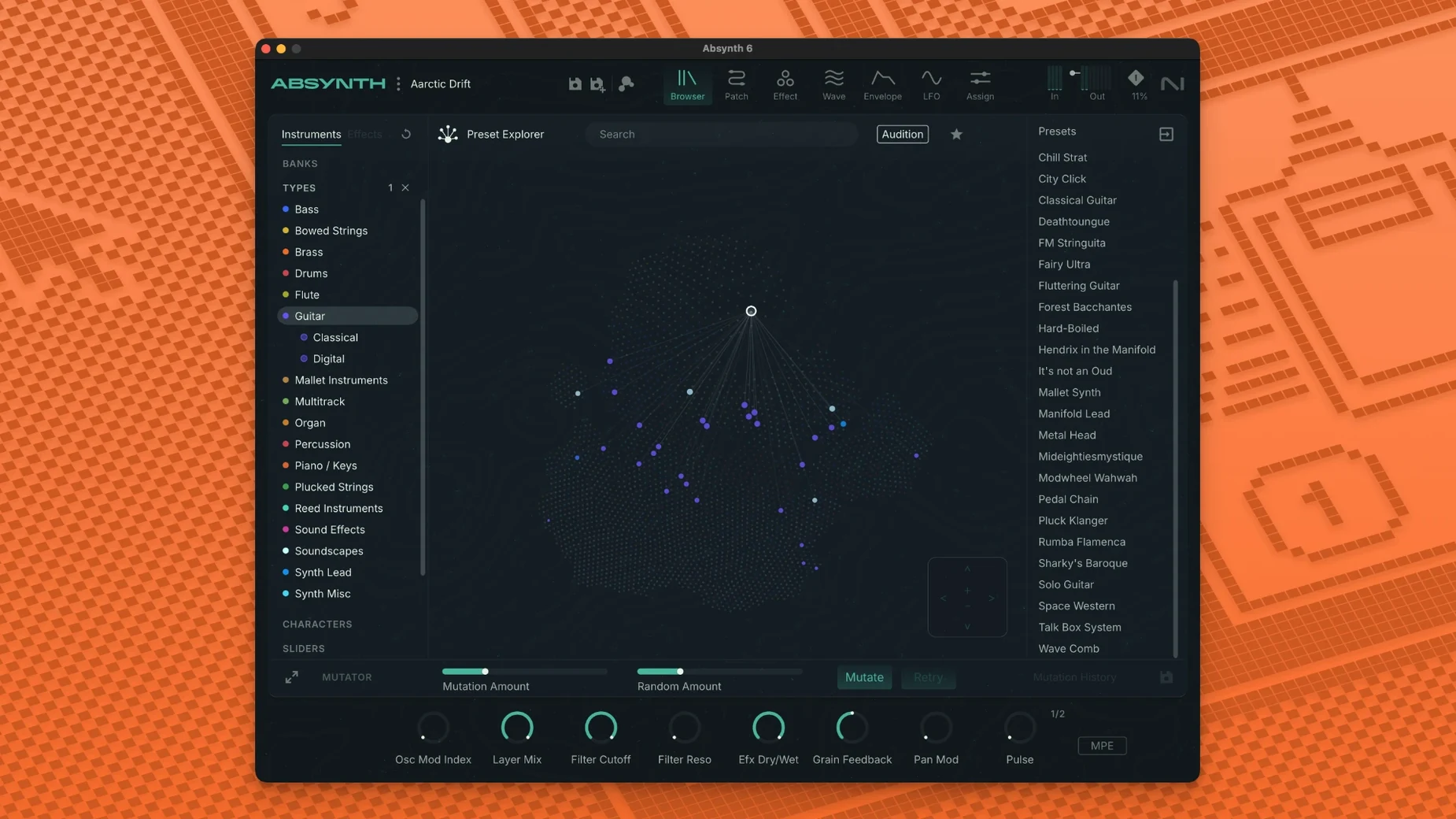
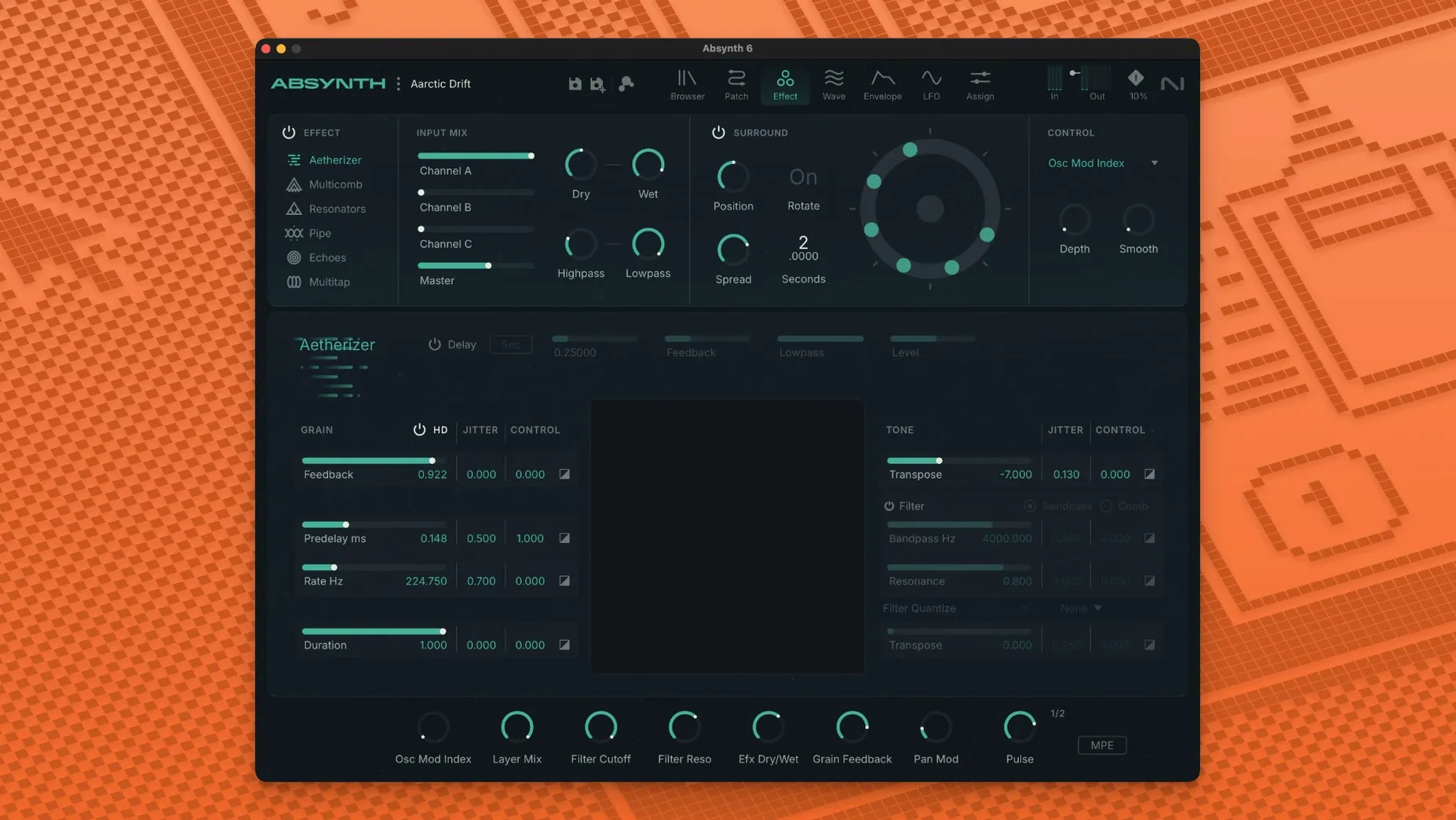
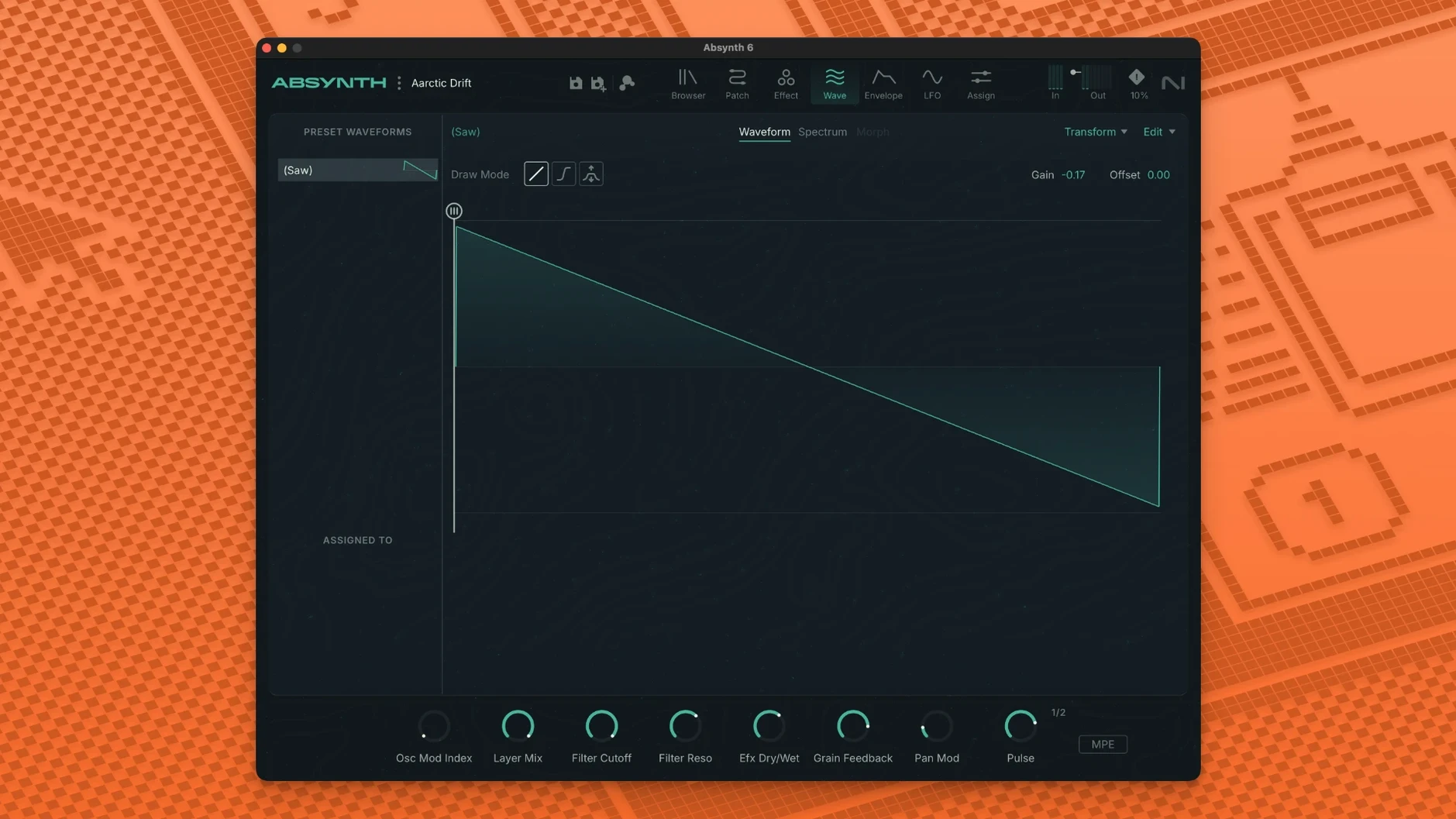
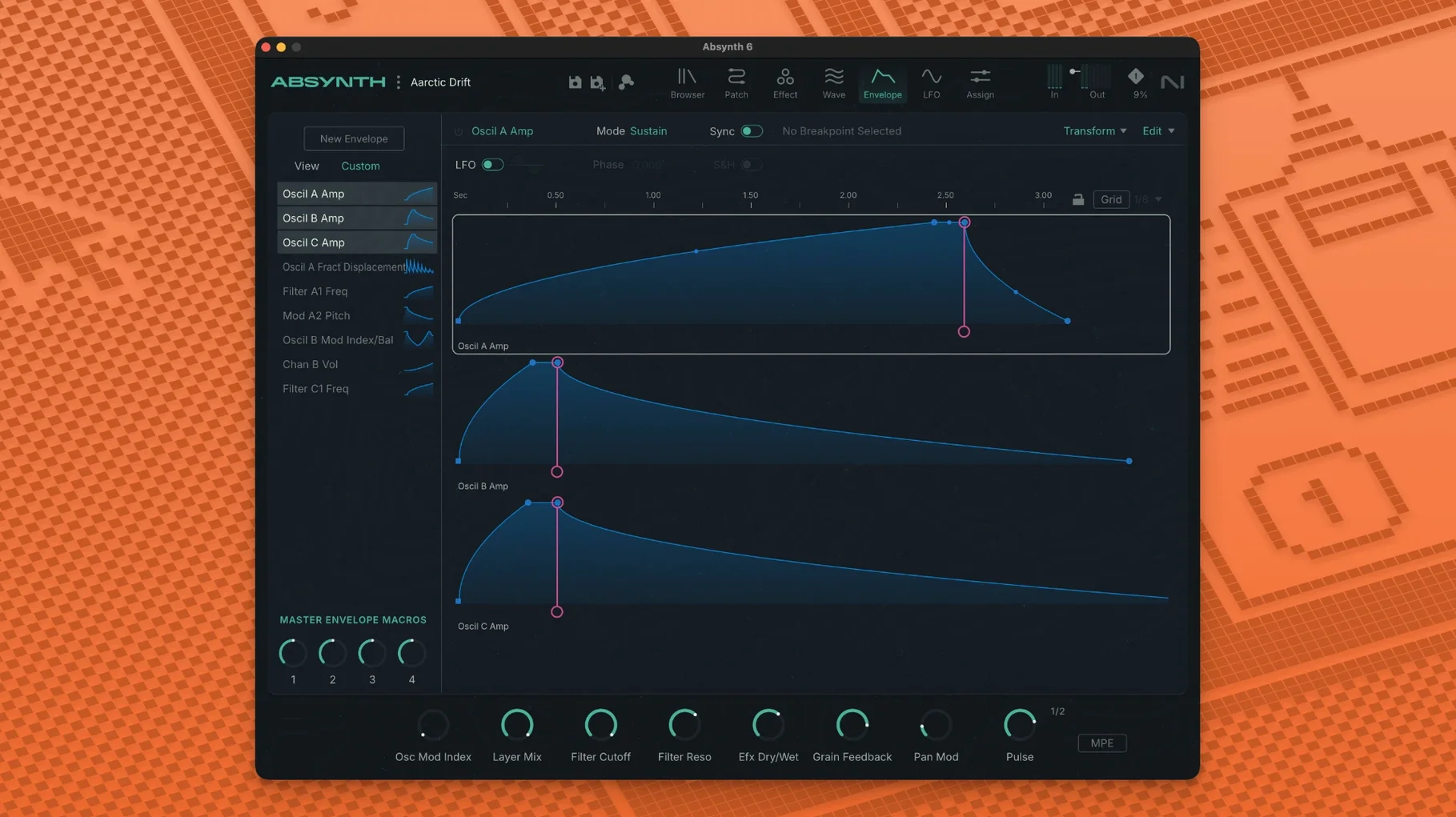
A semi-modular synthesizer with a distinct, evolving sound. Here’s how to build a wide, moving cinematic pad in Absynth 6.
The result is a dense, responsive texture. The semi-modular routing lets you treat each channel as a separate voice within one patch, all reacting to your MPE controller.
Absynth 6 throws a lot at a fresh install. The first hiccup is usually the preset library. If the browser shows up empty, head to File > Load inside the plugin and point it to the folder where the 250 new presets landed — sometimes the installer places them outside the expected VST3 path.
Another common one: no sound from the rear channels. The surround panner only works when your DAW track is set to a multi-channel output. A stereo track will simply fold everything down to the front pair, so create a 5.1 or quad track before you start routing.
MPE controllers can feel unresponsive if the host ignores per-note messages. In Ableton Live, for instance, the track needs “MPE” enabled in the MIDI input dropdown. Without that toggle, polyphonic aftertouch just behaves like regular channel pressure, and half the expressiveness vanishes.
CPU spikes with granular patches are normal on older Intel Macs. The Supercomb and Cloud Filter modules stack quickly. If you hear crackles, open the Perform page and drop the voice count from 6 to 4 — most pads survive the trim without losing their width.
Spend the first hour in the Sound Mutator. Drag two presets into its slots and sweep the blend slider while you hold a chord. You’ll learn more about the engine’s character from those morphs than from reading the manual. The mutator doesn’t crossfade — it extracts spectral traits from both sources and rebuilds something new, which is why two simple presets often produce a tangled, unpredictable result.
Save your own init patch. The factory blank starts with one oscillator and no modulation. Build a template that already has the surround panner set to quad, aftertouch mapped to filter cutoff, and a slow LFO nudging the wavetable position. Loading that instead of the default cuts setup time in half.
Tag the 250 presets early. The browser lets you assign custom tags, and ten minutes of tagging — “pads”, “bass”, “grainy”, “short” — makes the library searchable when you’re under deadline. The factory tags are sparse, so your own labels pay off fast.
The surround support isn’t just a checkbox. Moving from 5.1 to octaphonic means you now place sounds in a dome, not a ring. In practice, that matters most when you’re designing for installations or game audio — panning an Aetherizer tail through eight channels creates a sense of height that a stereo reverb can’t fake.
Full MPE and polyphonic aftertouch changed how Absynth reacts to a Roli Seaboard or a LinnStrument. Older versions treated MPE data as an afterthought; version 6.1.0 exposes pressure, slide and lift per voice directly to the modulation matrix. You can now map slide to wavetable index on one oscillator while pressure opens a Cloud Filter on another, all within the same note press.
The Supercomb effect received a quieter noise floor compared to earlier builds. Long, resonant tails used to hiss noticeably; the current version stays cleaner, which makes it usable as a send effect rather than just an insert.
Intel Macs gained a small performance lift from the 64-bit-only build. The ARM version on Apple Silicon was already snappy, but the x86 path now handles high voice counts with fewer dropouts — noticeable when running multiple instances of the Aetherizer in a busy session.














Chat 0
Hop in or make an account to join the chat.
Quiet in here so far. If you have used this build, tell me what the install actually did.