
 Affinity Photo
 Affinity Publisher
 Adobe Premiere Rush
 AI Transcription
 Aiarty Image Enhancer
 Aiarty Video Enhancer
 AIMP
AIMP AirBuddy


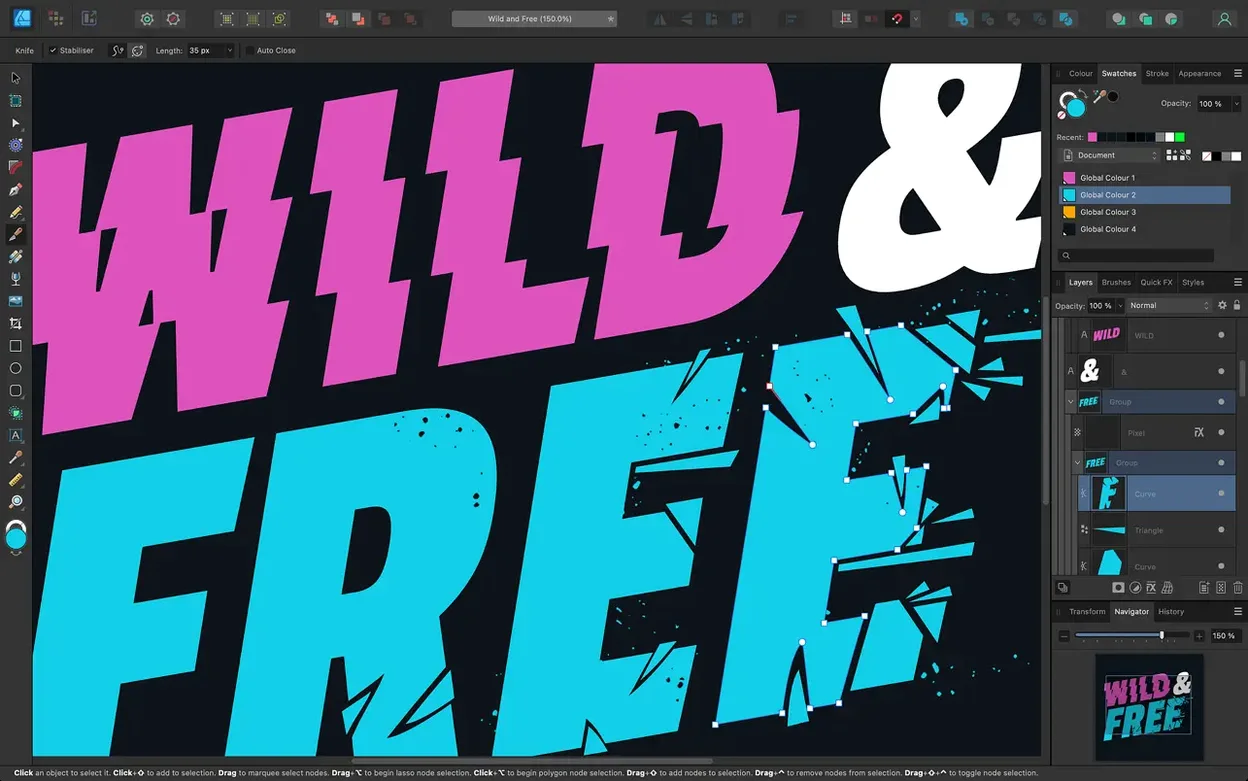
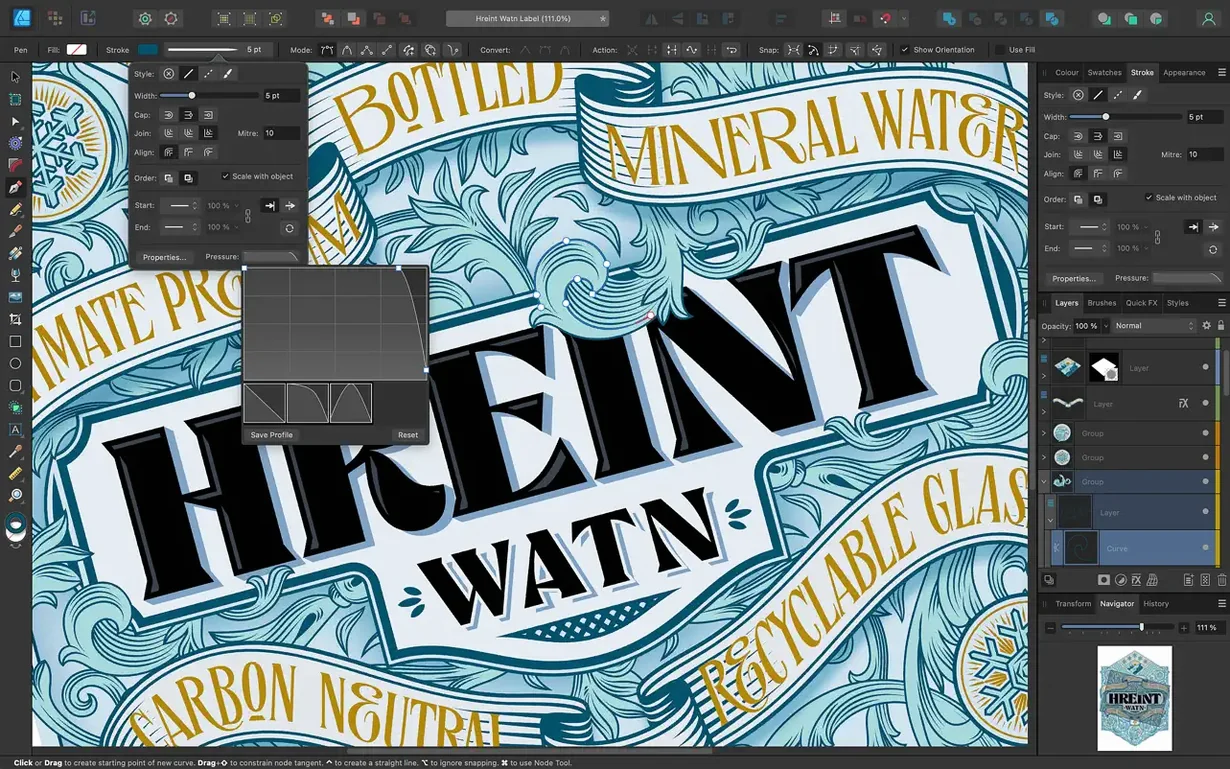
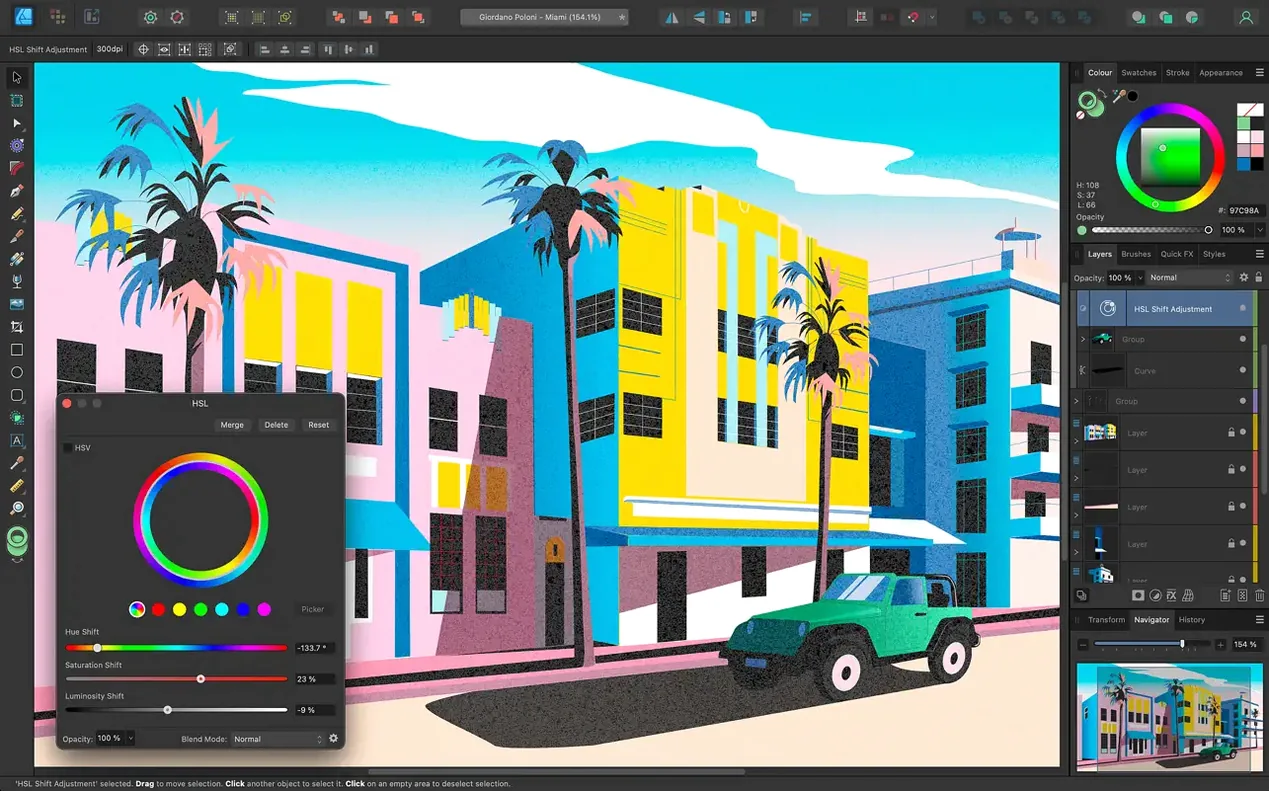
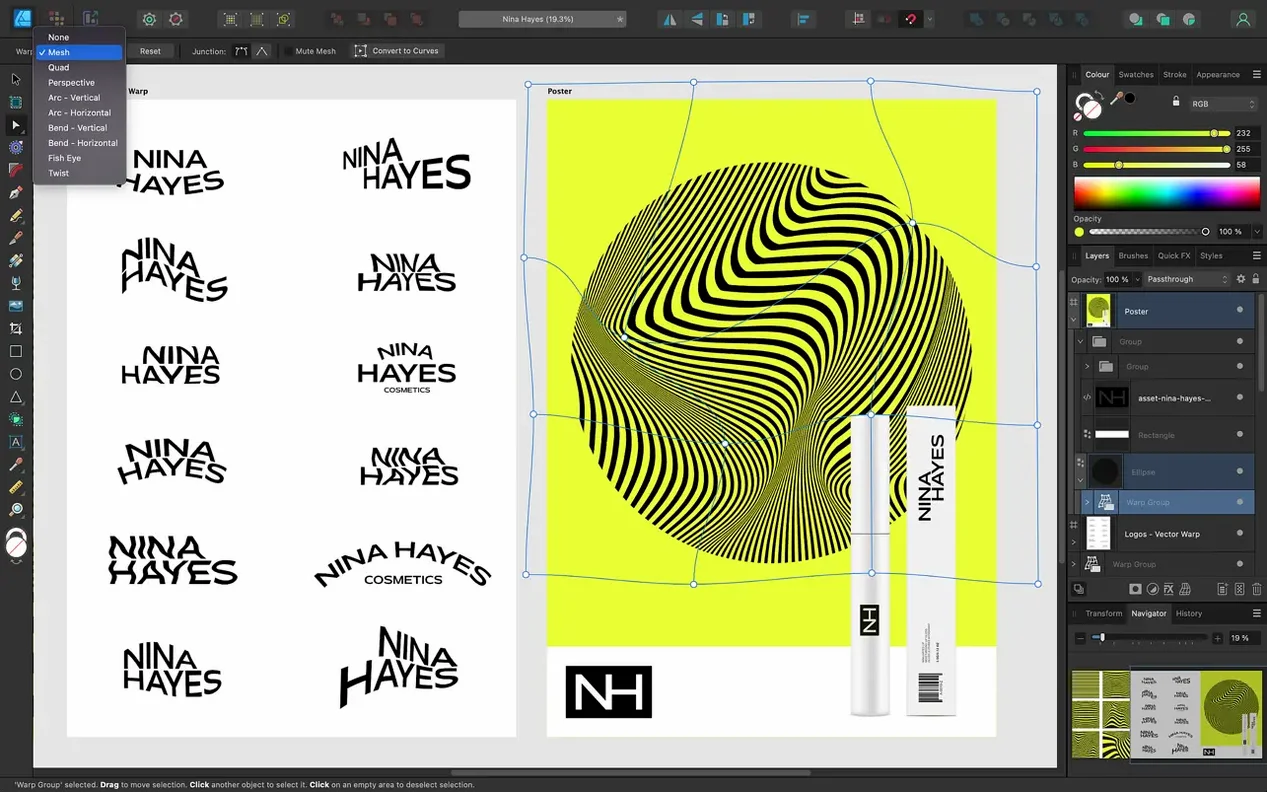
It runs on any Mac with macOS 10.15 or later, on both Intel and Apple Silicon. Grab the disk image, drag it into Applications, and you are ready to go.
Open a fresh canvas and pick the Pen tool. Click a few anchor points, then hold Command to switch to the Node tool and tug a curve. That one shortcut teaches you half the drawing rhythm.
Next, glance at the top-left persona buttons. Tap Designer for vectors, then tap Pixel to paint with raster brushes on the same artboard. The colour panel sits ready with CMYK, LAB, RGB and grayscale models, and it pulls in ICC profiles so what you see matches a printed proof.
Drop in some artistic text with the Frame Text tool and open the Typography panel. OpenType features sit right there — ligatures, alternates and stylistic sets work without a trip to a separate font manager.
Start with a blank A4 canvas in CMYK, 300 dpi. Pull up the Artboard tool, draw one 70×70 mm square, then Option-drag it twice to build a row of three. Group the row and Option-drag downwards for a tidy 3×3 grid. Now you have nine identical kiss-cut slots without touching a spreadsheet.
Pick a bold animal silhouette for the first sticker. Tap the Pen tool and rough out the shape in three or four smooth clicks — the stroke stabiliser (rope mode) will iron out your wobbles. Close the path, then switch to the Node tool and hold Command to pull curves into a natural posture. Fill it with a spot colour from the Swatches panel, then copy the shape to the remaining eight artboards.
Add a short wordmark underneath each animal using Artistic Text. Type once, then copy across artboards and tweak tracking per sticker. When the layout feels right, head to File → Export and choose PDF (press-ready). Tick ‘Include bleed’ if your cutter needs it, set the colour space to the profile your print shop sent, and you are done — a full sticker sheet ready for production.
Affinity Designer ships with smart defaults, but a handful of tweaks will save you repeated friction in the first week.
A few small gestures that are easy to overlook:
Good to know: if you ever hunt for an affinity designer mac download that runs natively on Apple Silicon, the package tagged 2.6.5 handles both ARM and Intel from the same disk image — no separate binary to guess at.
Yes, it responds to Force Touch trackpad pressure and works with the Touch Bar for quick tool adjustments.
Absolutely. The persona buttons let you toggle between the Designer (vector) and Pixel (raster) workspaces without leaving the canvas.














Chat 0
Hop in or make an account to join the chat.
Quiet in here so far. If you have used this build, tell me what the install actually did.