
 Affinity Photo
 Affinity Designer
 AI Transcription
 Aiarty Image Enhancer
 Aiarty Video Enhancer
 Adobe Premiere Rush
 AIMP
AIMP AirBuddy


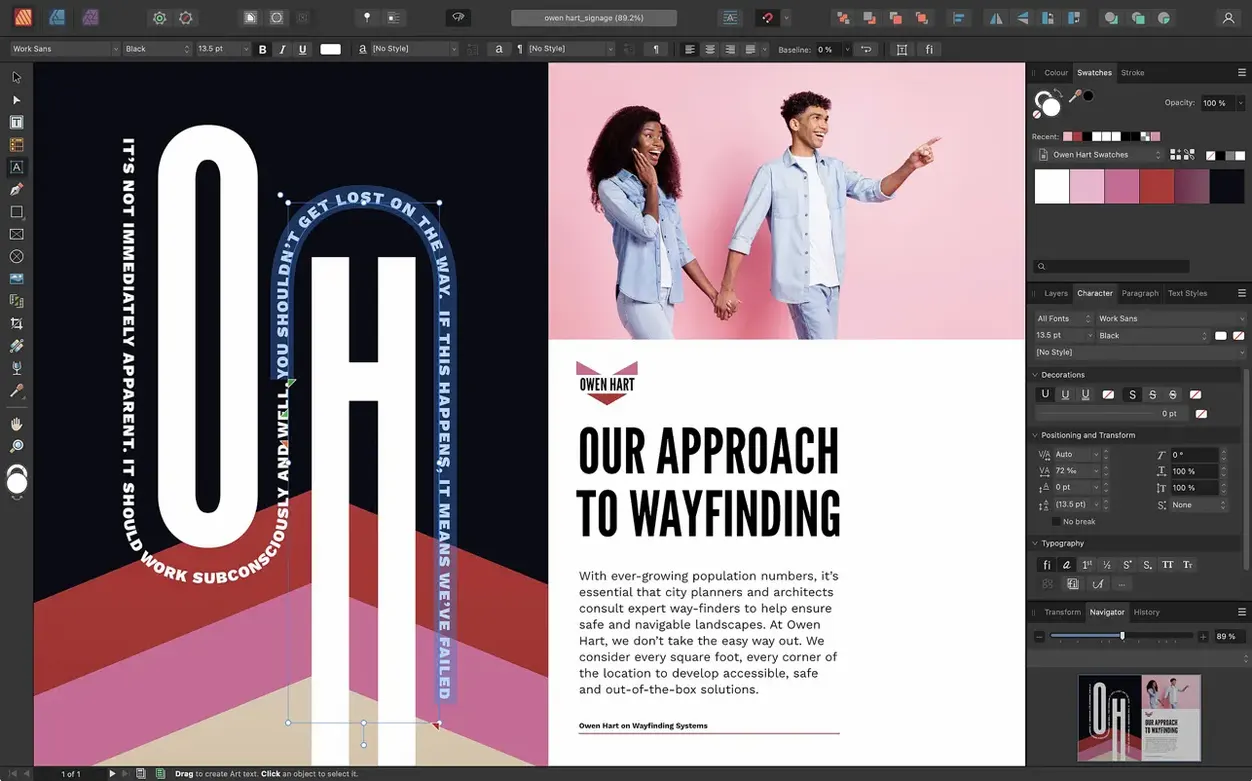
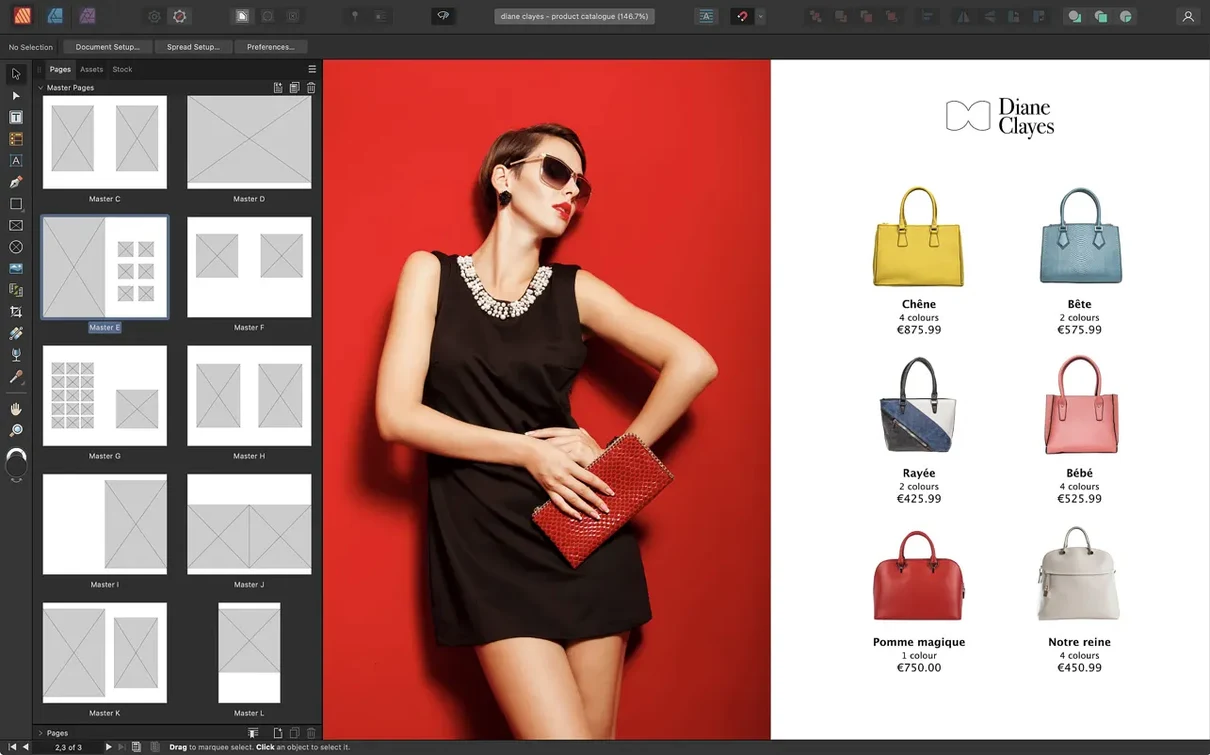
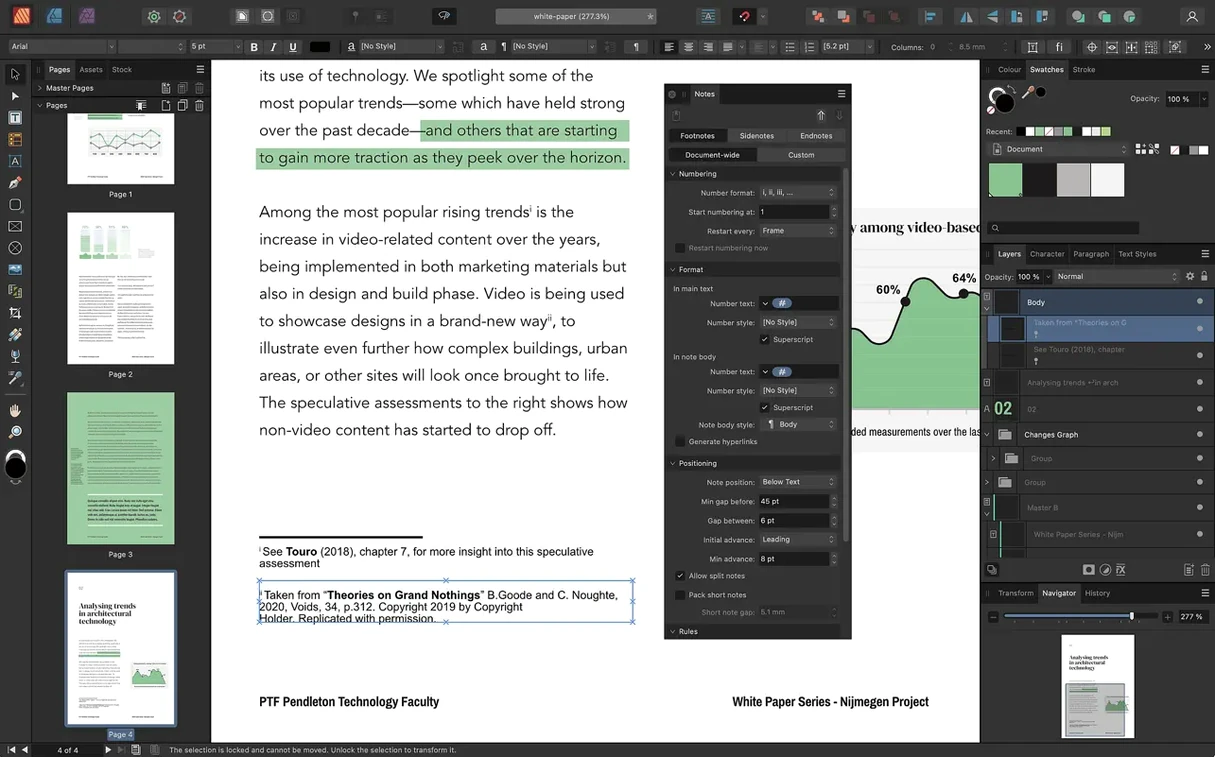
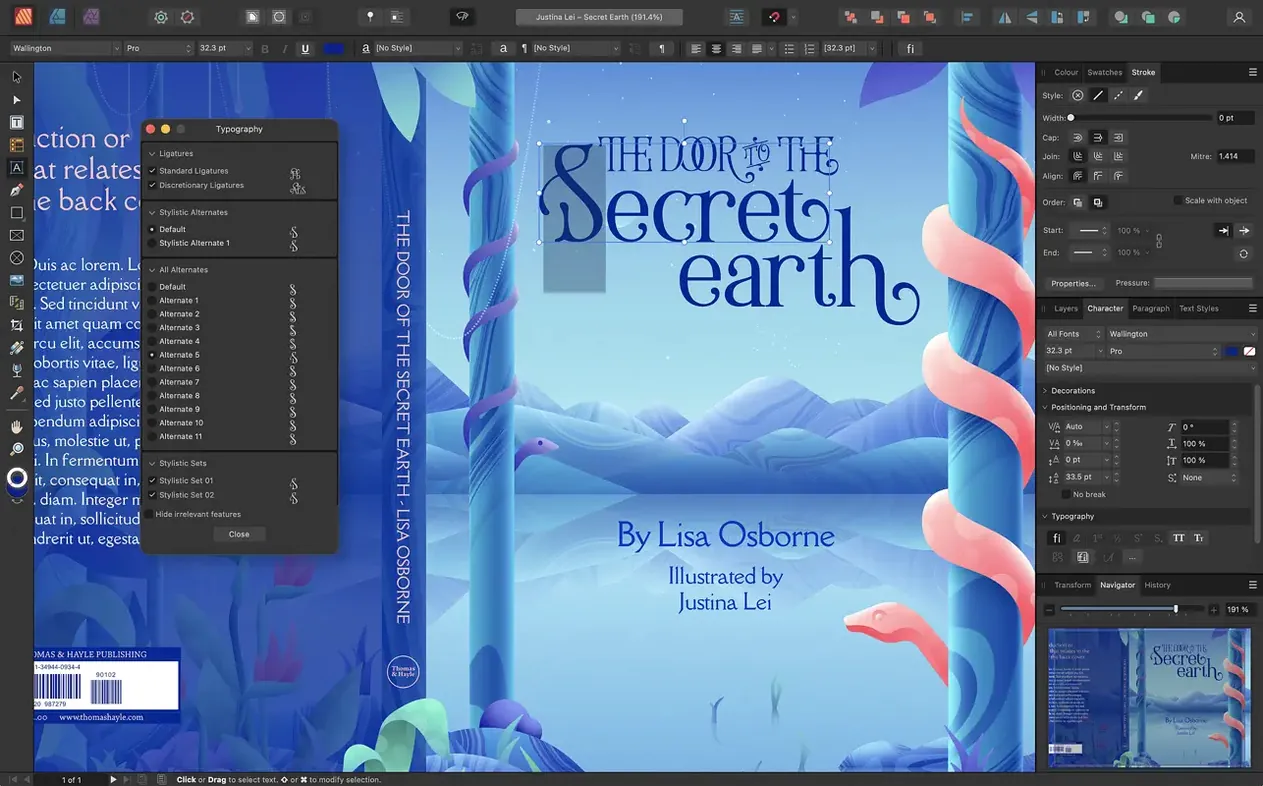
If you know InDesign, Affinity Publisher feels like the leaner, faster cousin who still shows up with the right tools. It skips the bloat and gets straight to the point of building print layouts.
Text control goes well beyond basic paragraph styles. You get text decorations, drop caps, initial words, and full OpenType support. Place type along any path or draw a text frame in any shape you need.
There’s no need to jump into another app for small graphics. The Pen and Node tools let you create and tweak vector curves right on the page, which keeps the flow uninterrupted.
Yes. Version 2.6 introduces multiple-page spreads and foldable formats like gatefolds, trifolds, and accordion folds. The new Reading Order panel also helps you prepare accessible PDFs without extra steps.
Place or embed PSD, AI, PDF, JPG, TIFF, PNG, and native Affinity files. Tables with custom formats and images sit alongside your text, so mixed-media layouts stay in one place.
Say you need a one-page trifold for a client event. Start with a fresh A4 landscape document. Open Spread Setup on the context toolbar and pick the trifold preset from the foldable spreads list — that gives you three equal panels and two crisp fold marks inside a single-page spread.
Drag guides from the ruler to mark your bleed edge, then place a full-bleed photo on the front panel. Publisher snaps the image to the guides without fighting you. Add a headline in a text frame, style it with a saved character style, then link the overflow to a second frame on the middle panel. Drop in the logo as a linked PNG and the Panel layout keeps everything crisp.
For the back panel, create a small table for opening hours with custom cell borders. Apply a spot colour to the table strokes — the Pantone library is right there in the swatches panel. Export as PDF/X-4 with bleed marks and the printer-ready file lands on your desktop before the kettle boils.
On an M1 MacBook Air with 8 GB of RAM, Publisher opens in three seconds and a 40‑page magazine with linked TIFFs scrolls without stutter. The app sits around 600 MB of memory during heavy layout work, which leaves room for a browser and music. StudioLink switching into Photo or Designer takes under two seconds and the layout you came from stays exactly as you left it.
Intel Macs run it fine too, though panning across large spreads feels slightly heavier. The 2.6.5 release has been stable through long sessions — no sudden quits or corrupted files in a week of daily brochure edits. One quirk: the Reading Order panel sometimes forgets its position when you reopen a document, but the tags themselves hold.
It opens PSD, AI, and PDF without conversion. Native InDesign files still need an IDML export from a friend with a Creative Cloud licence, but once you have that IDML, Publisher imports spreads, styles, and linked assets correctly most of the time.
The requirement is macOS 10.15 Catalina or later, and it runs on both Intel and Apple Silicon. A 2019 Intel MacBook Pro handles a 16‑page newsletter comfortably if you keep linked images at print resolution instead of dropping raw 50‑megapixel photos.
Mount the disk image, open Terminal, and run the simple bypass command. Press Enter, then drag the app to Applications. That’s it — no digging through System Preferences. People chasing an affinity publisher torrent often find the same straightforward steps apply, and the TNT release keeps things just as smooth. The affinity publisher mac torrent route gives you the full 2.6.5 build with StudioLink working out of the box.
If you have the other Affinity apps installed, the persona buttons light up in Publisher’s toolbar. Click Photo, adjust a layer non-destructively, click Publisher — you’re back in layout with the edit applied. No saving, no round-tripping. That alone saves fifteen minutes on a busy spread.
It lets you set the reading order for elements in an exported PDF, which is essential for creating accessible documents.
Version 2.6 added support for foldable spreads, including gatefolds, trifolds, and accordion folds for complex print layouts.
You can place or embed PSD, AI, and PDF files directly into your layout, keeping your existing assets usable.














Chat 0
Hop in or make an account to join the chat.
Quiet in here so far. If you have used this build, tell me what the install actually did.