
 Aiarty Video Enhancer
 AirBuddy
 Aiarty Image Enhancer
 Airflow
 AI Transcription
 Airfoil
 Alcove
 Affinity Publisher


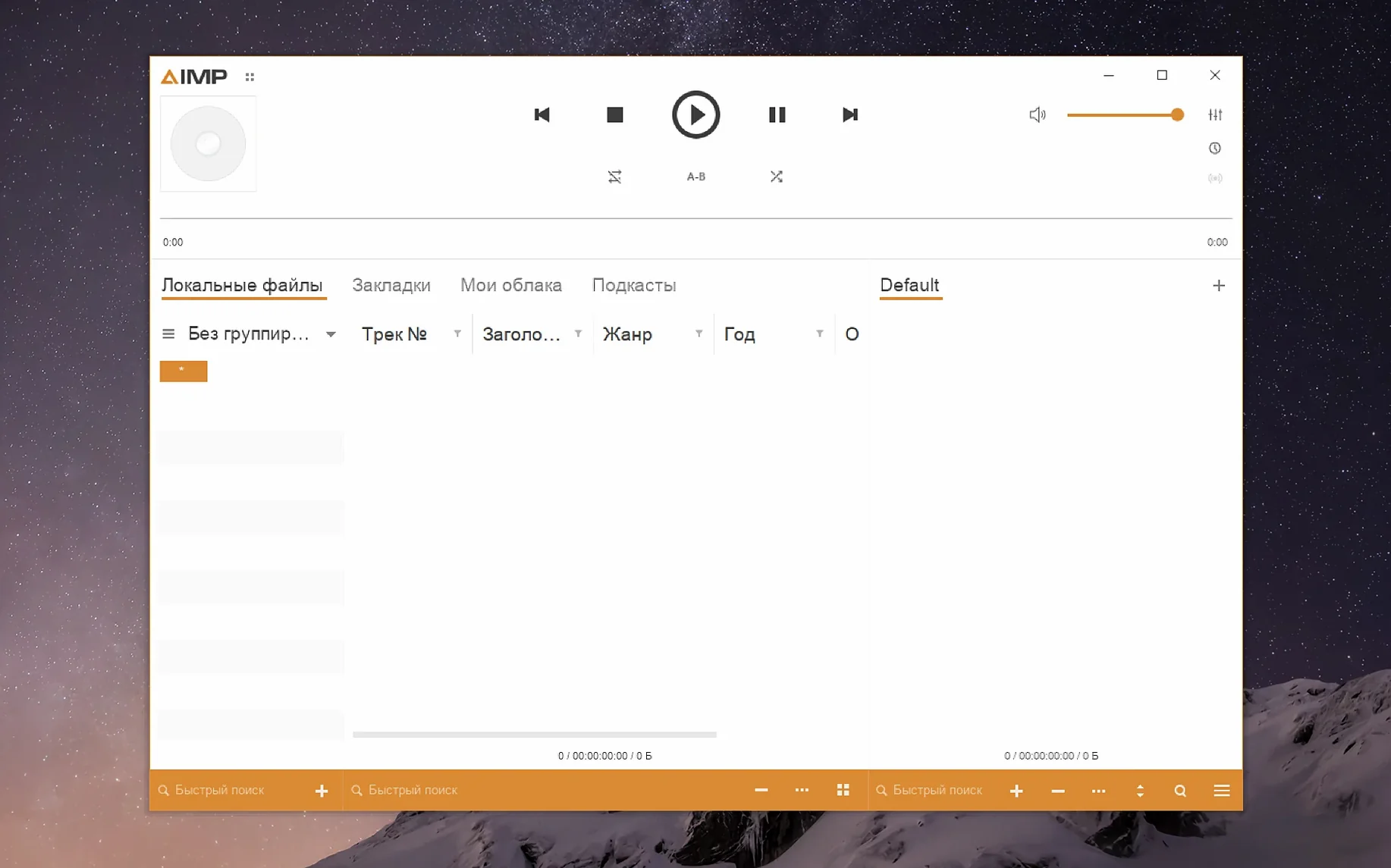
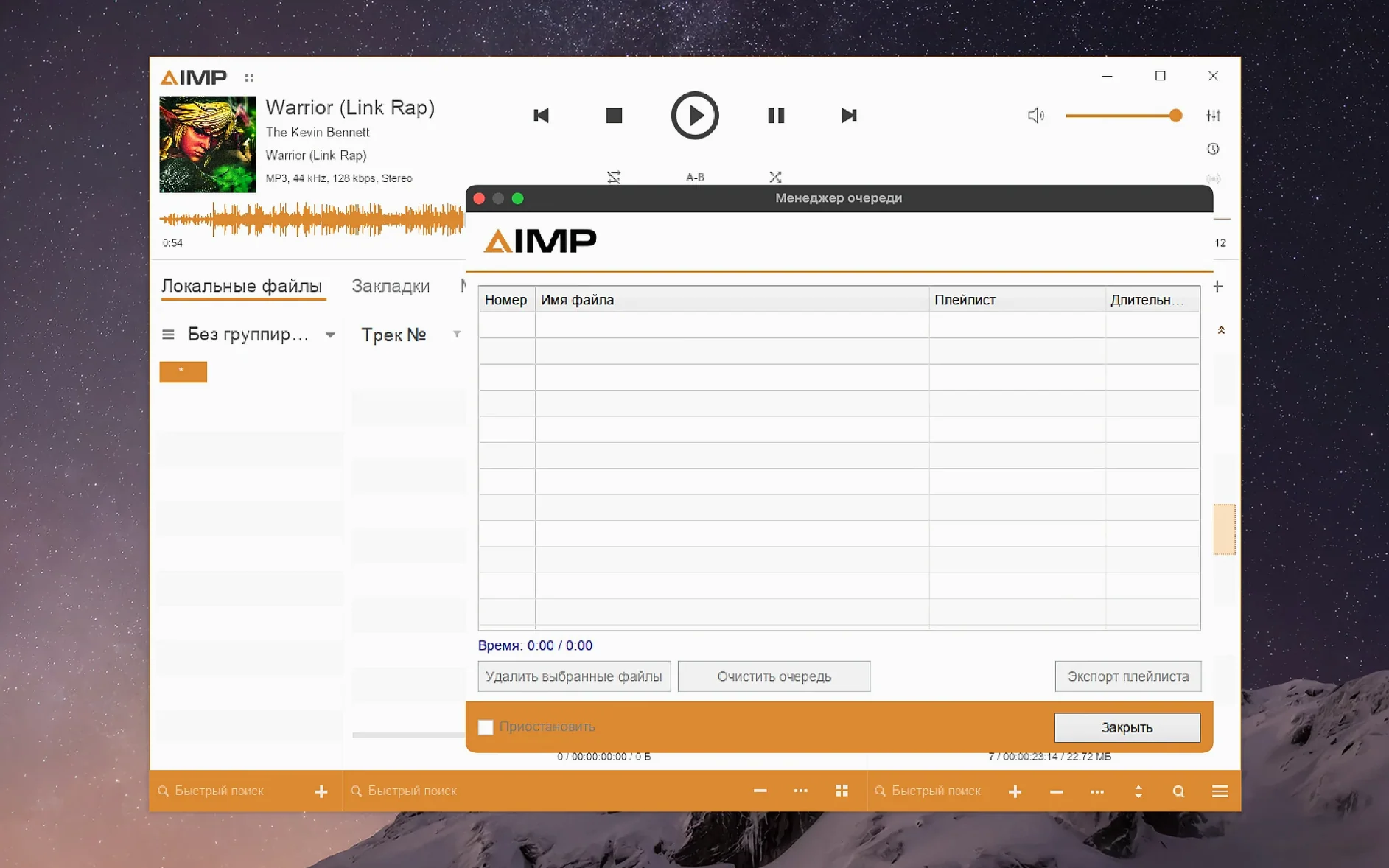
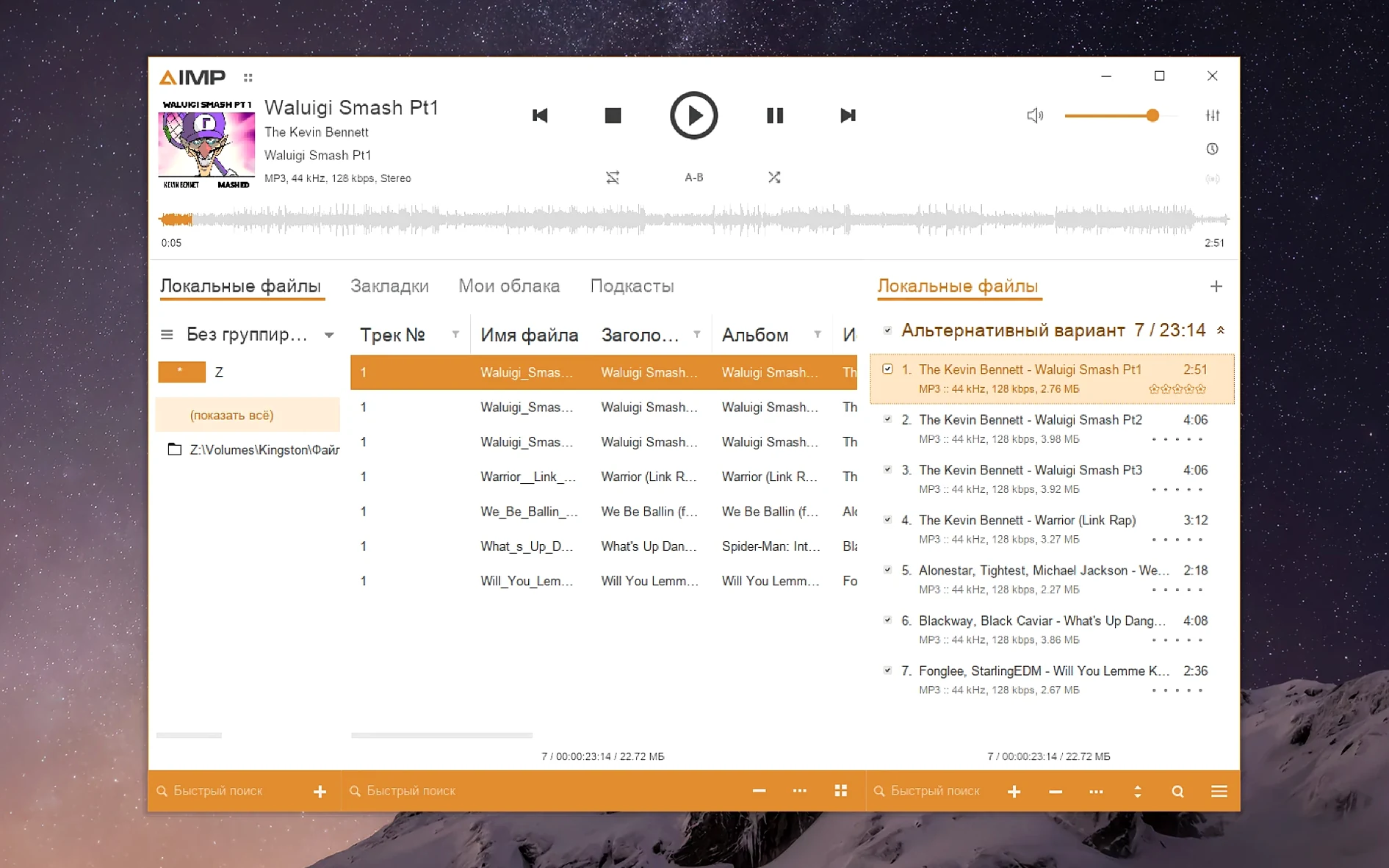
People with sprawling, carefully tagged music collections often hit a wall with simpler Mac players. AIMP for Mac steps in for those who want a deep library manager without leaving the macOS desktop.
This build packages the Windows player with Wineskin, so it behaves like a native app. Expect the full desktop interface — just launched from your Applications folder.
Yes. The library grouping tree is solid here, and a recent fix stopped the Alt+Click issue that could mess with navigation. You can sort and search without lag, even with tens of thousands of tracks.
Out of the box it feels crisp, but you can adjust if things look small. The bundled KegworksConfig tool lets you bump the screen resolution to 122–144 dpi, so text and controls scale up cleanly.
Performance holds up surprisingly well for a Wineskin‑wrapped player. On an Apple Silicon Mac the UI feels light — menus open instantly and drag‑and‑drop into a playlist causes no beachballing. Waveform calculation got a speed bump in this build, so scanning a fresh album of FLACs takes only a few seconds.
Memory use sits around 180–220 MB with a 40 000‑track library loaded, which is modest by modern standards. CPU draw during playback barely registers; a 24‑bit / 96 kHz file pushes it to maybe two per cent. The app hasn’t crashed once across a week of daily listening, and the team fixed several crash‑report issues in 5.40.2675, so earlier jitters are largely gone.
A few small moves early on make daily use smoother.
Imagine a vinyl collector who also keeps a digital crate of rare funk and soul rips — about 15 000 tracks, each with handwritten BPM tags and year fields. They fire up aimp for macos on a Friday evening, load a smart playlist that catches everything tagged “breakbeat” and “1973”, and let the queue run while they sort records on the other side of the desk.
The grouping tree lets them collapse by decade, so they can jump from early ’70s cuts to late‑’80s boogie without scrolling. When something catches their ear, the waveform seekbar in the main panel helps them skim to the drum break in half a second — no scrubbing guesswork. They right‑click the track, open the tag editor, and add a rating or a note about a sample source. The editor no longer chokes on unnamed MP4 fields, so even messy, downloaded rips get edited cleanly. After three hours the app is still humming along, fan silent, playlist untouched. That’s the kind of session aimp mac handles without friction — predictable, fast, and out of the way until you need it.
It ships with over twenty, including English, German, Spanish, Simplified Chinese, Traditional Chinese, Korean, Polish, Czech and Belarusian.
The music library grouping tree Alt+Click issue was resolved, along with several crash-report problems from earlier builds.














Chat 0
Hop in or make an account to join the chat.
Quiet in here so far. If you have used this build, tell me what the install actually did.