
 AlDente
 Amadeus Pro
 Airfoil
 Airflow
 AirBuddy
 AIMP
AIMP Aiarty Video Enhancer
 Aiarty Image Enhancer

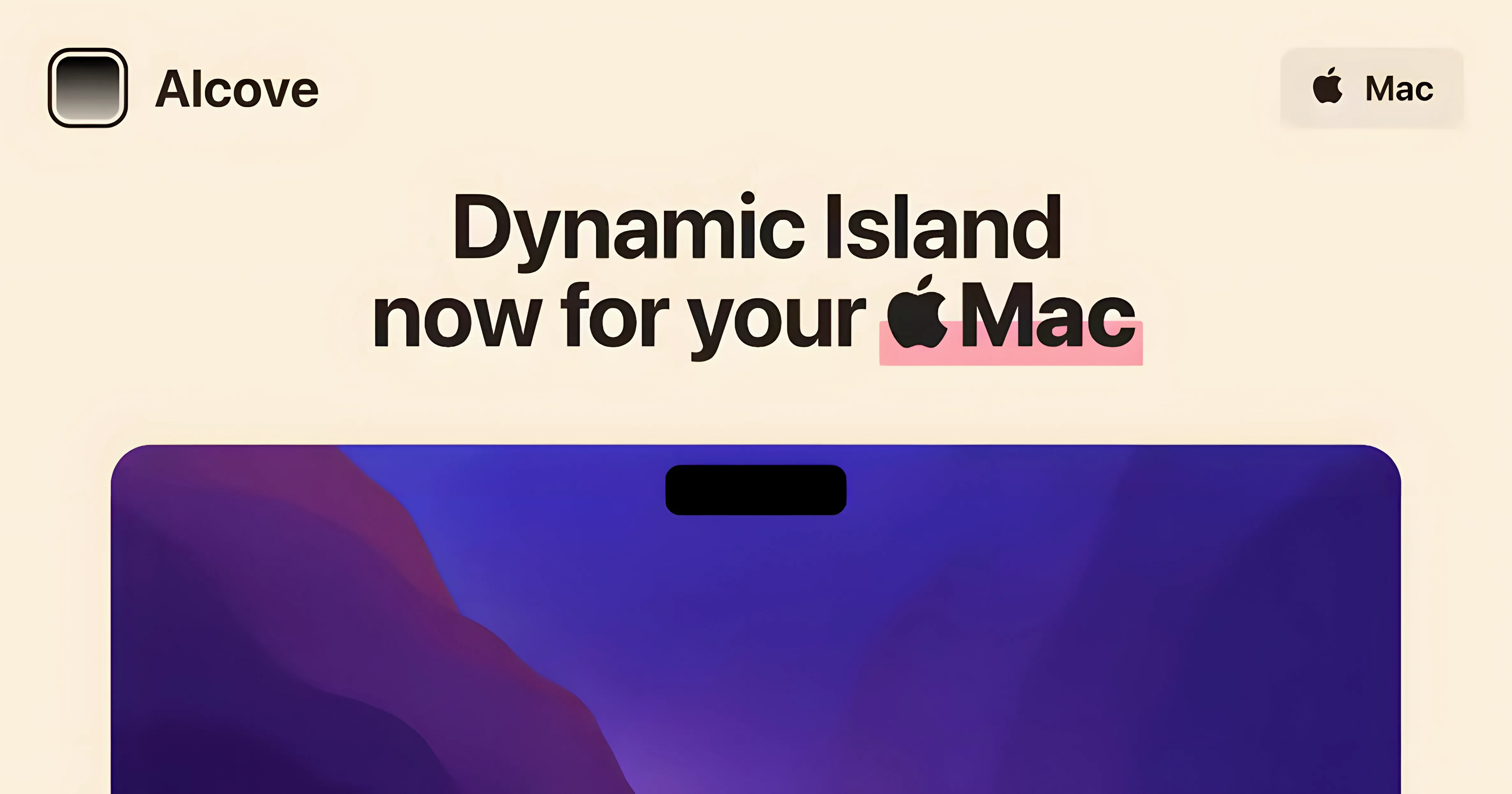
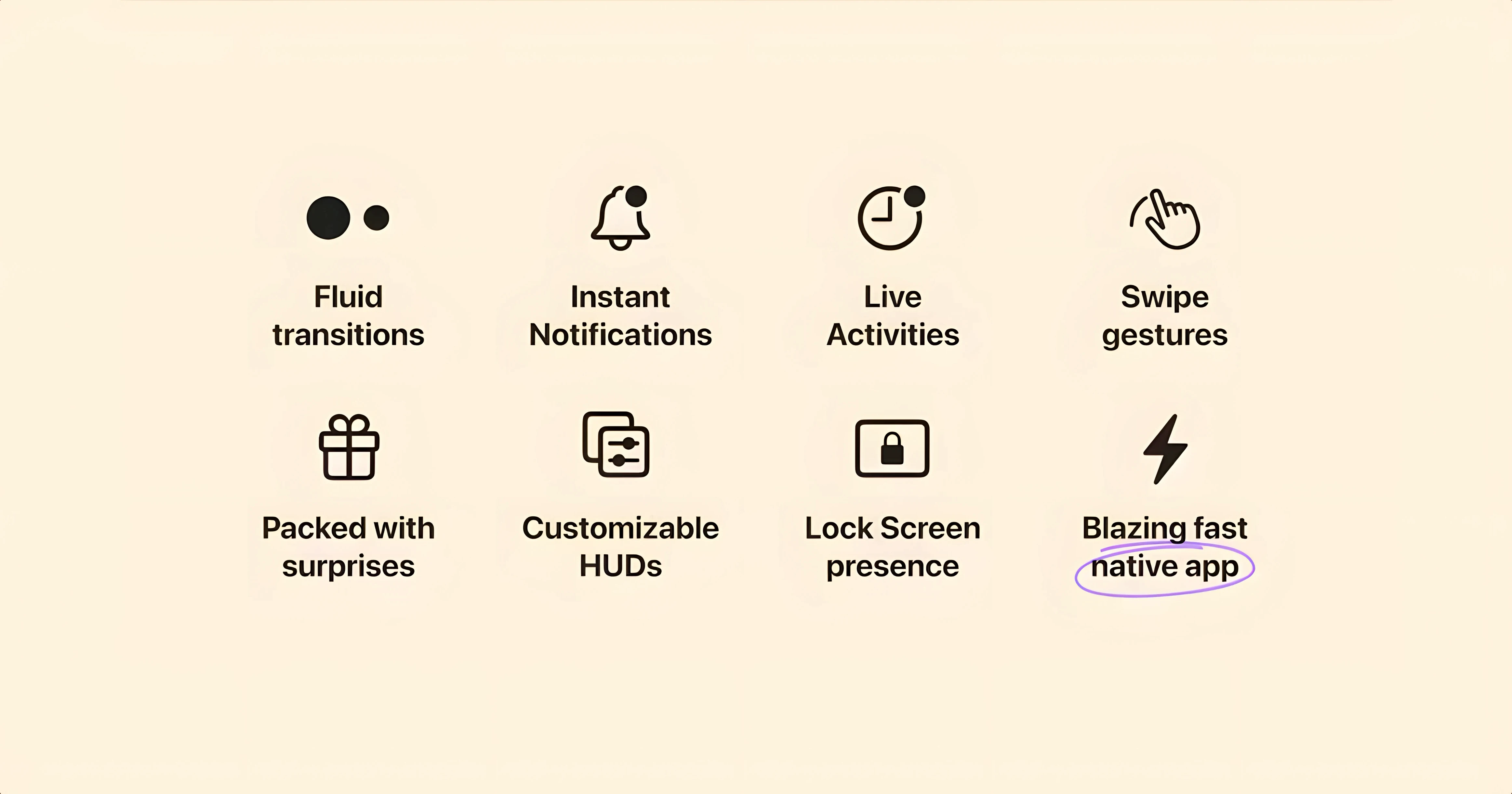
The Mac's notch just sits there. Alcove gives it something to do, wrapping media playback, notifications and Live Activities into a reactive capsule at the top of the screen.
Once it's running, the app listens. A song changes, a timer finishes, a calendar alert pops — Alcove catches the event and shrinks it into a tidy pill-shaped overlay. You tap it for controls, swipe it away when you're done. Version 1.7.9 keeps that same light touch. No new feature list this round, just the same clean interaction model Henrik Ruscon shipped when Alcove first appeared in late 2024. It still asks for macOS 14 and runs natively on both Intel and Apple Silicon.
Most slip-ups are small, but they can make the app feel broken when it's not.
Picture a freelance motion designer who spends afternoons bouncing between After Effects, Music, and Slack. A render is churning in the background. The track changes — Alcove's capsule slides out with the new song title and a pause button, so they don't have to dig through windows to skip it. A calendar alert for a client call pops next, nudged into the same pill-shaped space. They tap to dismiss. Later, a timer set for a coffee break counts down right where their eyes already rest. No notification centre sweep, no Dock hunt. Just a glance up and a tap. For someone juggling full-screen apps all day, that tiny interaction saving beats hunting through Mission Control.
Alcove isn't for every Mac user, but a few groups will genuinely enjoy it.
Notch MacBook owners. If your MacBook Air or Pro has the notch, the space is already carved out. Alcove turns dead pixels into a control surface. Desktop users with external displays get less value — the capsule floats at the screen edge with no notch to nestle into.
Heads-down media listeners. Anyone who keeps Music or Spotify running all day will appreciate the mini player that lives outside the app. Quick access to playback without leaving a code editor, spreadsheet, or Figma canvas is the whole appeal.
Notification-weary workers. If you've muted everything because macOS alerts feel intrusive, Alcove offers a quieter middle ground. Notifications appear as brief capsules instead of banners that steal focus. You catch them on your own time.
Timer and Live Activity users. Pomodoro timers, cooking timers, countdowns from third-party apps — when developers adopt Live Activities, Alcove shows them. It's a small but growing category that makes the pill feel native rather than tacked on.
If you're grabbing an alcove 1.7.9 build, it's worth knowing the app is still young. Rough edges exist. But for the right workflow, a notch that reacts beats one that just sits there.
It adds a Dynamic Island-style capsule to the notch area that reacts to media playback, notifications and Live Activities.
Henrik Ruscon is the developer behind Alcove.
Alcove requires macOS 14 or later.














Chat 0
Hop in or make an account to join the chat.
Quiet in here so far. If you have used this build, tell me what the install actually did.