
 AlDente
 Alcove
 Airfoil
 Antivirus Zap - Virus Scanner
 Airflow
 AnyTrans for iOS
 AirBuddy
 AIMP
AIMP


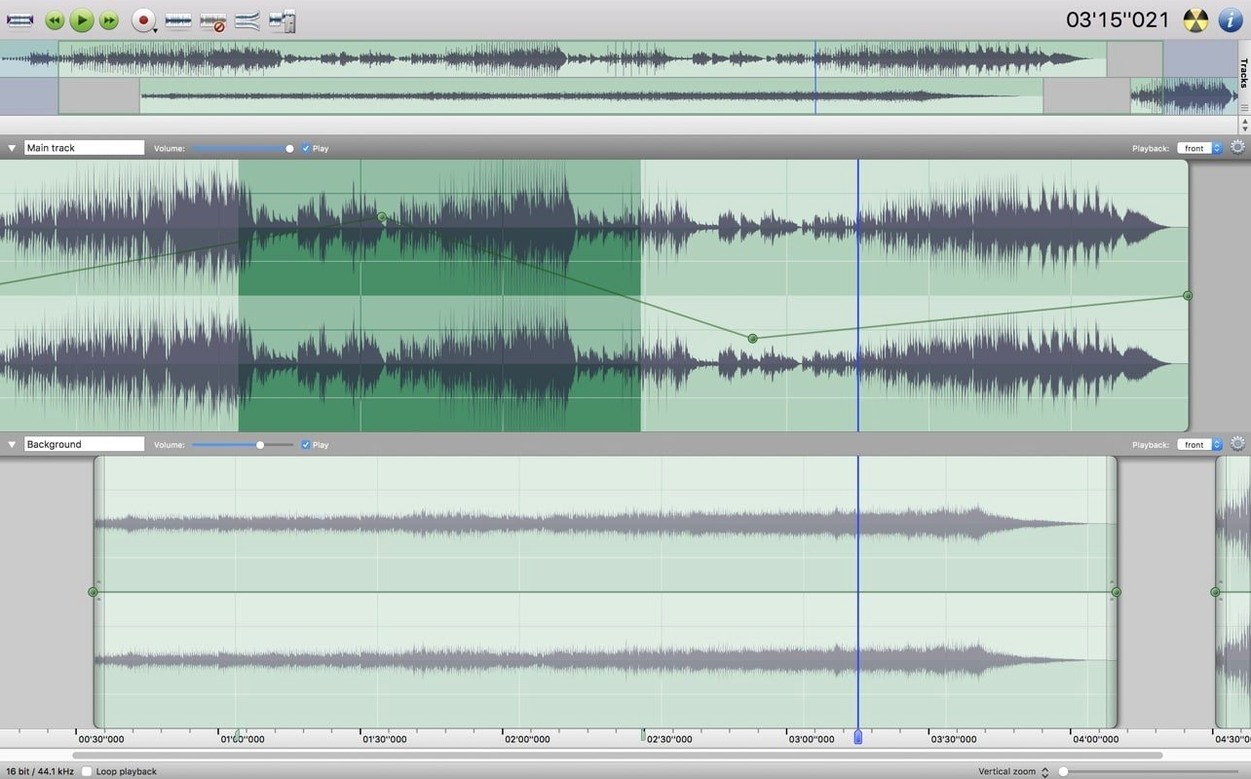
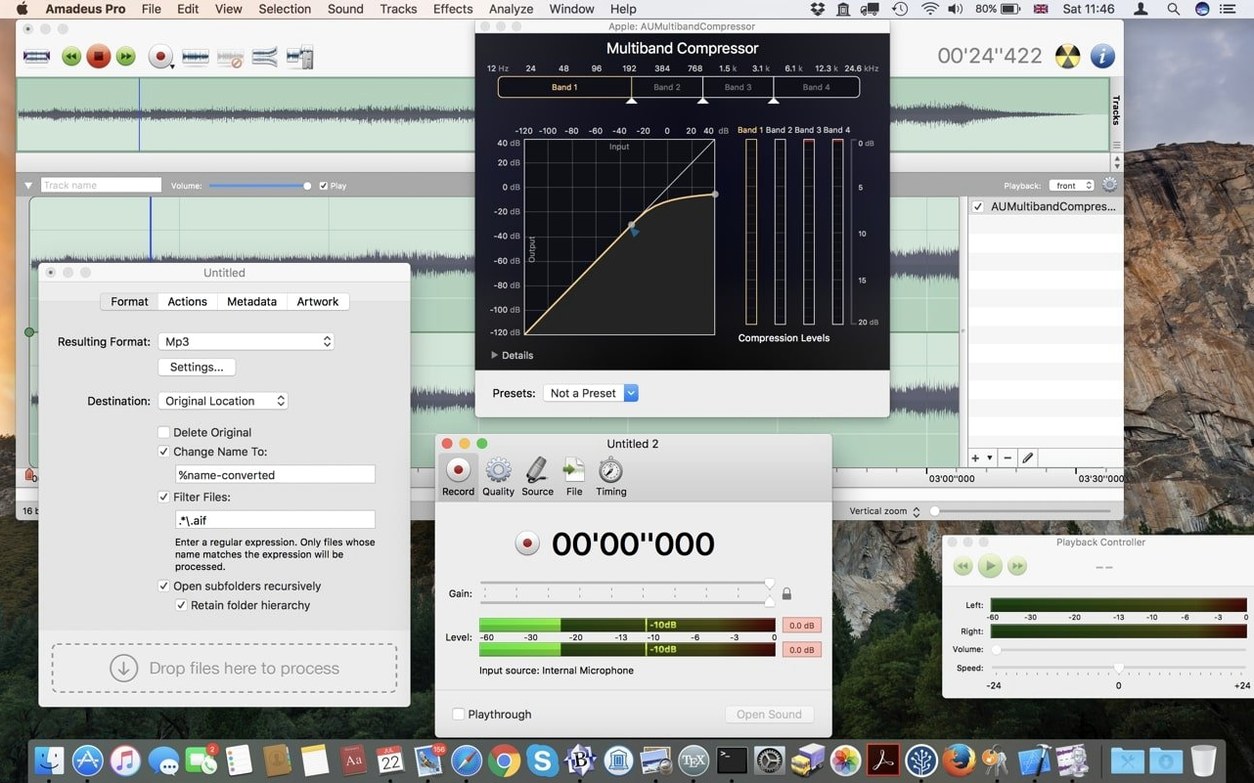
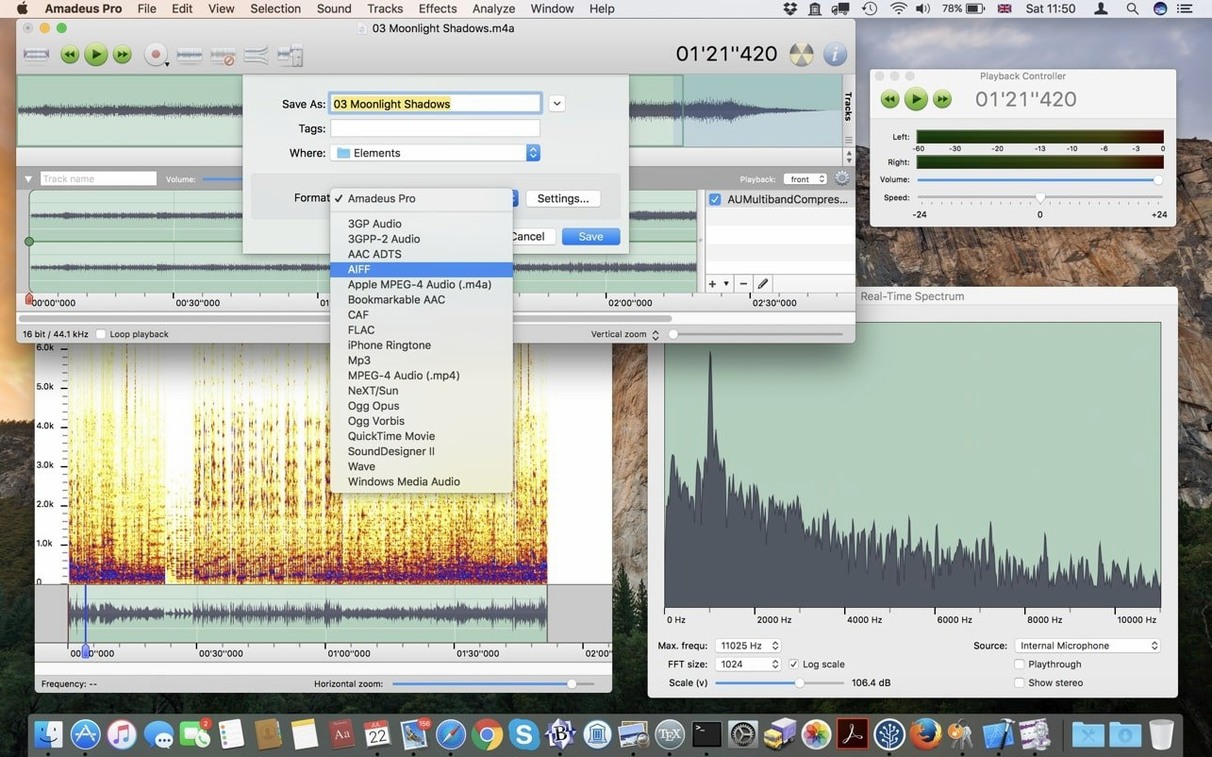
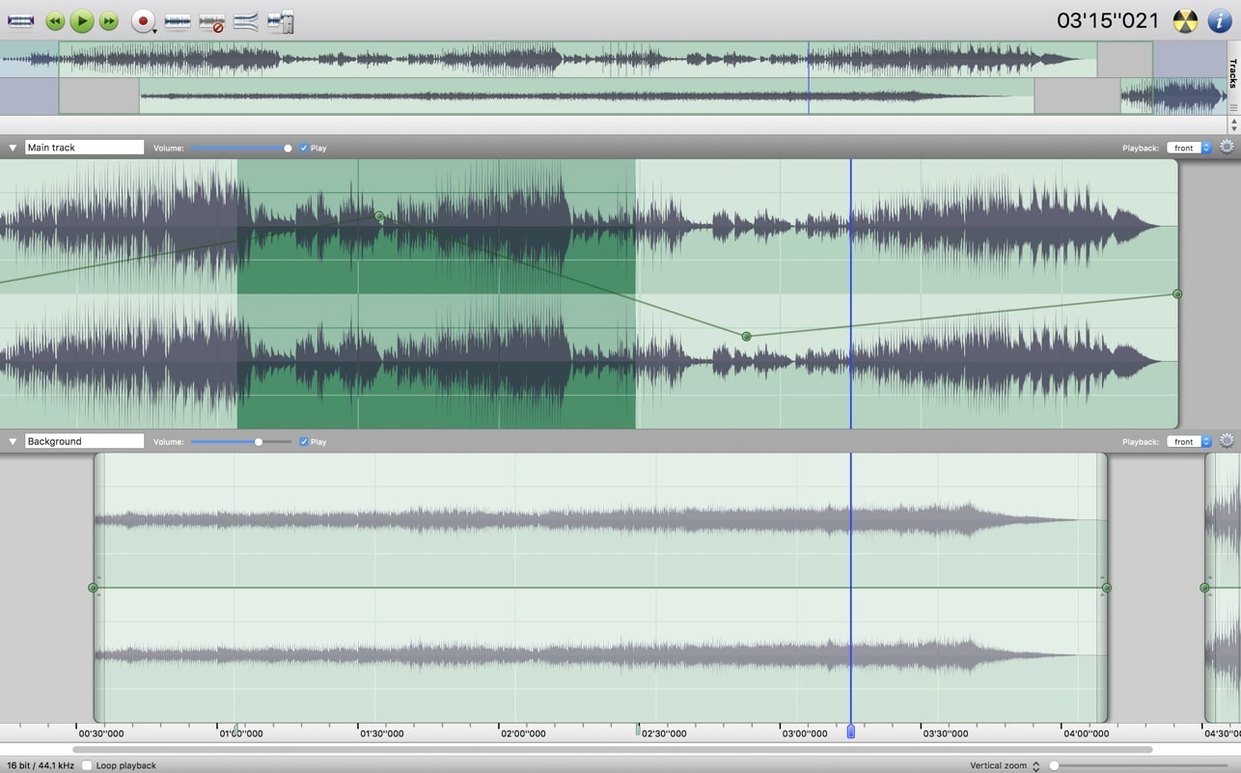
Eight lossy and lossless formats, from MP3 to FLAC. That's what Amadeus Pro reads and writes without a second thought. It's a multi-track editor that keeps the early steps simple—drag a file in, and you're already cutting, fading, or dropping markers.
Markers aren't just bookmarks. Place them where a verse starts, export a region as AAC, then jump back later with the same labels intact. It's a small habit that stops a long recording from becoming guesswork.
Don't try to learn everything at once. Spend the first session on a single stereo file—an interview or a song draft—and get comfortable with the fade handles at the edge of each clip. Day two, record something live. Hit the red button, speak a few lines, and watch how Amadeus Pro writes straight to disk without filling up your RAM. Day three is when you plug in an Audio Unit effect and notice the waveform redraws the moment you tweak a setting.
One habit worth forming early: name your markers as you drop them. A label like "bridge take 2" saves more time than you'd think when you're exporting ringtones or short AAC snippets later in the week.
Imagine you've just pulled a digitised cassette rip into the timeline—two sides of an old mixtape, each as a separate track. There's hum, there's a long silence at the end of side A, and the left channel is quieter than the right. Here's how thirty minutes plays out.
You select the silent tail on track one, press Delete, and the rest of the track stays put. Then you highlight a patch of pure noise between songs, open the noise reduction pane, and let it learn the profile. Apply it to the whole track and the hiss drops away without dulling the music. A quick look at the analysis window confirms the left channel sits about 4 dB lower, so you reach for the gain control on that track alone and even things up. Finally, you command-click a few song start-points, drop markers named after each track title, and export the regions as FLAC files in one batch. Done.
The waveform doesn't draw when I open a large file. Amadeus Pro caches waveforms in the background. Give it a few seconds—the caching is designed so you can still play and scrub while it builds. If the file lives on a slow external drive, copy it locally first.
A VST plugin won't show up. The app hosts Audio Units natively and VST effects through a bridge. Check that the plugin is 64-bit Intel, since the current build runs on that architecture. If it's an older 32-bit VST, it simply won't appear in the list.
Batch processing skips a file without warning. Usually a format mismatch. The processor reads MP3, AAC, AIFF, WAVE, WMA, CAF, FLAC and Ogg Vorbis without trouble, but a stray WMA file with DRM or an oddly encoded WAVE can trip it up. Open the problem file on its own first to see if it loads, then re-add it to the queue.
Direct-to-disk recording stopped mid-session. The scratch disk might be full. Amadeus Pro streams audio straight to storage, so a nearly maxed-out drive will halt recording abruptly. Check the destination folder and clear some space, then pick up where you left off. The partial file is usually still usable.














Chat 0
Hop in or make an account to join the chat.
Quiet in here so far. If you have used this build, tell me what the install actually did.