
 AnyTrans for iOS
 ApolloOne
 App Cleaner & Uninstaller
 Apple Keynote
 Amadeus Pro
 Apple Remote Desktop
 AlDente
 AppZapper


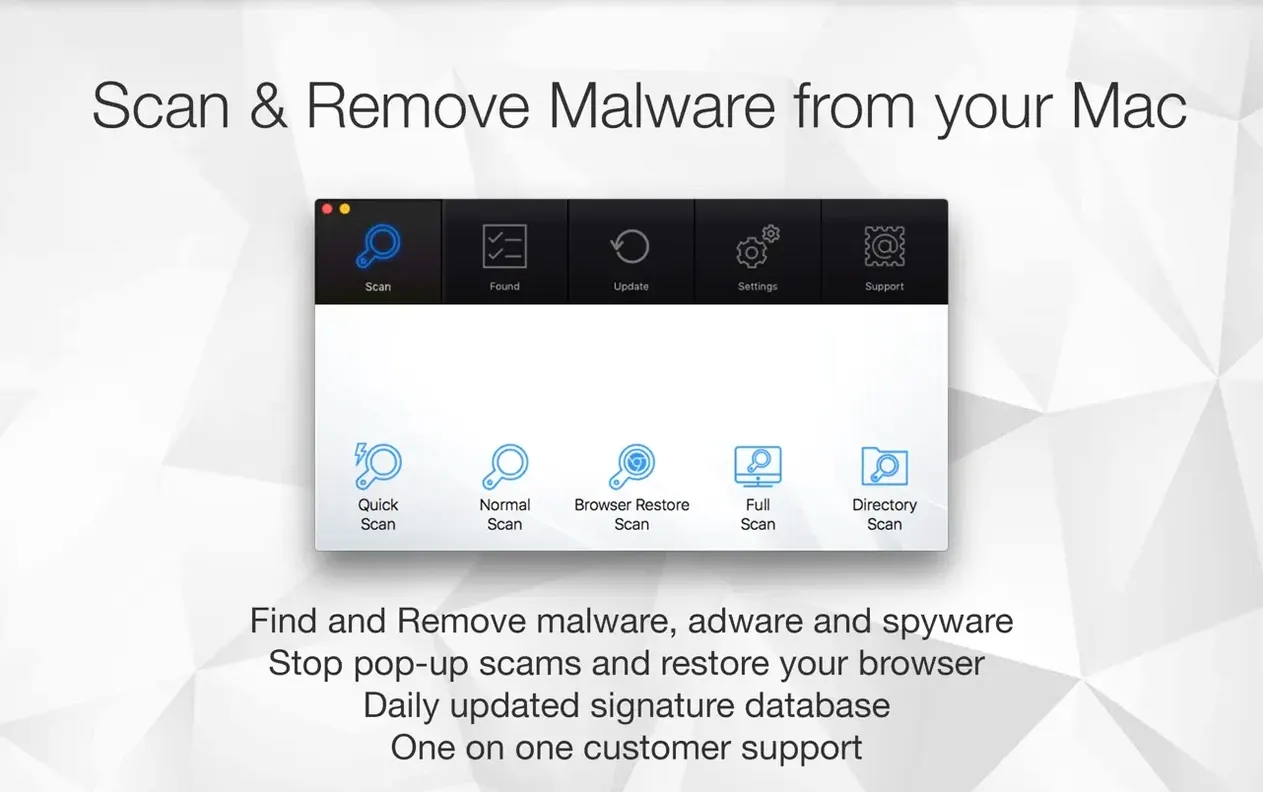
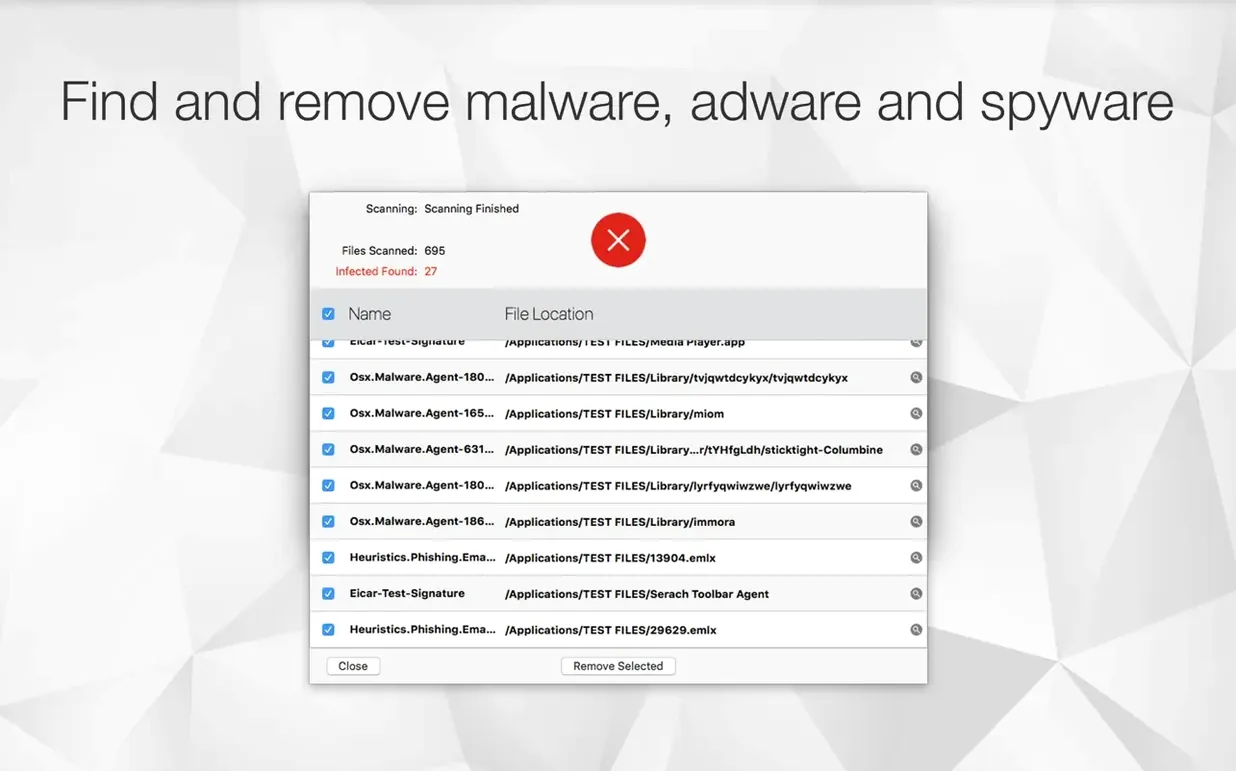
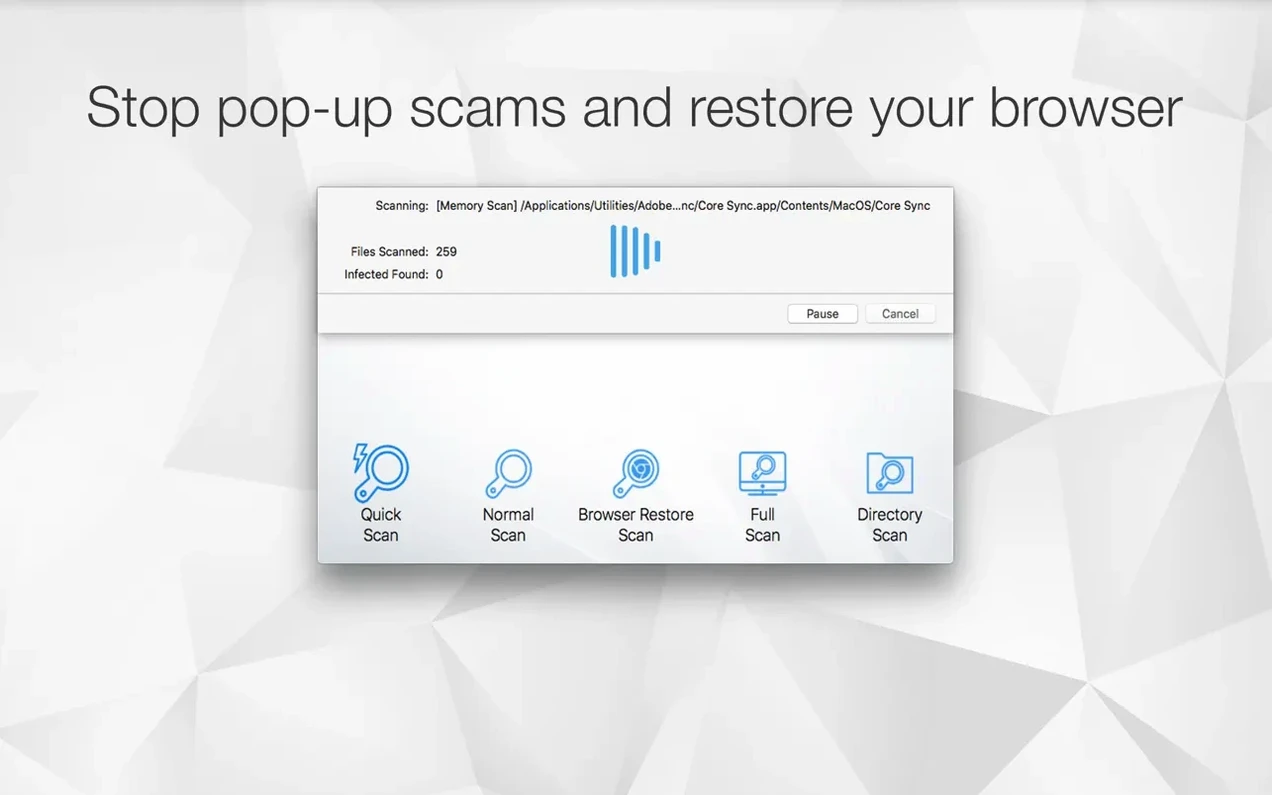
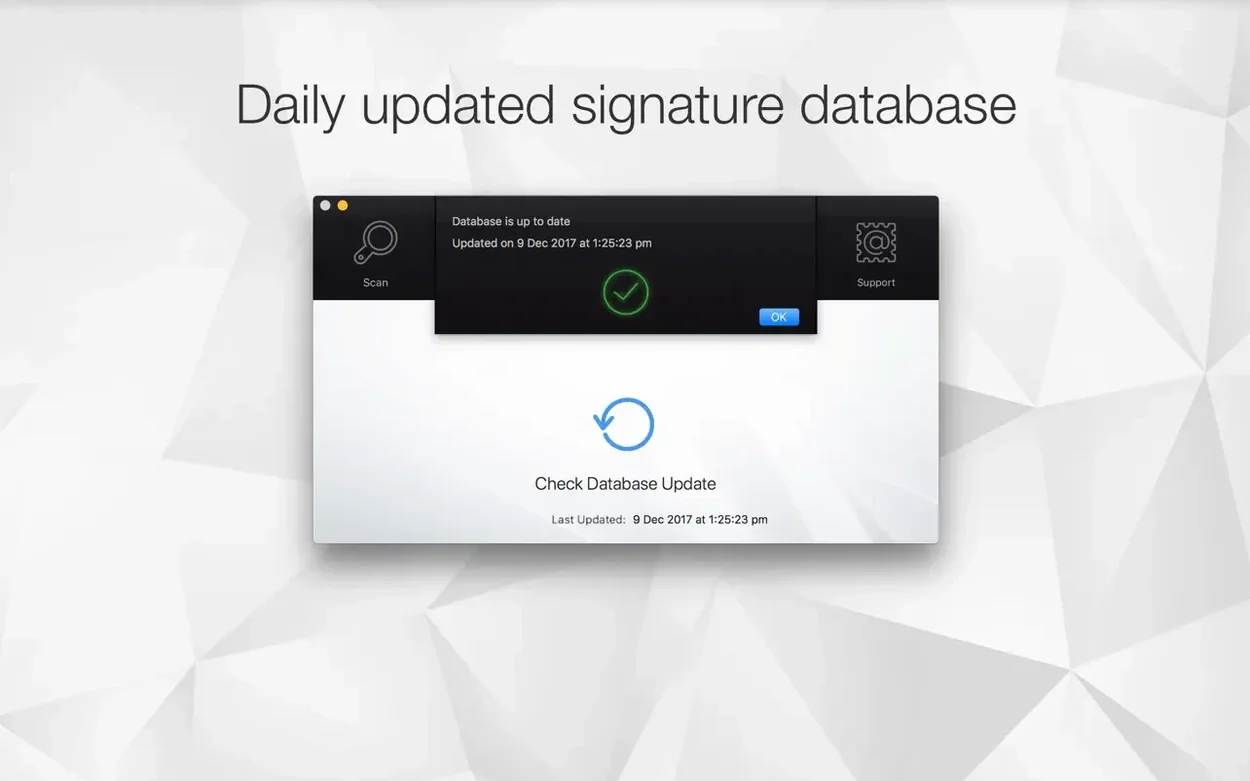
A few sketchy downloads or a strange browser toolbar is all it takes to slow everything down. Antivirus Zap cuts through the noise with a focused scan-and-remove workflow that feels built for the Mac, not ported from somewhere else.
Open the app, hit the main scan button and let it trawl through your system folders, Library caches and common adware hideouts. When it finishes you get a tidy list of flagged items — no jargon, just names and locations. Tick what you want gone and confirm. The app also includes a Browser Restore Scan that targets hijacked homepages and sneaky extensions in one pass, which is handy after installing something from a forum link.
You don't need to remember to run it. Set a daily schedule — or a couple of check-ins — and the app does its thing quietly. It also hooks into Finder, so you can right-click a suspicious file and scan it before opening. If you use Dropshare, there is integration for that too, letting you scan uploads as they go out.
Picture a logo designer who grabs stock assets from a handful of client folders and the occasional freebie pack off Gumroad. After a morning of dragging vectors around, Safari starts opening a different search engine and the fans kick in while nothing heavy is running. Antivirus Zap's standard scan caught three pieces of bundled adware in ~/Library and the Browser Restore Scan reset the hijacked homepage in under a minute — all while a sandwich was still on the desk. No digging through System Settings, no manual extension purge.
Scans stay quick because the app targets actual malware and adware hideouts rather than crawling every text file on the disk. A standard scan on a mid-range M1 breezes through in a couple of minutes, and memory use sits around 80–120 MB while it works. It never spikes the CPU after a scheduled check finishes, so you won't hear fans during a Zoom call. The app respects macOS quiet hours — if a scan is scheduled for 2 p.m., it runs and exits, no persistent background daemon chewing resources.
Finder integration is where the snappiness shows. Right-click a downloaded .dmg from a forum, pick the scan option, and results appear in seconds. That kind of low-friction check means you actually use it instead of filing the app away in a Utilities folder.
Antivirus Zap fits anyone who already has good browsing habits but still picks up the occasional bundled installer or browser redirect. Students downloading lecture software from lesser-known portals, designers grabbing free mockup kits, and developers testing open-source builds all hit the same pattern: the Mac isn't sick, just carrying a little junk. The app clears that without turning into a subscription dashboard full of upsells.
People searching for an antivirus mac torrent after a dodgy download will find the Browser Restore Scan does exactly what they need — resets the browser without wiping bookmarks or saved passwords. The same goes for anyone who typed antivirus zap mac after a friend mentioned it: the lightweight scan-and-leave approach is the whole draw. It is less suited for enterprise teams needing centralised threat reporting, but for a single Mac owner who wants a clean-up tool that gets out of the way, the fit is obvious.














Chat 0
Hop in or make an account to join the chat.
Quiet in here so far. If you have used this build, tell me what the install actually did.