
 Affinity Designer
 Affinity Publisher
 AI Transcription
 Adobe Premiere Rush
 Aiarty Image Enhancer
 Aiarty Video Enhancer
 AIMP
AIMP AirBuddy


Affinity Photo needs macOS 10.15 Catalina or later and works natively on both Intel and Apple Silicon machines. If your Mac is from 2015 or newer, you are almost certainly fine.
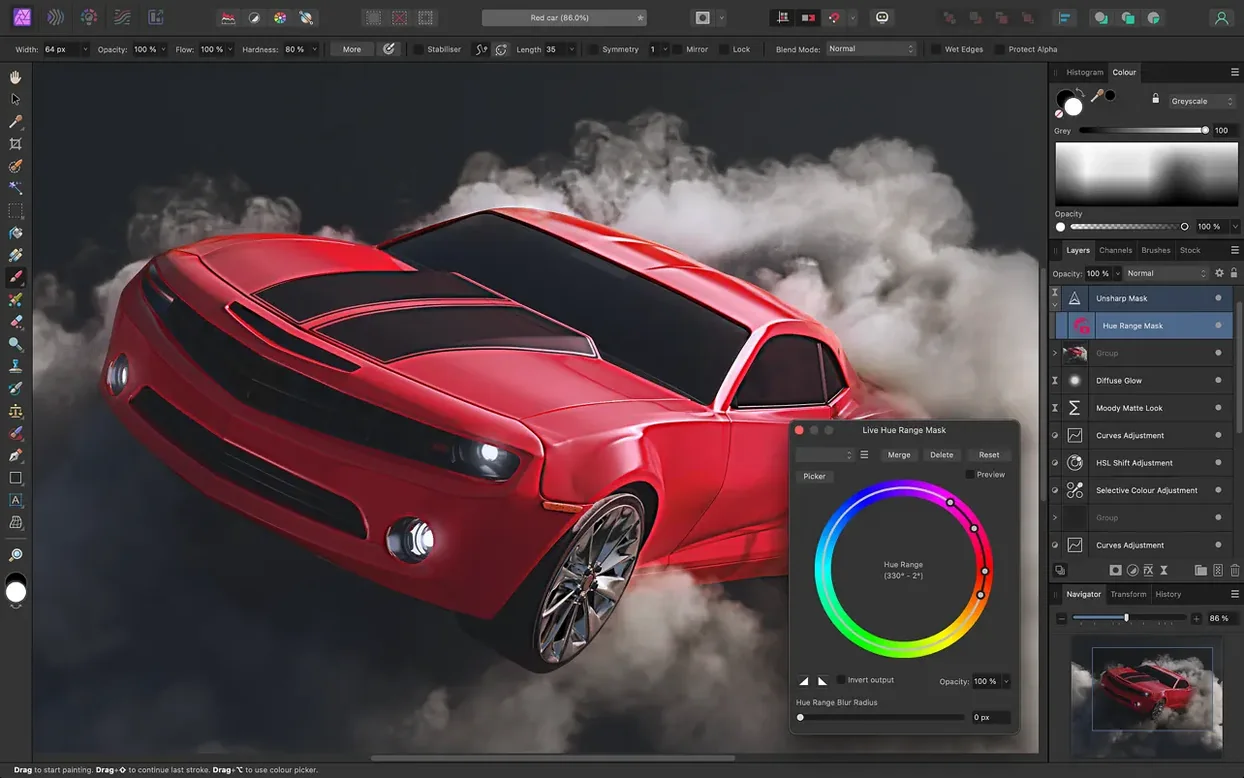
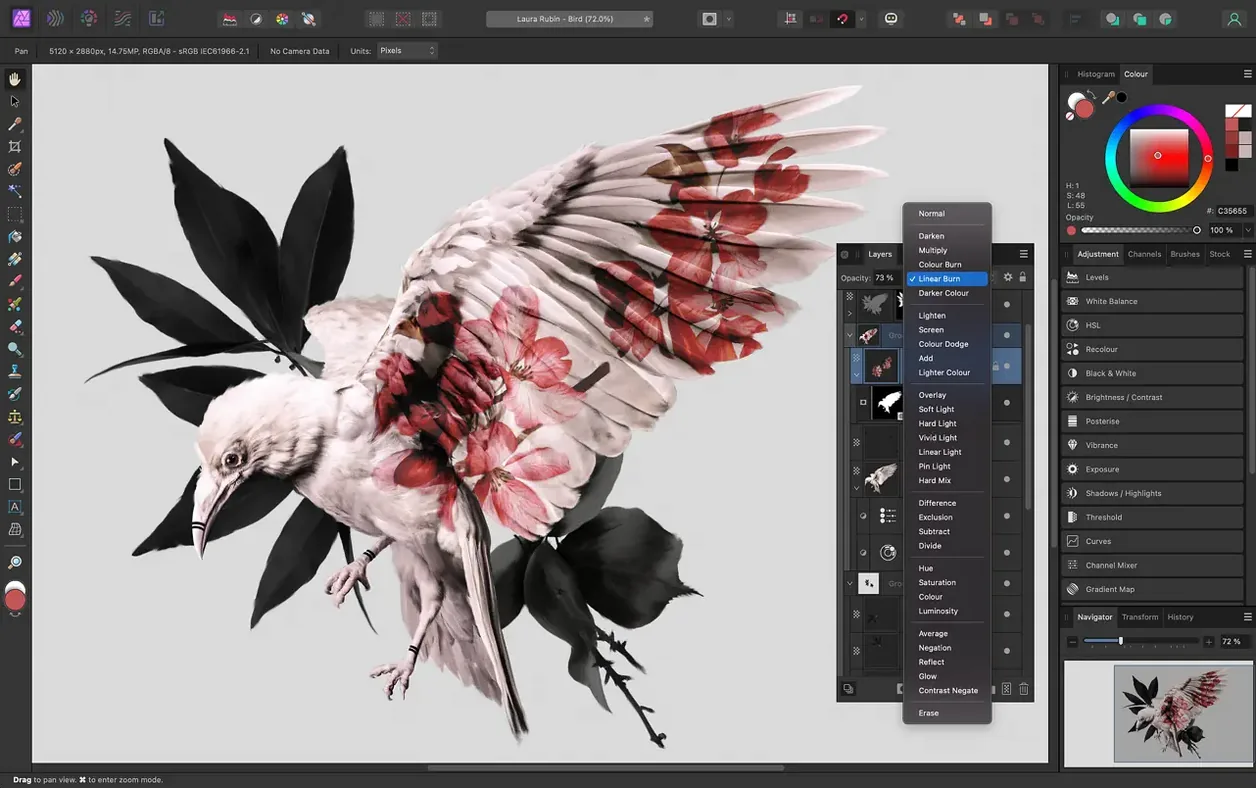
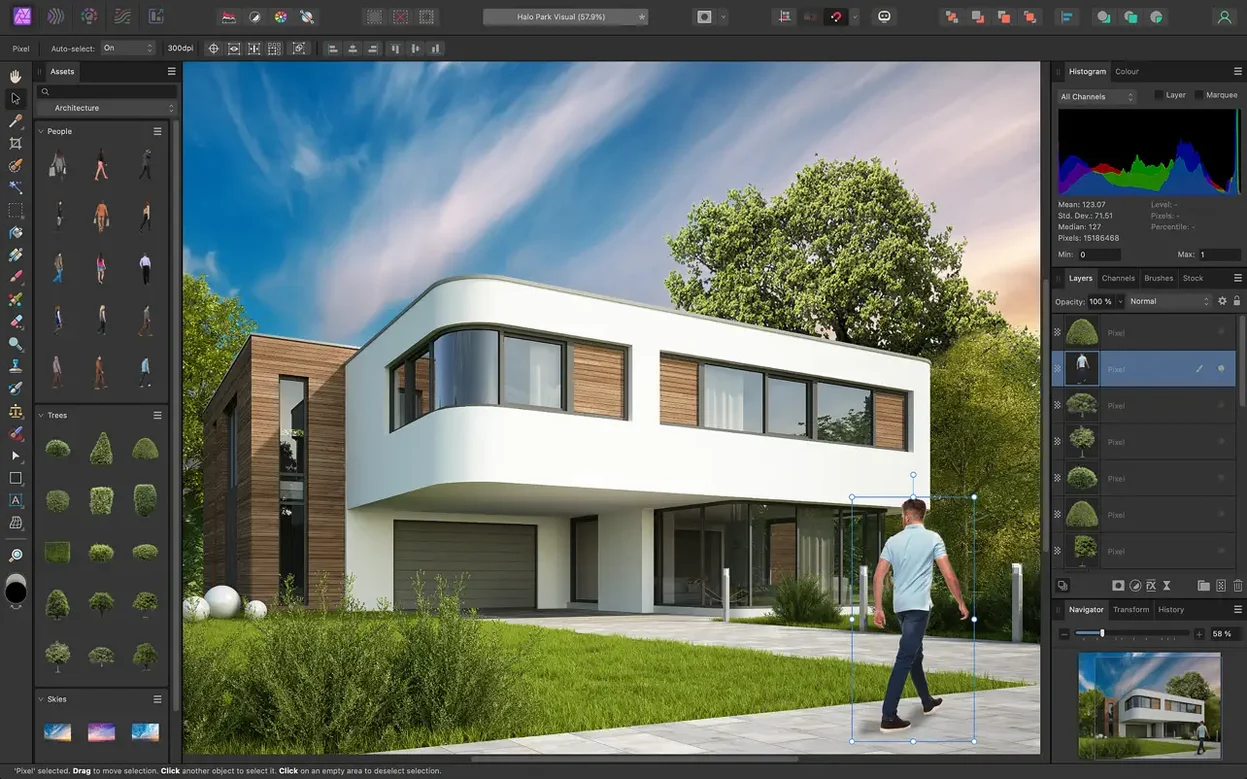
It is a full photo editor built around nondestructive layers. You get unlimited layers, adjustment and filter layers, masks, and live previews that keep everything editable.
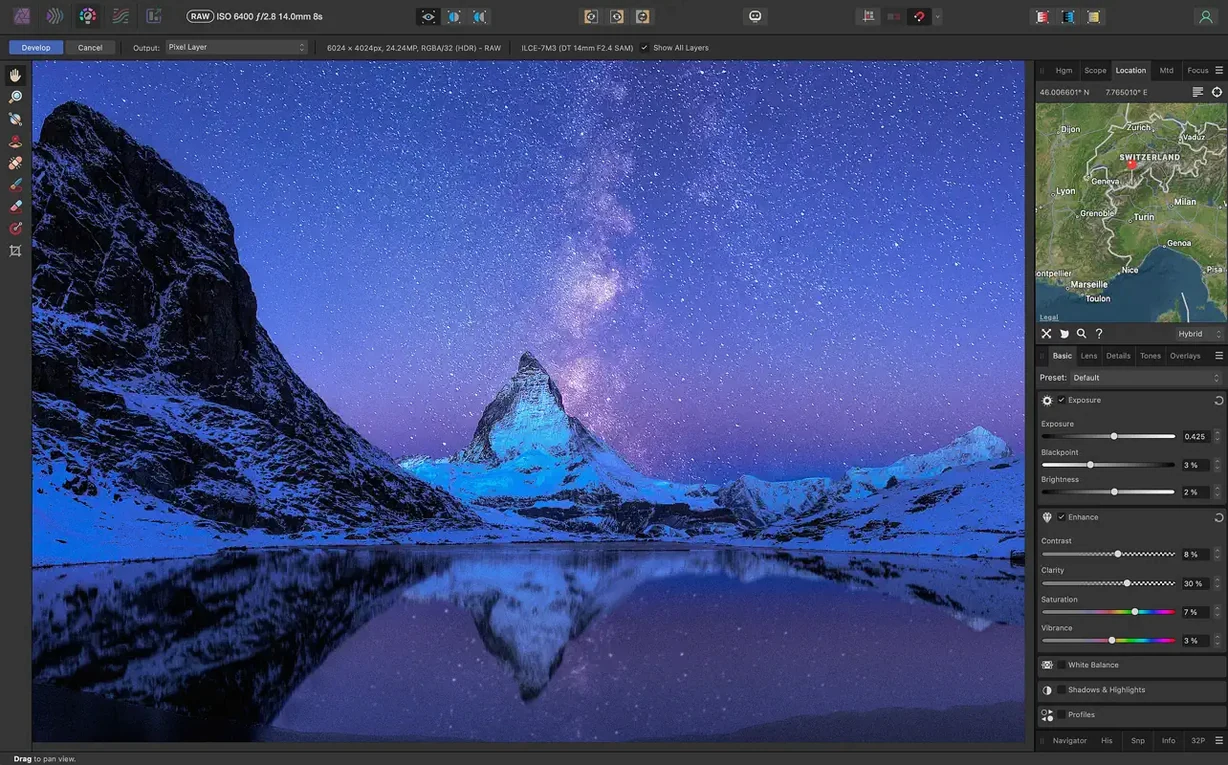
Yes, RAW images open in a dedicated pre‑processing workspace before you switch to the main photo persona. Focus stacking, HDR merging and tone mapping are all built in.
Standard formats like PNG, TIFF, JPG, PSD and PDF sit alongside EXR, HDR, SVG and EPS. Colour spaces include RGB, CMYK, LAB and grayscale, so it slots into print and screen workflows equally well.
A few shortcuts and behaviours are easy to overlook in a first week with Affinity Photo. The spacebar pan is one — hold it down and drag to scoot around a zoomed image without switching tools. Release and you snap straight back to whatever you were doing, brush or clone stamp included.
Double‑click a slider label to reset that slider to its default. Works on adjustments, filter dialogs, anything with a numeric control. Press Cmd+J to duplicate a layer or selection in a single keystroke, no menu diving needed. And when a mask thumbnail feels too tiny to judge, hold Option and click it to view the mask as a full greyscale overlay on the canvas — click again to go back.
The quick mask toggle sits in the toolbar and toggles a bright pink overlay on any selection you are refining. Tap Q to enter or leave quick mask mode. Paint white to add to the selection, black to subtract, and the overlay updates live.
Also worth knowing: Affinity Photo remembers your last‑used export settings per document, so the next export is often a single Cmd+Shift+Option+S away with zero dialogue boxes.
Yes. PSD support includes layers, groups, blend modes and most common adjustment layers. Complex smart objects may rasterise, and text layers sometimes come in as pixel layers rather than editable type, but a flat appearance preview is essentially guaranteed. For simpler PSDs — mockups, web layouts, photo composites — the round‑trip is clean.
No. Activation happens locally. Once installed, Affinity Photo works completely offline for editing, export and RAW processing. There is no cloud sync component to disable or work around.
Moderate but fast. Personas keep tools grouped by task — Develop for RAW, Photo for retouching, Liquify for push‑pull distortion, Export for slicing — so the workspace feels less cluttered than it looks. Menus and shortcuts follow Mac conventions closely. Most people are productive within an afternoon, and the built‑in help browser is searchable and thorough.
Affinity Photo uses a macro panel for recording and playing back sequences of steps. It covers typical repetitive work — resizing, applying an adjustment, adding a watermark — though it does not record brush strokes or freehand selections. The macros save as part of a library you can export and share across machines.
On a modern Apple Silicon Mac, Affinity Photo launches in under three seconds with a cold start. Paint tools render at full canvas zoom with no perceptible lag, even on 16‑bit documents with a dozen live filter layers stacked. Panning and zooming feel fluid on a trackpad, and the brush preview outline tracks a Wacom stylus without jitter.
RAM usage is modest for the kind of work it does. A 24‑megapixel RAW file with five adjustment layers and a live unsharp mask tends to sit around 1.2–1.8 GB of memory. Background CPU draw is near zero when idle. The app does not install daemons or launch agents, so it adds no weight to your Mac’s login items.
Stability is one of its stronger cards. Crashes are rare in everyday retouching, and the recovery prompt after an unexpected quit usually brings back the document with recent history intact, provided you have history saving turned on in preferences. Large HDR merges or 50‑layer panoramas can push the app harder, though it tends to slow rather than fall over entirely.
Affinity Photo reads and writes TIFF, PSD and PNG in colour‑managed workflows, so it drops smoothly into a round‑trip with Lightroom or Capture One. Export a flat TIFF, develop in Affinity Photo, and return the layered file when needed. Photographers who prefer an affinity photo mac workflow often use Apple Photos or Finder as a library and launch Affinity Photo as the external editor — it registers itself as an available editor in Photos’ preferences automatically.
Integration with Affinity Designer and Affinity Publisher is tighter. Save a .afphoto file and place it directly into a Designer canvas or a Publisher layout. Editing the original updates the linked copy everywhere it appears, which keeps branding assets and magazine imagery consistent without manual re‑export.
On the macOS side, Quick Look previews show .afphoto file thumbnails in Finder. Spotlight finds documents by layer name if you enable indexing in preferences. The colour picker taps the system colour panel, so palettes from other Mac apps stay in sync. Copy‑and‑paste between Affinity Photo and Apple Pages, Keynote or even Preview carries transparency and resolution correctly, which is not always a given with bitmap editors.
For users searching an affinity photo torrent or an affinity torrent that lands them on version 2.6.5, the install is straightforward: mount the disk image, follow the Gatekeeper workaround once, and drag the app into Applications. From that point on, it behaves exactly like any other native Mac application — Spaces‑aware, dark‑mode ready, and callable from the Dock or Spotlight.
Macro recording and playback is included, so common retouching steps can be captured and re‑applied with one click.
Frequency separation is built in for smoothing skin while keeping natural texture, plus blur, lighting and tilt‑shift effects.














Chat 0
Hop in or make an account to join the chat.
Quiet in here so far. If you have used this build, tell me what the install actually did.