
 Ableton Live
 1Password
 Absynth
 ACDSee Photo Studio
 Adguard
 Adobe Premiere Rush
 Affinity Designer
 Affinity Photo

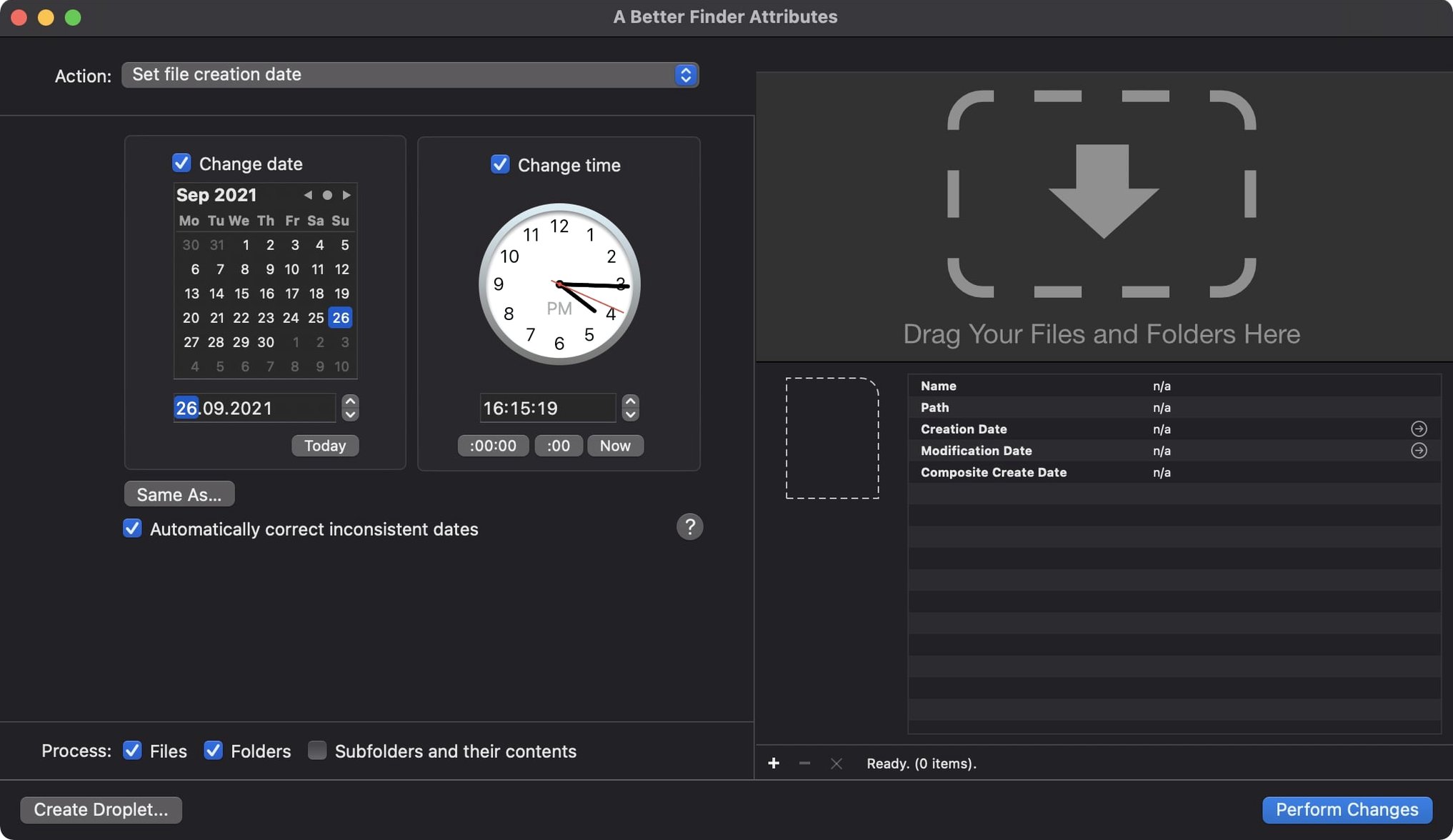
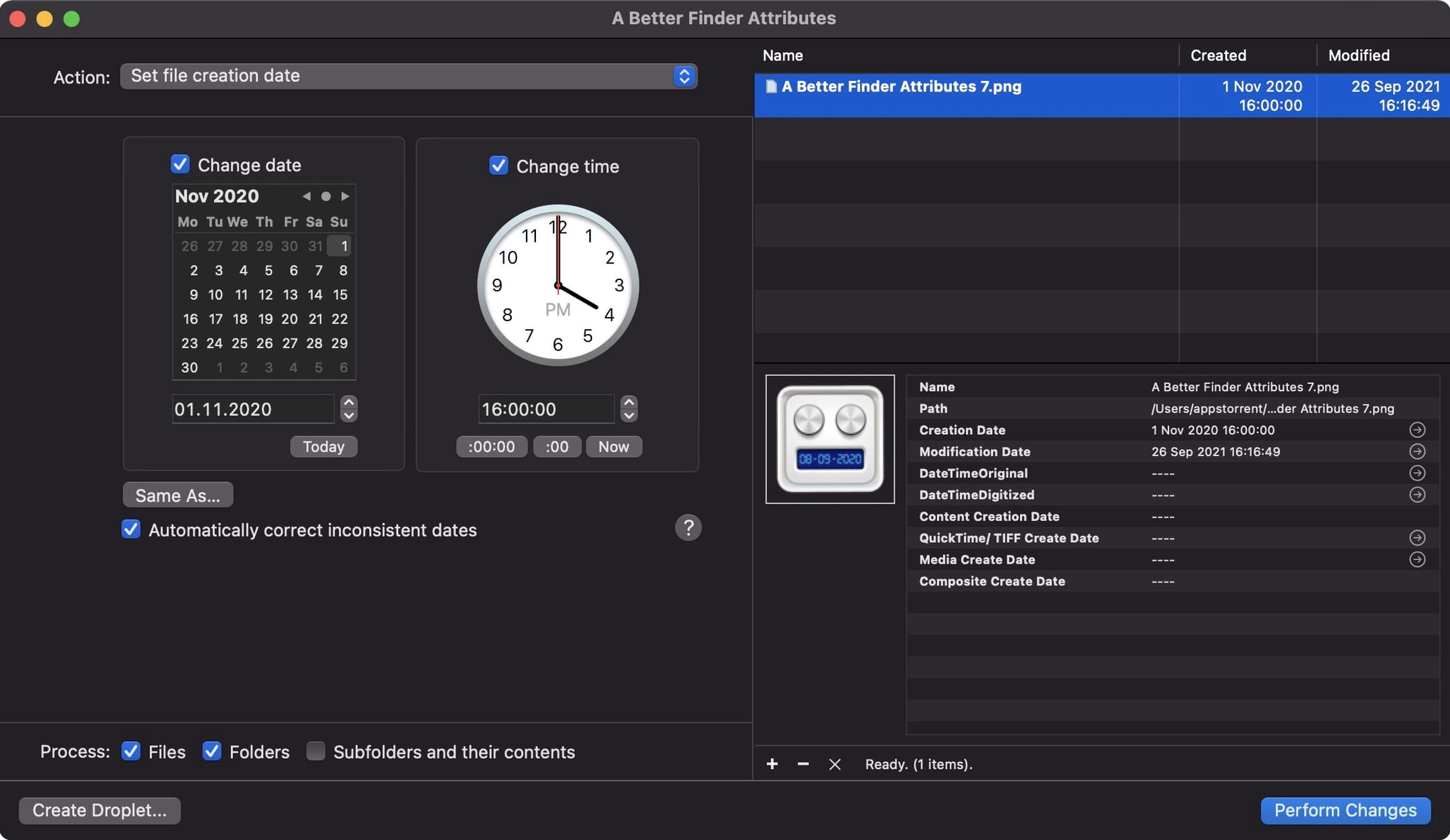
You’ve just returned from a trip with two cameras and a phone. The timestamps are all over the place. A Better Finder Attributes 7 lets you fix that in a few clicks—shifting creation dates, matching modified dates to EXIF data, and wrangling file attributes that Finder won’t touch.
| Detail | Info |
|---|---|
| Developer | Publicspace |
| Current version | 7.50 |
| Architecture | Apple Silicon & Intel 64-bit |
| Languages | English, German, French |
| macOS | 14.6 or later |
It handles the basics you’d expect—changing a file’s last modified date or tweaking JPEG EXIF timestamps—and reaches into more specific corners. The latest release writes the Apple QuickTime creation date so video apps like Photos and Final Cut Pro see the right content creation date. It also accepts more GPS coordinate formats when you edit tags, and adds a handy info button to the title bar. For photographers with older gear, it adjusts date and time data inside CRW, ARF, and CIFF files. One particularly smooth move: you can synchronise a photo’s Finder modification date with its shooting date in a single action.
This isn't the kind of tool you open once and forget. It slots into workflows that already rely on Finder tags, Spotlight comments and colour labels. You might use Hazel to watch a folder and rename files based on date—A Better Finder Attributes sets those dates first so the automation makes sense. The QuickTime creation date support in version 7.50 means Final Cut Pro imports sit in the right order on the timeline without manual sorting. Photos.app reads the same metadata, so your library stops showing holiday snaps dated 1 January 1970.
If you use Lightroom or Capture One, you know they read EXIF dates faithfully. Set those correctly with this utility before importing and the catalogues build themselves without gaps. For people who share files across Windows servers or NAS drives, the creation and modification date stamps travel properly—no more "modified today because I copied it" confusion.
The QuickTime fix deserves another mention, not because it's flashy but because it removes a quiet frustration. Before this, movies shot on a DSLR often showed the default 1904 date in Apple apps. Now the content creation date lands where editors expect it. Less scrolling through raw footage hunting for the right clip.
The IPTC Date Created and EXIF time zone offset sync means embedded metadata doesn't drift when you batch-process images across time zones. If you've ever had a shoot in London timestamped as if it happened in Sydney, that one-hour DST error is finally gone. The expanded GPS format support in the change tag action also saves a paste-and-pray step when coordinates come from different sources—GPX files, drone logs, even hand-typed lat/long pairs now parse without reformatting.
Photoshop file users got their shooting dates back. That one matters if you archive layered PSDs alongside raw files and expect them to sort together by capture time.
Yes. The app can synchronise a photo's modification date with its EXIF shooting date, so your file system and photo library agree on when a shot was captured.














Chat 0
Hop in or make an account to join the chat.
Quiet in here so far. If you have used this build, tell me what the install actually did.