
 Dash
Dash DaVinci Resolve Studio
 Darkroom
 dBpoweramp Music Converter
 DCommander
 DaisyDisk
 Cycling '74 Max

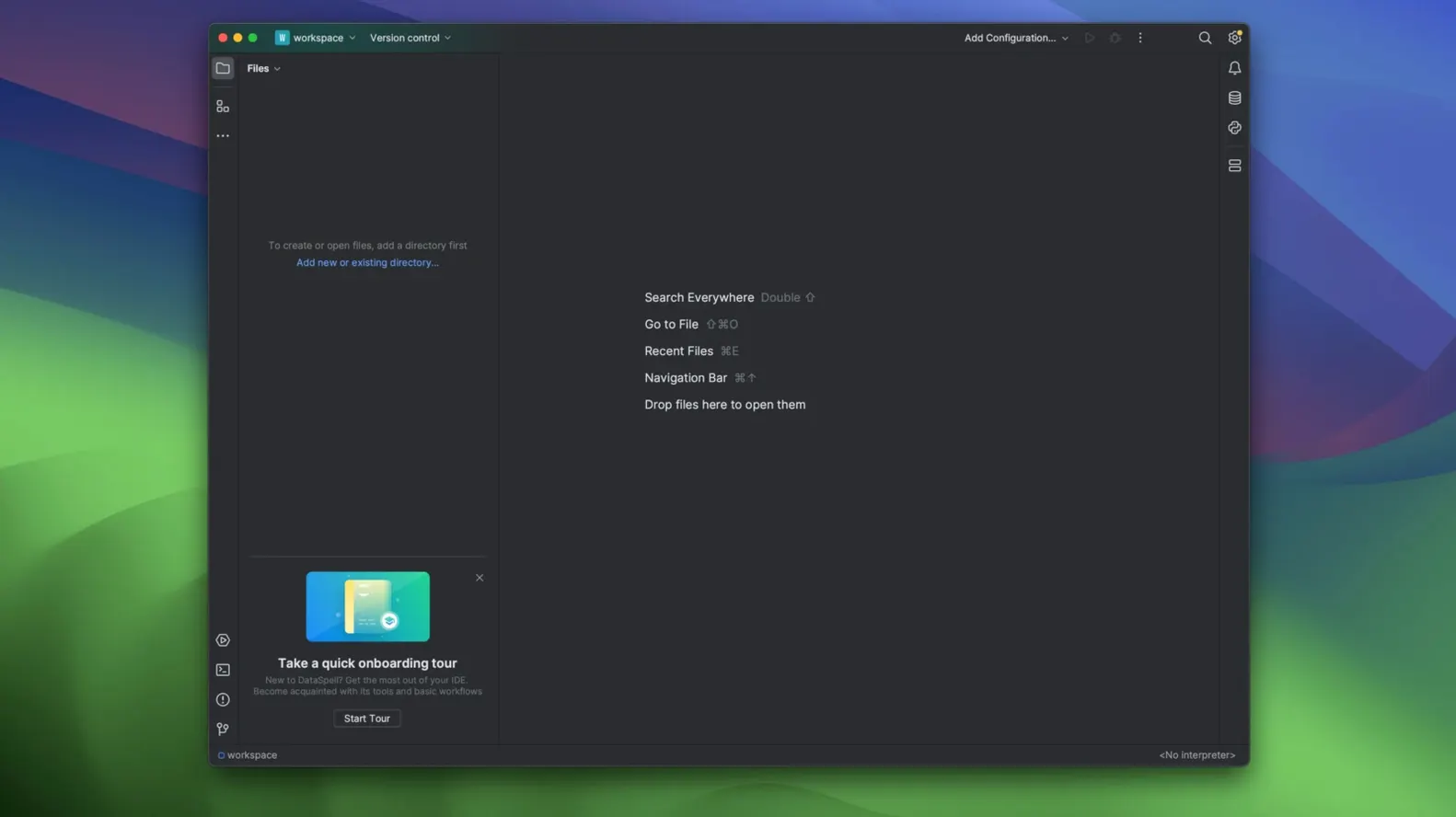
DataSpell runs on any Mac with an Intel 64-bit or Apple Silicon (ARM) processor. You'll need macOS 12.0 or later. JetBrains labels its builds clearly: one for Intel Macs, one for Apple Silicon, so you pick the right download for your hardware.
| Detail | Value |
|---|---|
| Version | 2026.1.3 |
| Build | 261.26222.84 |
| Release date | 2026-07-29 |
| Architecture | ARM, 64-bit x86 |
This is an IDE built for exploratory data analysis and prototyping machine learning models. Part of the JetBrains for Data family, it wraps a Python environment and database tools into one workspace. The Database Tools and SQL plugin lets you query and browse databases without leaving the app. The 2026.1.3 update landed in late July and brought AI agents, PDF export for notebooks, and a handful of editor-level productivity tweaks. Worth noting: DataSpell is marked for sunset on 1 September 2026, so this window is the last chance to grab the current build.
DataSpell sits between a raw notebook environment and a full Python IDE. Next to JupyterLab, you get the same notebook core but with proper refactoring, code completion that understands pandas DataFrames, and a debugger that works across cells. JupyterLab feels lighter for quick exploration; DataSpell adds structure when a notebook turns into a project.
Compared with VS Code plus the Python extension, DataSpell bundles what VS Code assembles from plugins. The dataset viewer, Conda environment management, and SQL tooling come pre-wired rather than configured. VS Code gives you more language flexibility. DataSpell stays narrower but polishes the data-science flow—fewer distractions, less setup.
Against PyCharm Professional, the overlap is real. Both share JetBrains' editor engine, database tools, and notebook support. PyCharm leans general-purpose; DataSpell strips back web-development features and puts the notebook, console, and data view front and centre. If your day is mostly pandas, matplotlib, and SQL, DataSpell feels more direct.
Imagine a marketing analyst pulling a CSV export from a campaign dashboard. She mounts the DataSpell disk image on her M2 Mac, drags it to Applications, and opens the CSV in the dataset viewer. Columns sort with a click; a quick scatter plot confirms a bump in click-throughs. She writes a few cells in a notebook, grouping data by region, then switches to the SQL tool to cross-check against the live database. A colleague asks for a PDF summary—she exports the notebook as a PDF, charts included, and sends it off before lunch. No context-switching, no plugin hunt.












Chat 0
Hop in or make an account to join the chat.
Quiet in here so far. If you have used this build, tell me what the install actually did.