
 Prince of Persia: Lost Crown
 Rebel Inc: Escalation
 Plutocracy
 Resident Evil Village
 Revhead
 Plague Inc: Evolved
 RimWorld
 Rise of the Tomb Raider
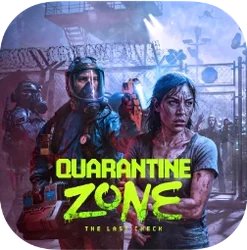
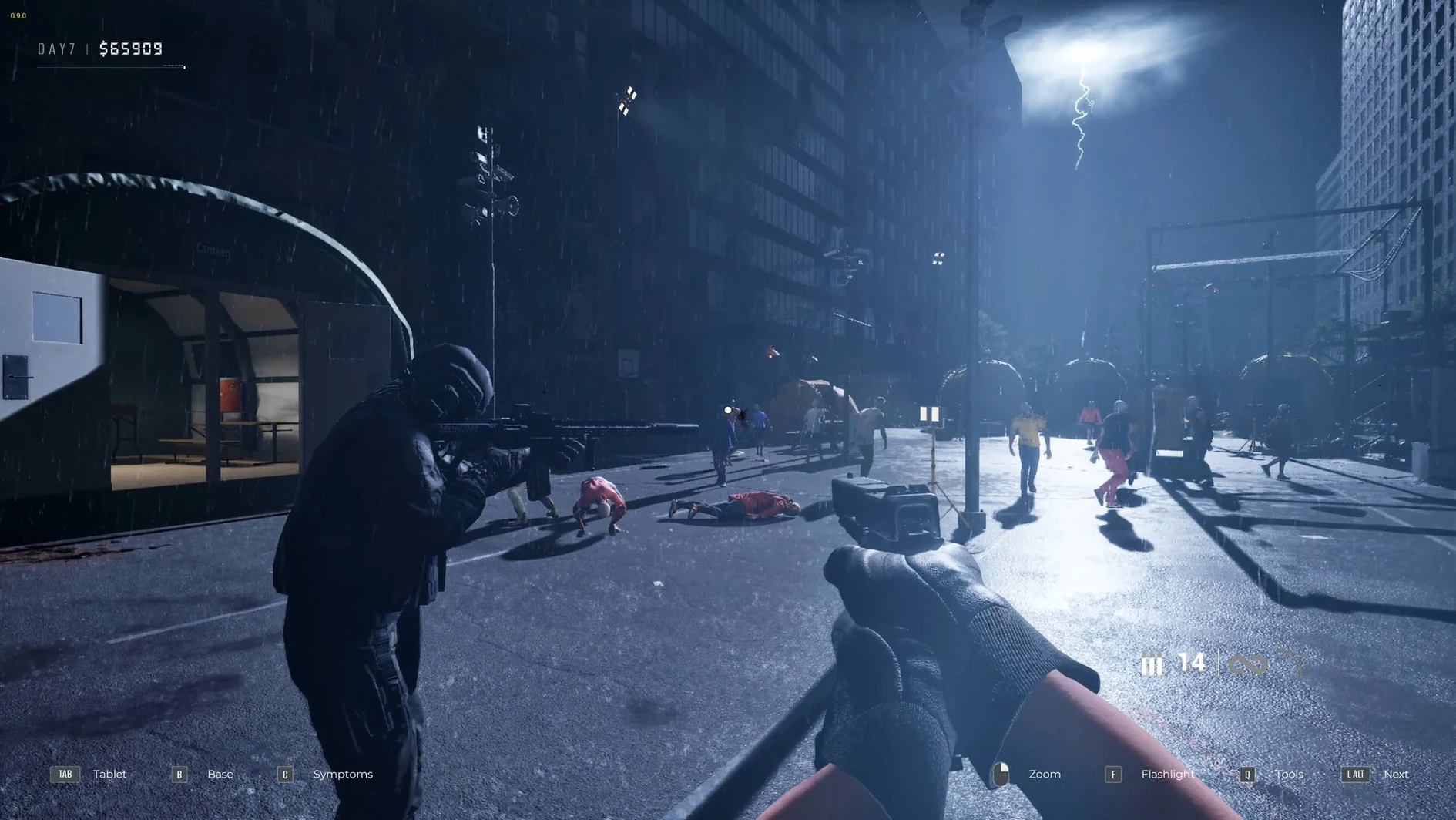
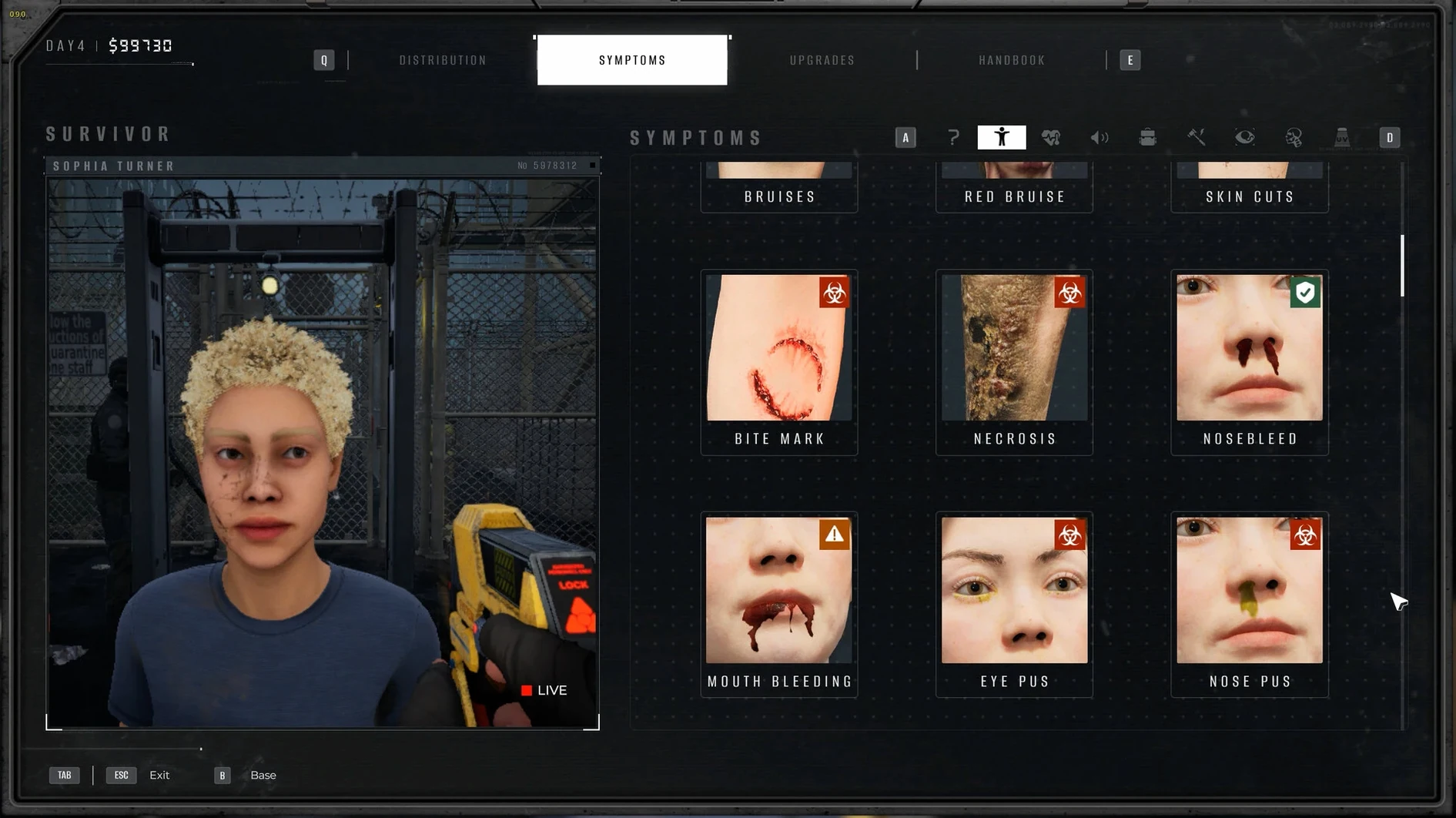
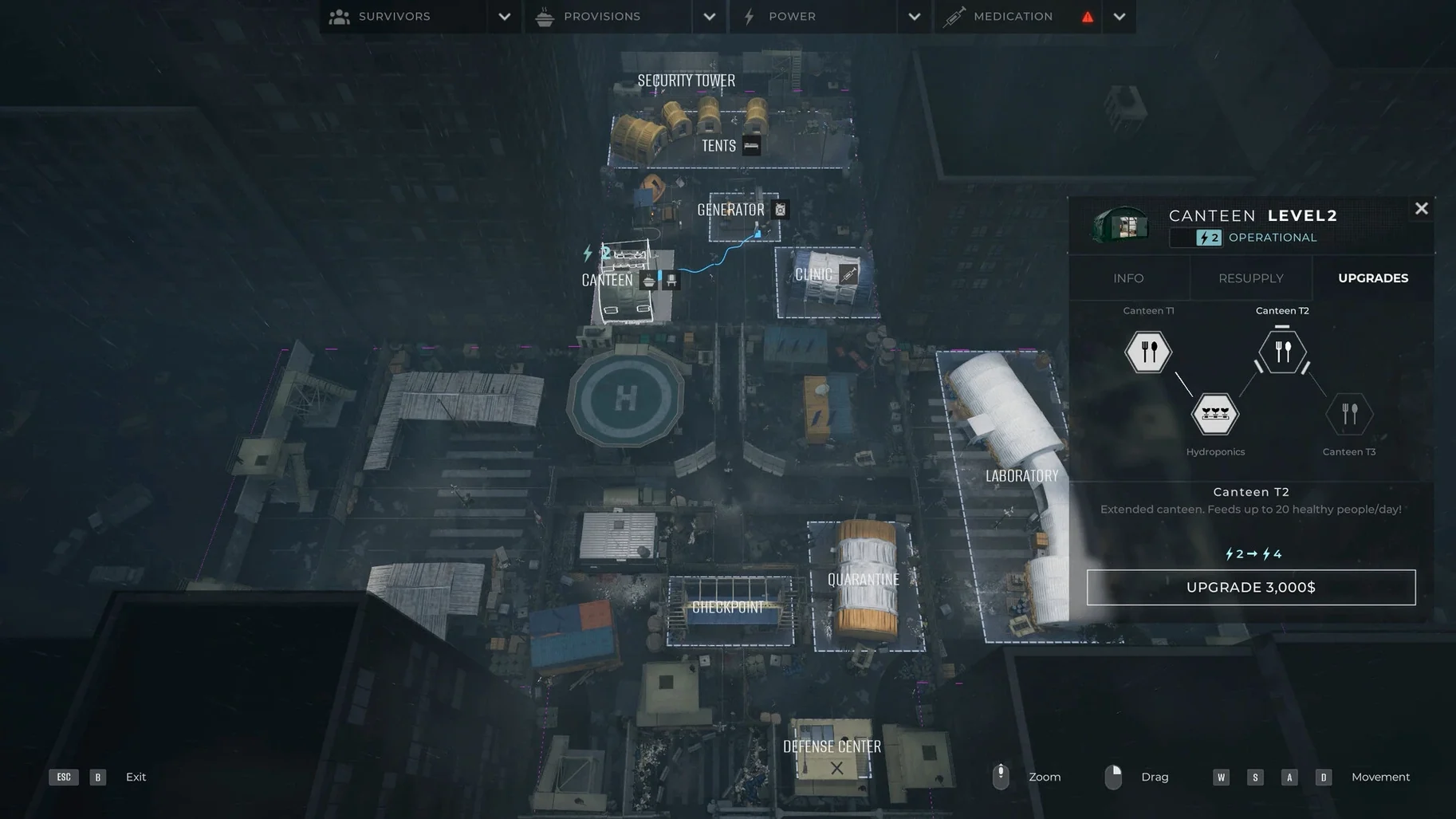
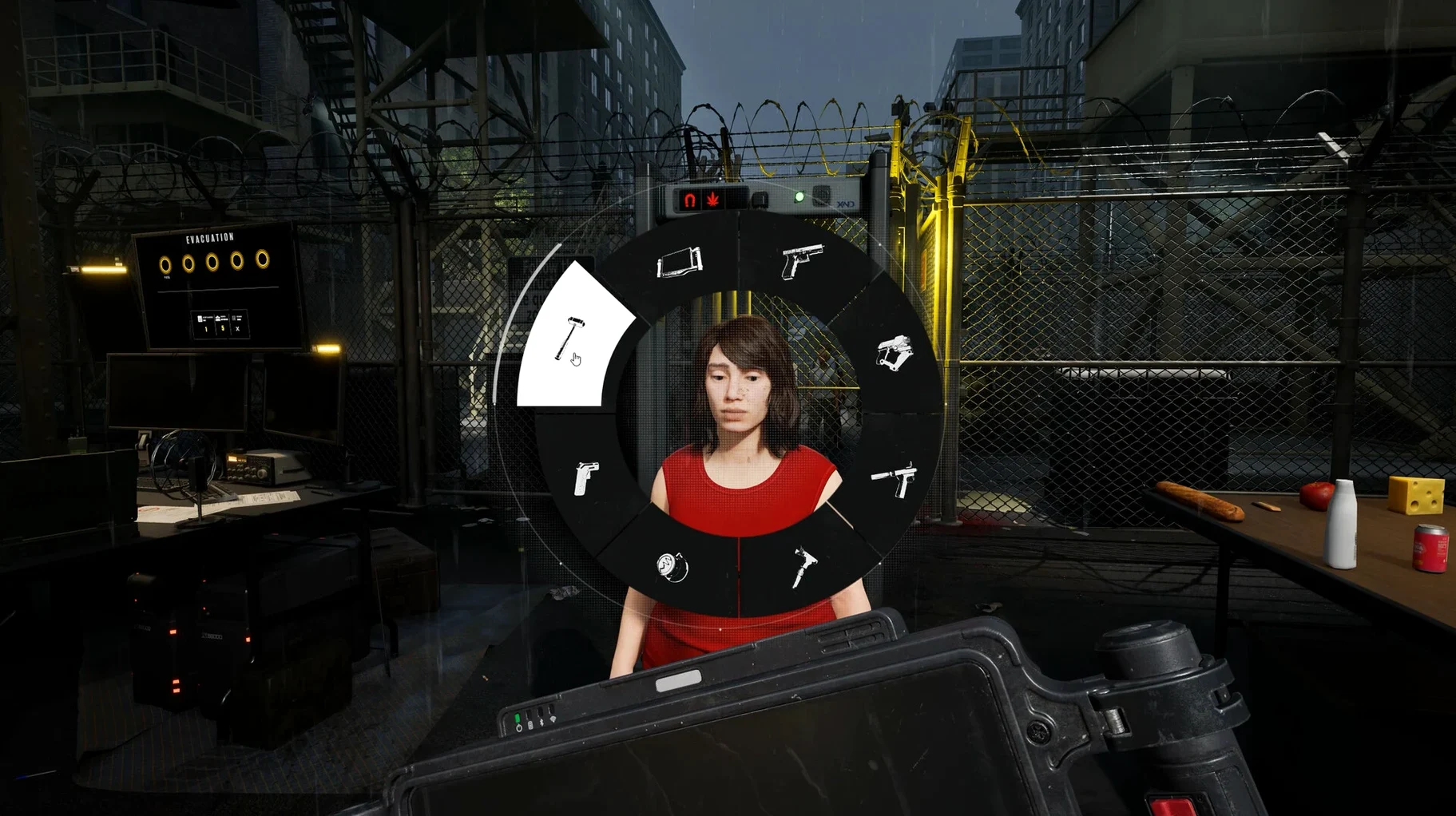
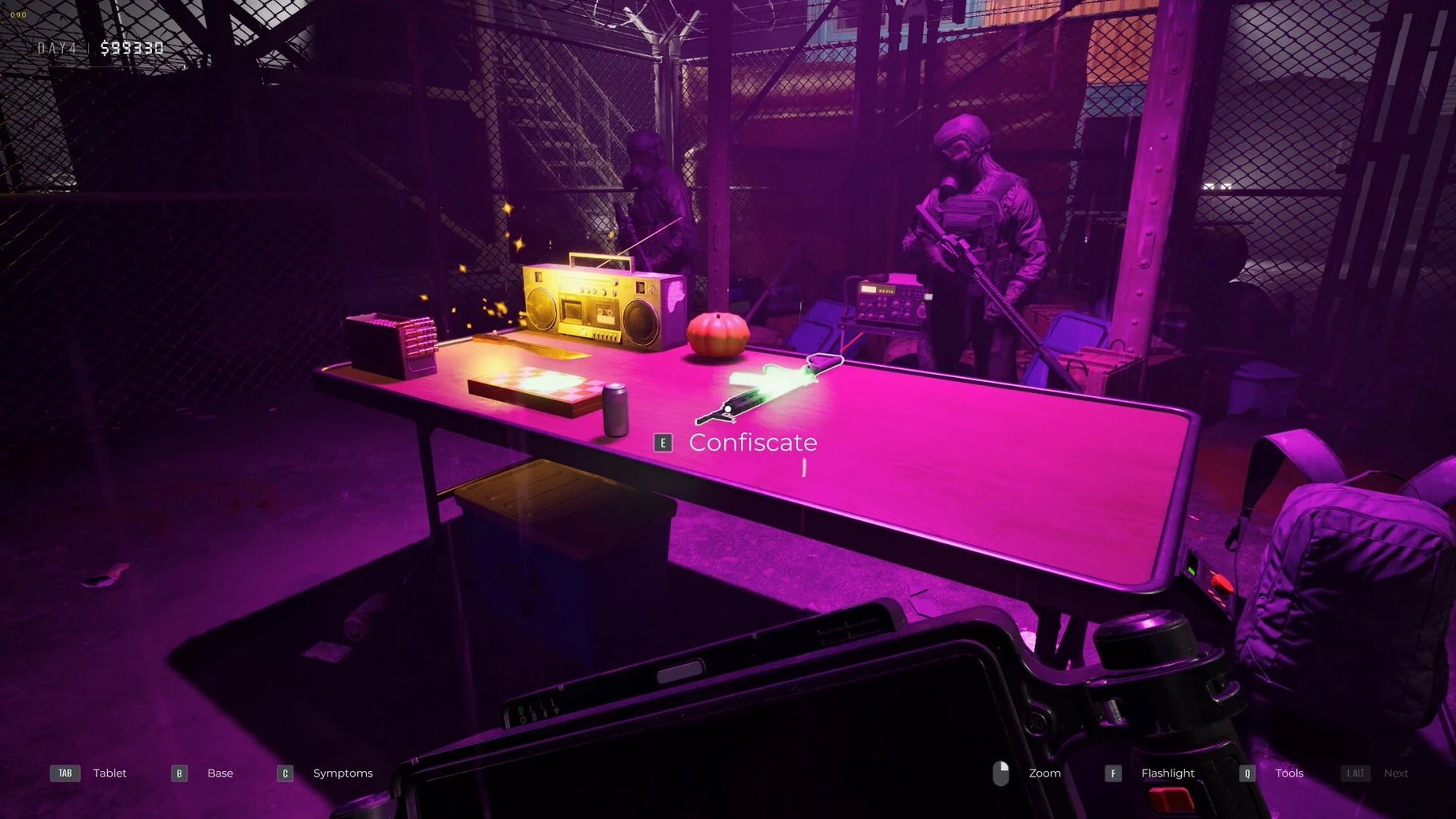
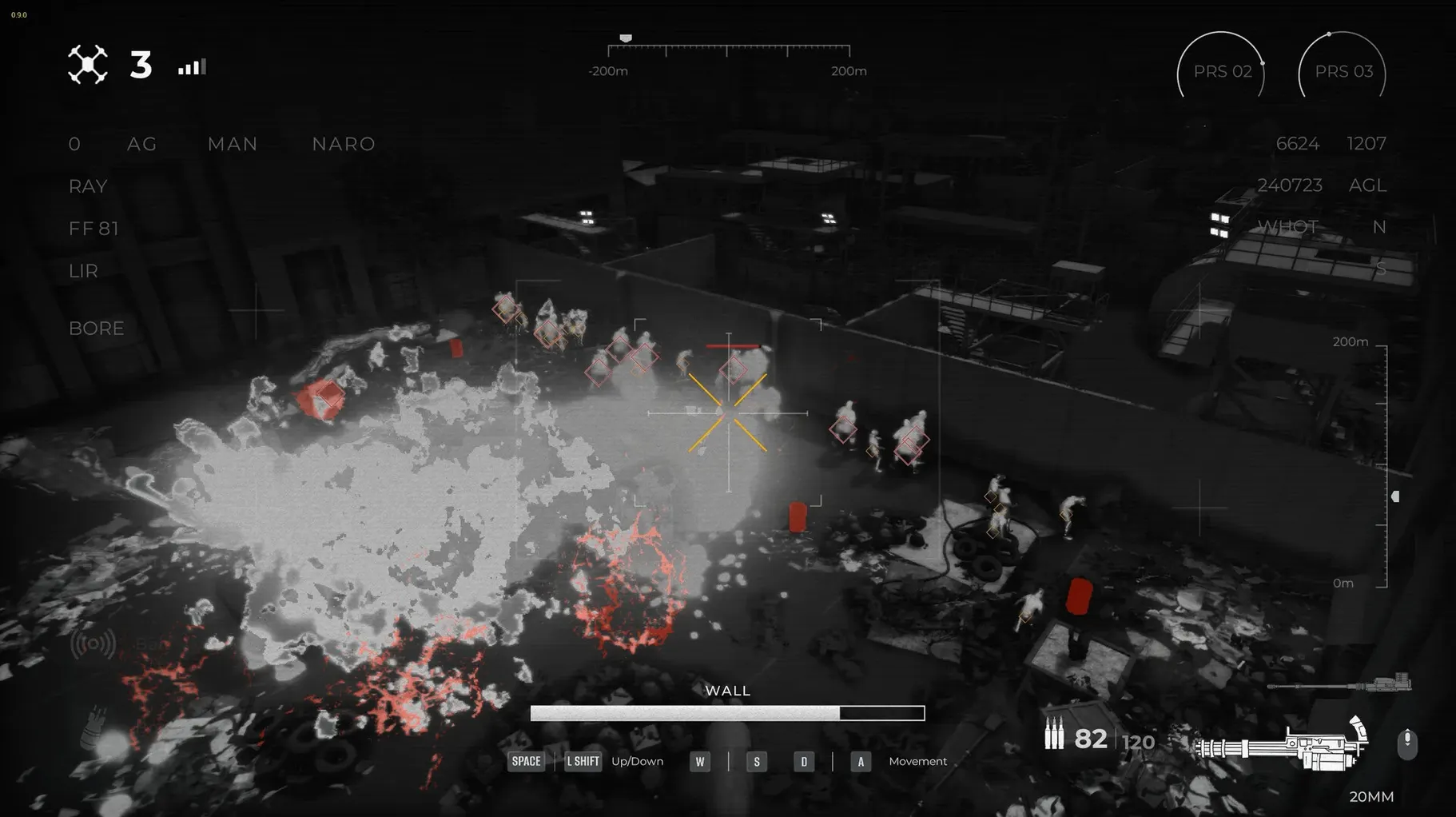
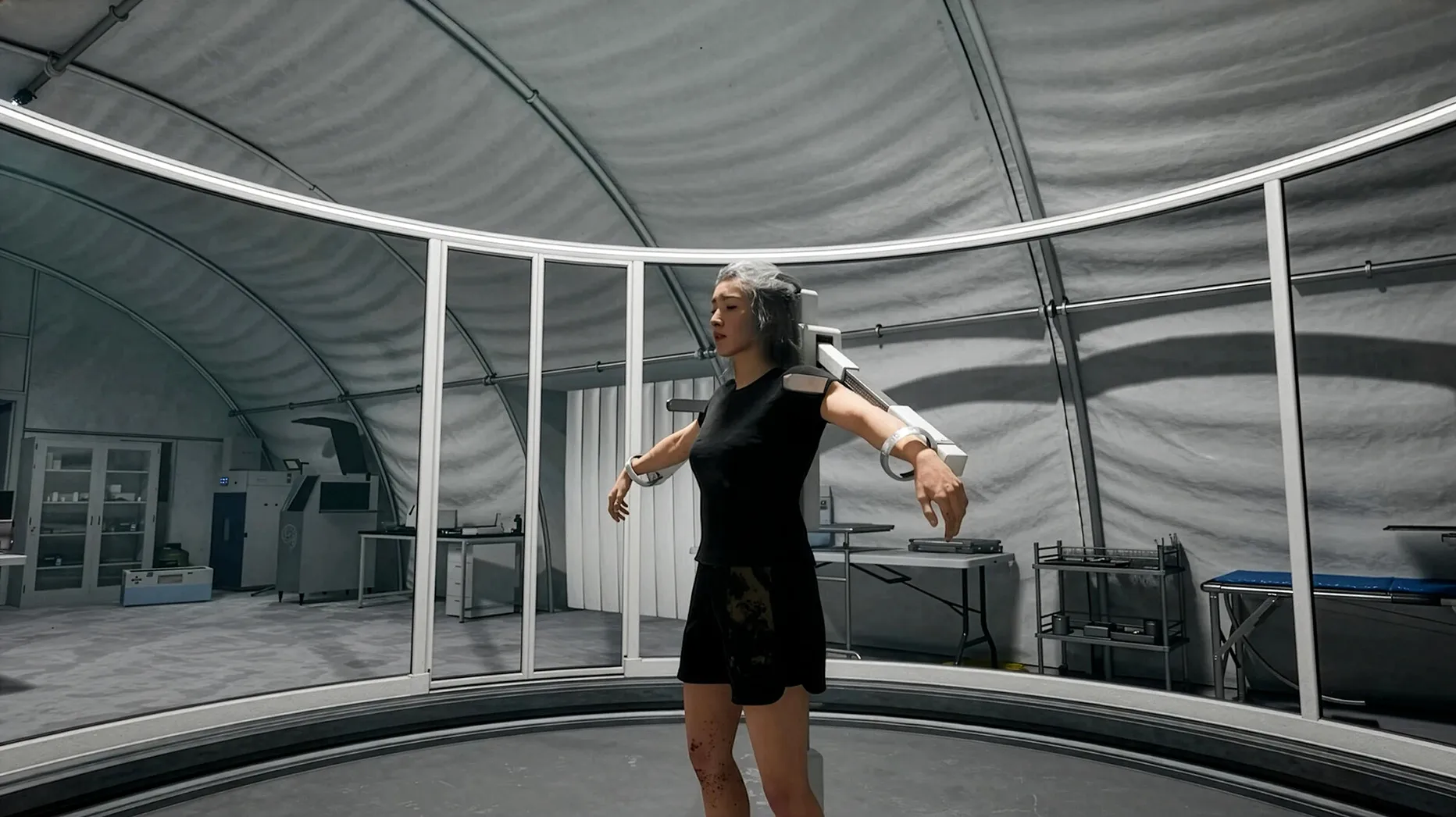
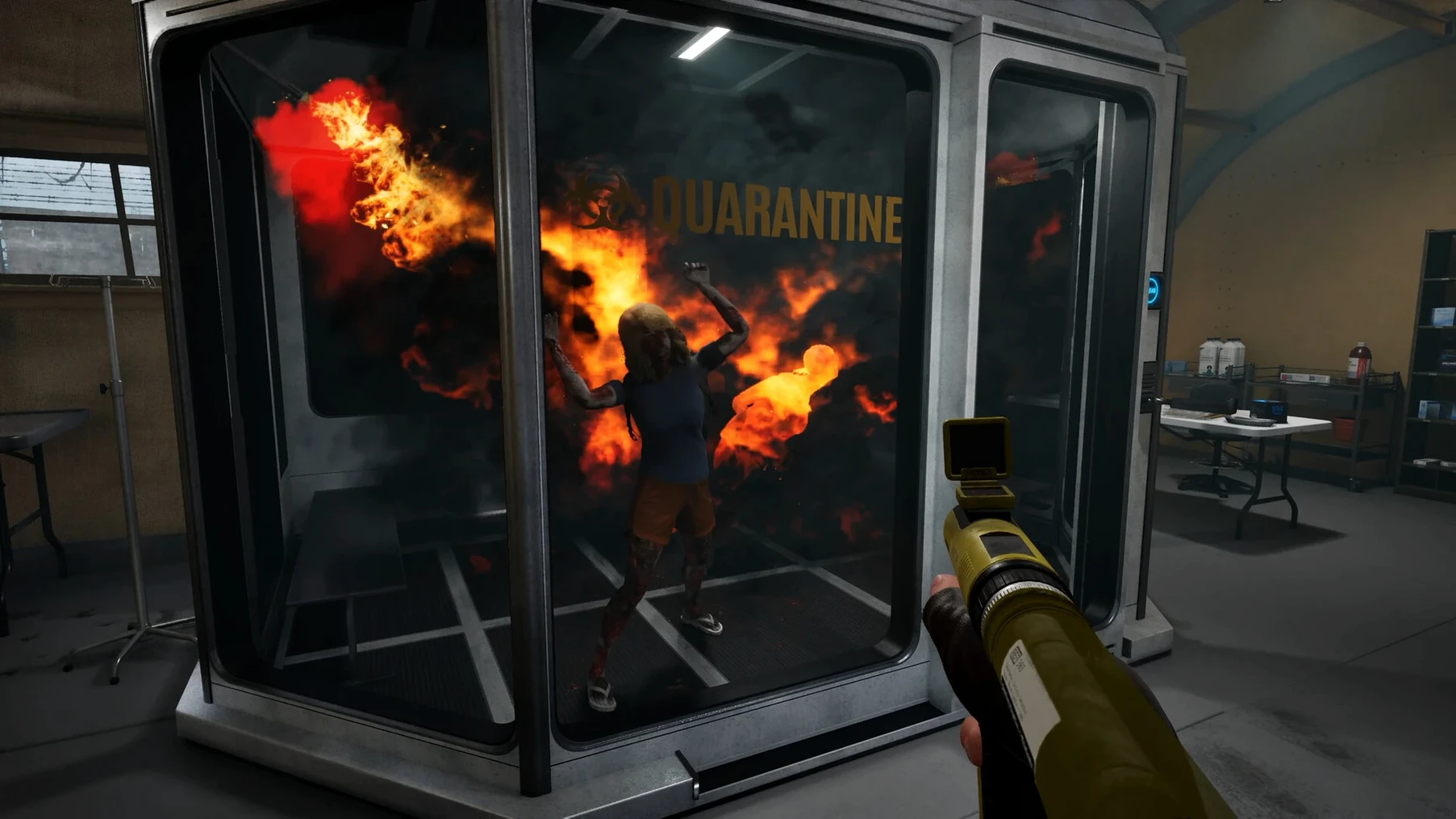
Most outbreak sims put you behind a rifle. This one puts you behind a booth, staring at a queue of people who might be infected, might be lying, or might just be carrying something they shouldn't. Quarantine Zone: The Last Check is about the paperwork and pressure that comes before the shooting starts.
The deliberate, repetitive pace is the whole point, so anyone craving constant action or a strong narrative arc will bounce off hard. The loop is scanning, stamping, and sampling, over and over, and the interface feels built for function, not flair. It is a grim, quiet kind of anxiety — perfect for a specific mood, but not a broad crowd-pleaser.
Some of the best touches are almost invisible. You can hold Space to fast-forward through dialogue you have already read, and right-clicking a document flips it over immediately — no fumbling through an inventory wheel. The shortcut Tab cycles between inspection stations, which saves precious seconds when a queue of eight civilians stretches into the dirt and three of them are twitching.
Collectible items glint faintly even before you scan them, a subtle visual cue that rewards players who pan the camera slowly across a new arrival. And during alarm events, the armed drones auto-target the nearest threat, but tapping Q manually overrides their priority — helpful when a runner slips past the barricade on the left while the drone is fixated on the crowd.
Does it run natively on Apple Silicon? Yes. The build is wrapped for ARM, tested on a Mac mini M4 under macOS Tahoe. Launch times are snappy, and the fan barely spins up even during late-game camp defences with multiple drones active.
What if the game shows a rainbow visual bug? Drop the global lighting setting one notch in the options menu. It is a known quirk of the Wineskin build, and the fix takes two seconds.
Can I change the language? The settings panel includes twelve interface languages. Voice-over stays in Russian or English regardless of your text choice, which actually suits the checkpoint intercom atmosphere.
Yes, you can switch to Russian, English, German, Spanish, Simplified Chinese, Korean, Polish, Portuguese, Turkish, Ukrainian, French, or Japanese in the game settings.













Chat 0
Hop in or make an account to join the chat.
Quiet in here so far. If you have used this build, tell me what the install actually did.