
 Sniper Elite 4
 SnowRunner
 Software Inc
 Sons Of The Forest
 Soulstone Survivors
 South Park: Snow Day!
 Spaceflight Simulator
 Sid Meier’s Civilization VII

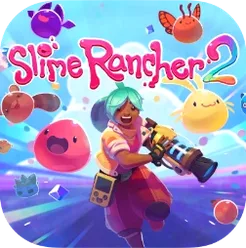
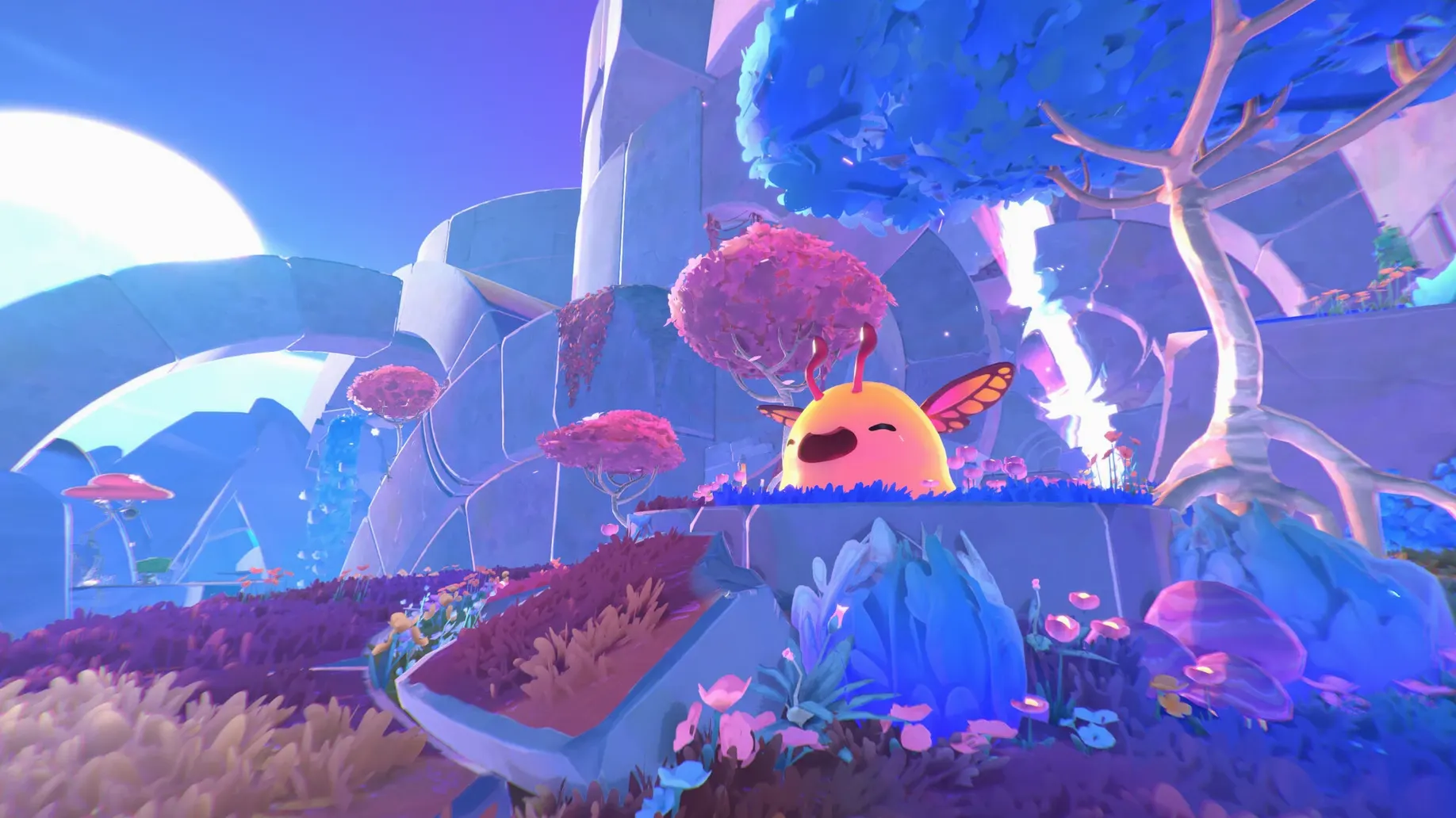
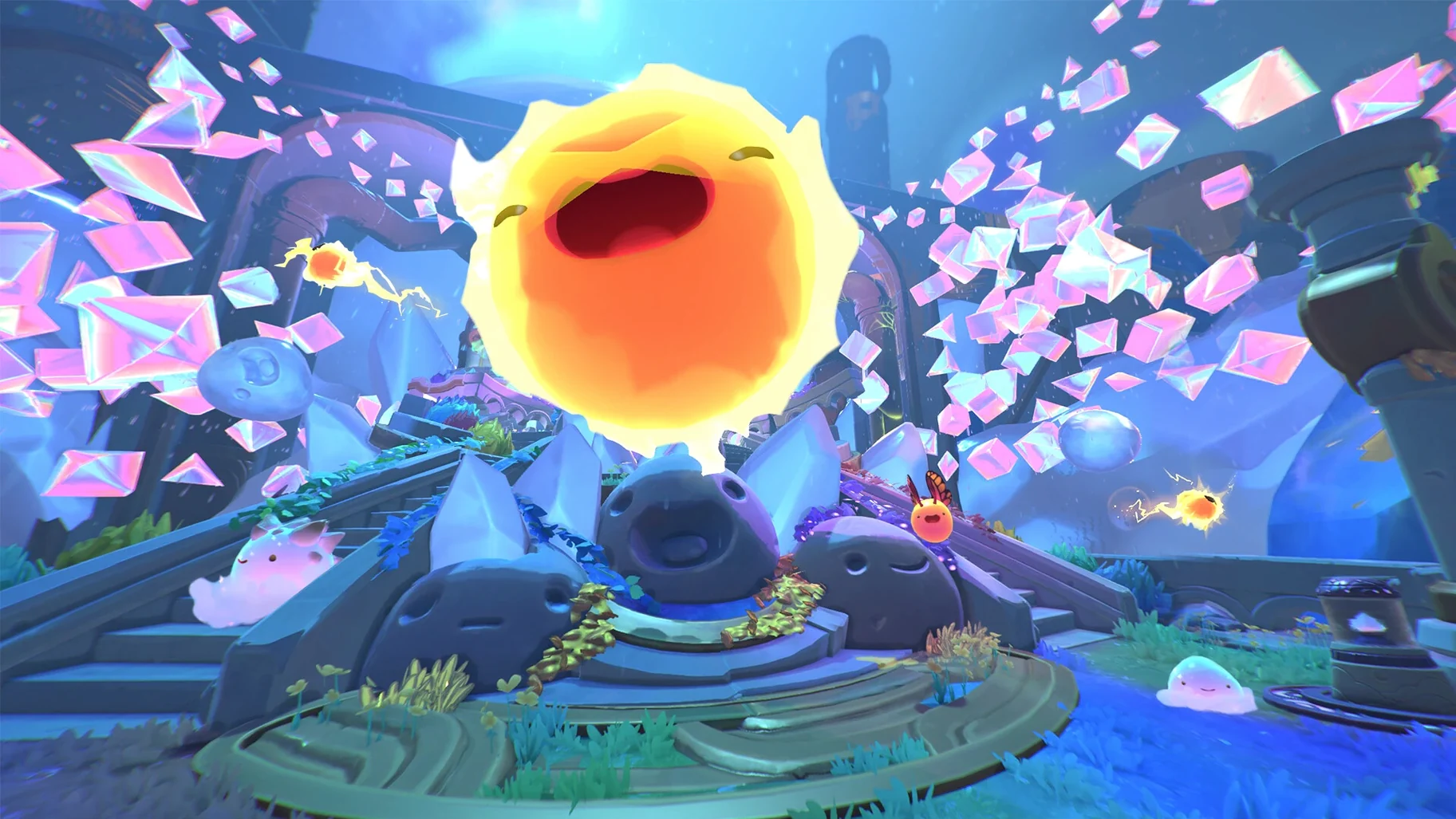
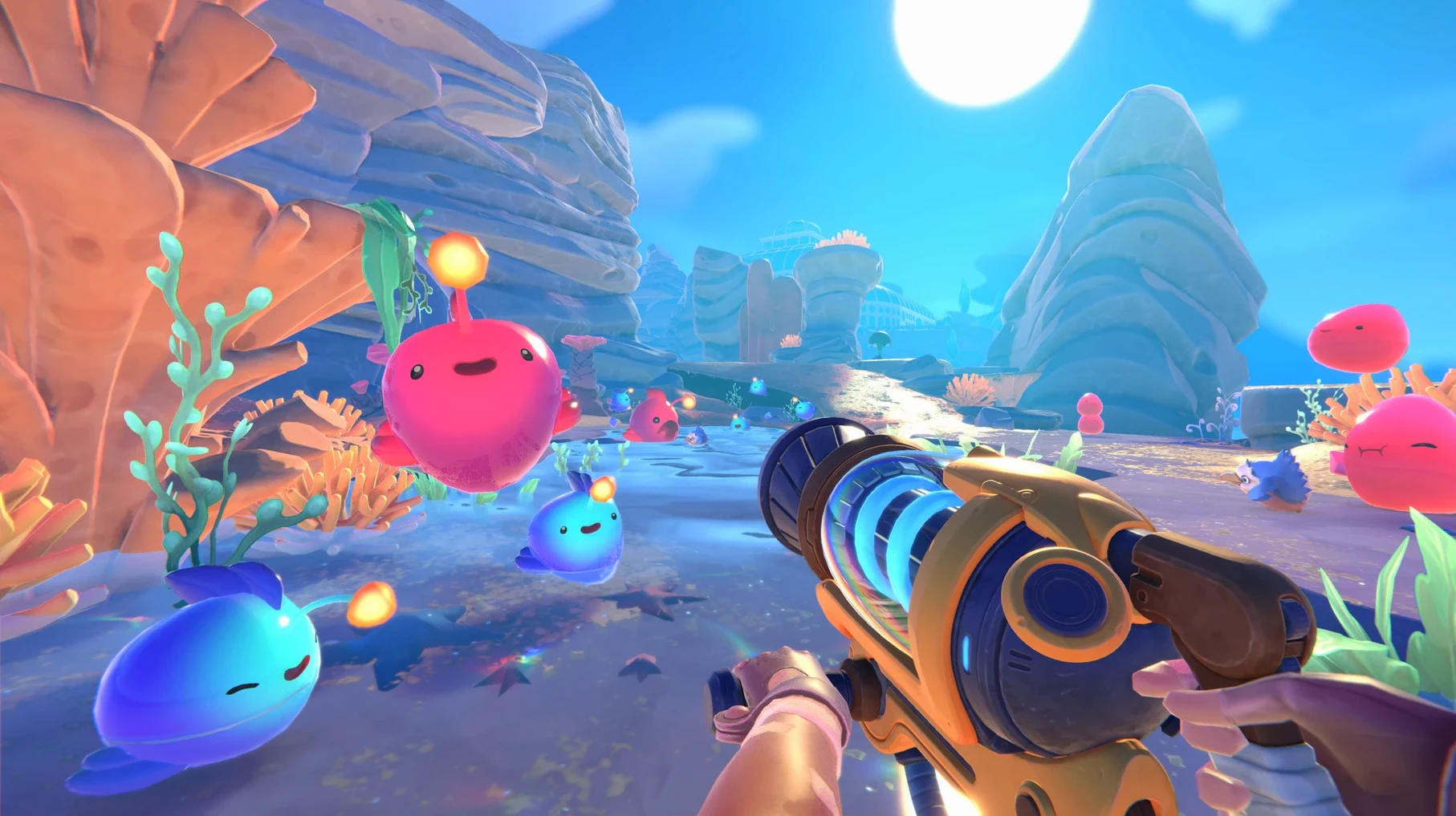
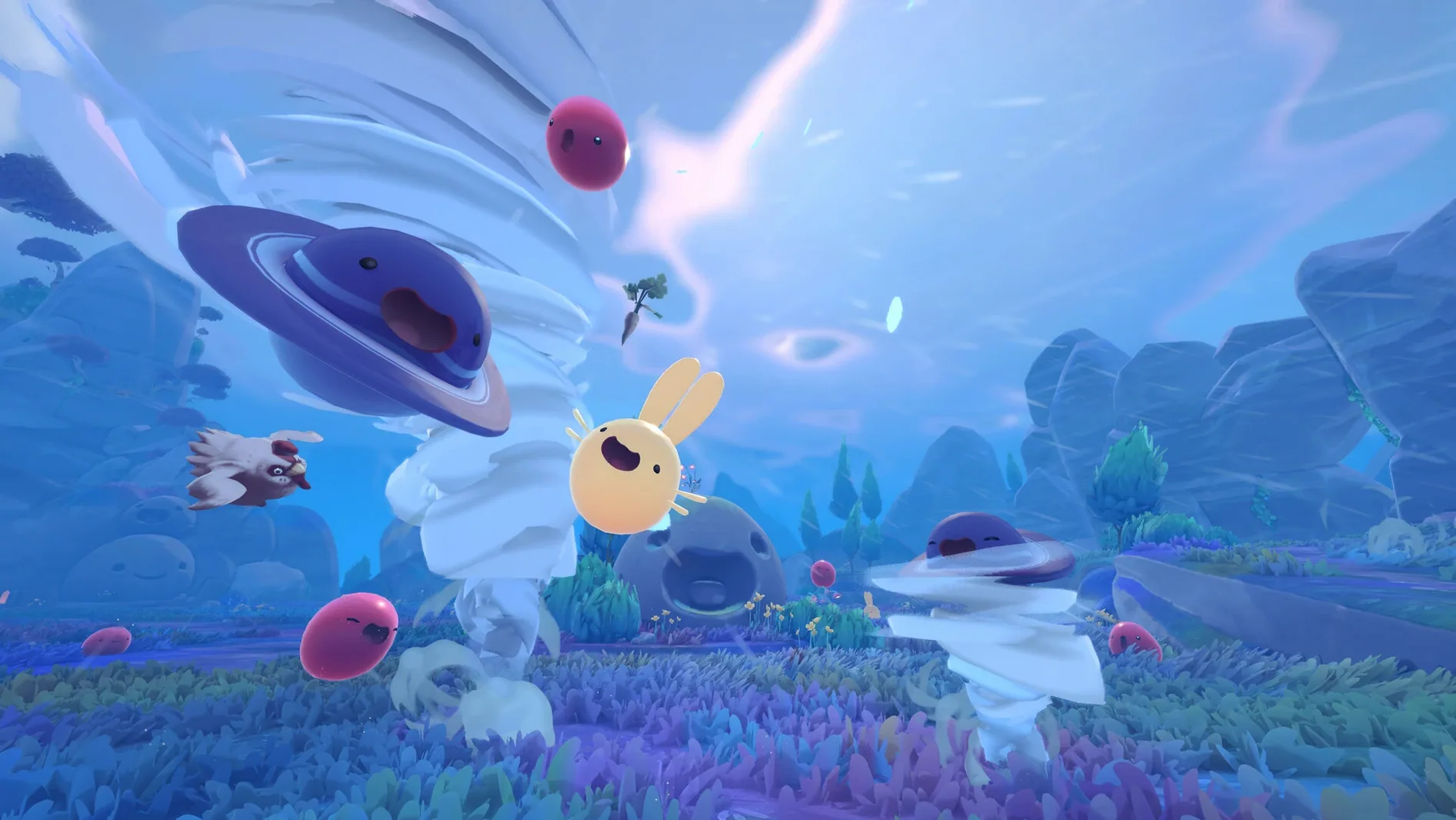
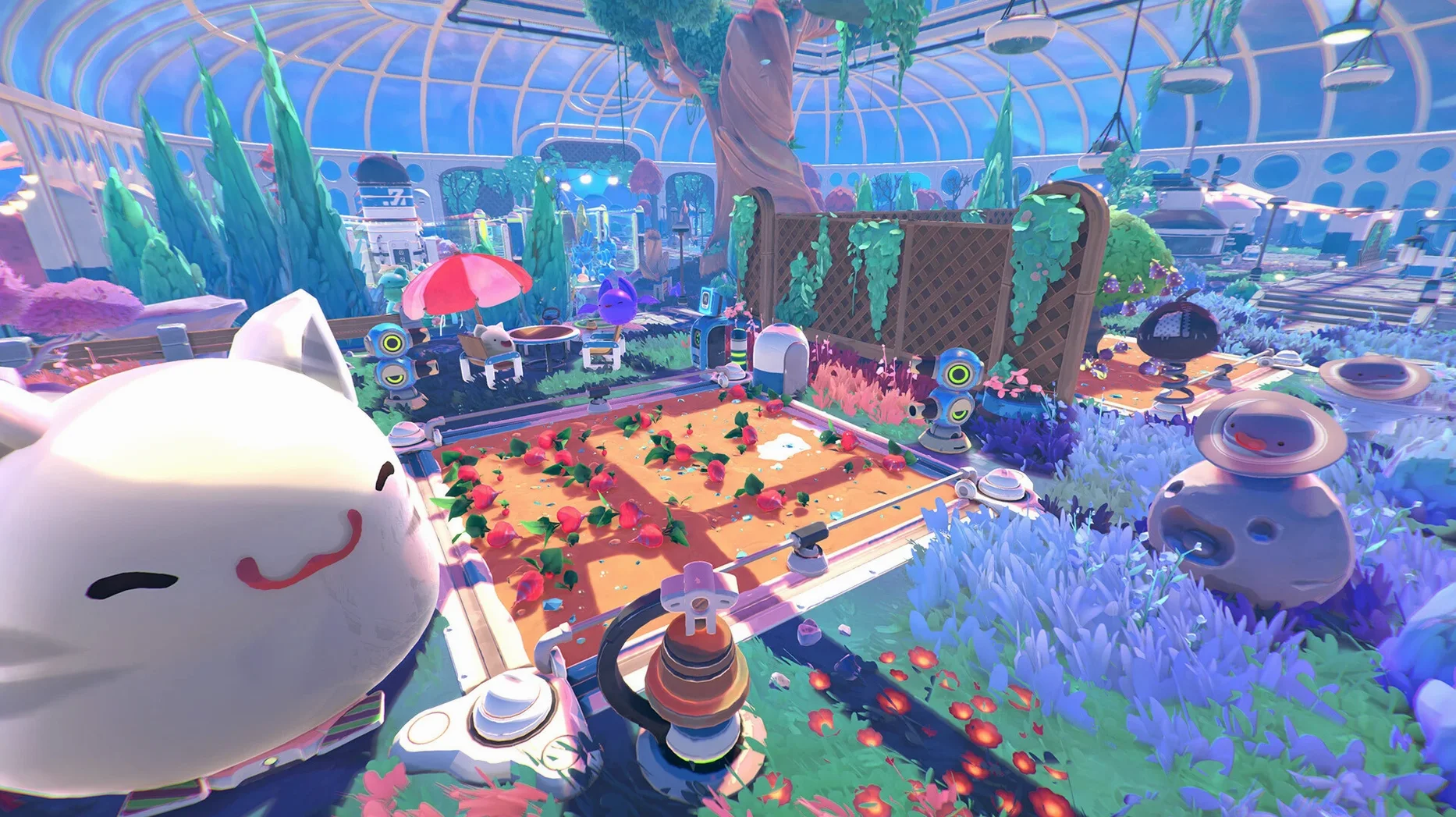
You'll need an Apple Silicon Mac. The game runs via a Wineskin wrapper built for ARM architecture, so Intel models are out.
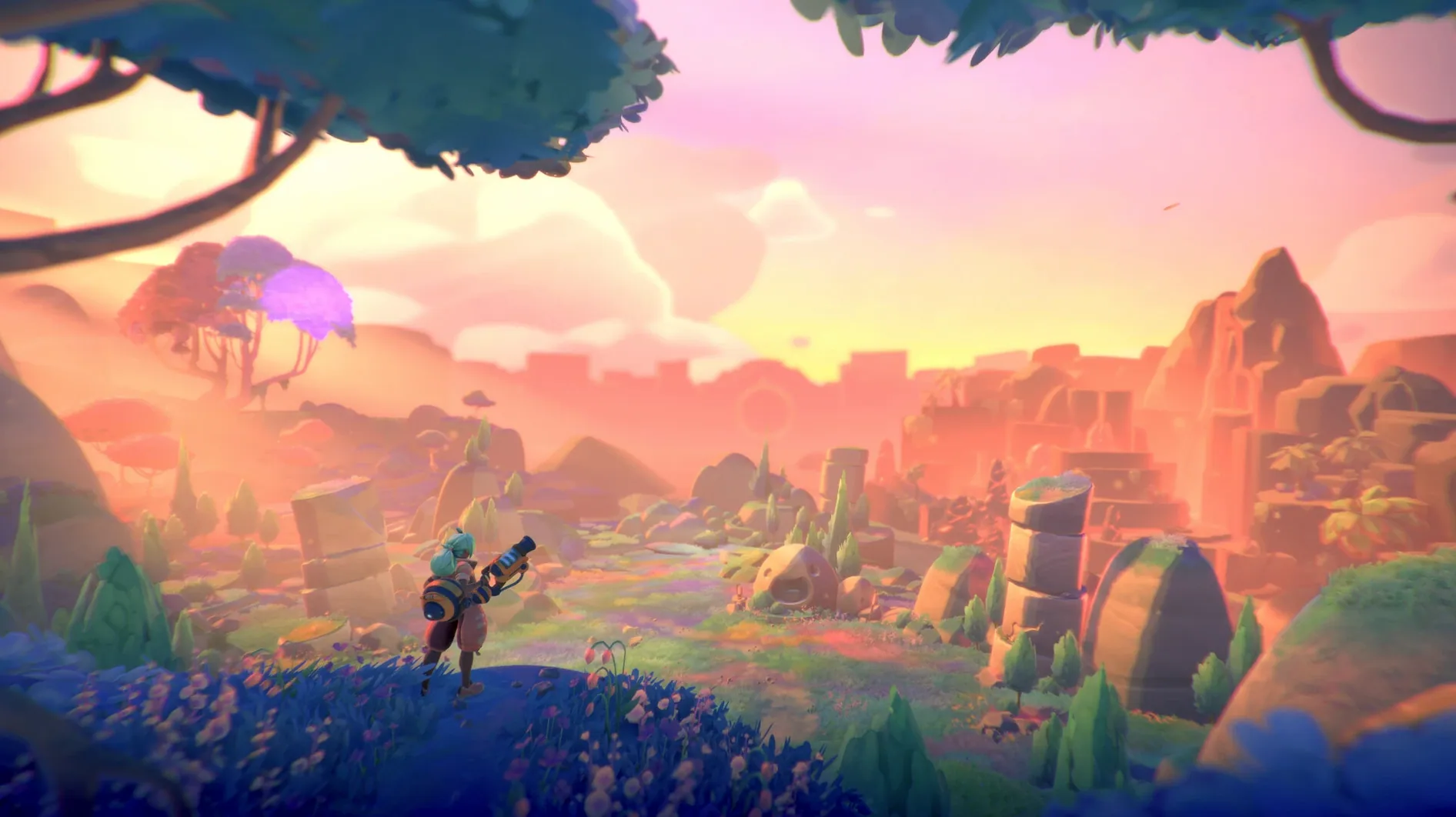
Testing on a Mac mini M4 with macOS Tahoe showed it running without a hitch. Expect a steady, playable framerate as you explore Rainbow Island.
The standard first-person controls feel right at home with a mouse and keyboard. You can also change the interface language to Russian, German, French, Spanish, Portuguese, Japanese, Korean or Simplified Chinese in the settings.
It's tucked away inside the app bundle. Look in Contents/SharedSupport/prefix/drive_c/users/Sikarugir/AppData/LocalLow/MonomiPark within the application itself.
Every ranch session works better with a loose plan. Here's how a productive early-game morning might flow.
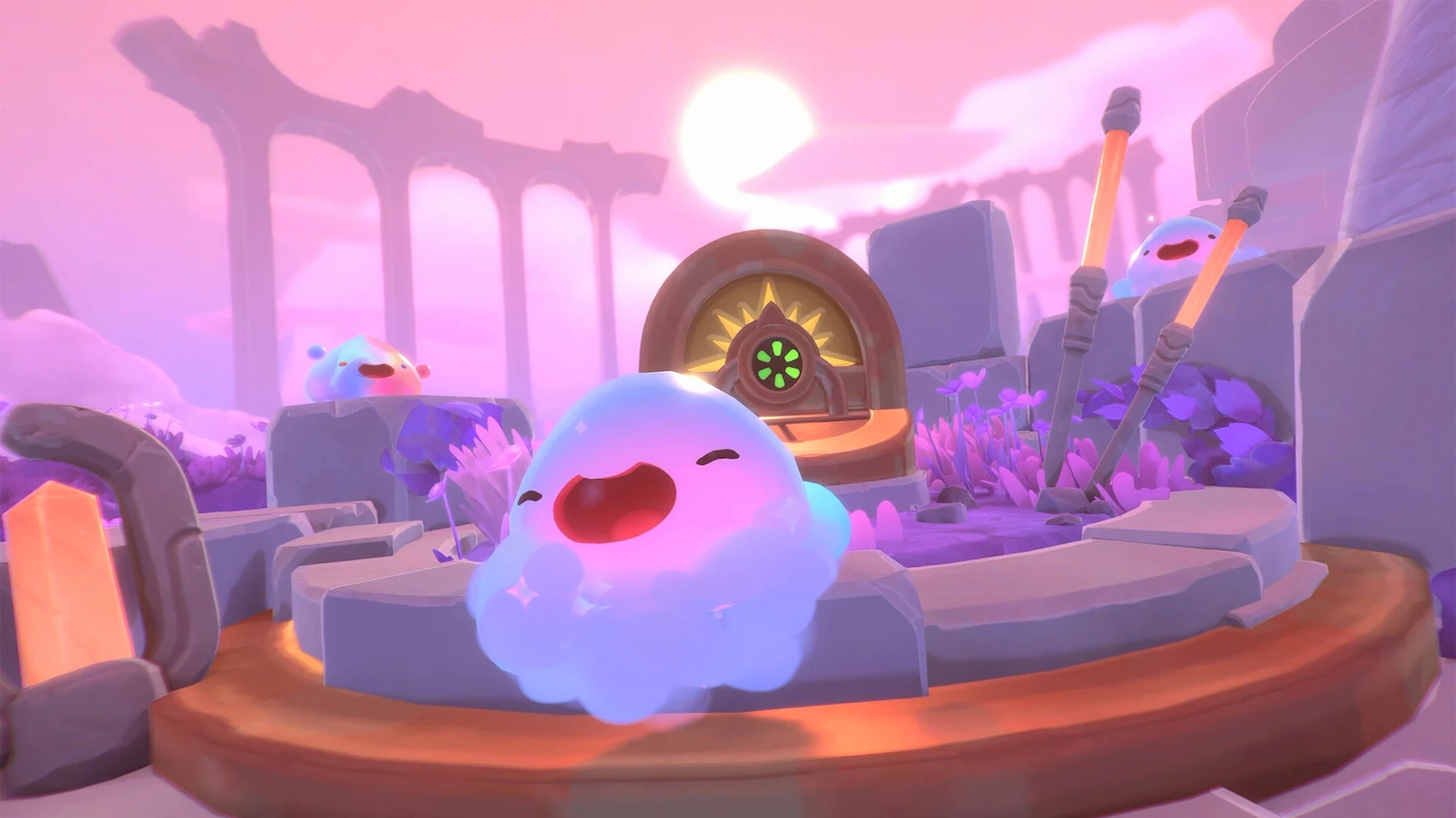
Load your save just after sunrise. The light is soft and the cotton slimes in the first meadow are already bouncing, which makes them easy to spot. Your aim for the next twenty minutes: stock the corrals with two new cotton slimes and grab enough deep brine to build a second garden plot.
That's a tidy loop: explore, gather, build, and check on the slimes you already own. It keeps the ranch growing without feeling like a grind.
Everyone learns these the hard way, but you don't have to.
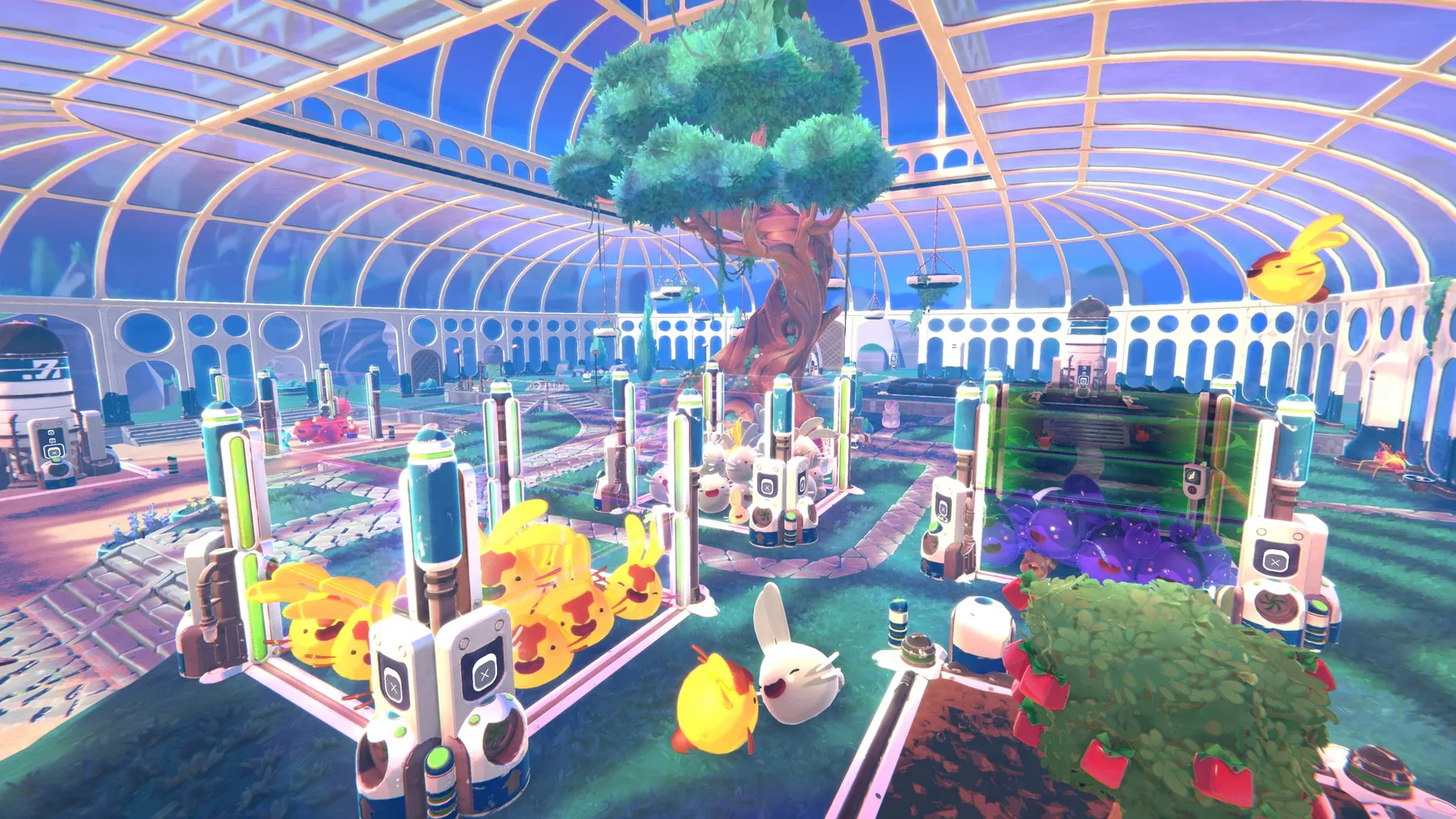
Vaccing every slime you see. Corral space is tight early on. If you bring back six pink slimes, you'll have no room for rarer breeds. Be picky. A single cotton slime that produces regularly beats a crowded pen of commons.
Ignoring the vacpack upgrades. The default tank fills up fast, and the suction range is short. The resource harvester upgrade pays for itself within one trip to the mossy caves. Make it your first purchase.
Forgetting to feed before you leave. Slimes get agitated when hungry. If you're gone exploring for two in-game days, you'll come back to escapees. Fill every auto-feeder before a long trip — even with basic carrots.
Building too many gardens too soon. One garden with odd onions and one with carrots covers most early dietary needs. More than that, and you'll spend all your time farming instead of exploring.
Some of Rainbow Island's larger pools hit the graphics harder than expected. Lower your resolution scaling in the settings menu — even a small drop makes a difference — and avoid staring at the rippled surface while vaccing resources near the shore.
Don't chase it around the ranch. Toss a carrot into the empty corral entrance, back away, and wait. Curious slimes walk towards food. Once it's inside, close the gate quickly.
This is the most common snag on Apple Silicon Macs. If you dragged the game into Applications and it threw an error, open the original disk image again and run the Fix file. That resets the Wineskin wrapper permissions. After it finishes, launch from Launchpad and it should start cleanly.














Chat 0
Hop in or make an account to join the chat.
Quiet in here so far. If you have used this build, tell me what the install actually did.