
 South Park: Snow Day!
 Soulstone Survivors
 Sons Of The Forest
 Stardew Valley
 Software Inc
 SnowRunner
 Sniper Elite 4
 Stellaris

| Vibe | What to expect |
|---|---|
| Pace | Slow, methodical build‑and‑test loops |
| Depth | Rocket assembly, mission planning, rover design |
| Guidance | Light — you learn by launching |
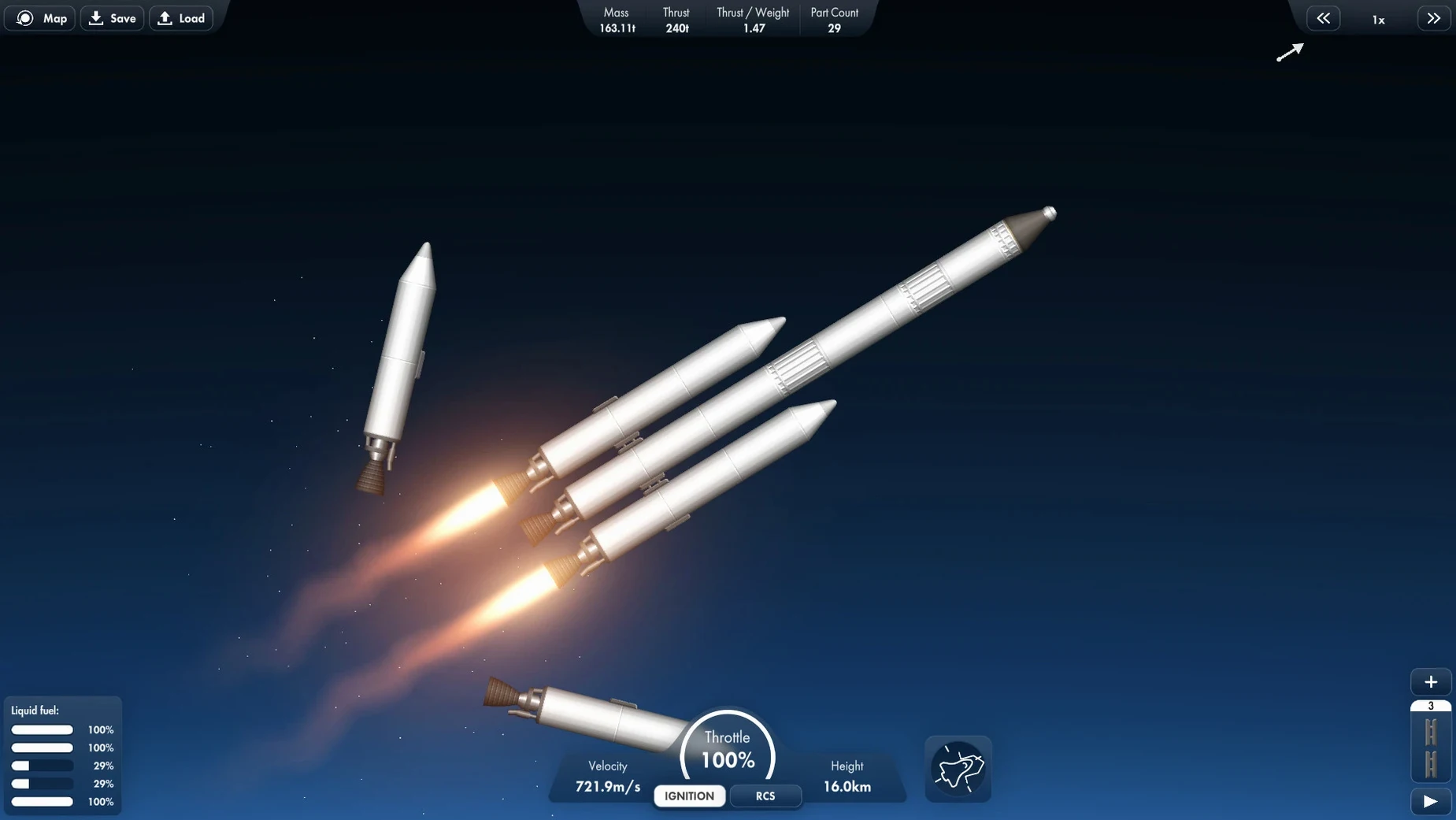
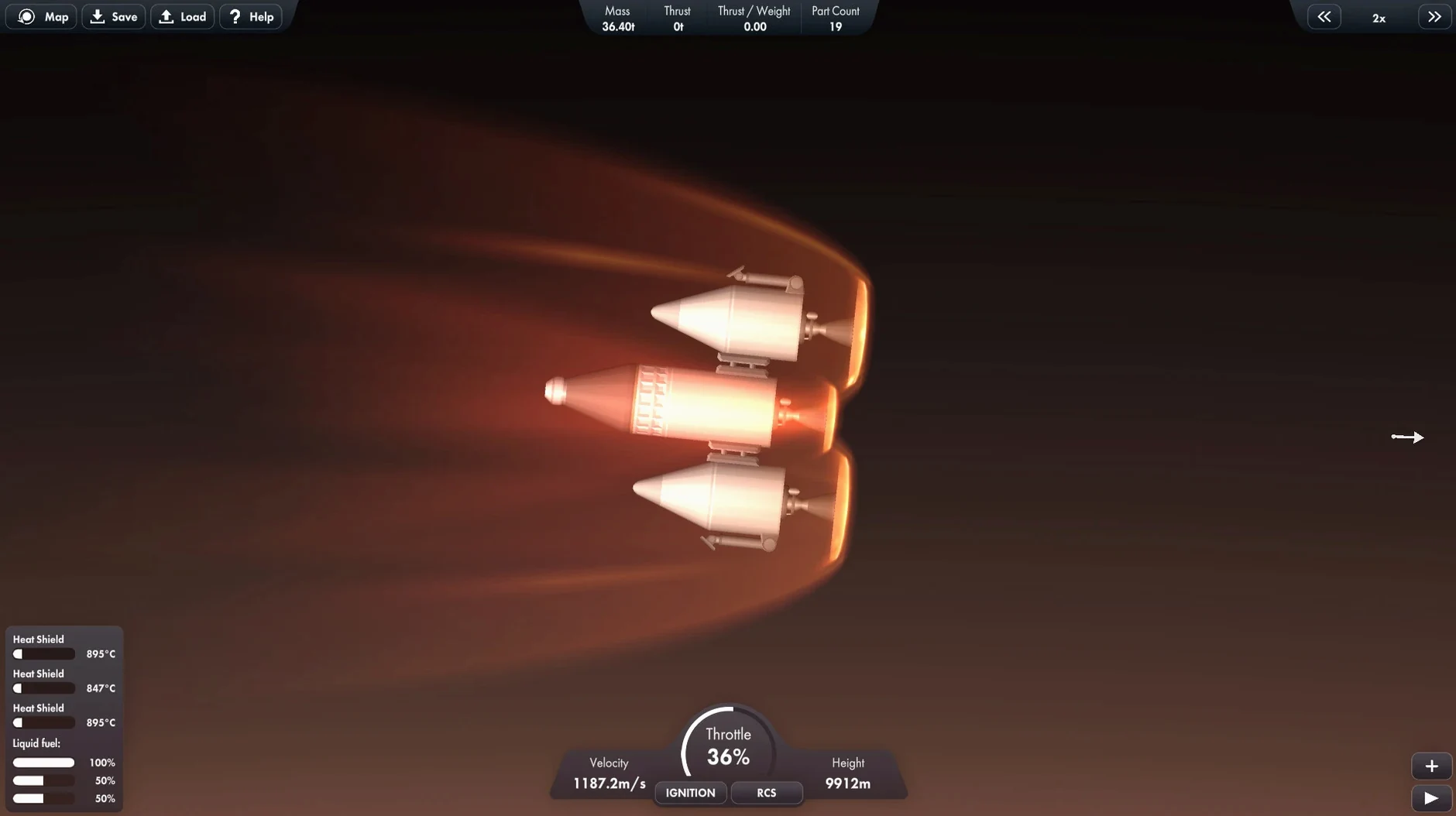
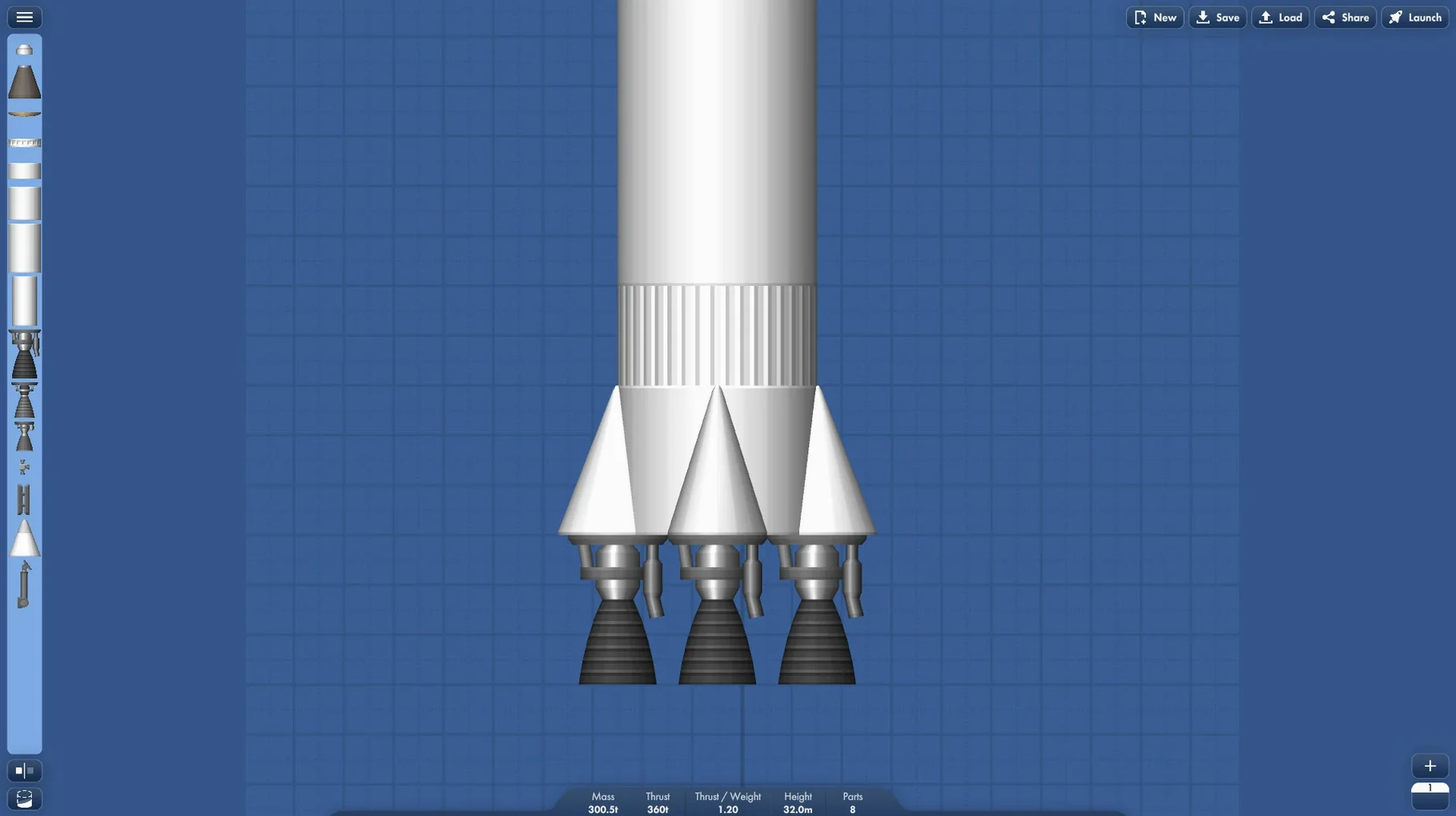
The Vehicle Assembly Building is where it clicks or doesn’t. You drag fuel tanks, engines and couplers onto a grid, then hit launch to see if the thing holds together past the stratosphere. This is a rocket science sandbox that hands you parts and a Solar System, not a tutorial script. You manage a personal space program, moving from suborbital hops to interplanetary transfers with research rovers strapped to your payload.
That loop rewards a particular kind of player. If you enjoy poking at a design, watching it fail, tweaking a staging order and trying again without the game nudging you, Spaceflight Simulator feels like a calm obsession. The music keeps things unhurried, and the 2D side‑on view makes the physics readable rather than flashy. It won’t suit anyone after structured goals, quick wins, or a cinematic story — the missions are open prompts, not guided campaigns. But if you liked sketching rocket ideas on paper as a kid, this is that notebook, animated.
New players tend to overbuild. Stacking too many stages without checking the thrust‑to‑weight ratio turns most first launches into expensive fireworks. Start with a simple two‑stage rocket — one engine, one decoupler, one smaller engine — and get comfortable reaching orbit before adding side boosters or rover payloads.
Another early trap is ignoring the centre of mass. A lopsided payload wobbles during ascent and usually snaps apart around 10 kilometres up. Symmetry matters more than it looks like it should. And save your vehicle designs often — there’s no autosave in the assembly bay, and a misclick can wipe twenty minutes of tinkering.
You open the game with a loose idea: get a small satellite into orbit around Mars. The Vehicle Assembly Building loads, and you stare at the empty grid for a minute, then reach for a heavy‑lift core stage. You bolt on two solid boosters, check the staging order, and name the craft something unglamorous like “Red Dot 1.”
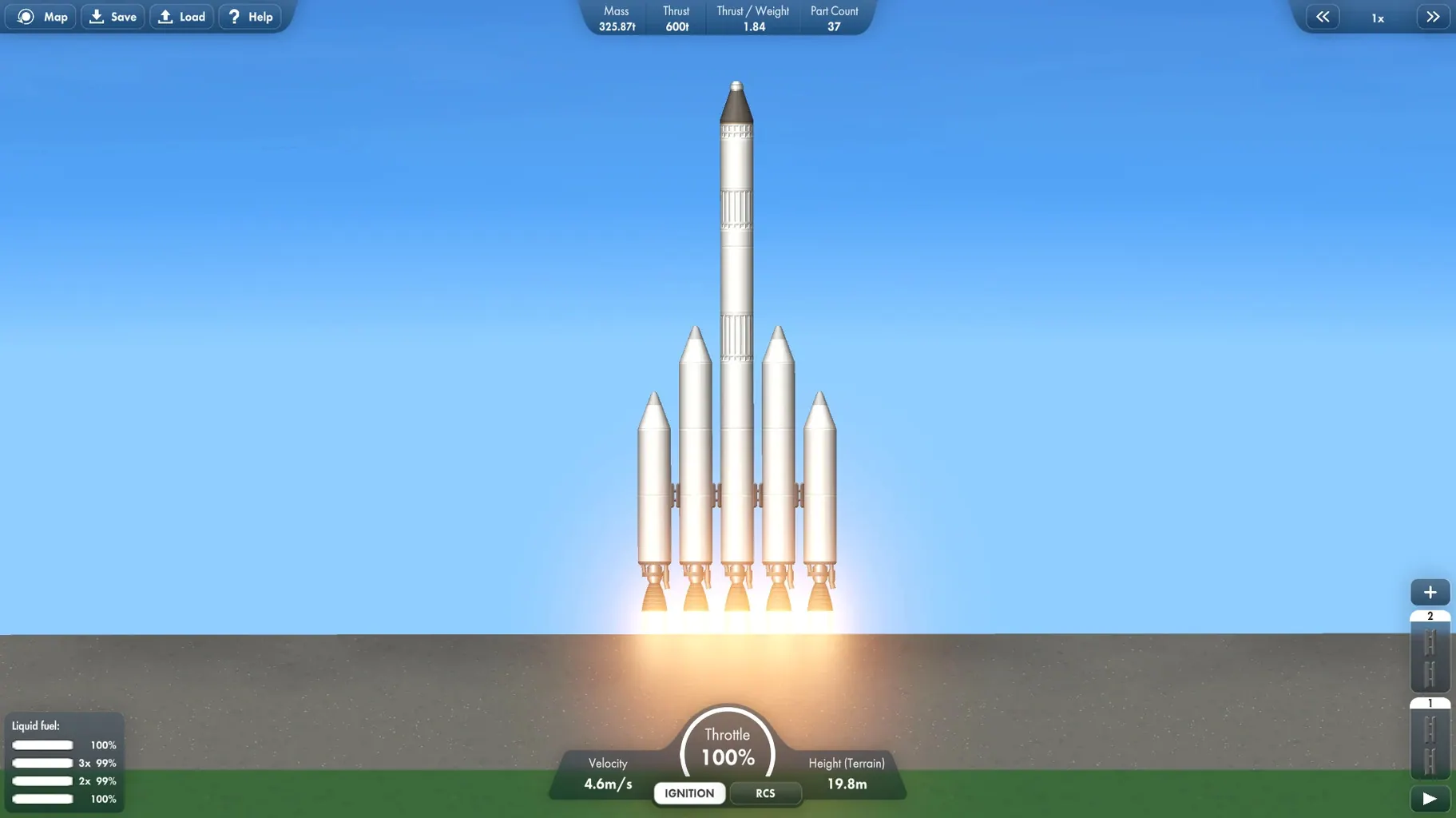
At the launchpad, you throttle up slowly. The rocket clears the tower, wobbles once, stabilises. You pitch east at 8 kilometres, watch the first stage drain, and jettison the boosters — a clean separation. The second stage pushes the apoapsis to 120 kilometres, and you coast until you can circularise. So far, so good. You open the map view, set Mars as a target, and squint at the transfer window. The burn goes smoothly, and you time‑warp six months in a few seconds. The satellite arrives, you fire its tiny engine to capture into orbit, and you sit back. No scoreboard, no cutscene — just a new blinking dot around a rust‑coloured planet, and the quiet urge to build a rover next. That’s the rhythm. A spaceflight simulator mac full version session like this can stretch an hour without you noticing, and the loop only tightens once rovers and stations enter the mix. When you’re ready for the next build, just grab the latest spaceflight simulator download mac ready to go.
Yes, it’s an Intel build that runs on Apple Silicon via Rosetta 2. It’s been tested on macOS Ventura with an M1 MacBook Air.














Chat 0
Hop in or make an account to join the chat.
Quiet in here so far. If you have used this build, tell me what the install actually did.