
 VVVVVV
 War for the Overworld
 Warhammer 40,000: Rogue Trader
 Warnament
 Wasteland 2
 Victoria
 Wildermyth
 Windblown


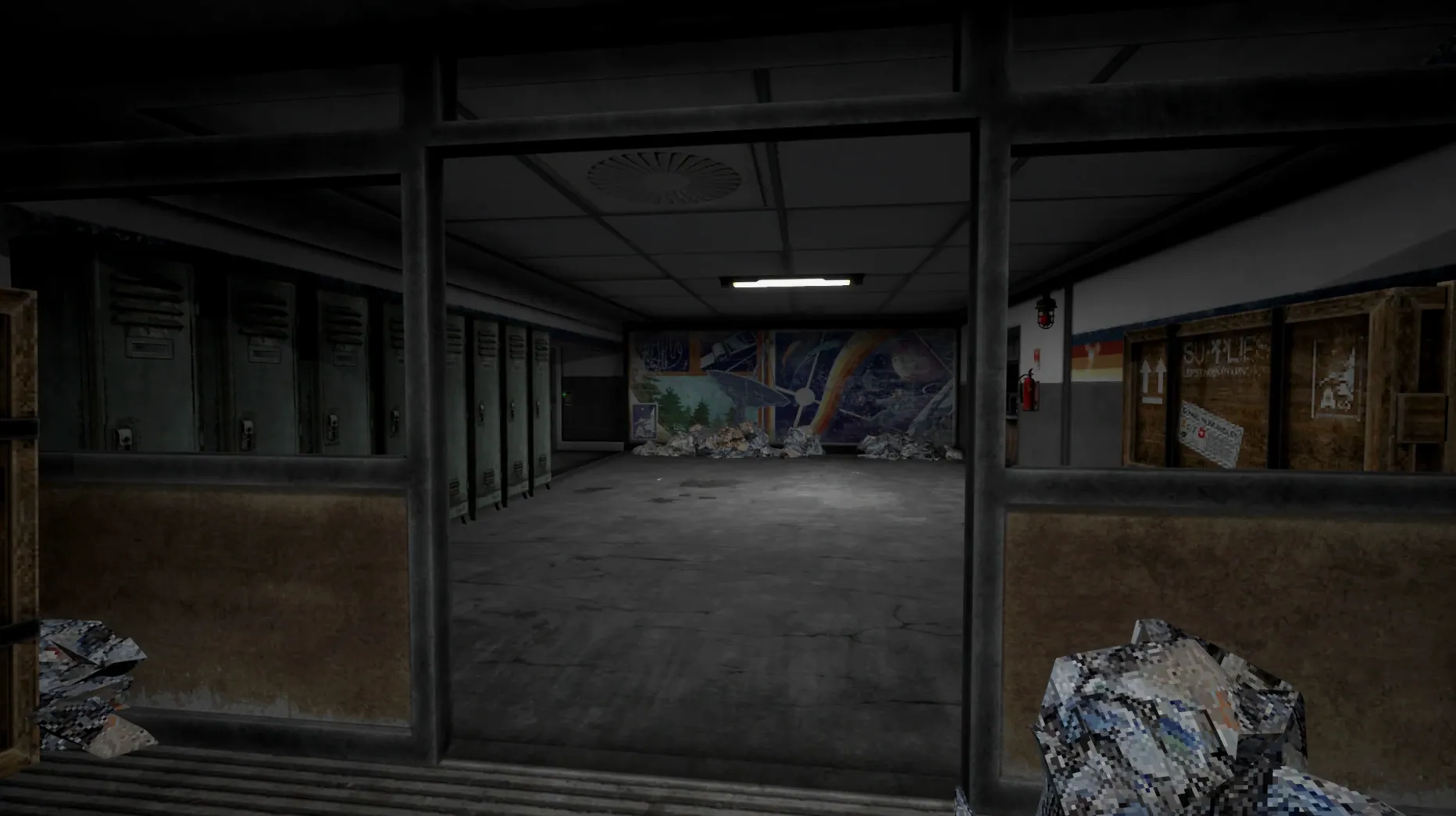
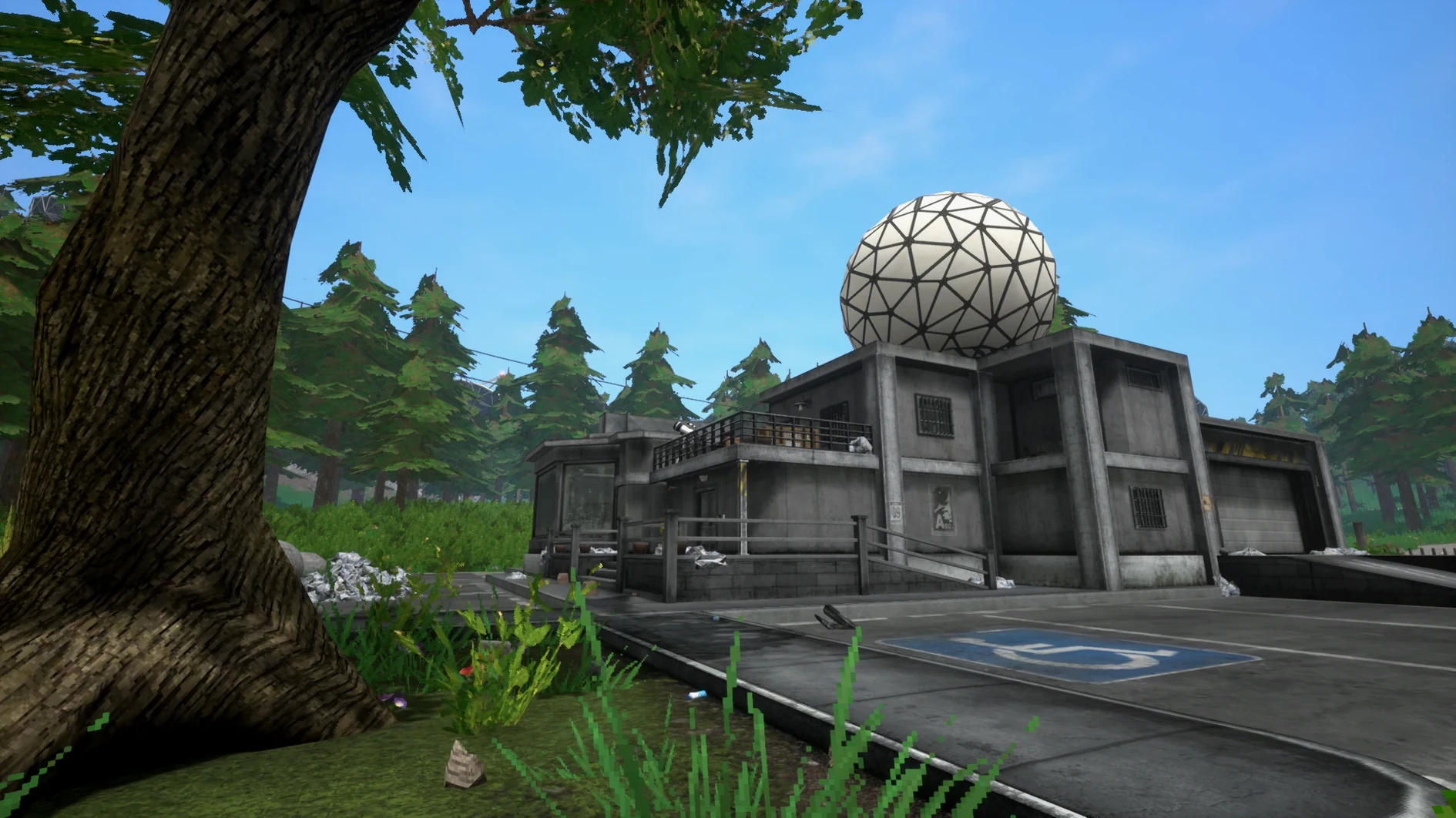
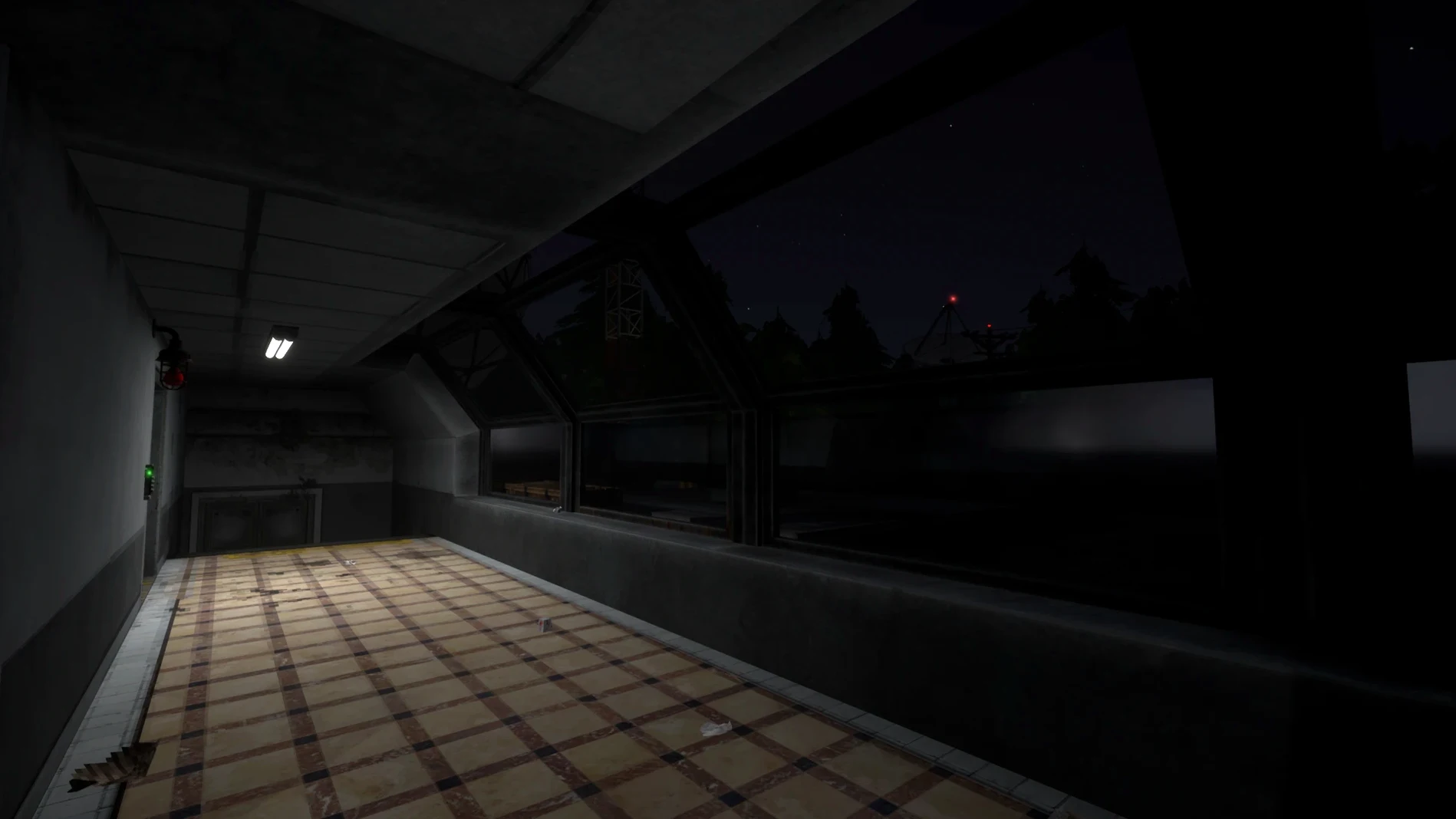
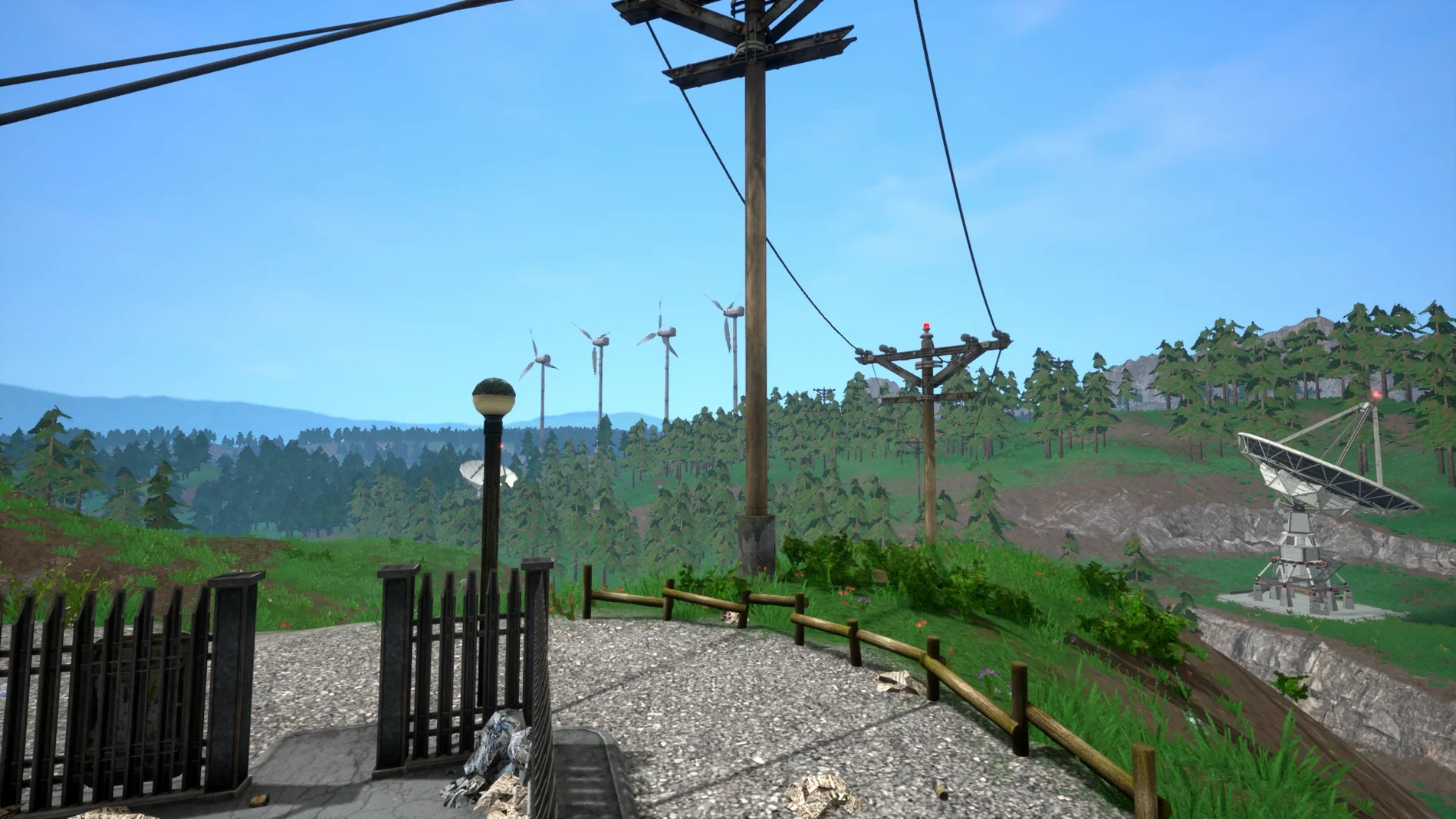
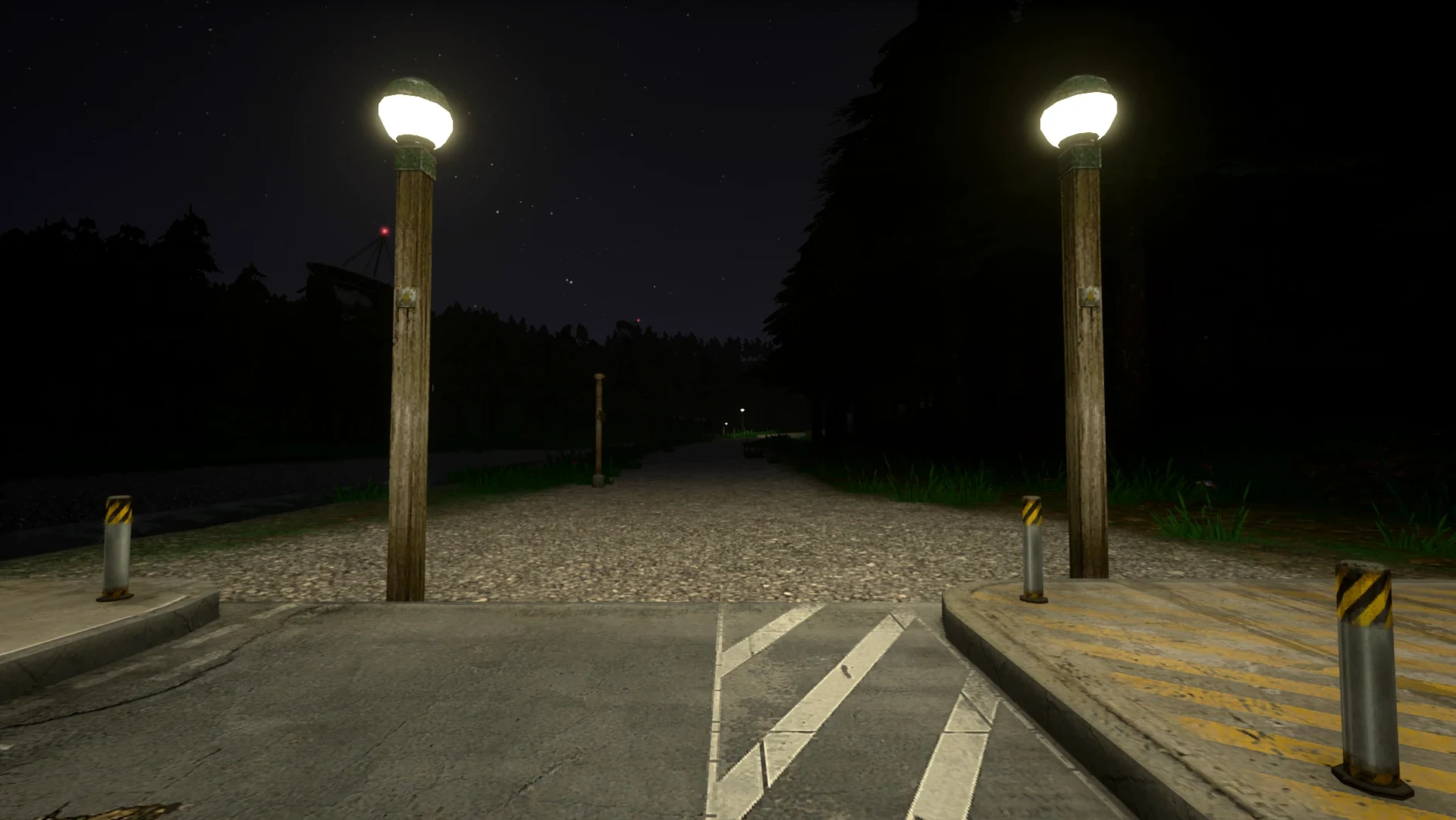

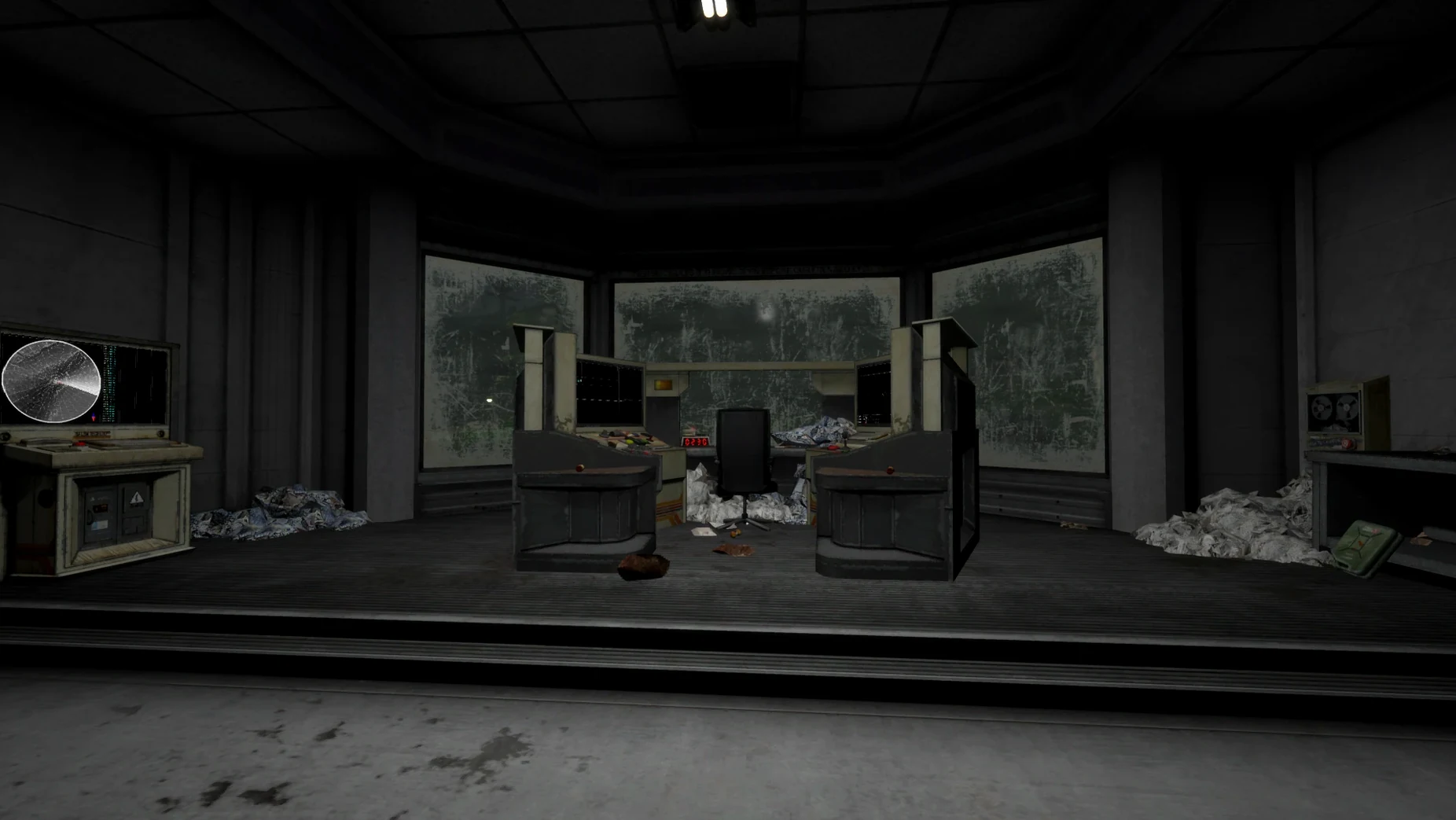
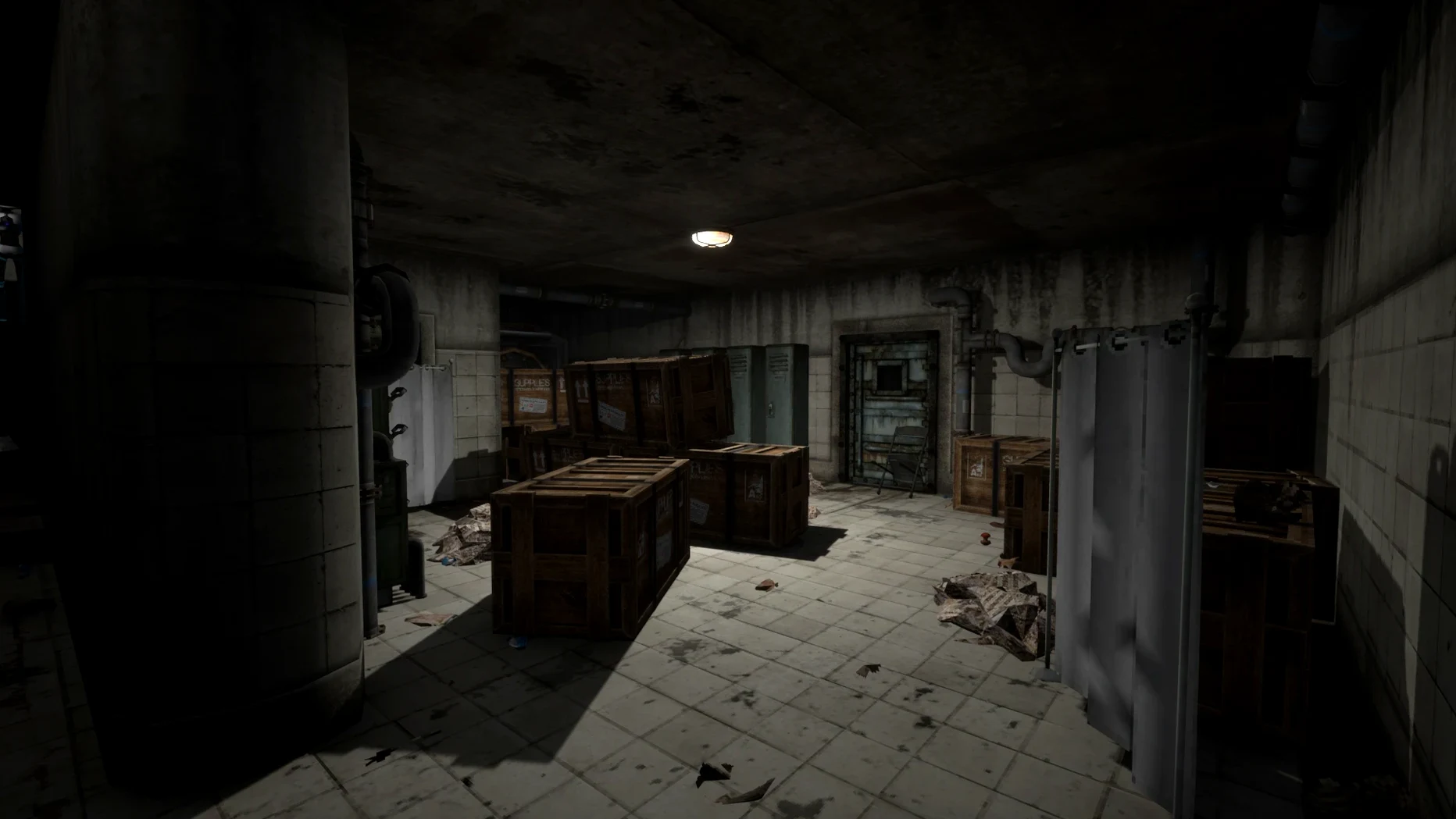
Voices of the Void is an atmospheric sci-fi horror game that strands you on a lonely research station to analyse mysterious signals while a creeping dread builds.
Tune antennas, sweep frequencies, clean noise and extract data from the void. Between sessions you monitor the station’s condition and move through its empty corridors, always aware that something is waiting.
The Wineskin wrapper has been tested on macOS Tahoe with an M4 Mac mini. Performance is solid, though you’re playing an early-access title wrapped for compatibility—expect a few rough edges.
If the app fails on first open, mount the disk image again and run the included Fix file. After that, launch it from the Applications folder normally.
Because the game runs inside a Wineskin wrapper, macOS treats it like any other app. You can pin it to the Dock, assign it a hotkey through Shortcuts, or make it a fullscreen space. The wrapper also respects Do Not Disturb and Focus modes—handy when the station’s ambience is best enjoyed without notification pings.
If you use a trackpad, the game reads two-finger scroll in menus naturally. For streamers, capturing the window via OBS works without workarounds; just pick the app in a window-capture source. QuickTime screen recording sees it too, in case you want to clip a signal moment or a scare that hit harder than expected.
Miss a crucial log entry? The save files sit inside the app bundle at SharedSupport/prefix/drive_c/users/Sikarugir/AppData/Local/VotV/Saved/SaveGames. You can back them up with Time Machine or copy them to another Mac re-running the same build—no cloud sync needed.
Press F10 during gameplay to bring up the developer console for commands and debugging.














Chat 0
Hop in or make an account to join the chat.
Quiet in here so far. If you have used this build, tell me what the install actually did.