
 Bootstrap Studio
 BuhoCleaner
 Boom 3D
 Camo Studio
 Canary Mail
 Bloom
Bloom Canopy
 CapCut


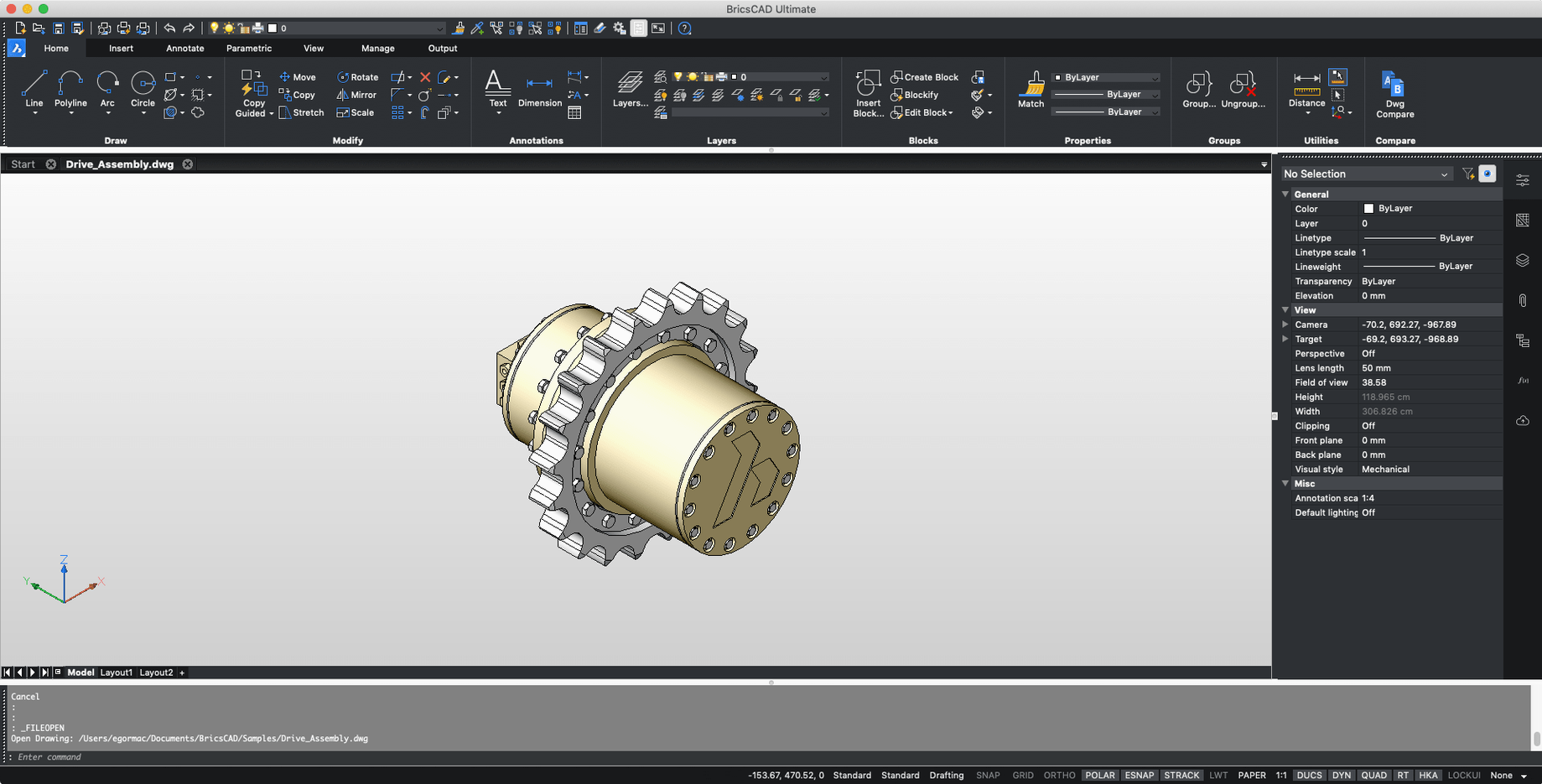
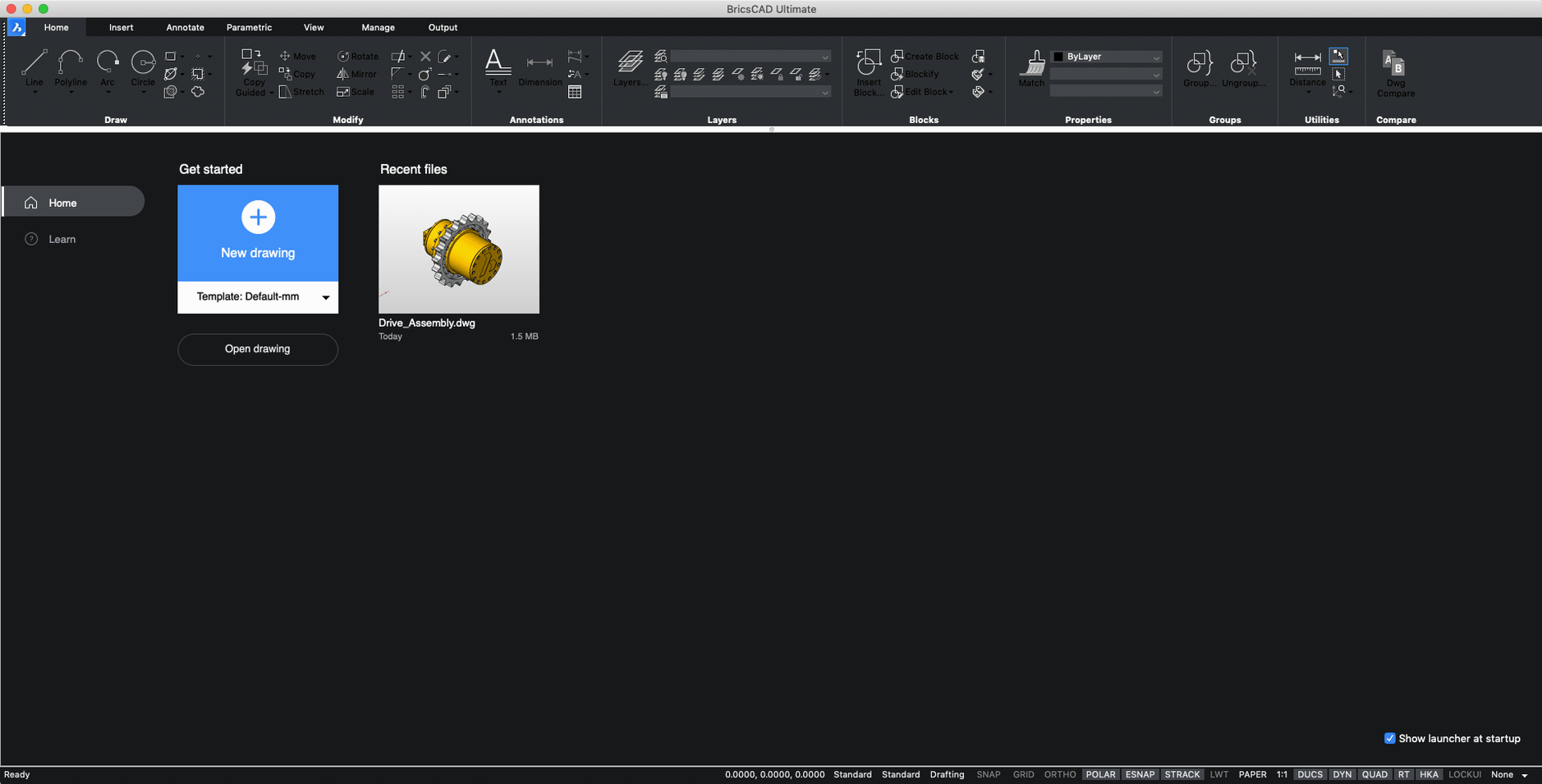
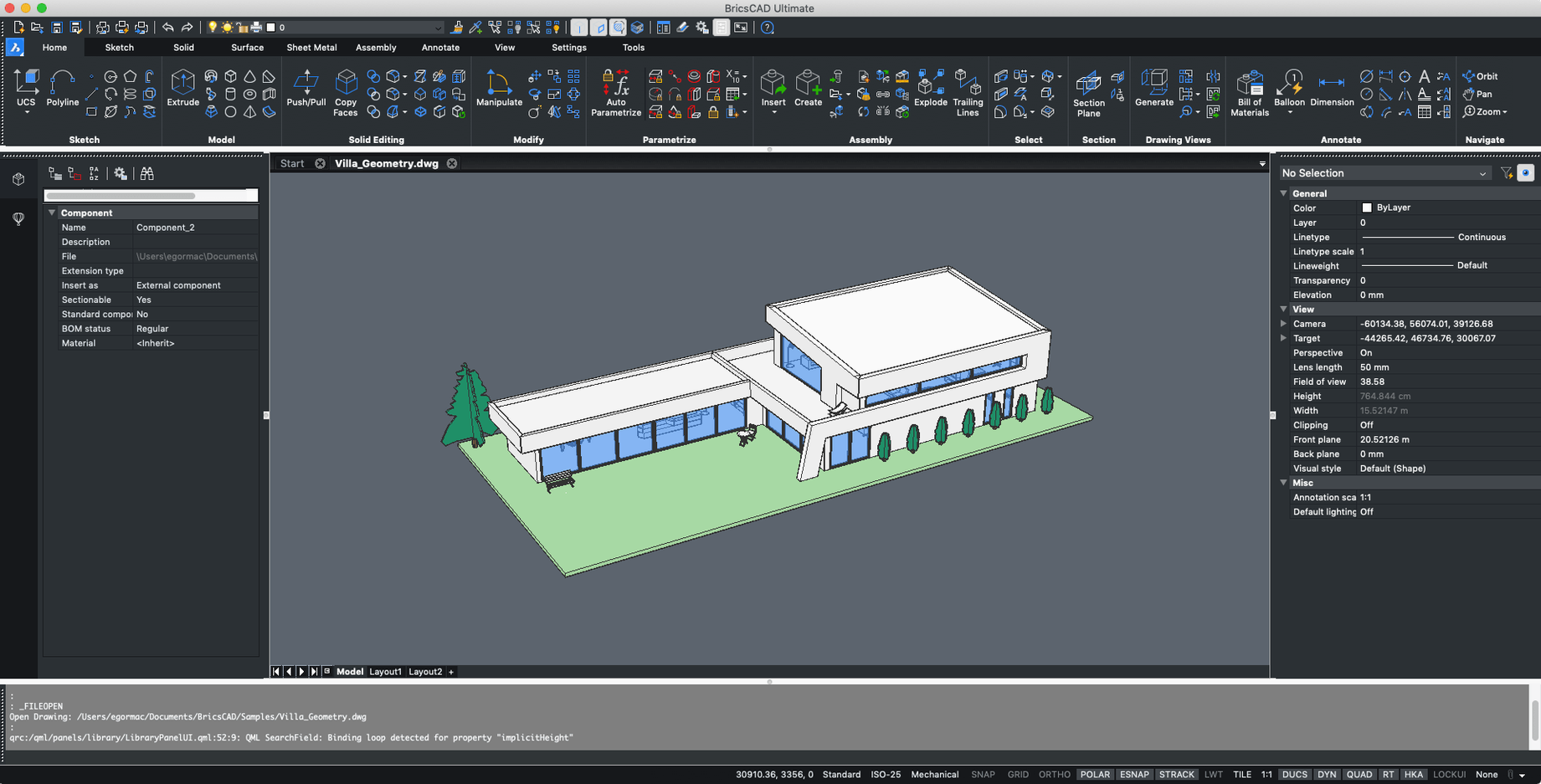
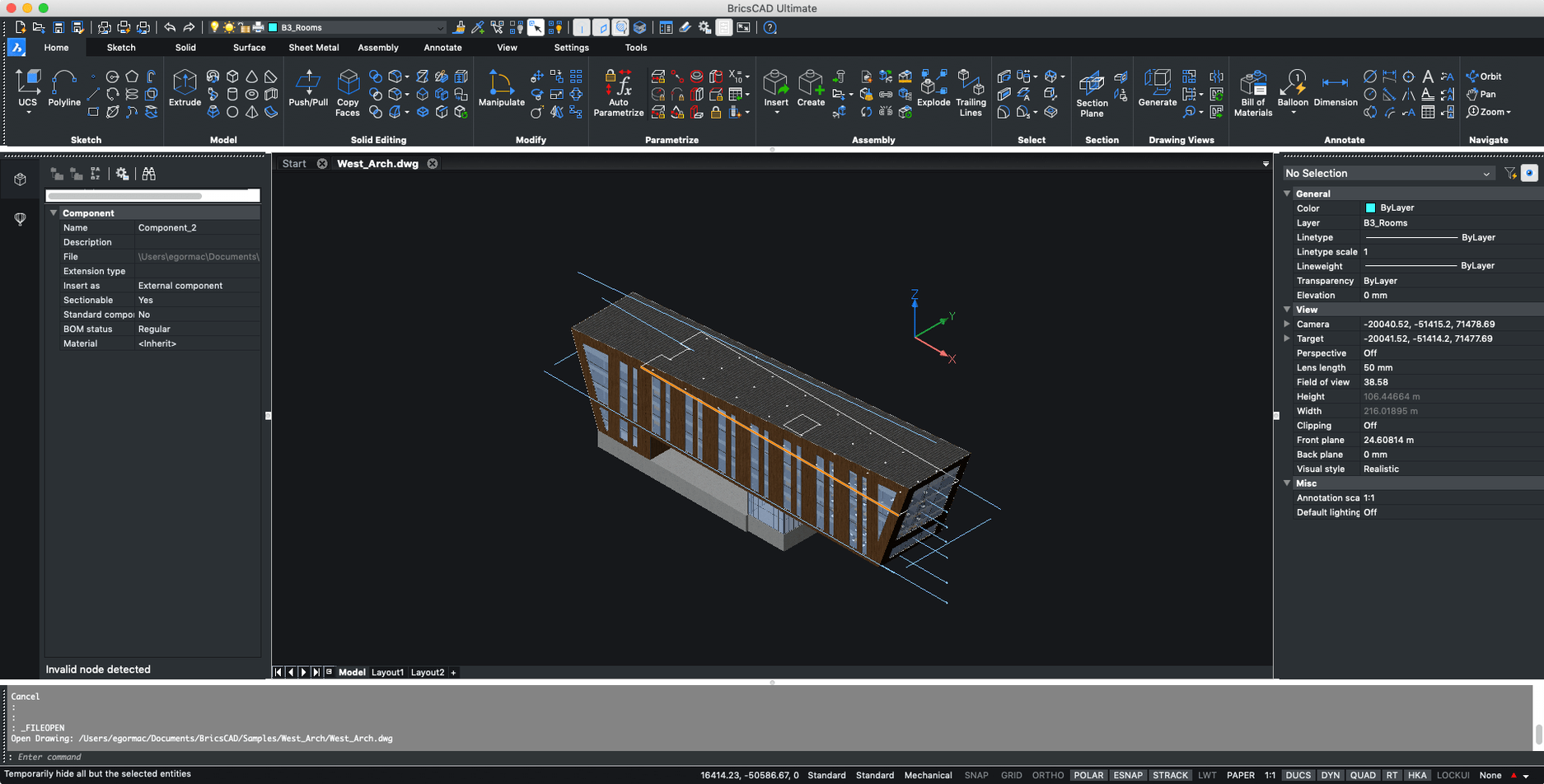
BricsCAD V24 now installs independently of earlier versions, so you can keep your existing setup while trying the latest build. Before you launch, check the basics. Here's what your Mac needs and which edition fits your workflow.
Pick the edition that matches what you build. Lite handles crisp 2D drafting; Pro adds 3D direct modeling. Mechanical and BIM push further into part design and building workflows. Ultimate bundles everything. The single installer lets you choose at launch, so you're never locked in too early.
The defaults are fine, but a few quick changes make BricsCAD feel more like your own tool. Head to Preferences early and adjust these before you start a real drawing.
One more worth doing: open the Workspace switcher in the top-right corner and pick Drafting or Modeling depending on what you build. It reshuffles the ribbon panels without you dragging toolbars around manually.
Not every Mac user needs a full-fat CAD tool, but a few groups settle into BricsCAD almost immediately.
If your day involves GIS data, raster-heavy visuals, or pure rendering, you're better served elsewhere. BricsCAD shines when the final output is a dimensioned drawing, a CNC-ready profile, or a BIM dataset.
Three alternatives come up often when Mac users look at BricsCAD. Each solves a different slice of the same problem.
AutoCAD for Mac. The obvious comparison. Both read and write .dwg natively, both use a command line, and both support LISP routines. BricsCAD leans harder into 3D direct modeling inside the base Pro edition, where AutoCAD keeps 3D in separate toolkits. Interface-wise, AutoCAD feels more polished on macOS, but BricsCAD gives you six editions from one installer — you pick the feature level without uninstalling anything.
SketchUp Pro. SketchUp's push-pull modeling is quicker for early massing studies and interior layouts. But it struggles with precise 2D documentation. BricsCAD flips that: the 2D drafting engine is the backbone, and the 3D tools build outward from accurate linework. For permit drawings or fabrication sheets, BricsCAD is the sharper instrument.
FreeCAD. Open-source and genuinely capable for parametric modeling, but the macOS build still feels rough around the edges. FreeCAD suits hobbyists who enjoy tweaking the tool itself. BricsCAD is for people who need to ship files to a structural engineer or a laser cutter by Thursday and want the software to stay out of the way.
Good to know: if you're trying bricscad on an Apple Silicon Mac, the Rosetta 2 translation adds a tiny launch delay but nothing you'll notice during a session. Heavy 3D regenerations feel about the same as they do on a mid-range Intel machine.
The current build is for Intel Macs, so it runs on Apple Silicon via Rosetta 2. Check the developer's download page for a native ARM build in future releases.














Chat 0
Hop in or make an account to join the chat.
Quiet in here so far. If you have used this build, tell me what the install actually did.