
 BricsCAD
 Bootstrap Studio
 Camo Studio
 Boom 3D
 Canary Mail
 Canopy
 CapCut
 Bloom
Bloom


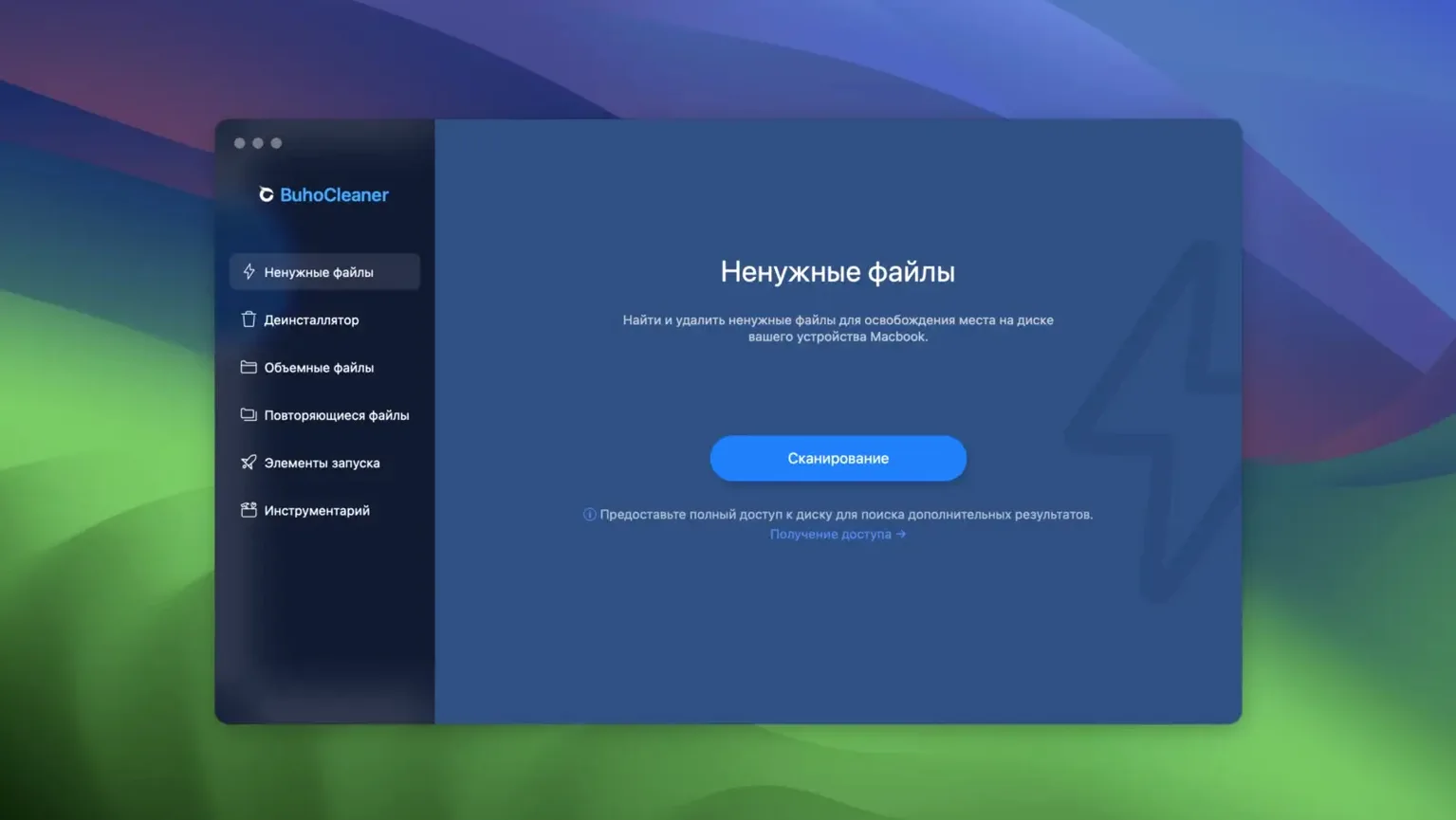
BuhoCleaner suits anyone who wants their Mac to feel fresh without digging through Library folders. It handles the housekeeping you'd rather skip.
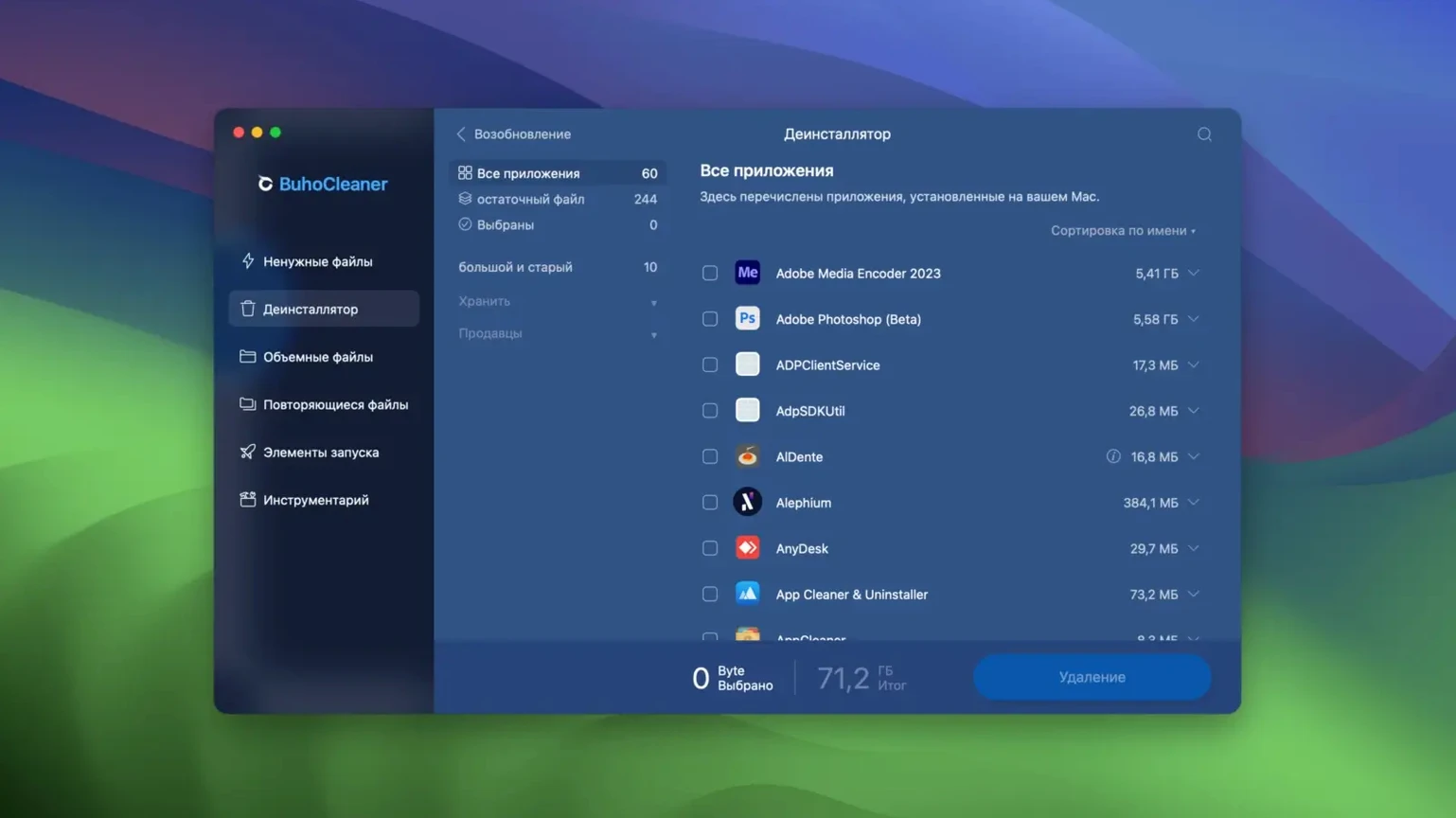
App leftovers — dragging an app to the Trash often leaves behind preference files and caches. BuhoCleaner finds those stragglers and removes them in one pass.
Temporary files — system logs, user caches, and other transient data build up quietly. A quick scan shows what you can clear to reclaim space.
Spotlight reindex — when search results go odd, a single click rebuilds the Spotlight index from scratch. No Terminal commands needed.
Out of the box, BuhoCleaner scans aggressively but won't delete anything until you confirm. That safety net is fine, yet a couple of tweaks make the daily experience smoother.
Head into Preferences and tick Launch BuhoCleaner at login. The menu bar icon sits quietly and gives you a one-click view of memory pressure and CPU temperature without opening the full window. While you're there, flip the language if needed — the app ships with a dozen localisations, and switching to your first language takes effect immediately.
Under the Scan tab, turn off categories you never want touched. If you keep old email downloads on purpose, uncheck Mail Cache so it stops appearing in every scan report. The same goes for browser data you prefer to manage inside Safari or Chrome.
The menu bar app, called BuhoCleaner Menu, shows live stats but also hides a few shortcuts. Click the icon and hover over Memory — a tooltip reveals which apps are hogging RAM. A double-click on that row frees inactive memory without opening the main window.
In the App Uninstall list, you can select multiple apps at once with ⌘-click. The batch removal grabs leftover files for every app in the group, so clearing out a suite of old design tools takes one pass instead of six. Also worth noting: the Scan Result screen lets you click any file path to reveal it in Finder. Helpful when a cache looks suspiciously large and you want to peek before deleting.
If you grabbed the buhocleaner mac build recently, the Fan Speed readout in the menu bar is easy to overlook. On Intel Macs, it's a quick way to spot runaway processes before the keyboard gets warm.
Say you've just wrapped a video project and your Mac feels sluggish. Here's a path through the app that clears the obvious culprits fast.
That sequence takes about three minutes of your attention and often recovers more space than you'd expect. If you used a buhocleaner free scan earlier and saw big numbers, this workflow turns those numbers into actual free gigabytes.
Yes. The developer lists support for M1 through M5 chips, as well as Intel-based Macs, and has optimised the app for macOS Golden Gate.
It's available in 12 languages, including English, German, French, Spanish, Japanese, Simplified Chinese, and Korean.
No, it's a standalone utility from Dr.Buho. You install it yourself; it doesn't replace any system tool.














Chat 0
Hop in or make an account to join the chat.
Quiet in here so far. If you have used this build, tell me what the install actually did.