
 Audio Hijack
 Astro Gold
 Audiobook Builder
 AutoCAD
 BAO Mask Avenger
 Bartender
 BatFi
BatFi BBEdit


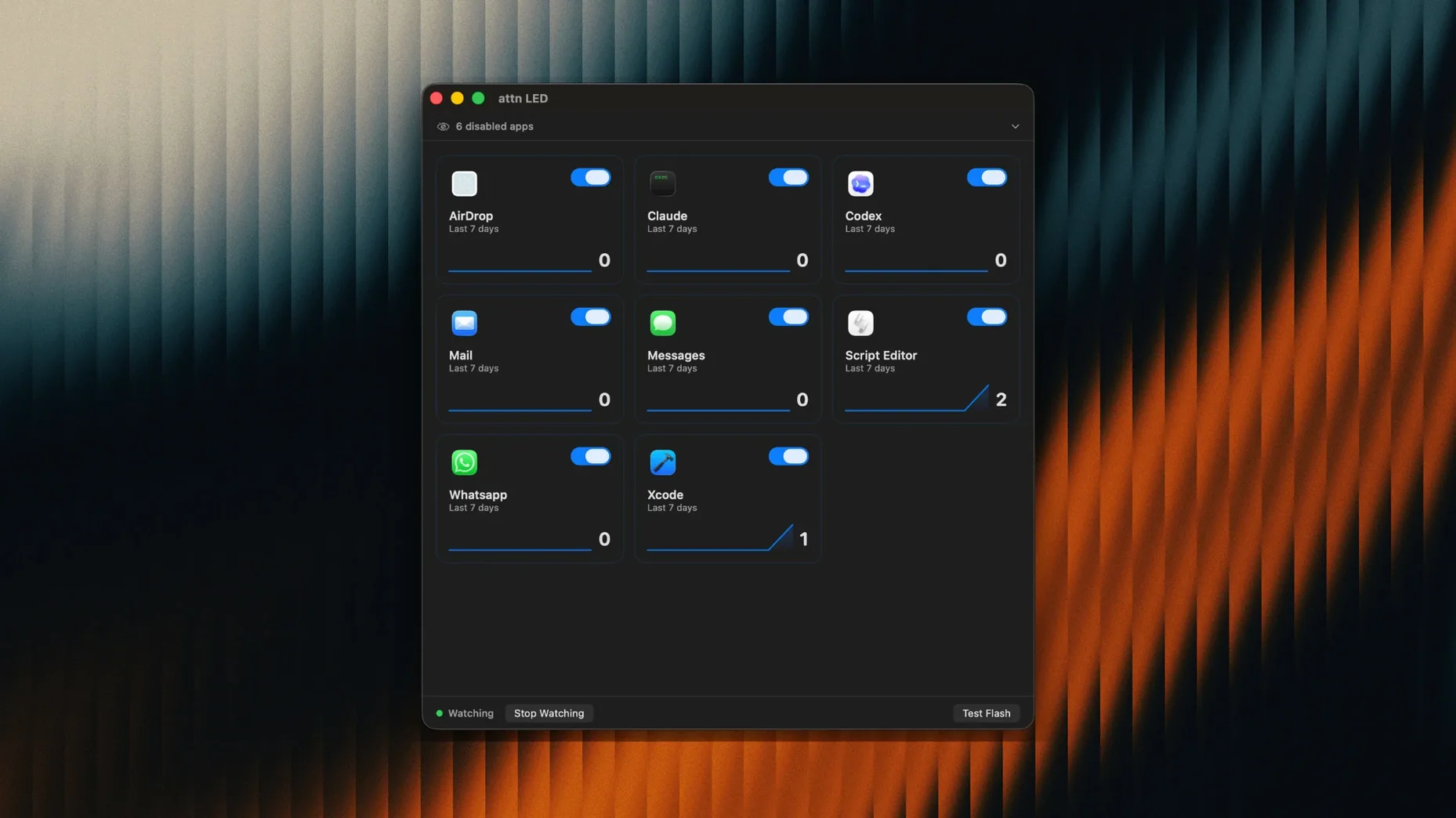
One small green light, a handful of apps you actually need to hear from, and zero on-screen pop-ups. That is the promise attn LED 1.0 ships with.
The blinking stops the moment you open the app that triggered it. During FaceTime calls and video conferences, attn LED goes quiet on its own — no manual toggling needed. Under the hood, it reads the macOS notifications database through FSEvents so Focus Mode limitations do not block the light. Set it, forget it, and let the hardware handle the interruption while you stay in deep work.
Give it half a day to learn your rhythm. Open System Settings → Notifications and check which apps are set to deliver alerts. attn LED 1.0 picks up new notification sources automatically, so the list of watched apps grows as your workday unfolds. If the LED blinks too often, head into the app and trim the list to just the tools you cannot afford to miss — Slack and Messages tend to be enough for most people.
Place your MacBook so the camera light sits in your peripheral view but not dead centre. Off to one side works best: you catch the blink without staring at it. If you work across multiple rooms, the LED is bright enough to spot from a doorway, so you can step away from the desk and still know when something needs attention.
Picture a two-hour writing block with notifications silenced. Here is how attn LED fits in.
No dock badges, no slide-in previews, just a physical cue that waited until you were ready. The whole loop — notice, respond, reset — takes under a minute.
A few snags pop up, and most are quick to fix.
If you have cycled through these and the LED still acts up, a quick reinstall sorts most quirks. Drag the app from Applications to Trash, restart your Mac, and reinstall from the disk image. Your app list and settings are preserved in a small preference file, so you will not lose your configuration.
No. It automatically pauses the LED while you are on a FaceTime call or in another video conference.














Chat 0
Hop in or make an account to join the chat.
Quiet in here so far. If you have used this build, tell me what the install actually did.