
 Audiobook Builder
 Audio Hijack
 attn LED
 BAO Mask Avenger
 Bartender
 BatFi
BatFi Astro Gold
 BBEdit


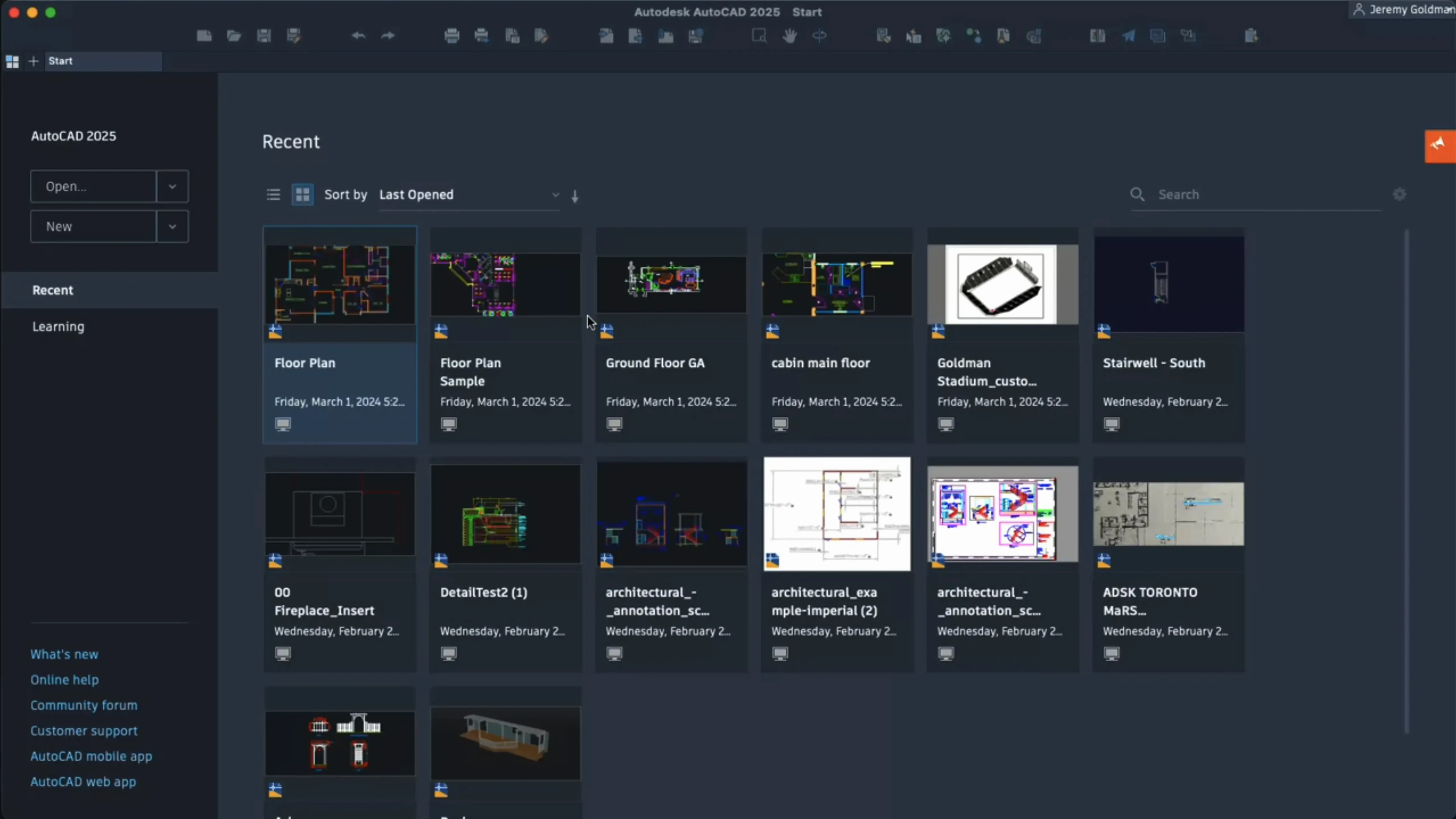
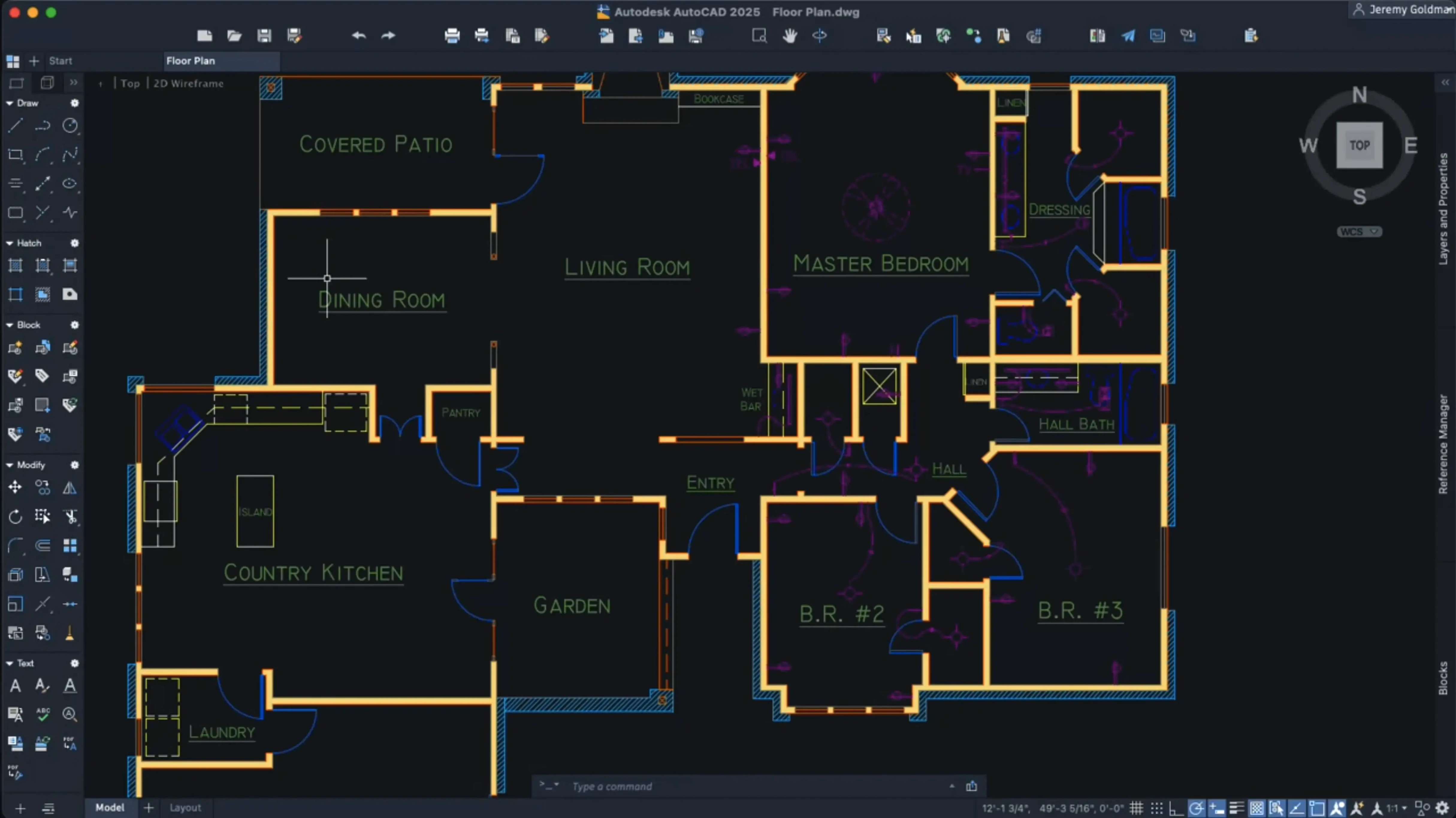
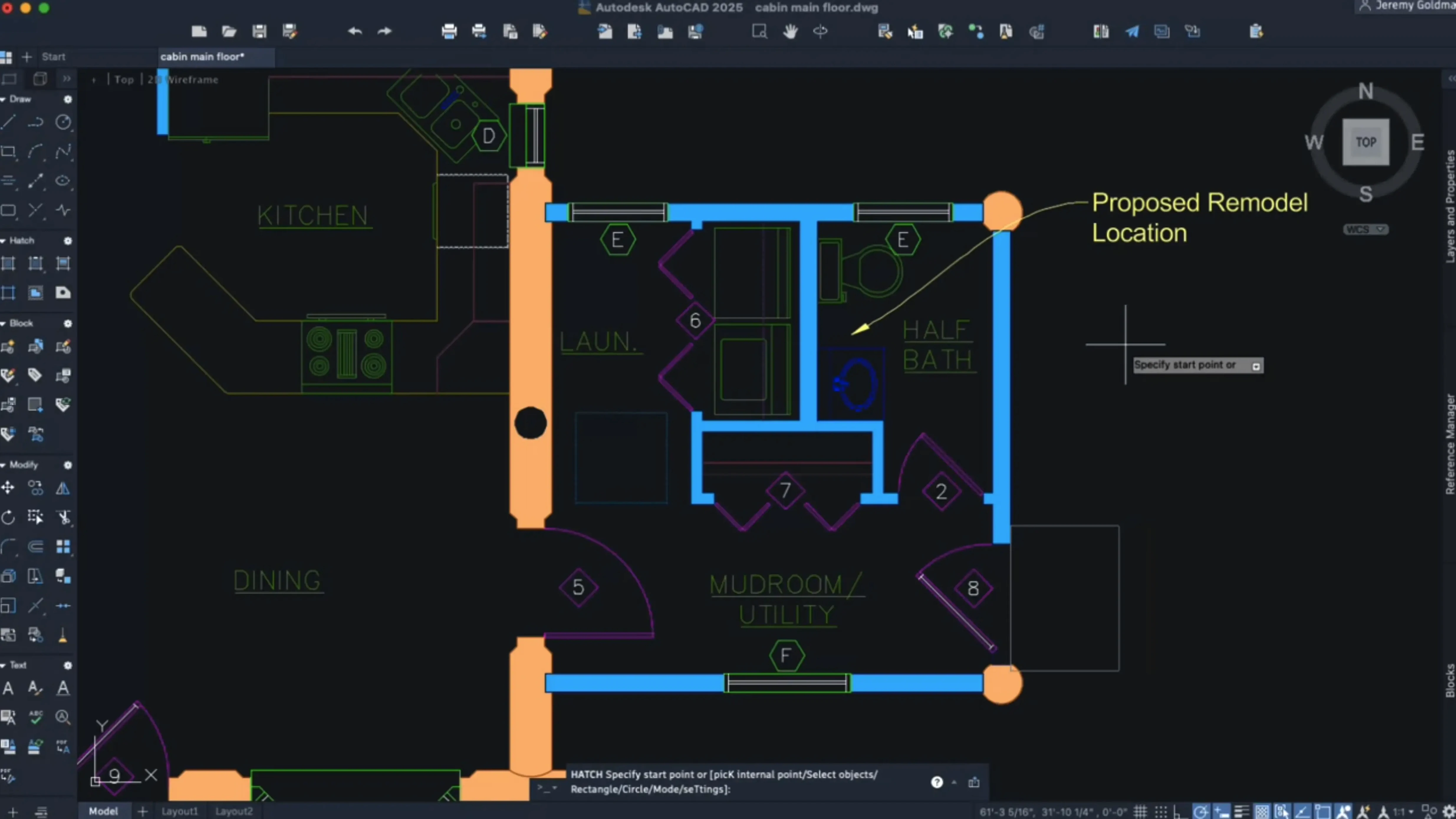
Architects, engineers and product designers reach for AutoCAD when a sketch needs to become a measured drawing. The Mac version shares the DWG file format with its Windows counterpart, so files move between studios without a hiccup. The 2027 release sharpens the tools that make daily drafting faster, with a particular focus on navigation and screen clarity.
Palette layouts follow you when you switch workspaces, and help docs are available online or offline. That adds up to a release that feels less like a feature list and more like a collection of small friction removers.
It is not a casual sketching app. The people who get the most mileage are drafting professionals who already think in plan views and layer names. Architects swapping between a MacBook Pro in a meeting and a Windows workstation at the office appreciate that the DWG files land intact — no export dance, no broken xrefs.
Engineers who live inside large coordinate scenes notice the 2027 optimisations straight away. When a site plan stretches over kilometres, the viewport stays usable instead of chugging. Interior designers and set designers benefit from the AI block scanner, because they often paste the same chair or light fixture dozens of times without realising they could turn it into a reusable block and trim the file weight.
Mac-only studios that tried AutoCAD a few years ago and found it sluggish on Intel machines will find the Metal engine and Apple silicon support a genuine step forward. The app no longer feels like a port.
New users often treat AutoCAD like a vector illustration app. They click and drag to move things, then wonder why the selection set behaves oddly. The habit worth forming early is using the command line — typing M for move or TR for trim is quicker than hunting through ribbon panels once muscle memory kicks in.
Another common misstep is ignoring layer management for the first few projects. A drawing with everything on layer zero becomes a nightmare the moment someone asks for a furniture plan without the electrical overlay. Set up a layer naming convention early, even for small jobs.
People also tend to skip the block workflow entirely and copy-paste geometry instead. The 2027 release can scan a drawing and show you objects that could be blocks, which is a gentle nudge toward tidier files. Beginners who lean on that feature get a feel for what belongs in a block library faster than they would on their own.
The shift to Metal as the sole graphics engine is the quiet change that affects nearly every session. Panning a dense floor plan or orbiting a 3D model no longer stutters in the way OpenGL did on certain Mac GPUs. Combined with the large coordinate scene optimisation, drawings that used to make the CPU fan spin now sit cooler and respond faster.
The AI block scanner has changed the clean-up routine. Instead of manually hunting for repeated furniture symbols or bolt patterns, you can let the software flag candidates and convert them in a few clicks. It is not flashy, but it saves the kind of repetitive minutes that add up across a project.
Layout tab switching got a speed bump, which matters when you flip between plotting sheets to check annotations. Custom crosshair colours for layouts mean you can set a high-contrast cursor on a dark paper space background while keeping a different colour in model space — a small touch that reduces eye strain on long drafting days.
Hatching along a contour without existing boundary geometry also changed how people build up shaded areas. You can sketch a rough path and get a filled shape without constructing a closed polyline first. Geometry Cleanup, new in this release, catches gaps and overlaps that would have caused headaches at plotting time.
SIP gets in the way. The installation notes are clear: System Integrity Protection must be disabled before you set up the software. If you forget and try to launch the app after enabling SIP again, it will not open. The fix is a restart into Recovery Mode, running csrutil disable in Terminal, and rebooting. It is a one-time step, but it catches people out.
Hatch patterns that refuse to appear. When a hatch preview looks fine but vanishes on click, the scale is usually off. Check the hatch scale in the properties palette — a value that works in millimetres will be invisible in metres. Toggle between annotative and non-annotative scaling until the pattern reads clearly.
Slow block insertion. If dragging a block from the palette lags, check whether the block contains overly complex 3D geometry or a large raster image. Purge unused blocks and layers, then run AUDIT to catch errors. The AI block scanner sometimes flags geometry that is almost a block but not quite — converting those suggestions can reduce the clutter that slows things down.
Files that crash on open. A DWG that loads fine on Windows but beachballs on Mac often carries corrupted proxy objects from third-party plug-ins. Use RECOVER instead of OPEN and let the tool strip or repair what it can. If you are still stuck, an online search for autocad mac torrent or autocad for mac torrent often leads to community forums where people share workarounds for specific build quirks, and the 2027 release handles proxy cleanup more gracefully than its predecessors.
Missing ribbon panels after workspace switch. The 2027 release migrates palettes by default, but custom workspaces from older versions occasionally drop tools. Reset the workspace from the gear menu on the status bar — it pulls back the default layout without touching your saved customisations.














Chat 0
Hop in or make an account to join the chat.
Quiet in here so far. If you have used this build, tell me what the install actually did.