
 BatFi
BatFi Bartender
 BetterDisplay Pro
 BetterMouse
 BAO Mask Avenger
 BetterTouchTool
 BetterZip


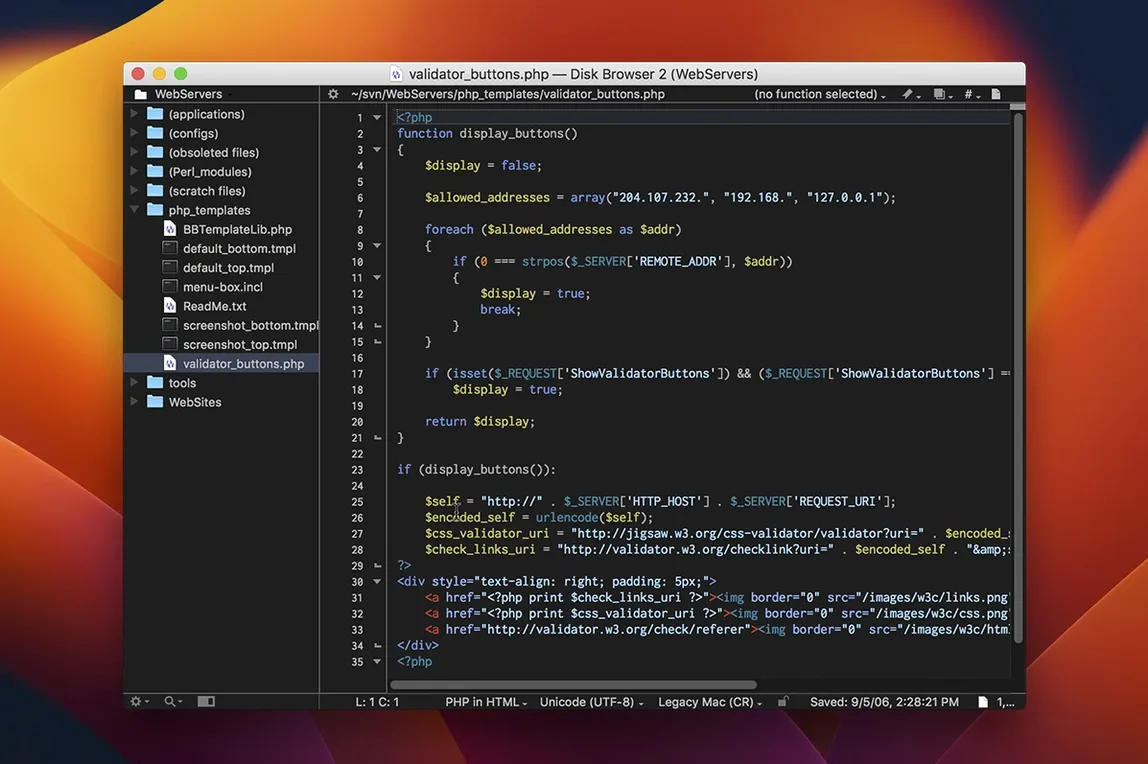
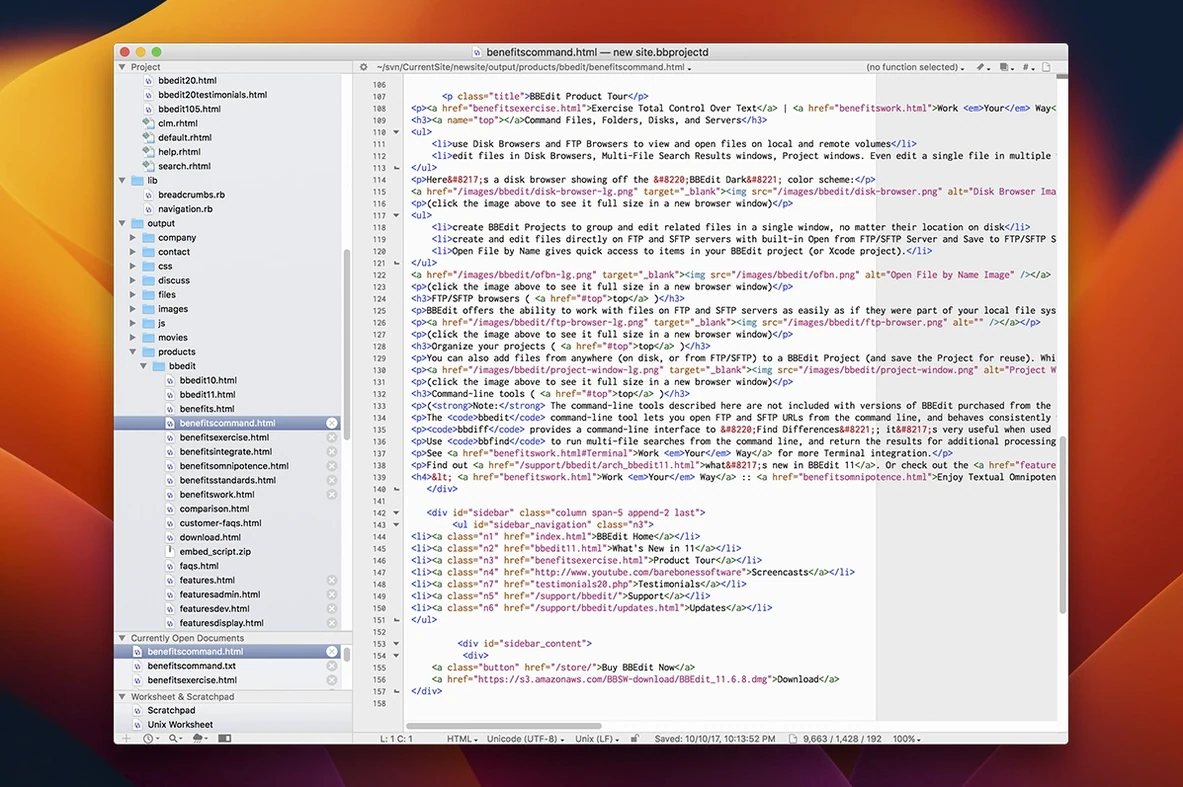
Plain text is easy until you need to wrangle a lot of it. BBEdit is the editor that makes finding, changing and shaping words or code feel light, even when the file is huge.
Grep search — a pattern-based way to find and replace text. It turns hours of manual edits into a single pass, whether you are cleaning data or tweaking HTML attributes.
Scripting runways — built-in support for Perl, Python, Ruby and Unix shell scripts. You can run a script from inside the editor to transform selected text, sort lines or fetch data, without leaving the window.
FTP and SFTP browsers — file access built straight into the sidebar. Open, edit and save files on a remote server as if they were local, with no separate client needed.
Syntax colouring — automatic highlighting that reads the structure of code or markup. It catches mismatched brackets and missing quotes by showing you where the logic breaks, visually.
Text factories — a saved sequence of editing actions you can replay on any file. Drop a folder of log files onto one and it applies the same cleanup, instantly.
Files opening as a wall of black-on-white with no highlighting? Right‑click the document icon in the status bar, choose the language from the pop‑up menu, and the syntax colours snap back. BBEdit guesses the mode from the file extension, but .inc or .conf files sometimes need a nudge.
Grep searches returning nothing when you know the pattern is right? Check the Grep checkbox is ticked, then try wrapping your expression with \K to keep part of the match untouched. Also, the Find window runs in a separate process — if it feels sluggish, closing and reopening it clears its memory.
Remote files that refuse to save usually point to an expired FTP session. Open the FTP browser, click the refresh icon at the bottom of the sidebar, and the connection re‑establishes itself. If that fails, the server’s minimum TLS version may be the culprit; BBEdit respects the macOS keychain settings, so updating the server’s accepted protocols often fixes it.
Does BBEdit replace Xcode or a full IDE? It does not try to. It is a text editor with developer‑friendly add‑ons, not a project manager with a simulator. People use it alongside Xcode — dart into BBEdit for a quick grep‑and‑replace across a folder, then switch back for building. If you mostly write HTML, CSS, Python or shell scripts, it gives you everything without the weight.
Will the FTP browser mess with my existing workflow? It runs in the sidebar, completely optional. You can ignore it and keep using Transmit or FileZilla, then drag files out of those apps straight into BBEdit’s editing window. The built‑in browser is there for the five‑minute fix when you just need to tweak a remote stylesheet.
What is the difference between a bbEdit download and a bbEdit 16 download? The version number tells you which macOS releases are supported and whether you get the latest fixes. A bbEdit 16 download ships with the 16‑series feature set and runs on macOS 14 or later, while older numbered downloads target earlier systems.
Good to know: BBEdit 16 requires macOS 14.0 or later and runs on both Intel and Apple Silicon Macs.
No. BBEdit is built only for macOS and runs on Macs with Intel or Apple Silicon processors.
No. Version 16.0.3 contains only fixes for reported issues, released on 25 August 2026.














Chat 0
Hop in or make an account to join the chat.
Quiet in here so far. If you have used this build, tell me what the install actually did.