
 BetterTouchTool
 Beyond Compare
 BetterMouse
 BetterDisplay Pro
 Binary Ninja
 Bitwig Studio
 BBEdit


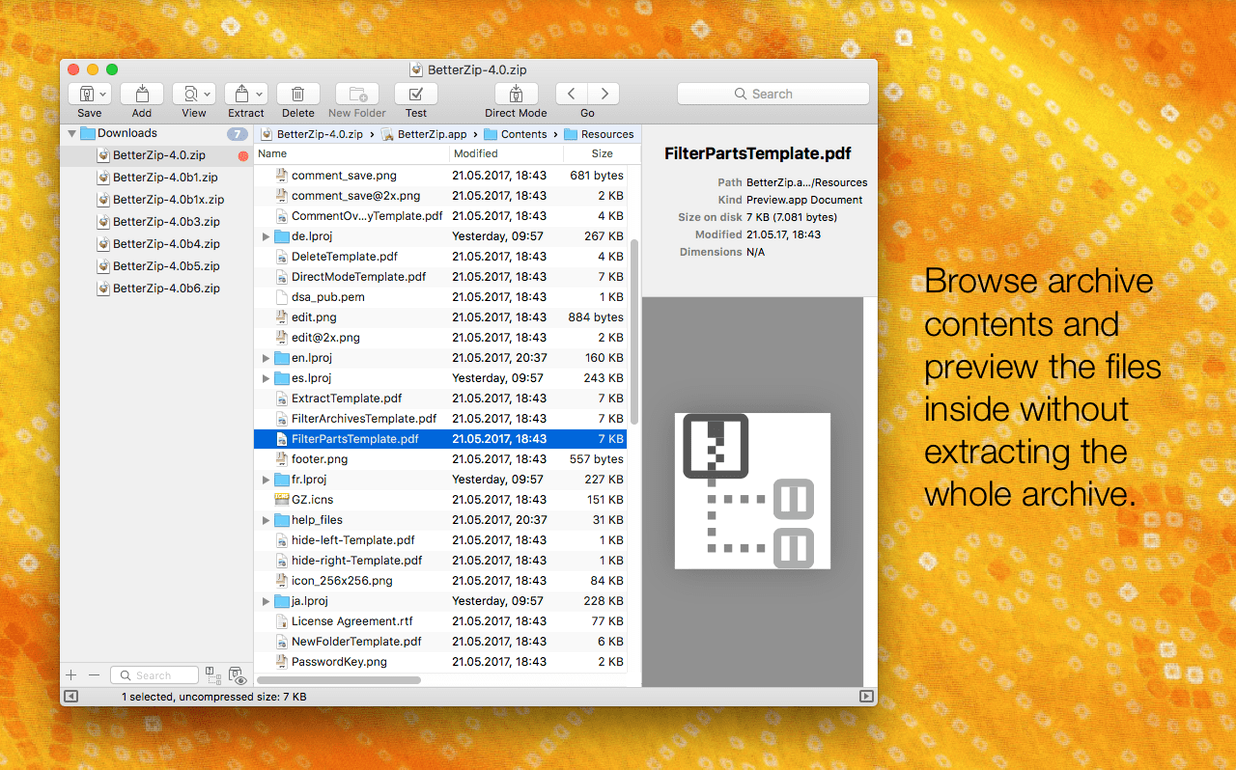
BetterZip is a Mac utility for unpacking, compressing, and editing archives without always needing to pull everything out first.
| Detail | Info |
|---|---|
| Version | 6.0.6 |
| Developer | Macitbetter |
| Formats | 30+ (ZIP, RAR, 7z, and more) |
| macOS | 13.5 or later |
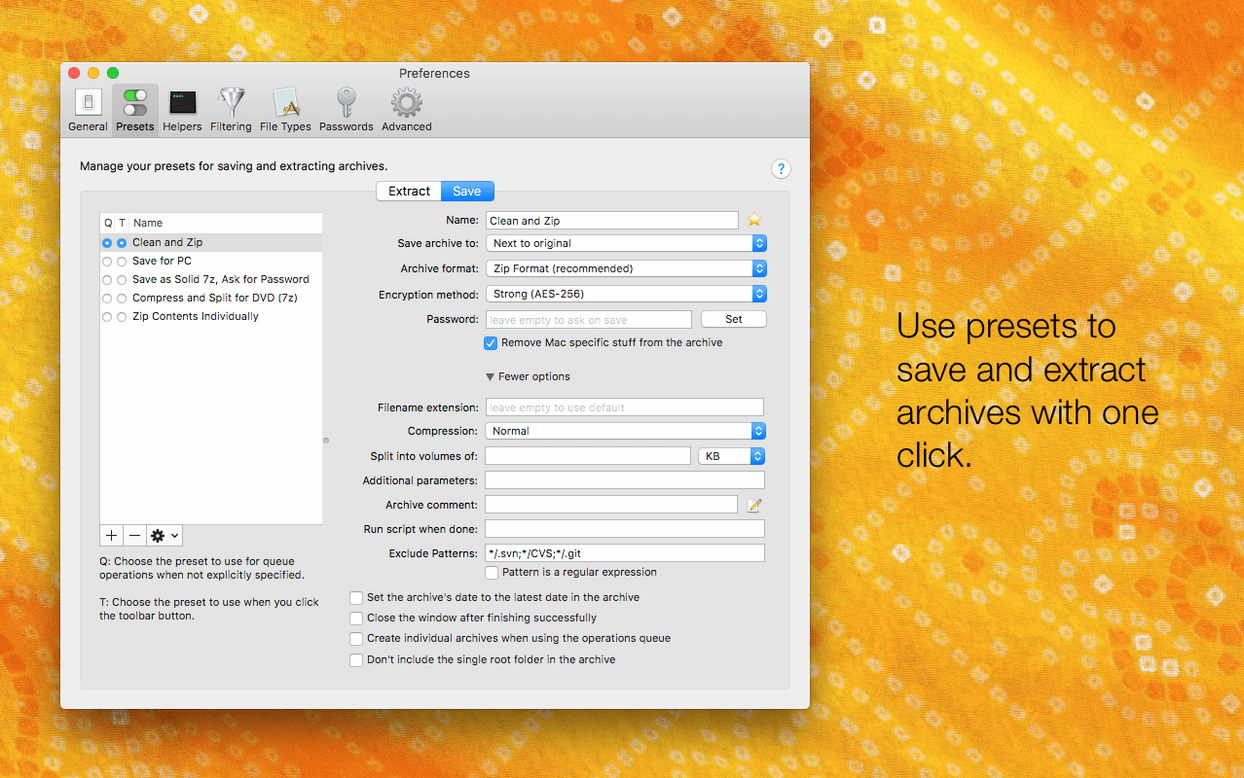
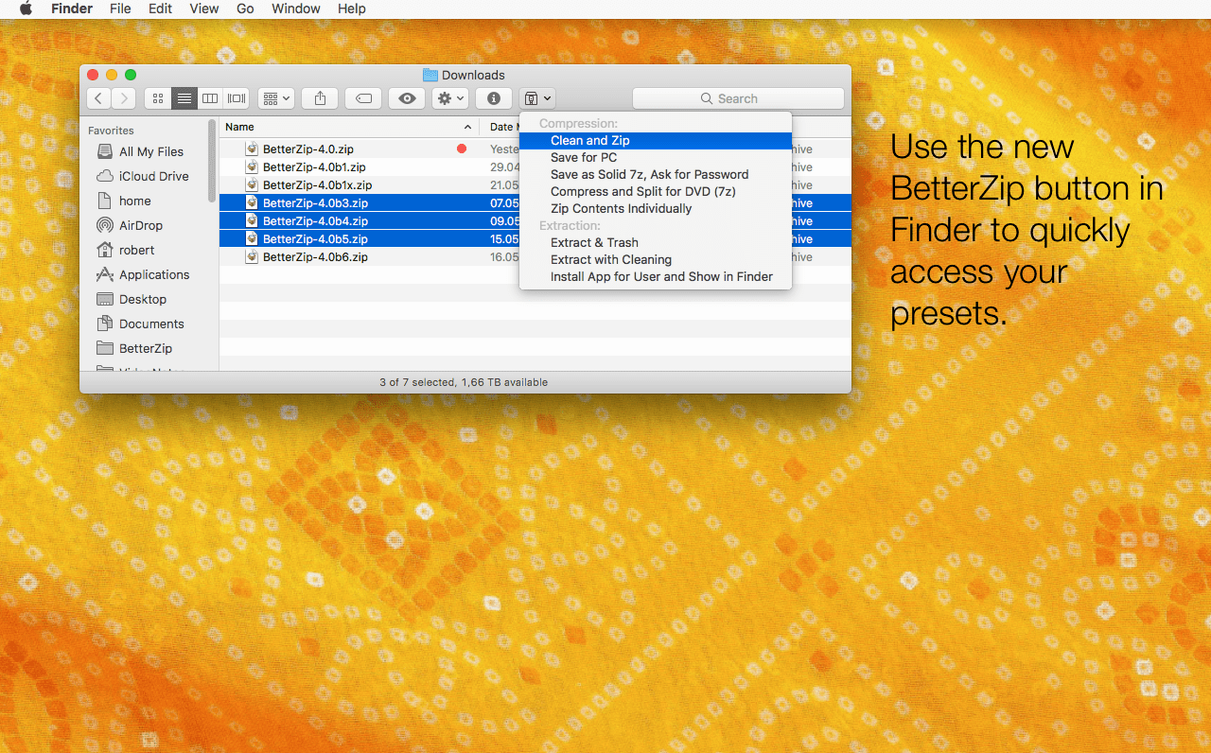
Questions people often have boil down to what you can tweak inside an archive. You can rename or move files and folders without a full repack. Both ZIP and RAR archives let you attach comments for notes or version tags. A strong password generator is built right in for when you need a new encryption key on the spot. The operations queue handles compression and extraction jobs in the background, so you can stack a few tasks and walk away. BetterZip also adds a Finder extension and contextual-menu items, which means most actions are a right-click away. Under the hood, the 6.0.6 update brings the 7z helper to v26.03 with Apple Silicon assembler optimisations, so extraction on newer Macs feels brisk. It also lets you pick a language other than your system default and skip restoring macOS metadata during extraction if you prefer clean output.
Most archive tools make you feel like you're peering through a letterbox. BetterZip opens the whole thing up. Double-click a 7z file packed with design assets, and it drops you straight into the editor view — a familiar column layout that looks like Finder. You can browse folders, Quick Look a PSD without extracting it, then drag three outdated mockups to the Trash and close the window. Done. The archive updates without a repack wizard or a progress bar that makes coffee seem like a bad idea.
That's the loop. Open, tweak, close. If you're sorting client deliverables, you might rename five folders inside a ZIP in under a minute. No extracting, no re-zipping, no version confusion. The operations queue quietly handles the heavy stuff while you move on.
Picture this: you've got a folder of Sketch files, exported PNGs, and a font licence text file. The client expects a single encrypted ZIP with a password you haven't reused since 2019.
Start by dragging the project folder into BetterZip. In the save dialogue, switch the format to ZIP and tick AES-256 encryption. Click the key icon next to the password field — the generator pops up with a 20-character string of letters, digits, and symbols. Copy it somewhere safe, then save. Before you ship it, open the archive and add a comment: "Final handoff — 24 April." RAR handles comments too, so the same trick works if your client prefers that format.
If the PNGs have Finder tags or extended attributes you don't want polluting their Windows machine, head into extraction preferences first and flip the switch to skip restoring macOS metadata. Clean output, no hidden dot-files.
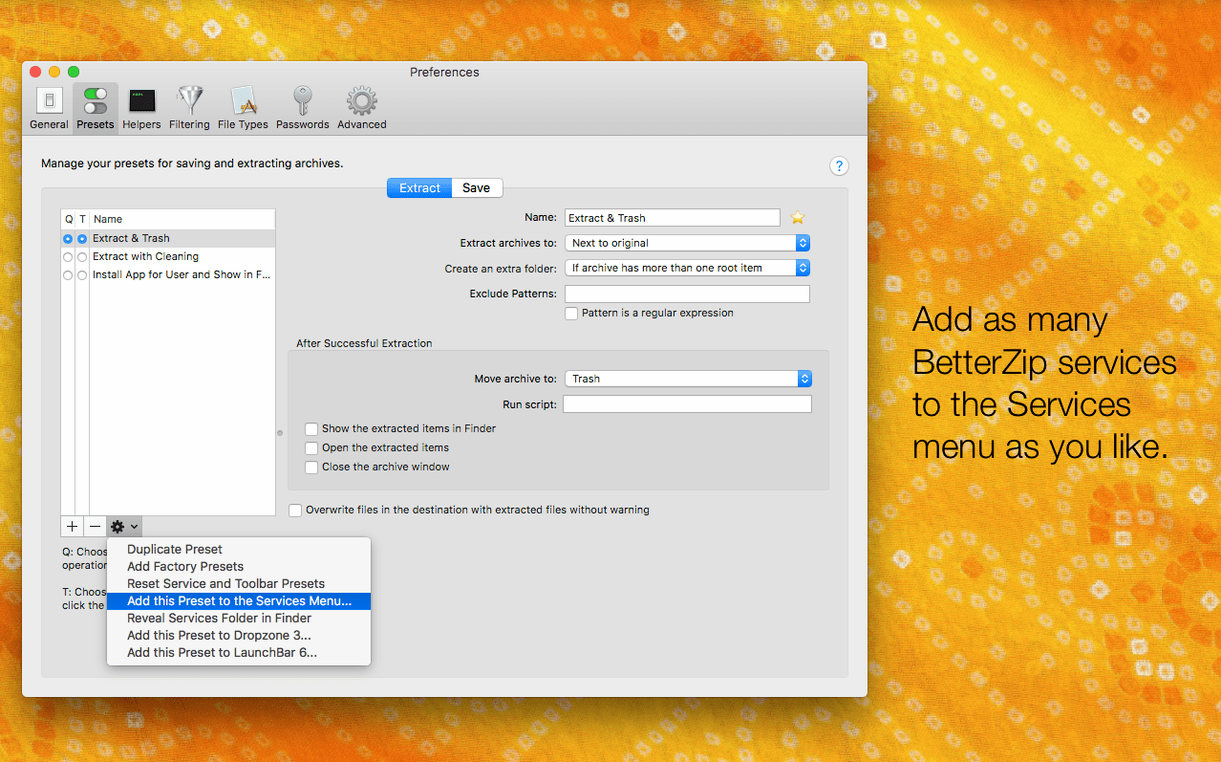
Right after install, a couple of tweaks make the app feel like it's yours.
The app won't nag you about any of this. It sits there, doing what a better zip mac tool should do, until you need it.














Chat 0
Hop in or make an account to join the chat.
Quiet in here so far. If you have used this build, tell me what the install actually did.