
 Bitwig Studio
 Beyond Compare
 Bloom
Bloom BetterZip
 BetterTouchTool
 BetterMouse
 BetterDisplay Pro


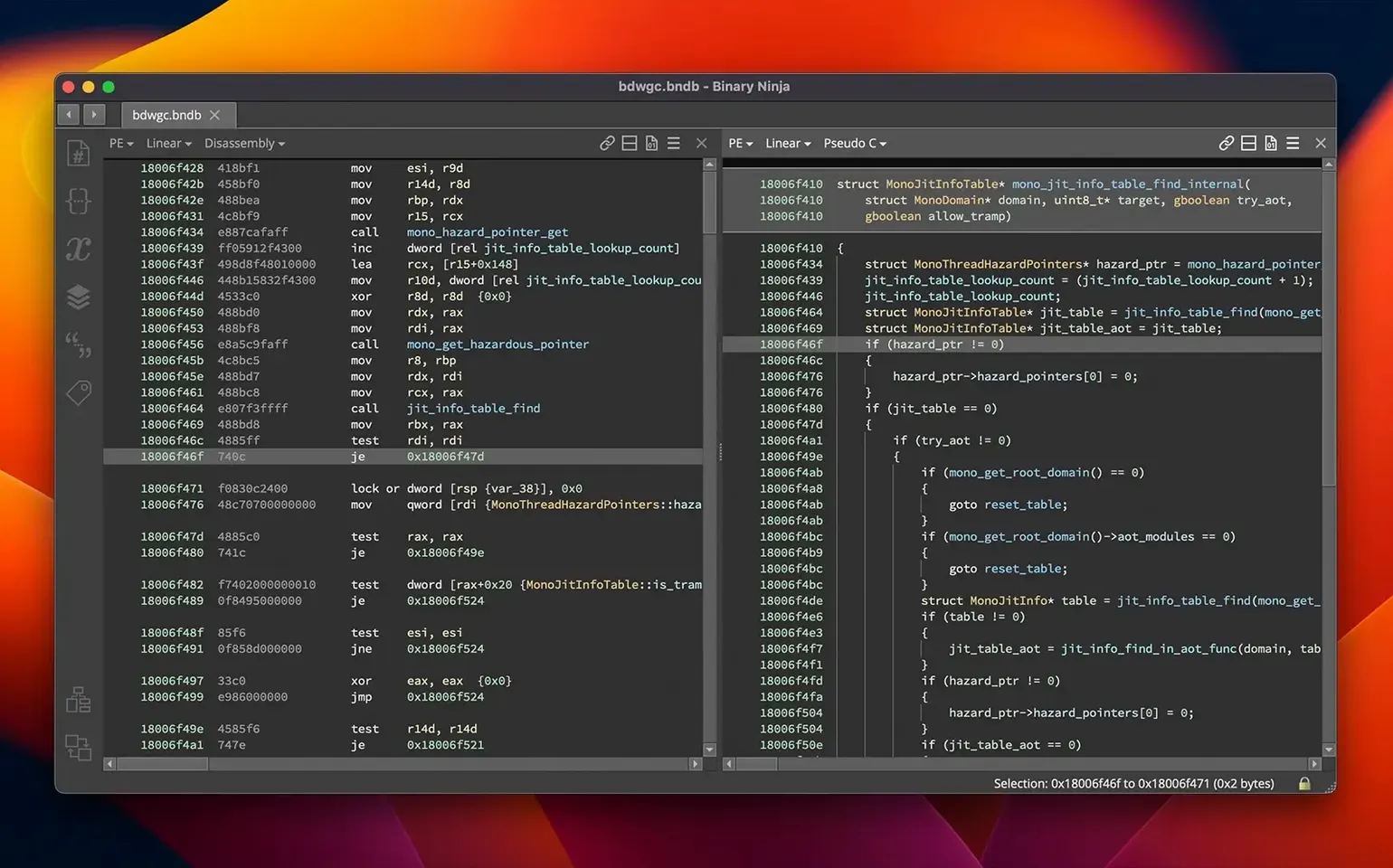
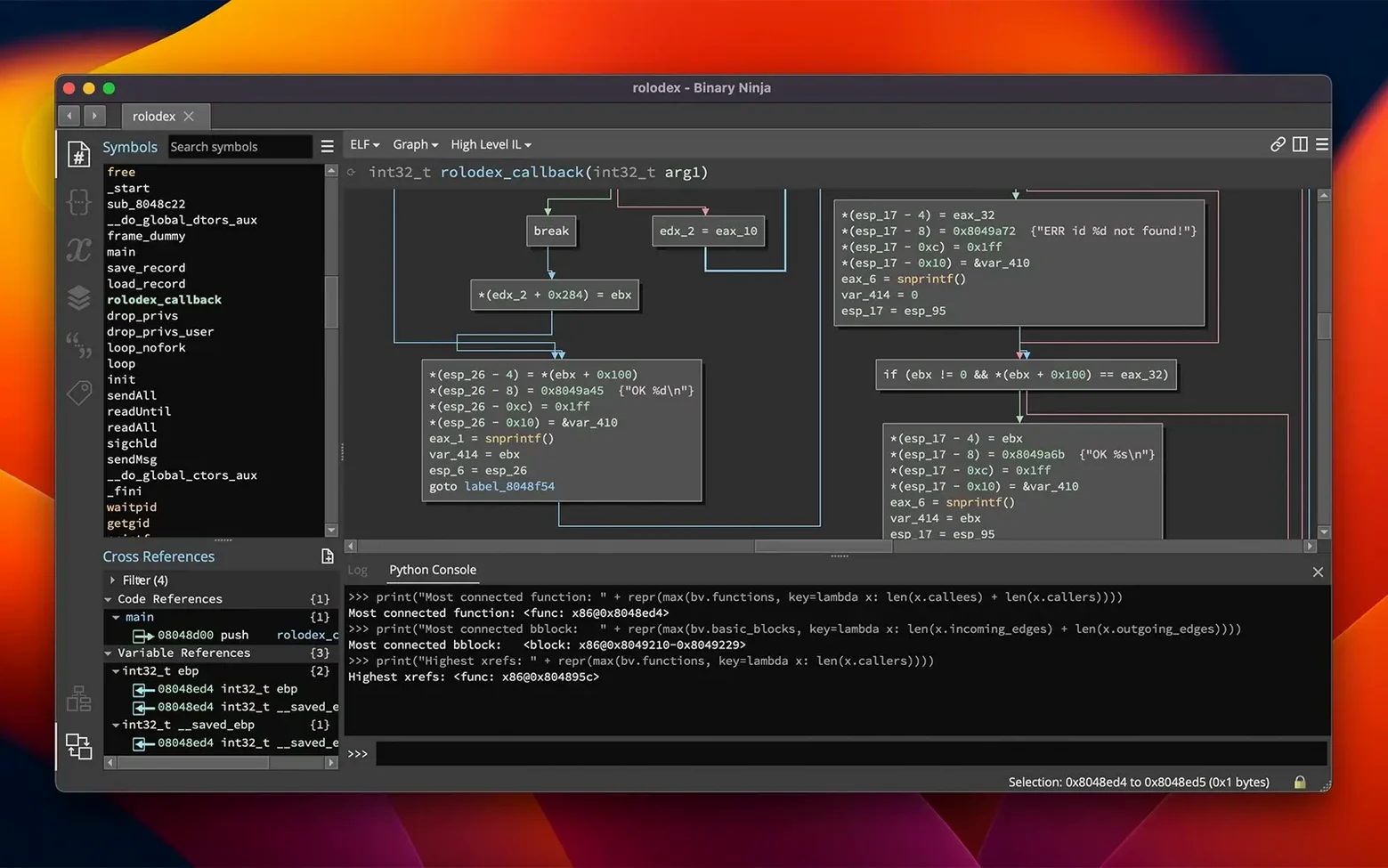
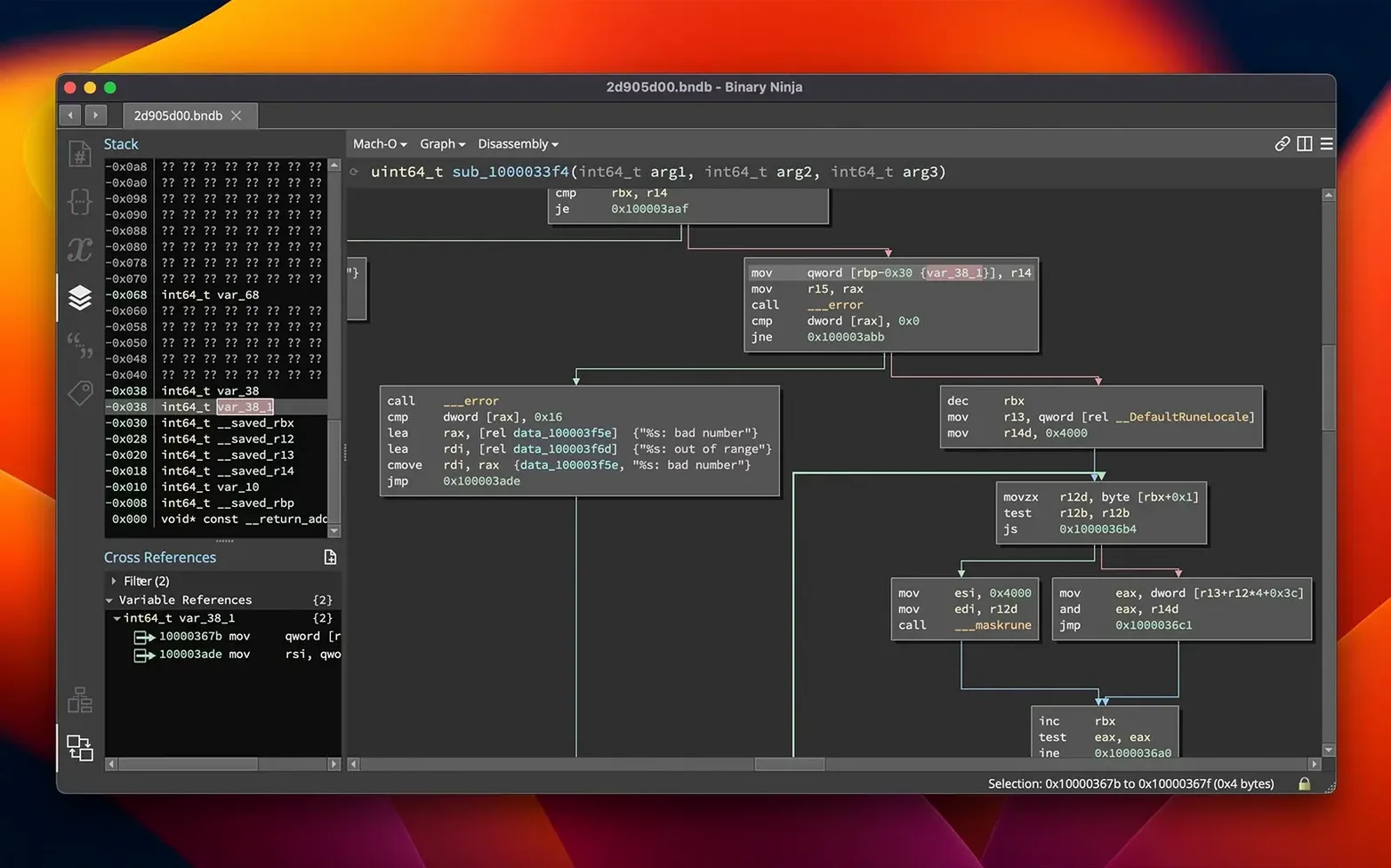
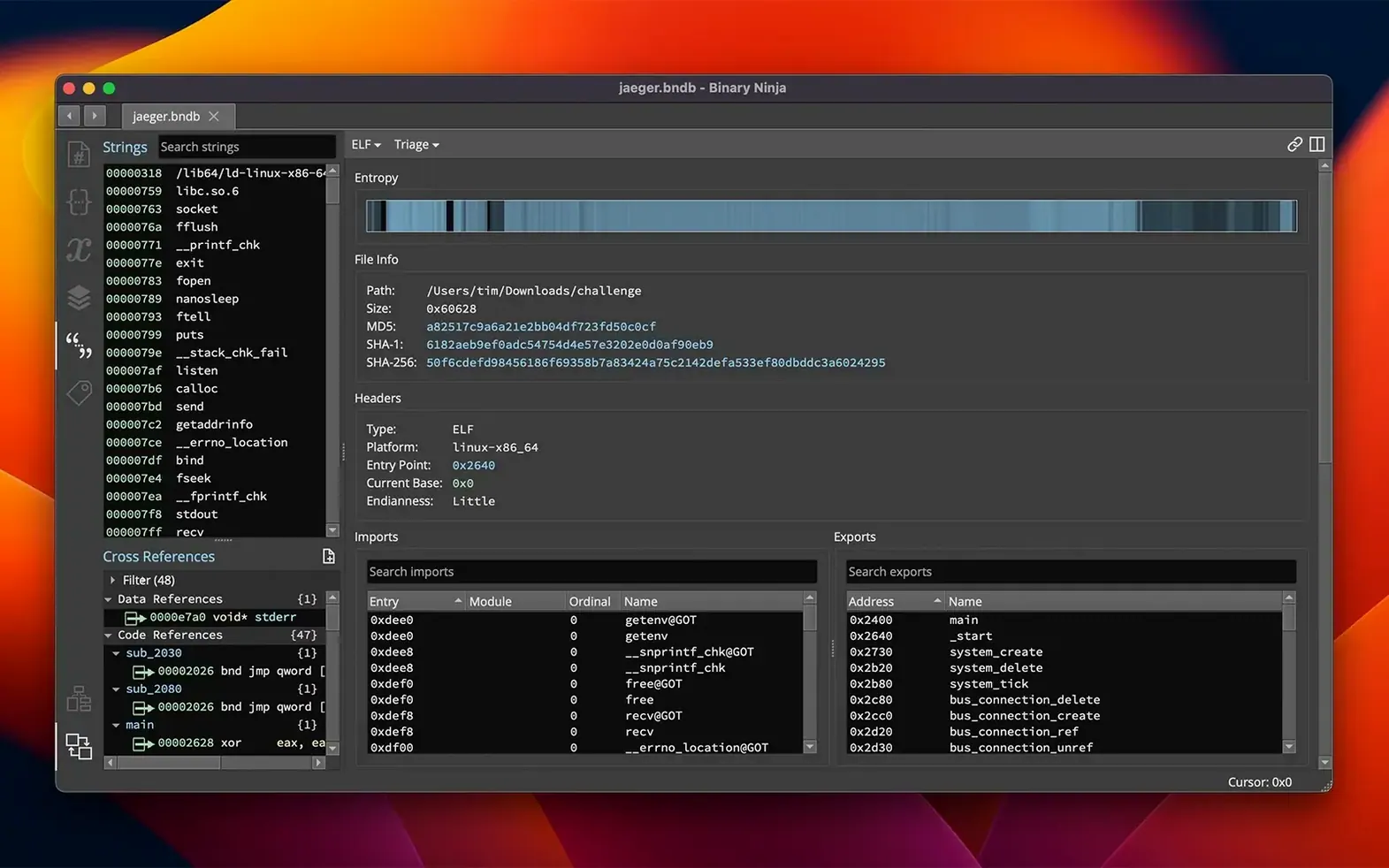
Staring at a raw binary file with no source code feels like trying to read a book in the dark. Binary Ninja gives you the lights—it disassembles, decompiles and helps you annotate what you find so the logic starts to surface.
Drop a binary in and the default linear view shows the assembly straight away. Hit the Tab key to switch to the graph view and you’ll see a clean control-flow diagram you can click through, with cross-references that let you follow calls and jumps without losing your place.
As soon as you spot a function or data label, press N to give it a meaningful name. Right-click a variable and you can apply a C type or build a struct right there—the decompiled output in the HLIL pane updates instantly, turning vague pointers into readable logic.
The Extension Manager (redesigned in version 6.0) lets you browse and install community plugins without leaving the window. If you need to script your own analysis, the headless mode runs on Windows, macOS or Linux and speaks Python, so you can batch-process samples or plug the engine into a larger pipeline.
Binary Ninja doesn’t ask you to abandon your existing workflow. You can export annotated databases to IDA-compatible formats, pipe decompiled C into an external editor, or call the headless API from a Makefile that rebuilds your analysis on every commit. The MCP server added in 6.0 lets an LLM query the binary graph while you work, so you can ask “which functions touch this buffer?” without writing a script.
On macOS it taps into native shortcuts and text behaviours you already expect—Command-F to search, drag-and-drop from Finder, standard open-and-save dialogs. If your pipeline uses Hopper or Ghidra on other projects, Binary Ninja slots in with the same PE, Mach-O and ELF loaders and gives you a second opinion on tricky functions.
Launching a 40 MB Mach-O on an M-series Mac, the initial linear disassembly appears near-instantly. Switching to graph view redraws in a beat, even on a function with several dozen basic blocks. Memory use stays modest—a session with six binaries open rarely pushes past a few hundred megabytes, which leaves plenty of room for a debugger and a browser full of tabs.
Stability has been uneventful in the best way. Long sessions with large symbol tables, repeated undo-redo chains and Python scripts that hammer the API haven’t caused a single beachball. The calling-convention refactor in 6.0 cleaned up edge cases where stack-parameter detection used to get fuzzy on ARM64, and the structure-initialiser support in the HLIL pane cuts down the time you spend squinting at raw offsets.
The file-analysis view includes an entropy graph that highlights packed or encrypted regions, and the binary-patching workflow—edit assembly, raw hex or compile C snippets with the built-in SCC compiler—lets you test a fix without leaving the tool. If you’re exploring a sample you found via a binary ninja torrent, the patching and annotation tools make it straightforward to label obfuscated sections and save your work as a database.
If your day involves staring at bytes and wishing they made sense, Binary Ninja’s combination of low latency, clean graph navigation and tight macOS integration makes the work feel less like archaeology and more like a conversation with the machine.
It helps you compare functions across different binaries to spot reused code or known library routines, which speeds up triage when you are looking at multiple samples.
You can analyse x86, x86-64, ARMv7, AArch64, PowerPC, MIPS, 6502, Z80 and TMS320C6x files, with decompilation to C or the intermediate BNIL for supported targets.
Yes, the headless analyser lets you run disassembly and decompilation from scripts or a terminal on Windows, macOS and Linux—handy for automated workflows.














Chat 0
Hop in or make an account to join the chat.
Quiet in here so far. If you have used this build, tell me what the install actually did.