
 BetterZip
 BetterTouchTool
 Binary Ninja
 Bitwig Studio
 BetterMouse
 BetterDisplay Pro
 Bloom
Bloom


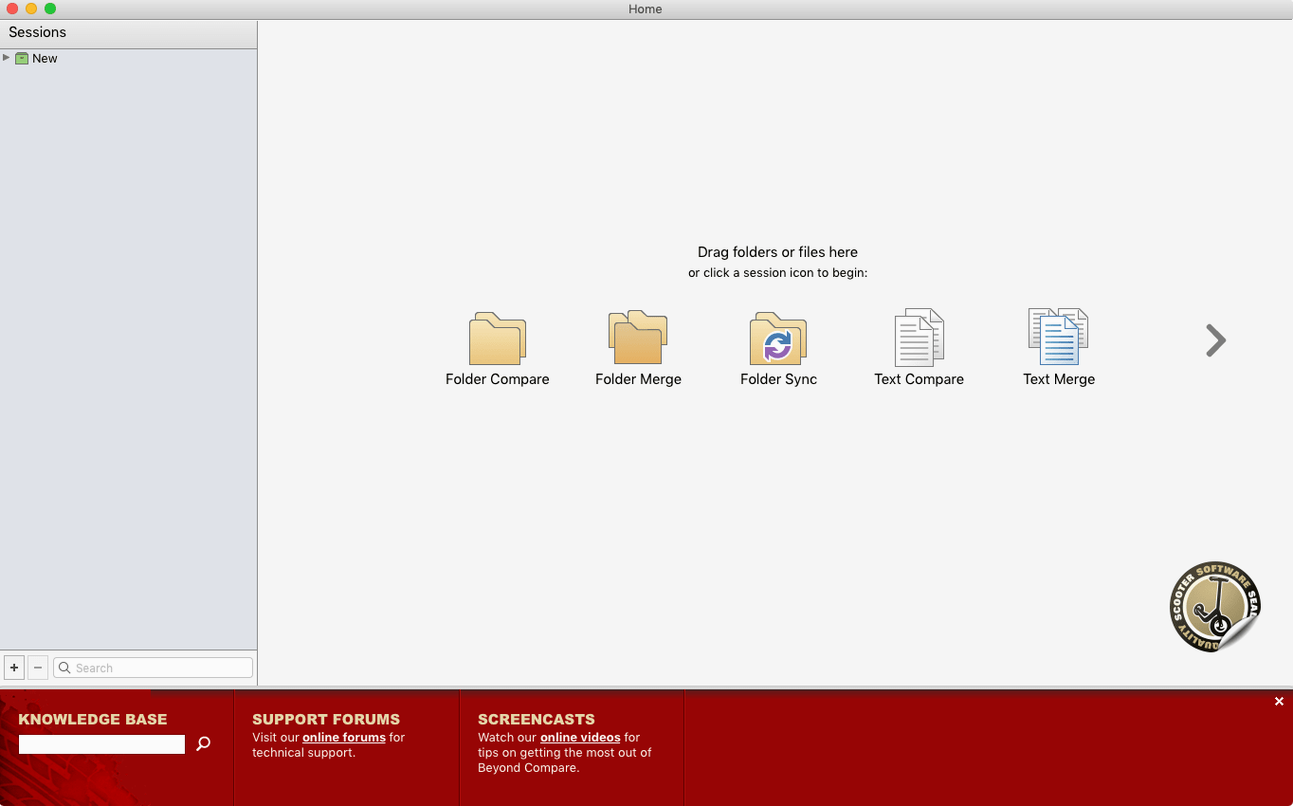
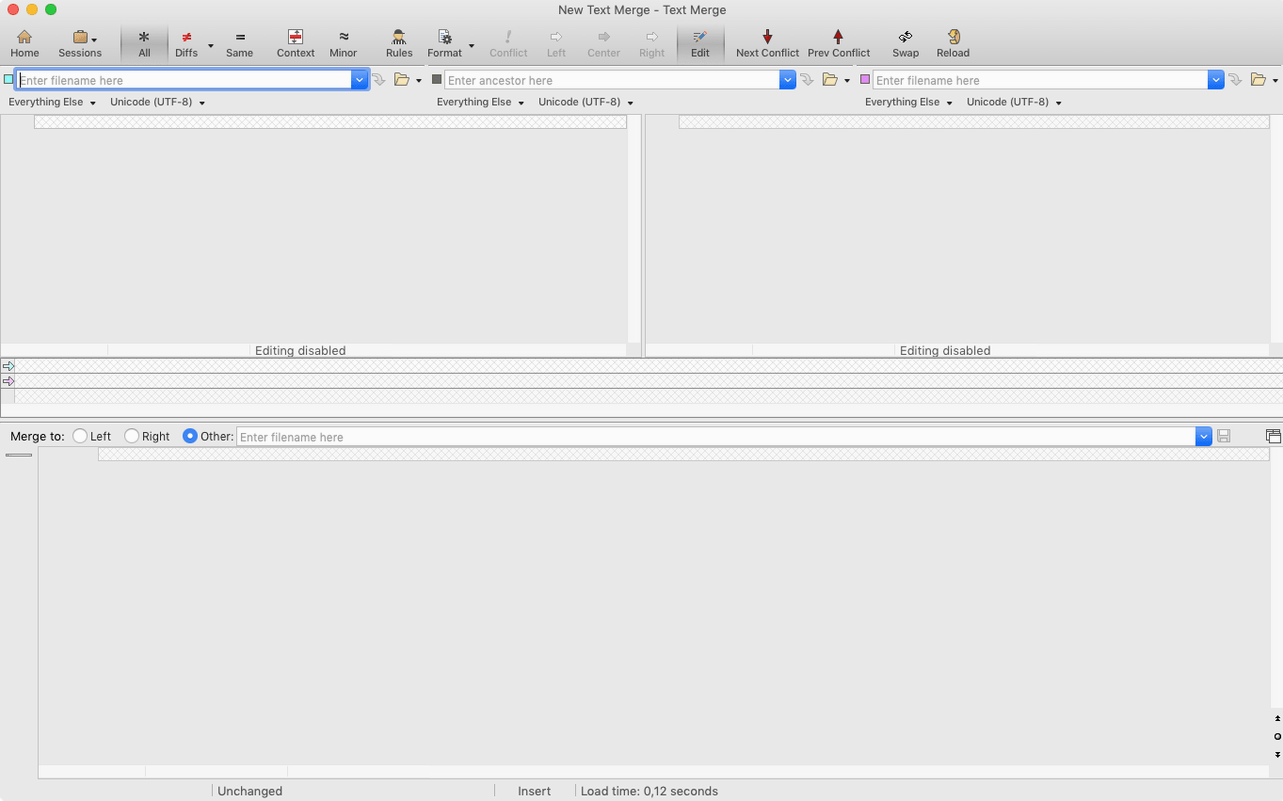
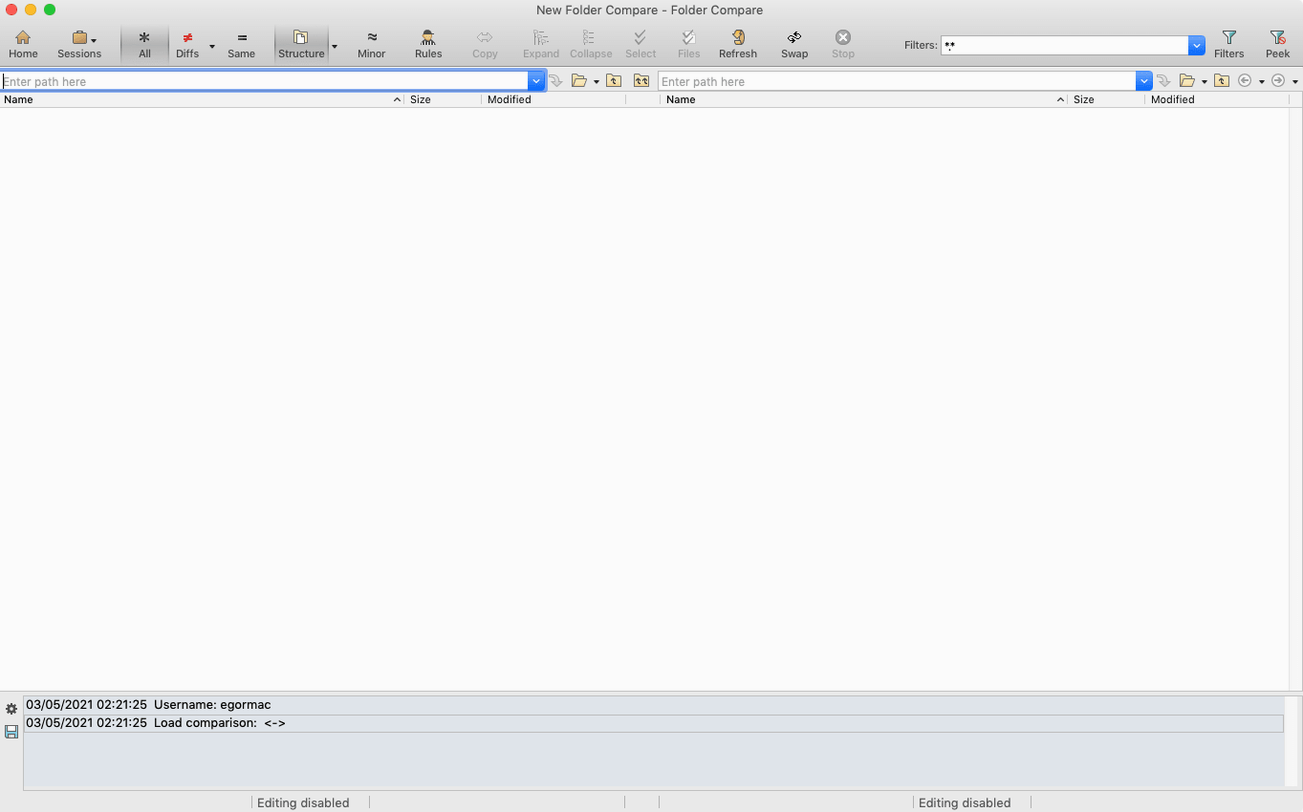
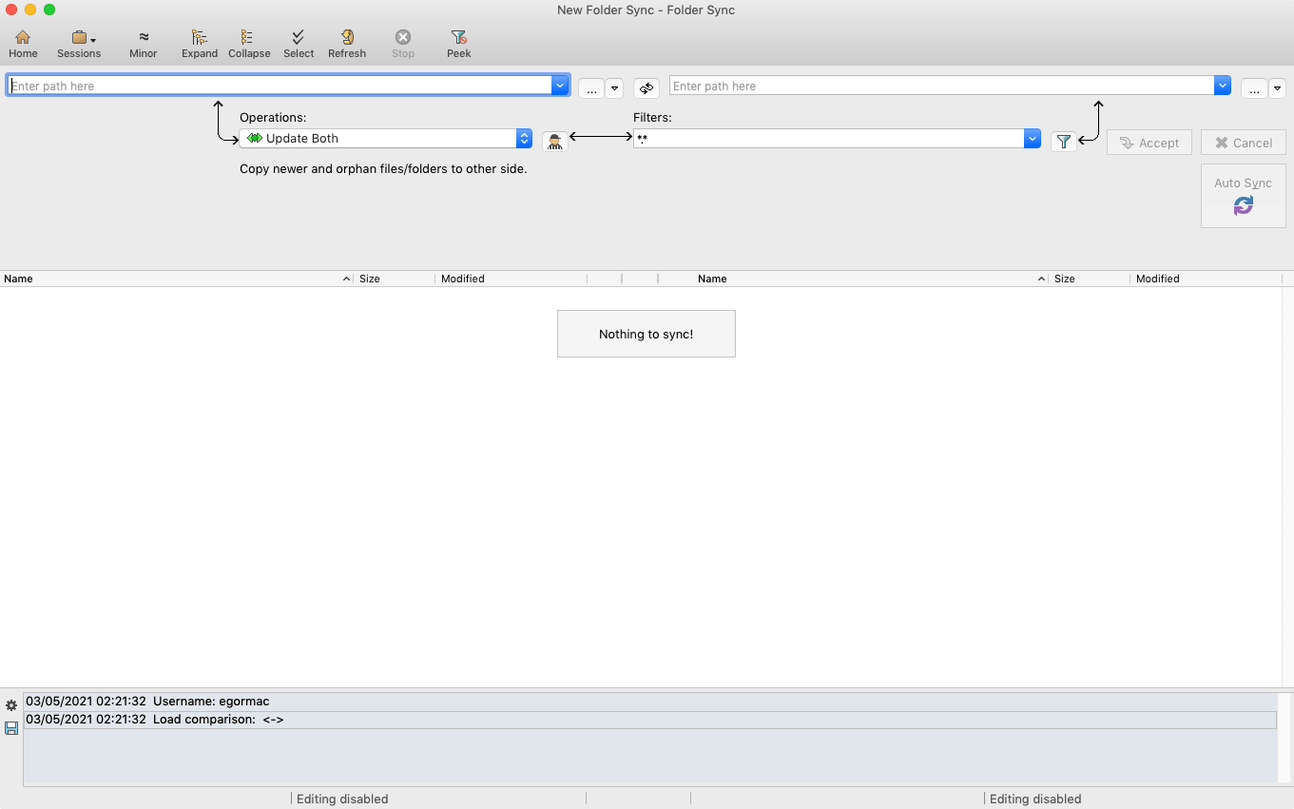
Alignment overrides let you manually pair lines that automatic logic might miss. That kind of control is what sets Beyond Compare apart when you’re working next to Finder tags, Quick Look previews, and the column view you already rely on. It’s a utility that slots in after your text editor and before your backup routine — a way to spot what changed between two folder trees, merge code branches, or confirm a sync ran cleanly.
The main window borrows a pattern familiar from column‑browsing habits: two folders side by side, colour‑coded files, and a session list that remembers your last few comparisons. You can set rules for how folders are handled — ignoring .DS_Store clutter, treating certain file types as binary — so repeated sync checks against an external drive feel quick rather than noisy. ARM and x86 Macs both get native performance, and the interface follows your system appearance between light and dark mode.
Think of it as the step between spotting a discrepancy and acting on it. You might open a saved session after a site export to verify only intended assets changed, or call up the folder merge view when a collaborator sends a revised project tree. The in‑app help is genuinely useful for learning the merge tools, and the app speaks English, German, Simplified Chinese, French, or Japanese. It doesn’t try to replace Finder — it just makes the differences visible, then gives you the buttons to keep or discard them.
Picture someone managing a small office NAS. Before the weekend backup runs, they pull up a saved session that compares the accounts share against its mirror on an external drive. Colours light up immediately — blue for orphaned files on the right, red for newer versions on the left. A quick right‑click on a stale .plist and they copy it across without ever opening Finder. The whole check takes under two minutes.
You drag two project folders into the panes. The toolbar shows 14 files with differences. Step one: filter out .git and node_modules using a saved rule. Step two: double‑click the first changed Markdown file — the merge view opens with a three‑way split if you’ve set a common ancestor. You step through each block, clicking the arrow to accept the left version or typing a quick edit. Step three: back in the folder view, you copy the final set to the output directory and close the session. Next time, the same rule set is waiting.
Beyond Compare 5.2.6 brings Scooter Software's freshest batch of bug fixes and performance tweaks to the Mac.
Yes, version 5 adds native ARM support alongside 64‑bit Intel, and it runs on macOS 10.12 Sierra or later.
Yes, you can save sessions to a list so you can quickly reopen the same folder or file comparison without re‑configuring it each time.
The app includes English, German, Simplified Chinese, French, and Japanese interface languages.














Chat 0
Hop in or make an account to join the chat.
Quiet in here so far. If you have used this build, tell me what the install actually did.