
 Bartender
 BatFi
BatFi AutoCAD
 BBEdit
 Audiobook Builder
 Audio Hijack
 attn LED

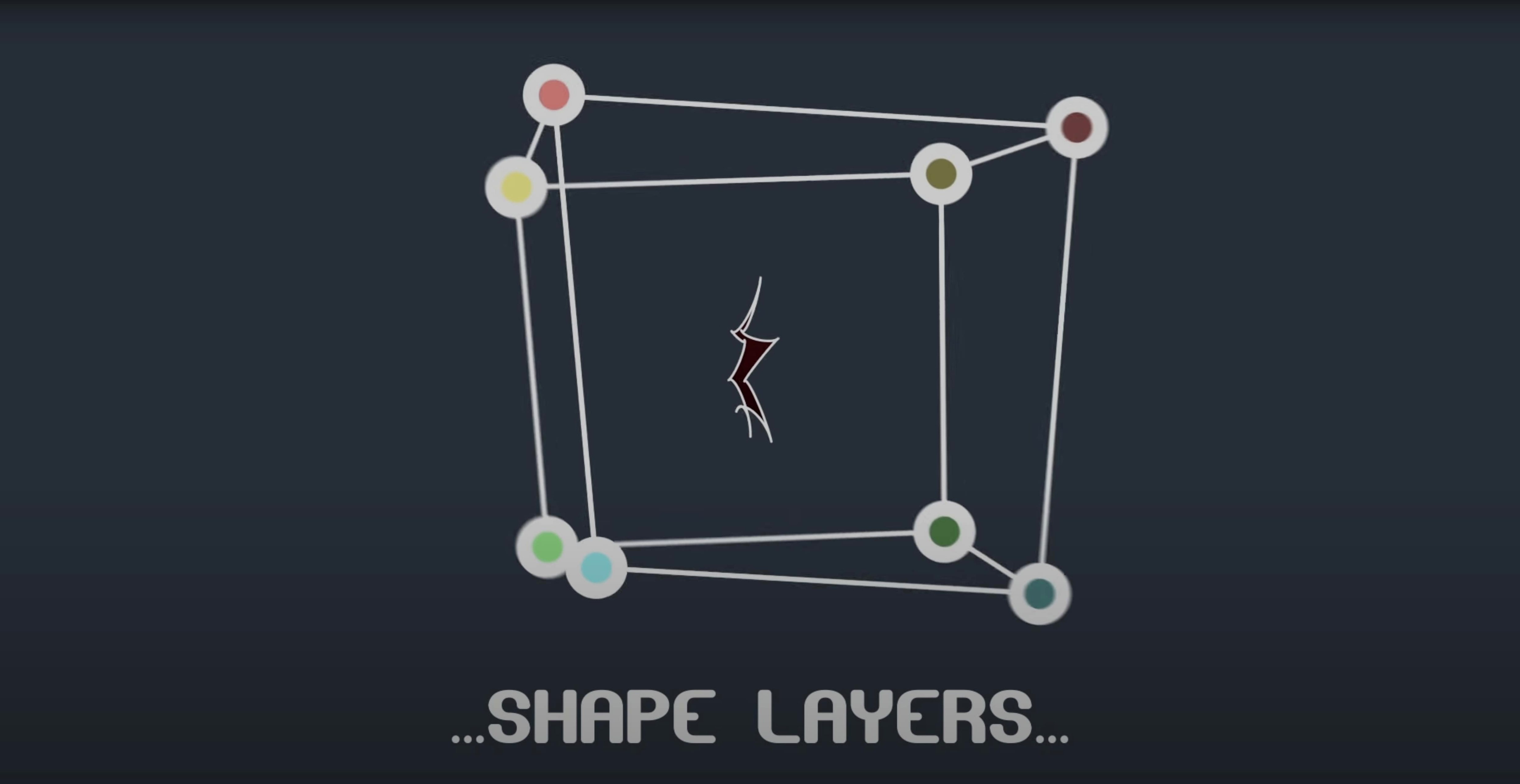
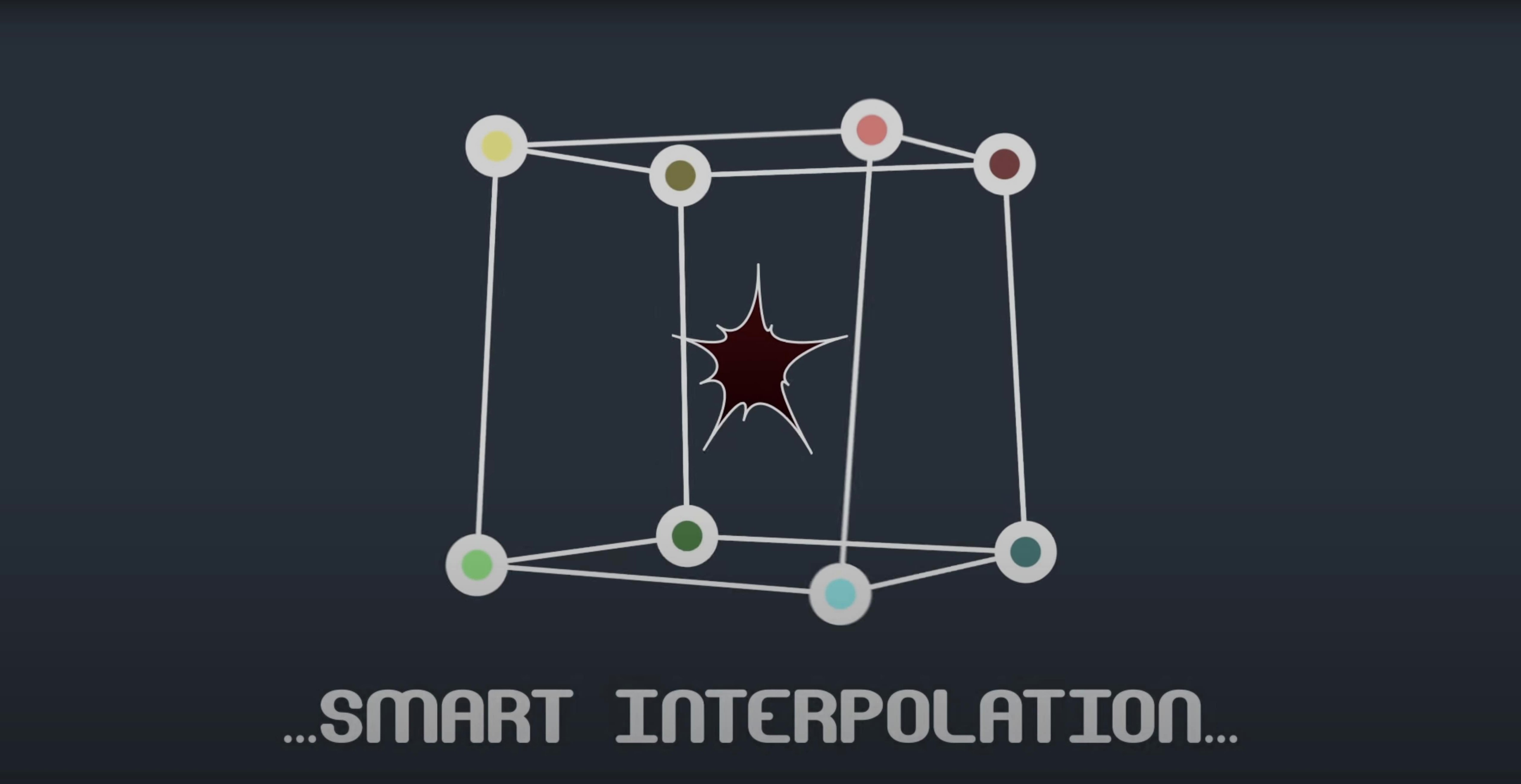
Runs natively on Intel and Apple Silicon Macs, from CS6 through to After Effects 2024.
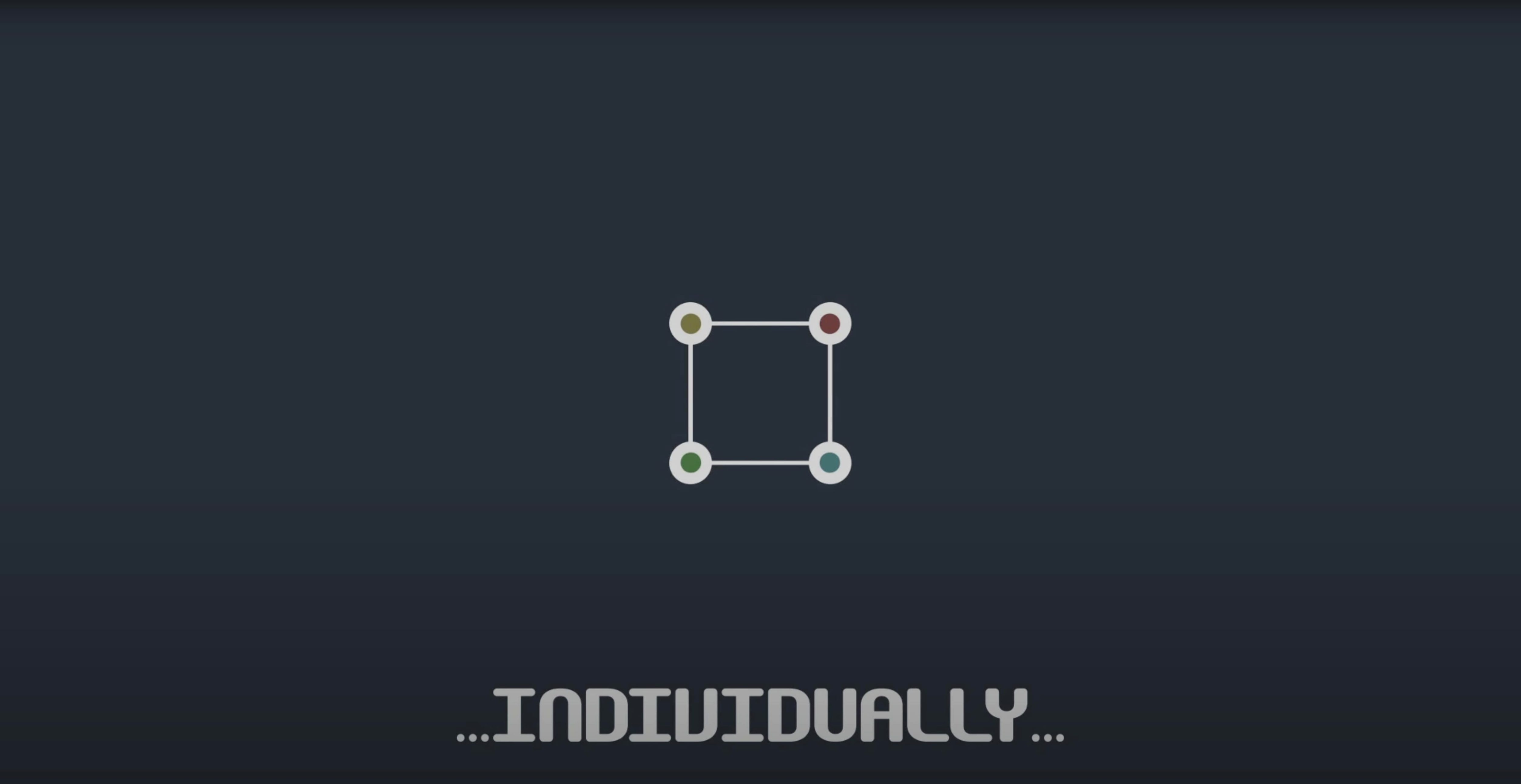
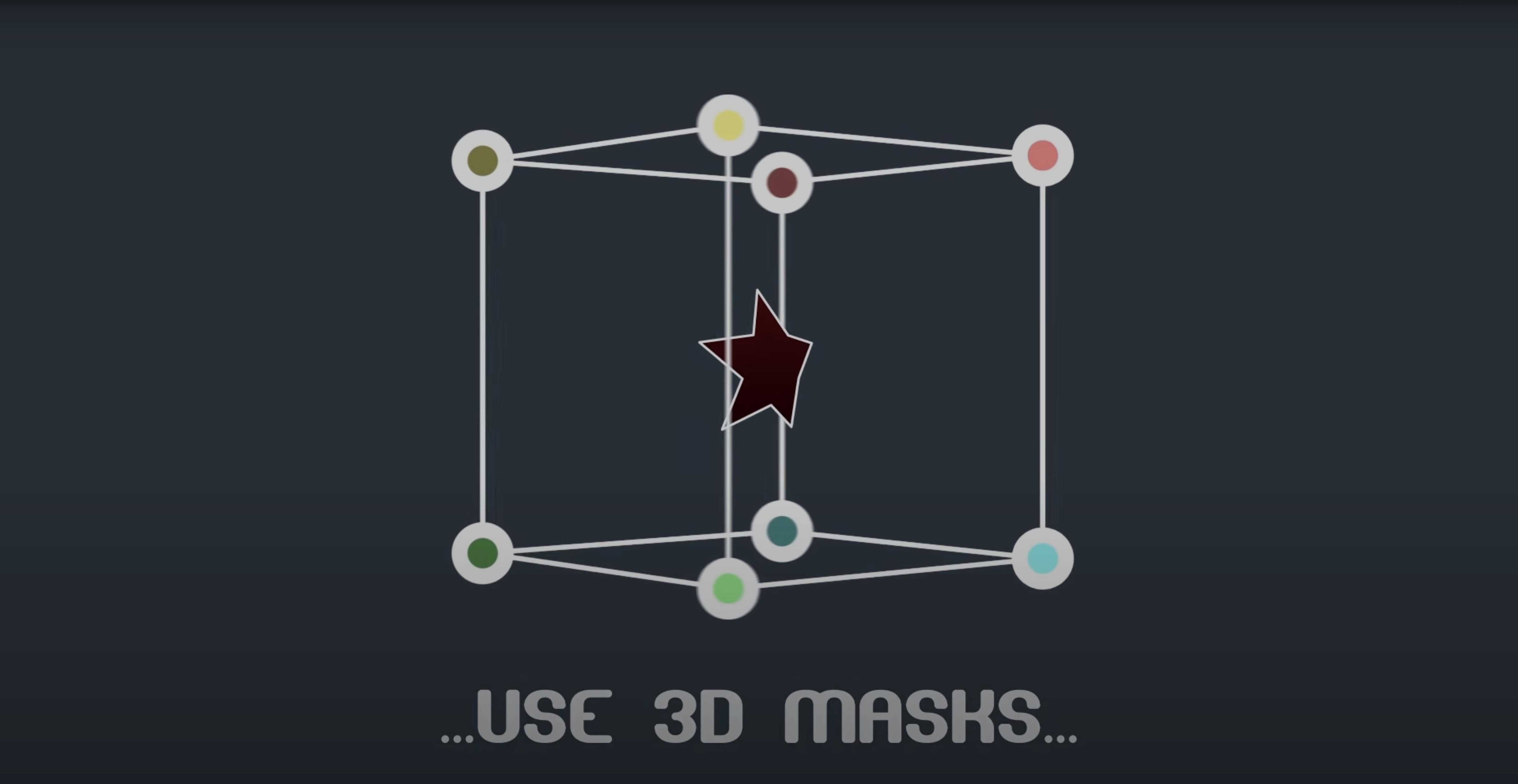
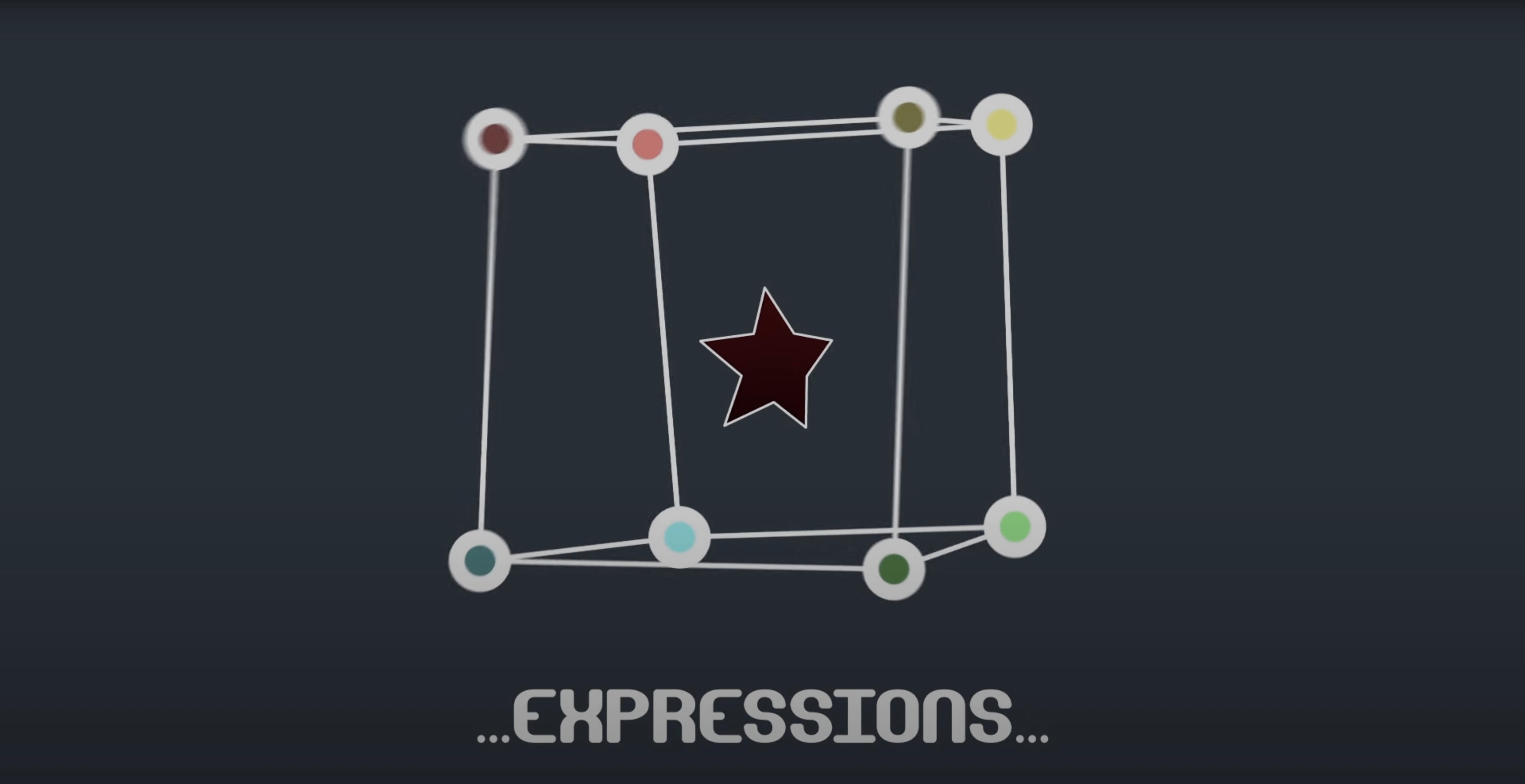
Per-vertex control — animate individual mask points and their tangent handles independently, rather than moving the whole shape at once.
Path data reader — grabs position and orientation from any point you pick along a mask path. Handy when you need a null to follow a contour exactly.
Shape layer aware — works on masks attached to shape layers, not just footage. The bundled scripts handle expressions and let you pick-whip vertices straight to tracker points, which often removes the need for a separate Mask Renderer step in a roto or comp.
Typical place in a session: after a track solve lands, you link mask vertices to the trackers and refine tangents while the playhead moves. On a bus-heavy comp, it keeps each roto island tied to its own motion source without juggling extra precomps.
A beauty retoucher I know had three product stills to deliver by six. Each bottle needed a soft wipe-on reveal that followed the curve of the glass — not a straight wipe or a radial ramp. Building the matte with keyframed masks would normally mean nudging tangent handles frame by frame, and the light was already going orange outside her window.
She dropped Mask Avenger onto the base mask, pick-whipped the top three vertices to a couple of tracker points she'd placed along the bottle's edge, and let the tangents interpolate through the middle of the move. The reveal hugged the contour without kinking. What would have been a late night wrapped by five-thirty, and the renders were spooling while she packed her bag. That's the niche it fills: not replacing the mask tool, but making the existing masks listen to track data without a stack of intermediary nulls.
No — it sits on top. After Effects still does the masking; Mask Avenger just lets you animate the vertices and tangents individually, keyframe their easing, and link them to other layers. You keep the AE mask workflow you know, with extra handles added.
There is a freeze mode baked in for exactly this. Before you hand off a project, you can bake the mask animation down so it plays back on a machine that doesn't have the plugin installed. The masks become standard keyframed shapes, no warnings, no missing-effect bars.
Yes — there is a script that applies the mask data straight to a shape layer path. That means you can use Mask Avenger's tangent control on a vector shape and still have access to shape-layer strokes, fills and operators, rather than being locked into a masked solid.
Version 2.7.5 specifically patched a compatibility issue on Apple Silicon, and the current build runs natively on ARM and Intel. If you're on an older version, that M1 fix is the main reason to update.
Animating every vertex by hand. The plugin gives you per-vertex keyframes, but that doesn't mean you need to key all of them. Most newcomers try to wrangle twelve points at once and end up with jitter. Pick two or three that define the main silhouette changes and let intelligent interpolation handle the rest based on the centre of gravity or a single anchor point. The result is cleaner and takes half the time to finesse.
Forgetting the expression bridge. People sometimes grab a vps avenger torrent or a similar download, install it, and start dragging vertices without connecting the bundled scripts. The pick-whip linking is not automatic — you need to run the included expression script first, then pick-whip a vertex to a tracker or null. Skip that step and the mask behaves like a plain animated path, no link to motion data.
Leaving freeze mode for "later." It is tempting to keep the live plugin instance right up until delivery, then discover the client's machine throws errors. Freeze the mask animation before you send the project, even if you think you might tweak it again. You can always unfreeze your local copy, but a bounced render on the other end costs more time than re-baking a few keyframes.
Ignoring shape layer support. A lot of people treat Mask Avenger as a roto-only tool and never test it on shape layers. If you work with titles, lower thirds or vector assets that need a precise contour, applying the mask to a shape path opens up stroke and fill options that a plain mask on a solid cannot match. It is worth a five-minute experiment before you commit to a comp layout.
Yes. Use the pick-whip expression to connect any mask vertex directly to a tracker point, so the mask deforms with the tracked motion.
Often. By reading path data and linking vertices to nulls or trackers natively, you can skip the Mask Renderer step in many setups.














Chat 0
Hop in or make an account to join the chat.
Quiet in here so far. If you have used this build, tell me what the install actually did.