
 Dropover
 Duplicate File Finder Pro
 DriveDx
 DVDFab
 DxO FilmPack 8
 DxO PhotoLab
 Drama
Drama DynamicLake Pro


Runs on any Mac with macOS 13 or later, Apple Silicon and Intel included.
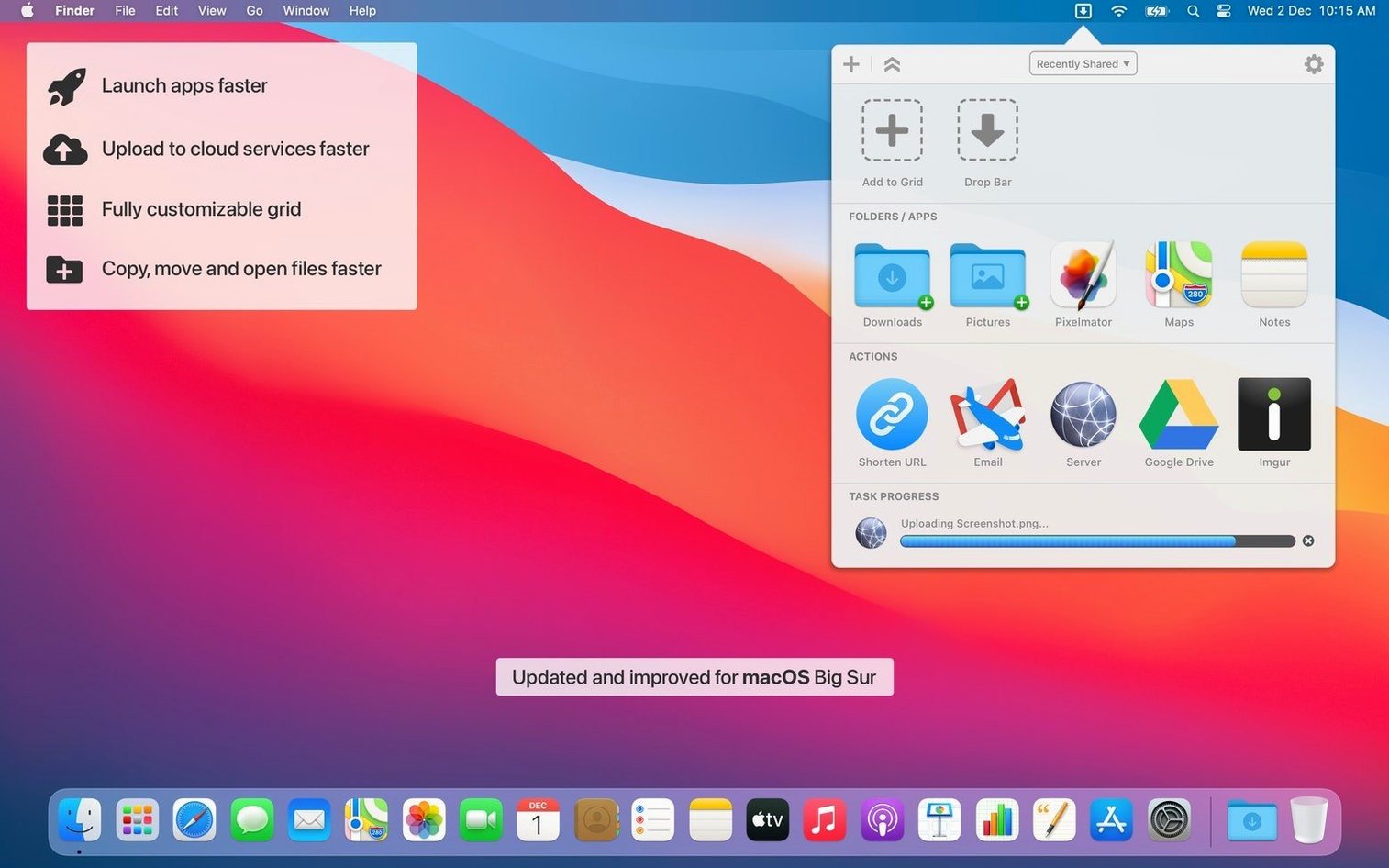
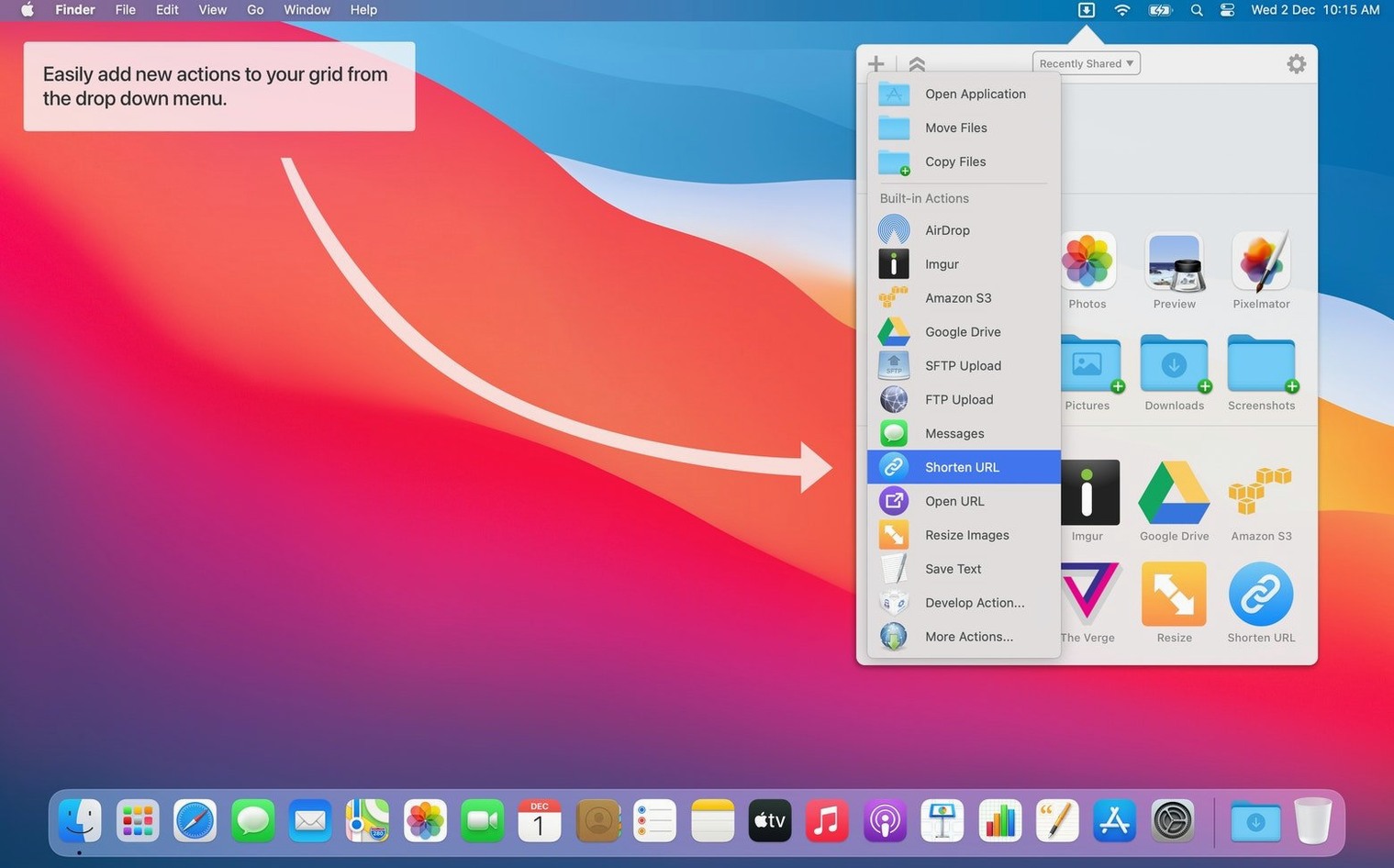
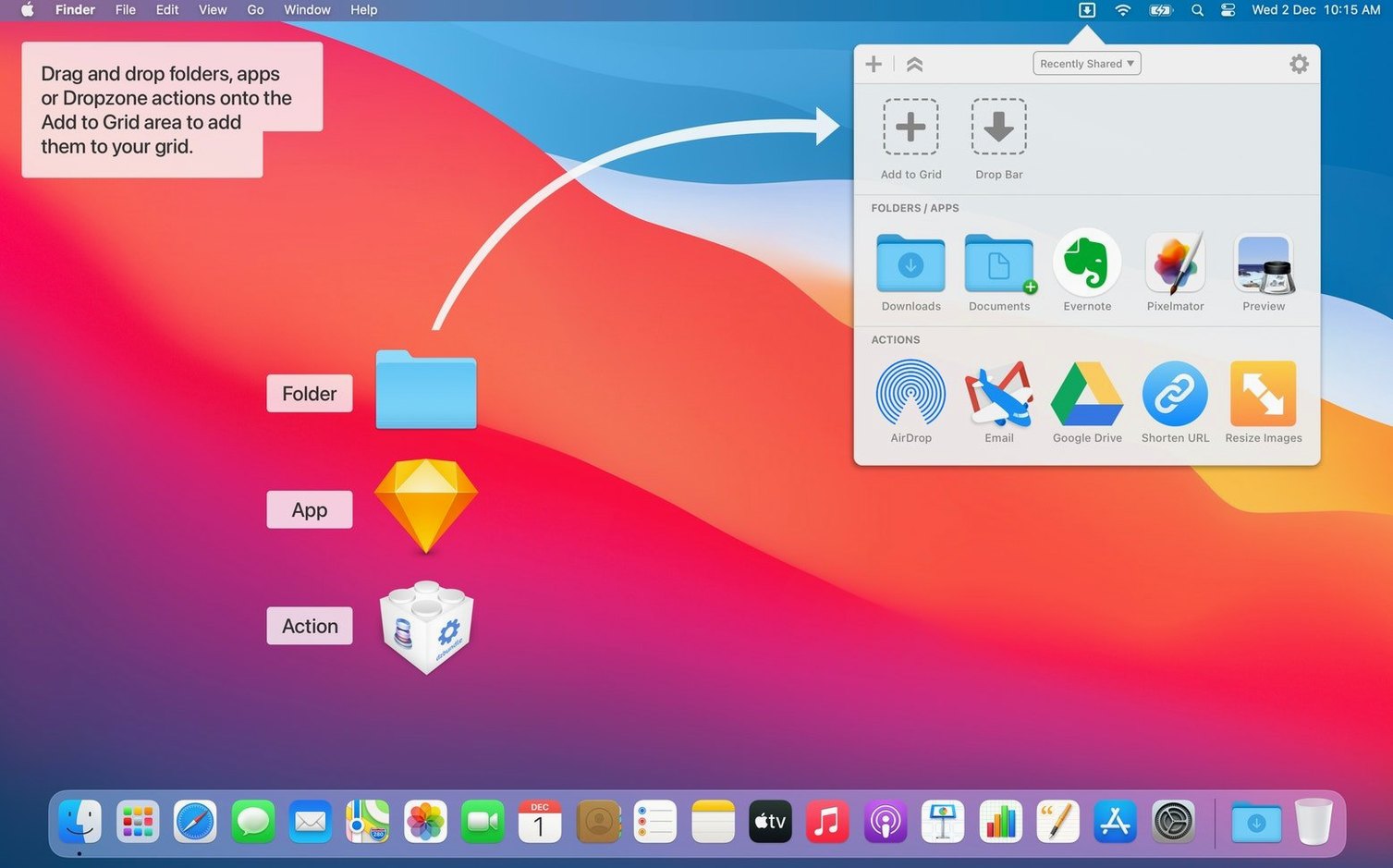
Menu bar app — Lives up top, not in the Dock. Drag a file onto its icon and a grid of shortcuts appears.
Actions — Pre-set tasks like moving files, uploading to Amazon S3, sharing, or shortening URLs. Drop a file or text onto the right tile and the job runs.
YouTube downloads — Paste a video URL onto the grid and Dropzone grabs it. No extra steps.
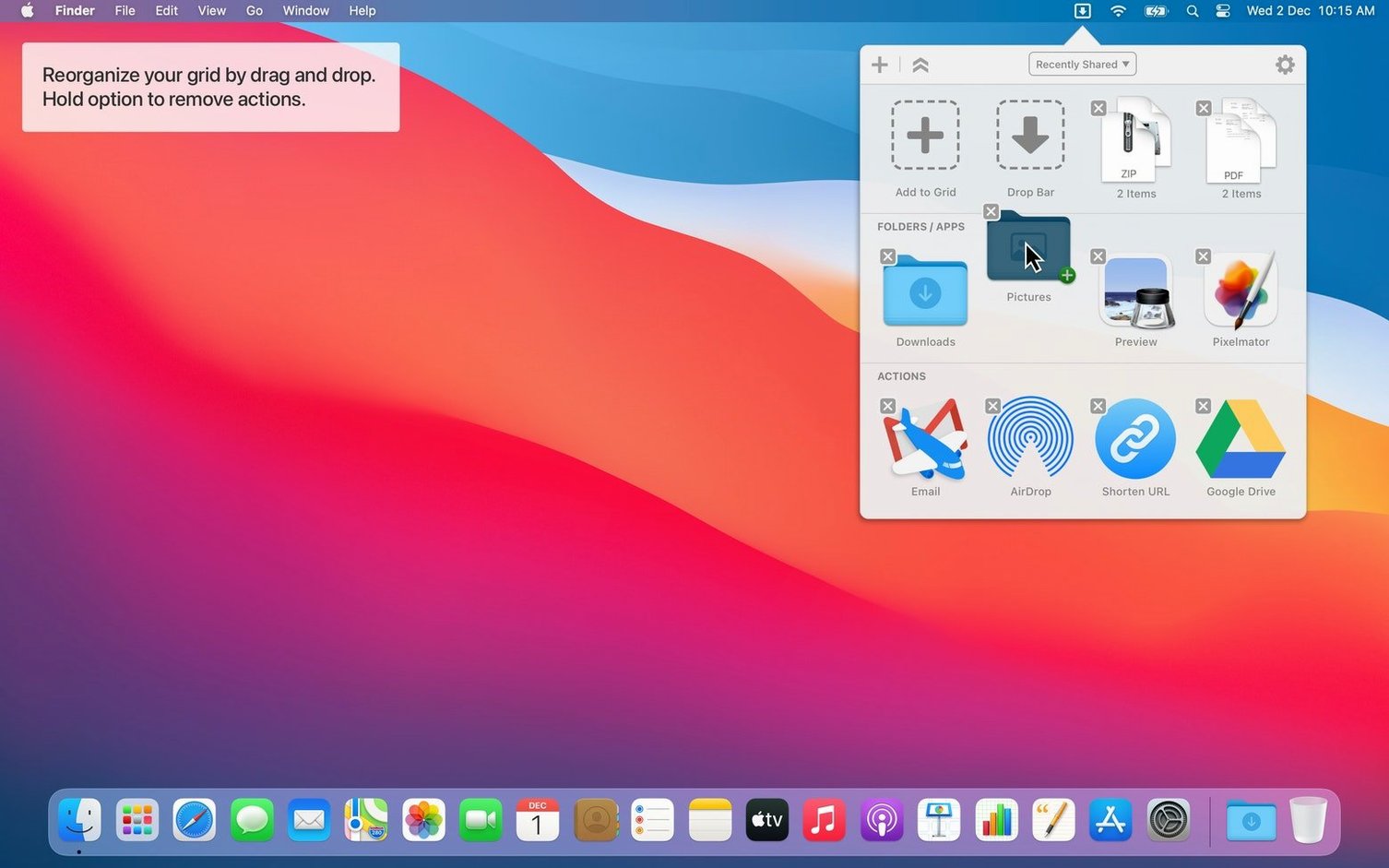
Custom scripts — Feed it your own shell or Automator scripts for daily chores. Reorder the grid tiles to match how you work, then assign a hotkey.
Clipboard and Share — Version 5.1.3 added a Run with Clipboard option and support for sending text or URLs straight from the Share menu.
Progress — Uploads and downloads report back through Notification Center, so you know when they finish.
The holding area doubles as a quick scratchpad. Drag in a few images or a folder you know you'll need later in the day — they sit there until you drag them out again, without cluttering the Desktop.
Right-click any action tile and choose Run with Clipboard to feed whatever text you last copied straight into that action. A URL shortener or a search script can paint from the clipboard without an extra paste step.
The dz command-line tool lets you trigger actions from Terminal or a shell script. Type dz to see the current grid names, then dz "Upload to S3" to fire one off. Combine it with folder actions or cron jobs and Dropzone slots into automated workflows without a mouse click.
Multiple grids mean you can park less-used actions on a second panel and swipe between them with a hotkey. Keep a daily grid for copy-move-share tasks and a weekend grid for image resizing and FTP uploads.
Dropzone 5 leans into drag-and-drop heavier than most. Where apps like Yoink or Unclutter specialise in temporary file parking, Dropzone treats the shelf as a launchpad — you park a file, then fling it at an action. Yoink is brilliant as a pure holding spot, but it won't resize images or upload to S3 on the way out.
Compared with Alfred or Raycast, Dropzone skips the text-command window and puts a grid of tiles front and centre. If you prefer seeing six or eight big targets you can drop things onto, rather than typing “move to projects,” the grid feels more direct. Alfred and Raycast go deeper into system commands and search; Dropzone stays focused on file-handling chores and uploads.
Shortcuts from Apple's own Shortcuts app can run from the menu bar too, but they're built tap-by-tap. Dropzone's grid and hotkey combo often finishes the same job with one drag or one keystroke, especially with repeatable tasks like FTP uploads or YouTube grabs.
Grid doesn't appear when dragging a file. Check that Dropzone is actually running — its menu bar icon can hide behind the notch on newer MacBooks. Try holding the Command key and dragging the icon left along the menu bar to bring it into view, then restart the app if the grid still won't trigger.
YouTube download sits idle. Dropzone relies on yt-dlp under the hood, and a stale copy won't parse recent changes on YouTube's end. Run dz update in Terminal to fetch the latest bundle; after that the action usually picks up again.
Custom Ruby or Python action won't run. macOS no longer ships a system Ruby or Python that works with third-party gems. Point Dropzone at a Homebrew-installed version by setting the shebang line in your script to #!/usr/bin/env ruby or #!/usr/bin/env python3 and test it from Terminal before wiring it into a tile.
Share menu entry missing. The Share option needs a quick trip to System Settings > Privacy & Security > Extensions > Sharing and a tick next to Dropzone. Once enabled, highlighted text or a Safari URL can be sent to an action right from the share sheet.
Good to know: a few users who grab a Dropzone 5 Mac torrent build find the TNT team's Gatekeeper-friendly install step already included. Running the Open Gatekeeper friendly file from the disk image and pressing Enter in Terminal clears the quarantine flag without extra fiddling.
Good to know: the interface got a visual refresh in version 5, with smoother animations and a cleaner grid layout.
Yes, version 5.1.3 supports sending text and URLs to Dropzone from the macOS Share menu, and the Run with Clipboard option lets you act on what you last copied.














Chat 0
Hop in or make an account to join the chat.
Quiet in here so far. If you have used this build, tell me what the install actually did.