
 DriveDx
 Dropzone 5
 Duplicate File Finder Pro
 DVDFab
 Drama
Drama DxO FilmPack 8
 DxO PhotoLab
 Dorico Pro

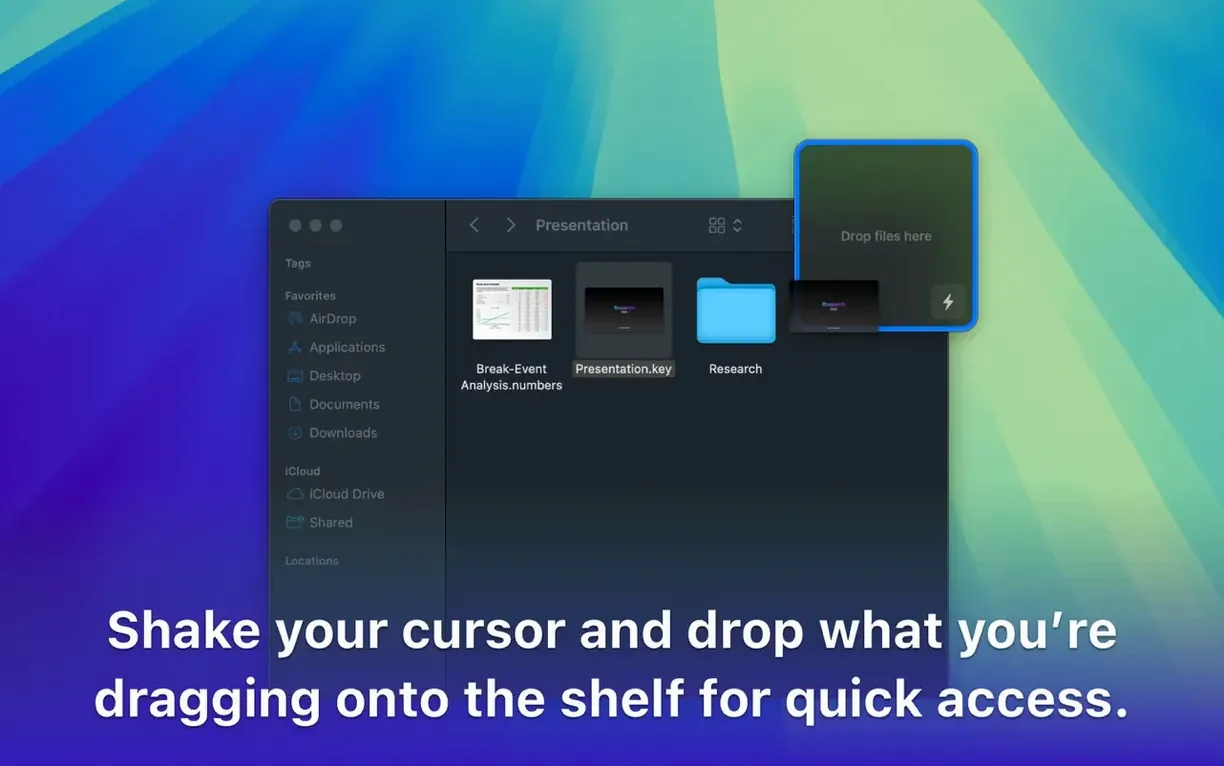
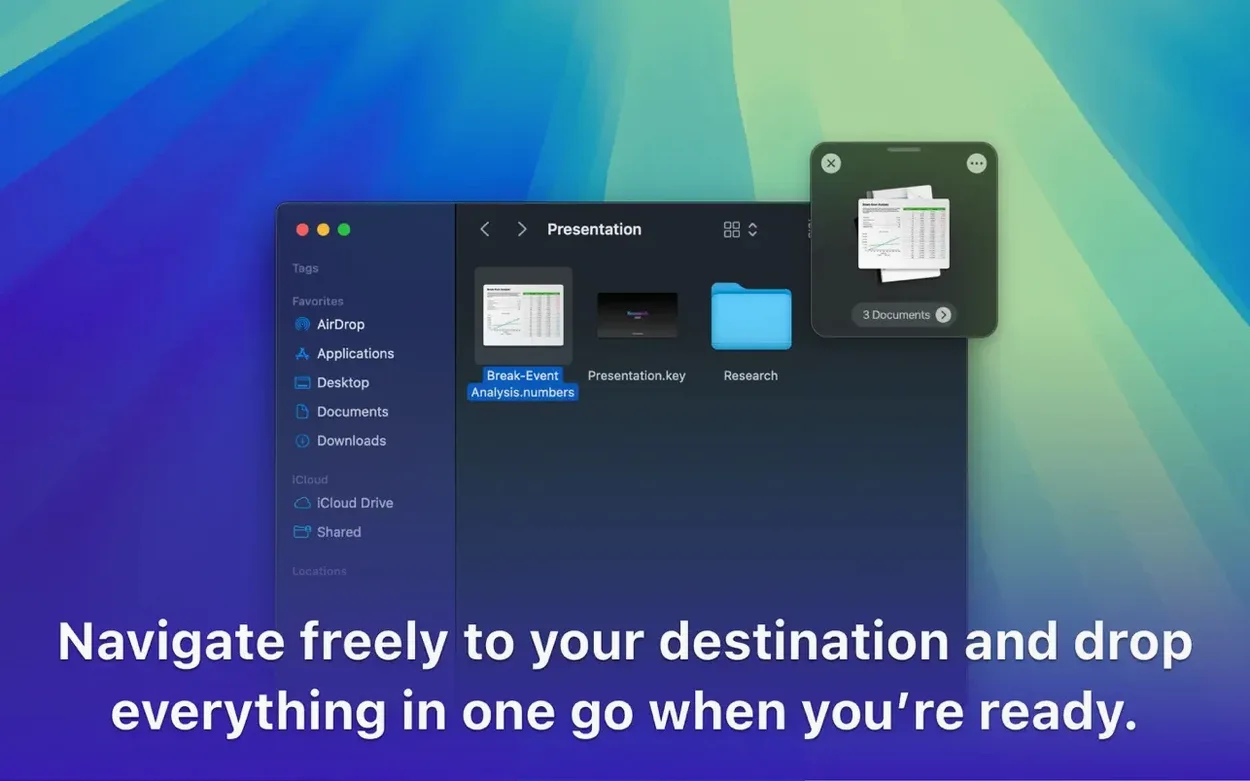
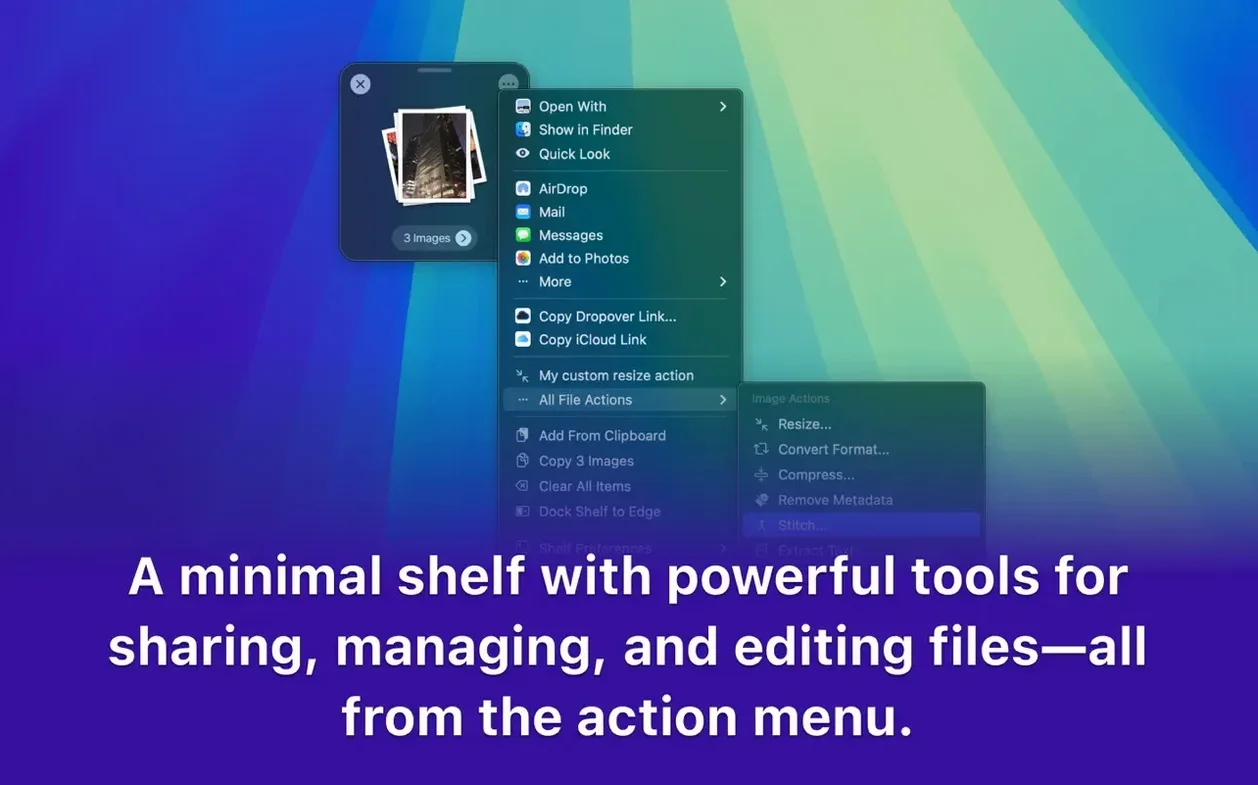
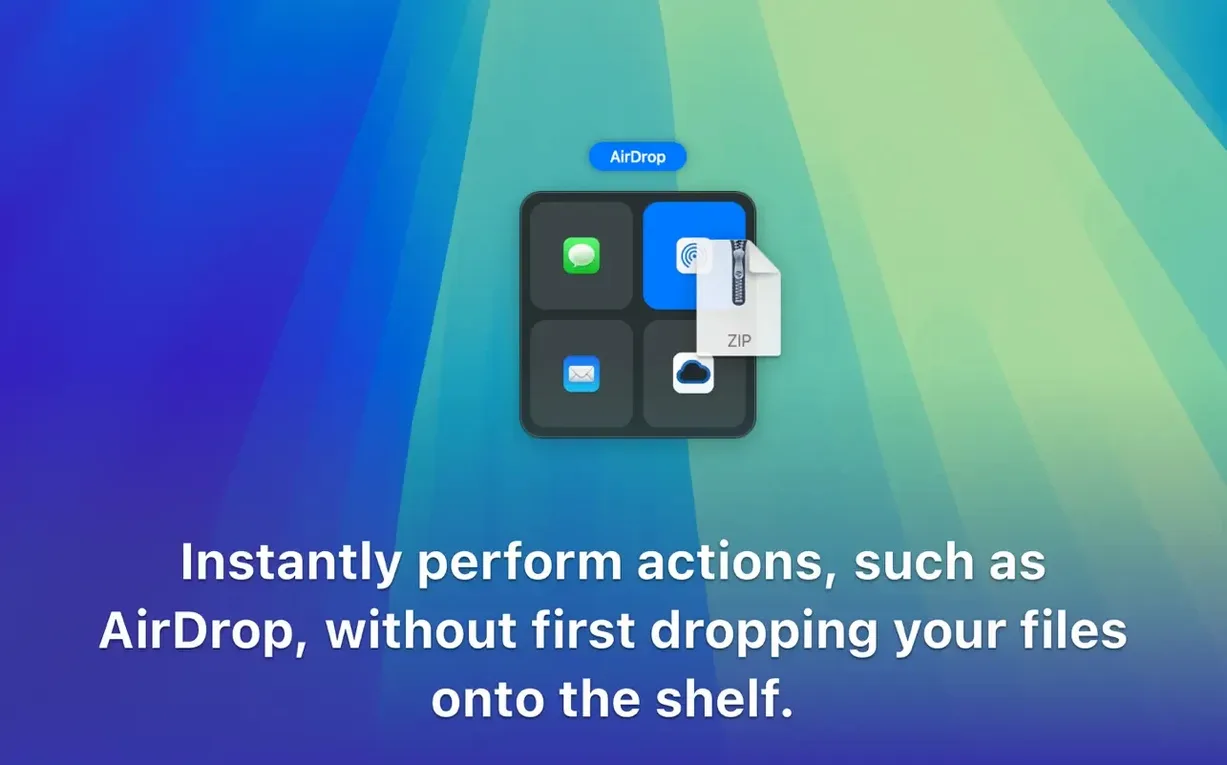
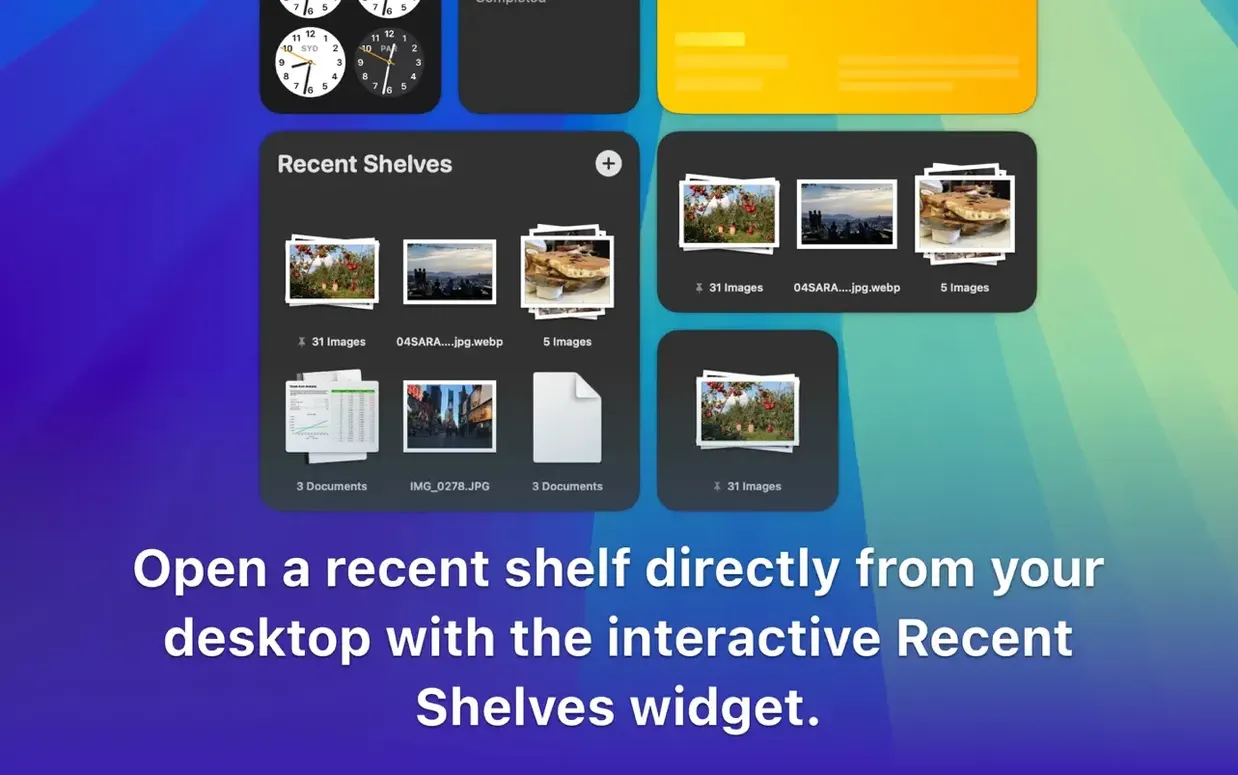
Designers juggling assets, writers collecting research, anyone who moves files between folders and apps several times a day. Dropover is for people whose desktop becomes a temporary dumping ground because Finder can't keep up.
You're pulling together a moodboard. Images are scattered across three folders, a Safari window, and a Slack thread. Normally you'd bounce between windows, dropping each find into a messy desktop pile. With Dropover, you shake the first image slightly as you drag — a translucent shelf appears. You drop it there. Next image, same shake, same shelf. The app stacks everything you collect into one floating panel that stays above other windows.
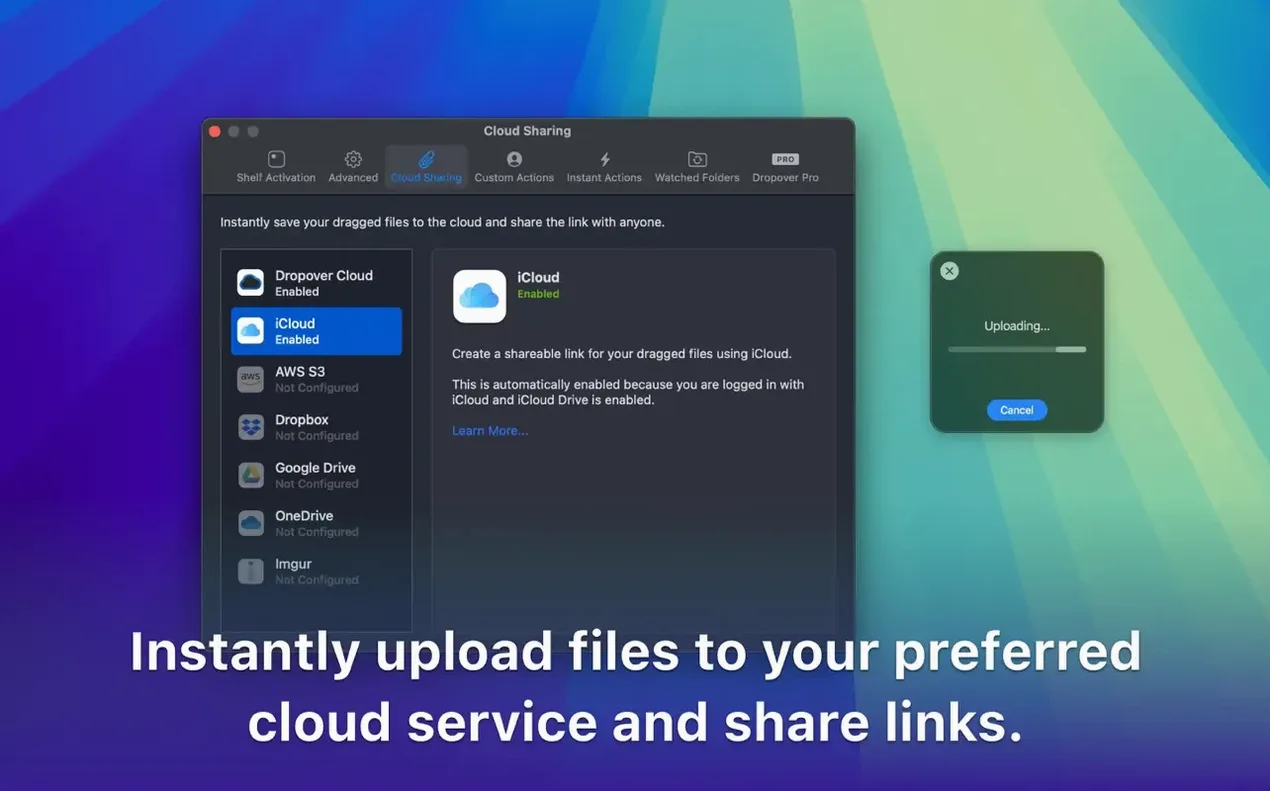
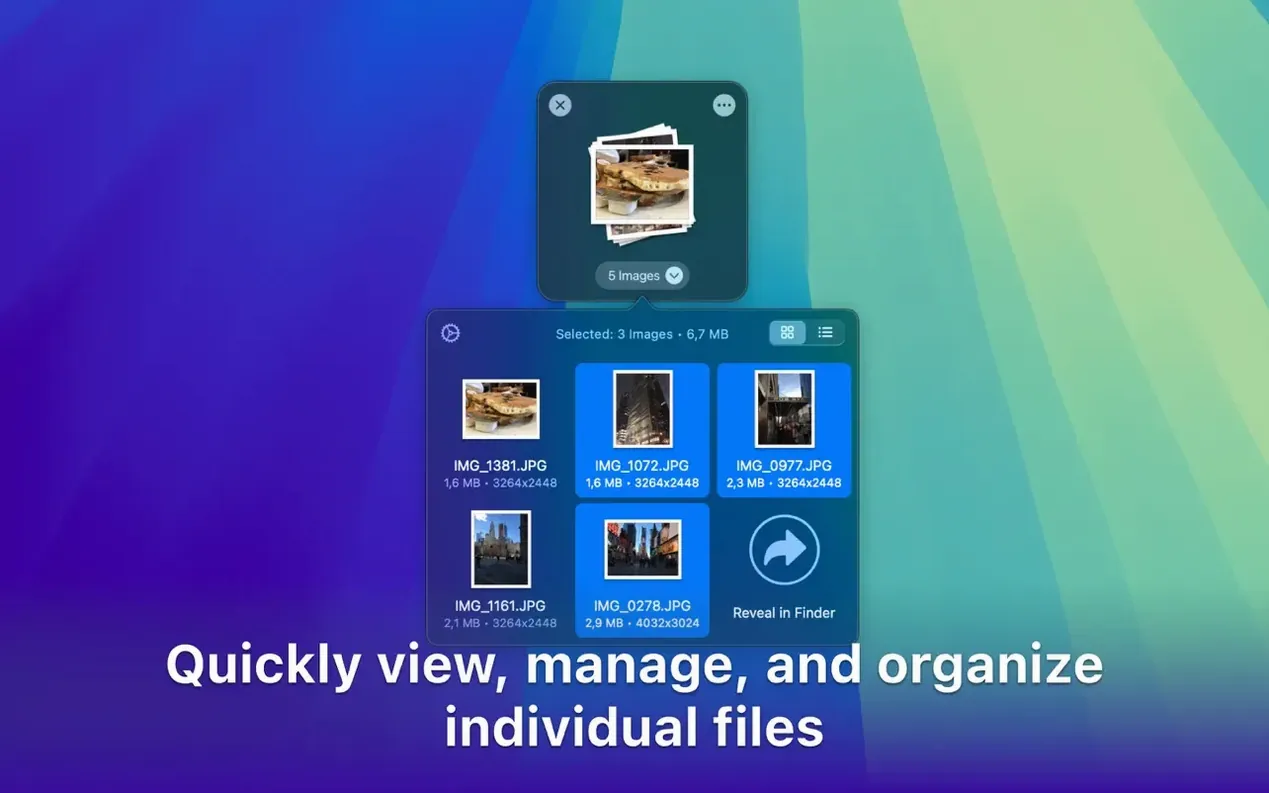
Once you've gathered eight or nine references, the shelf shows small thumbnails in a tidy row. You select them all, right-click, and choose Upload to Dropbox. A share link copies to your clipboard. The whole sequence — gather, group, send — takes under a minute, and your desktop stays clean.
A content editor is closing three articles before the weekend. Each piece needs its own folder of screenshots, a PDF brief, and a couple of web links grabbed from Safari. Without breaking focus, she highlights a URL, shakes the cursor slightly as she drags, and the shelf appears. Link dropped. Next, she selects five PNGs from a cluttered downloads folder and drags them onto the same stack. She switches to the second article, repeats the process, and now has two distinct shelves hovering at the edge of her screen — one per project. She opens each shelf, renames the batch with a client slug, and drops the whole lot into the right project folder. No Finder tabs, no sticky notes, no forgotten files left on the desktop.
Dropover keeps things light. Even with three shelves open — one holding a dozen 4K screenshots, another with a mixed pile of PDFs and web links, plus a third staging a zip archive — the app idles around 90 MB of RAM on an Apple Silicon Mac. CPU use barely registers unless you’re simultaneously creating a large zip from the shelf. The floating panels follow your cursor without lag, and they stay responsive when Mission Control flicks between Spaces. On an Intel MacBook running macOS 13, the same setup feels equally fluid. The app doesn’t beachball, doesn’t hijack keyboard focus, and doesn’t leave orphan processes after you close a shelf.
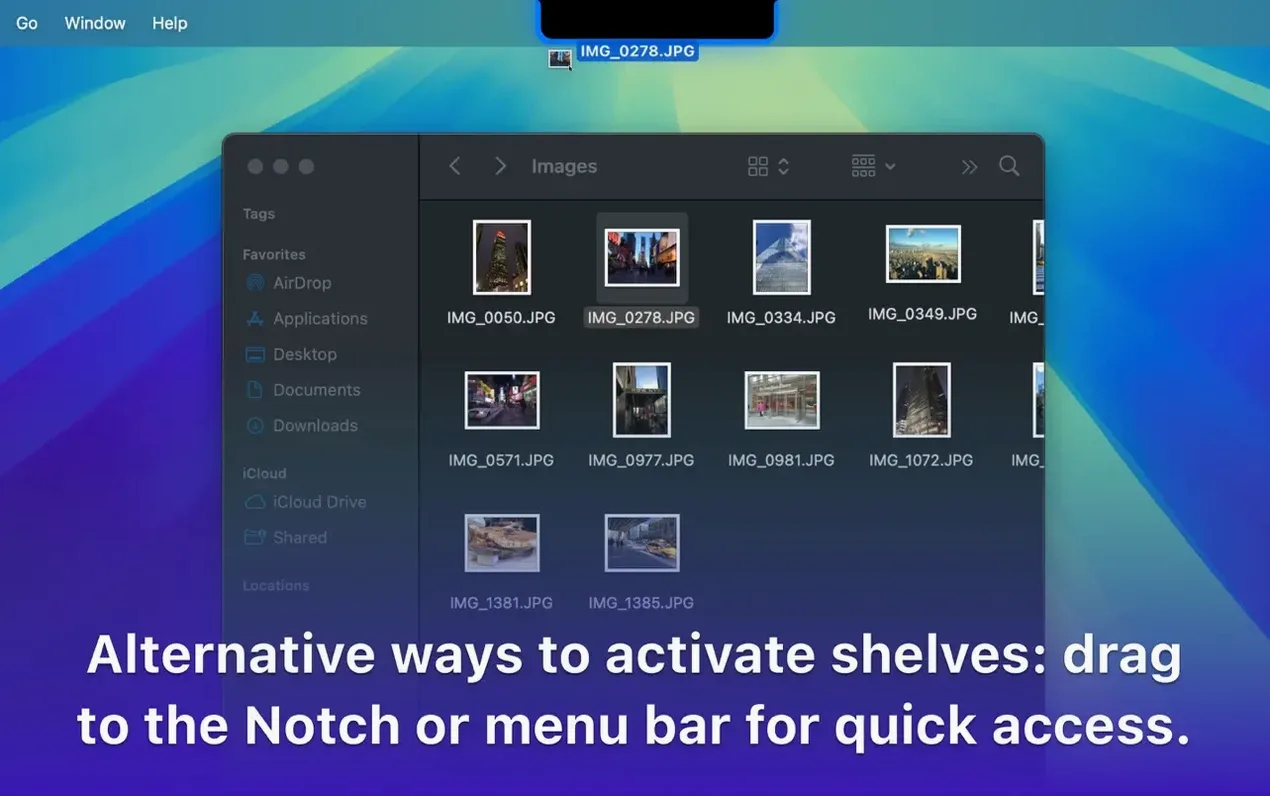
Most snags are minor and easy to resolve. A common one: the shake-to-activate gesture can fire accidentally when you’re just dragging a file across a crowded desktop. Turning the sensitivity down in preferences — or switching to a hotkey like ⌃⌥⇧D — stops unwanted shelves mid-workflow. Another headache crops up when dragging items out of a shelf into a full-screen app; the shelf sometimes hides behind the window. Toggling “Float on top” in the appearance settings fixes that immediately.
If you rely on cloud uploads, you’ll notice Google Drive integration needs a one-time sign-in from the shelf’s share menu. Skip that step and the upload silently fails. Users who grab the dropover mac download from a disk image occasionally launch the app straight from the mounted volume instead of dragging it to Applications — that leads to a “damaged” warning after ejecting. A clean dropover dmg install into the Applications folder sorts it out.
No, Dropover is available only for Mac and requires macOS 12 or later.
Yes, it integrates with cloud services such as Google Drive and Dropbox for uploading items directly from the shelf.
Absolutely. The app supports hotkeys, and you can also create triggers through the Shortcuts app on macOS.














Chat 0
Hop in or make an account to join the chat.
Quiet in here so far. If you have used this build, tell me what the install actually did.