
 Duplicate File Finder Pro
 DxO FilmPack 8
 Dropzone 5
 DxO PhotoLab
 Dropover
 DynamicLake Pro
 DriveDx
 Drama
Drama


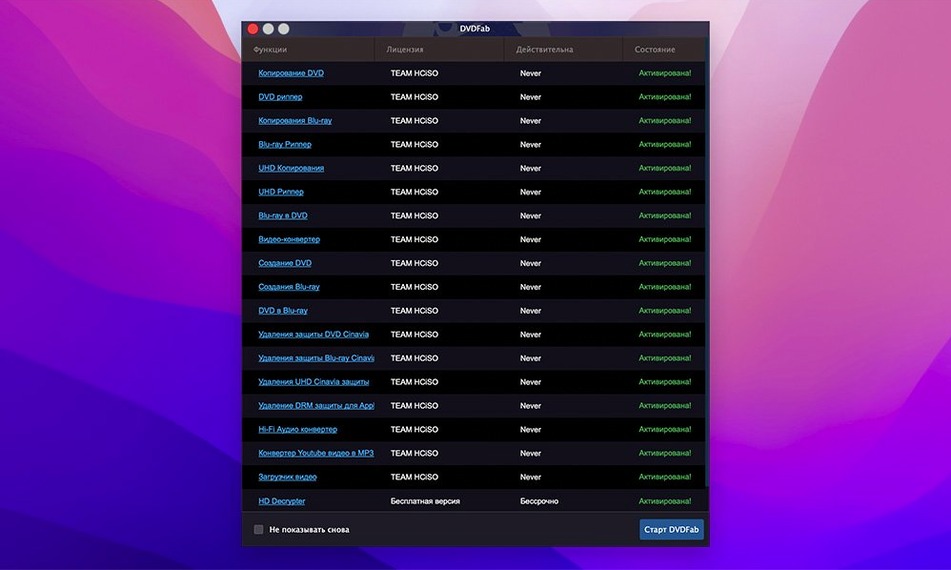
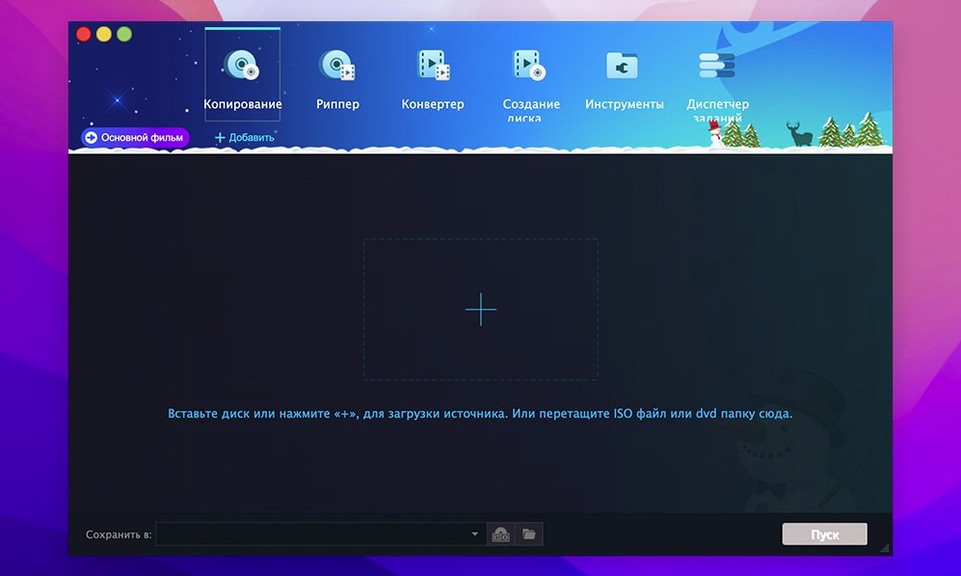
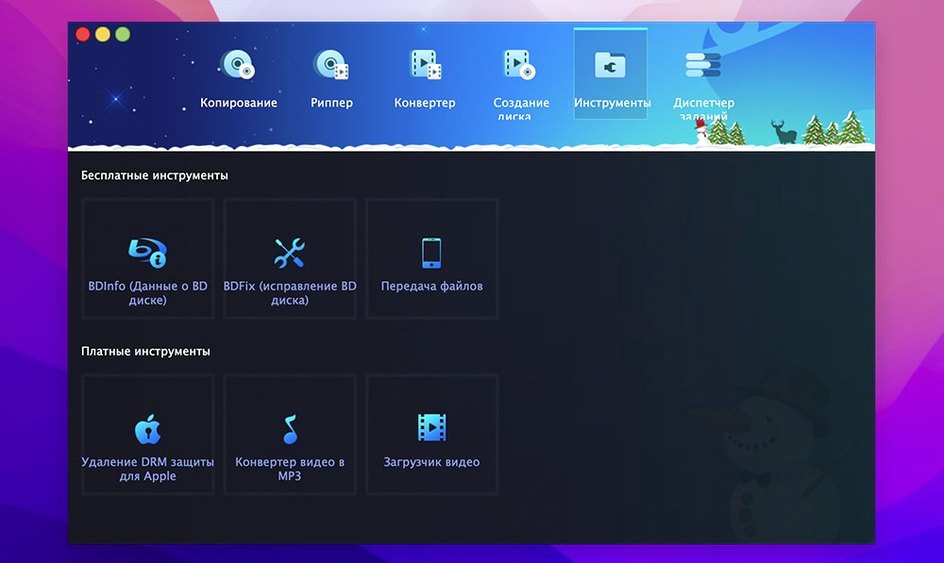
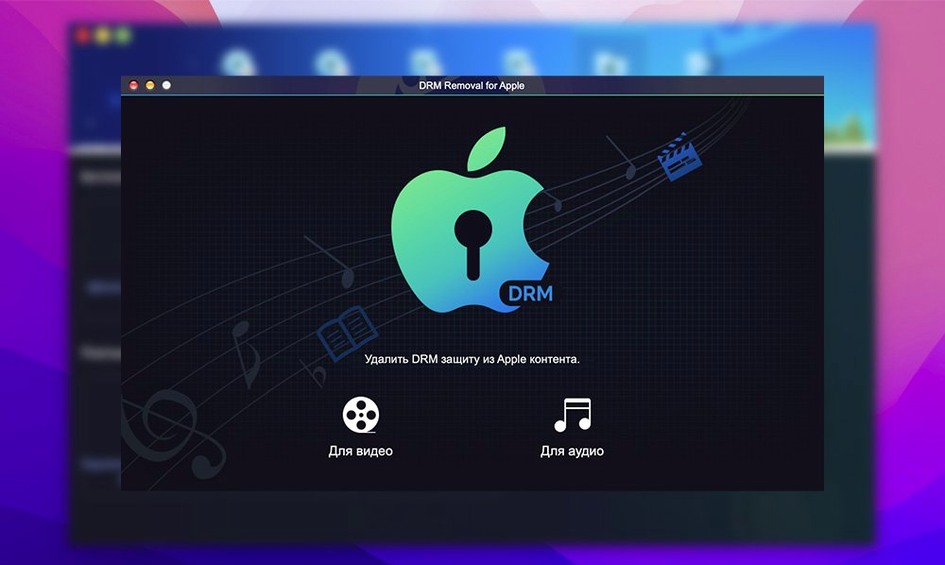
DVDFab 12.0.8.2 asks for OS X 10.10 (Yosemite) or newer, and it runs natively on both Intel and Apple Silicon Macs.
1:1 Clone — a perfect copy of the whole disc, right down to menus and trailers. Good for archiving.
Disc Ripping — pulls the main movie into a single file, skipping extras. Fast to convert later.
Device Conversion — turns DVD video into formats for older gadgets like iPod, PSP, Zune, or Xbox 360. Handy if you still use one.
Dual-Layer Support — writes to DVD-9 and both DVD+R DL and DVD-R DL discs. No need to compress a large movie onto a single-layer blank.
IFO Recovery — can read and restore data even when the disc's IFO file is damaged. Saves discs that other tools skip.
DVDFab goes broad — copying, ripping, burning and conversion in one app — while most alternatives pick a lane. Here's how it sits next to two other tools Mac users often reach for.
MakeMKV does one thing extremely well: it pulls the main feature off a DVD or Blu‑ray and wraps it in an MKV container. No burning, no device profiles, no menu preservation. If you only want to digitise a film collection quickly, it's brilliant. But if you need a 1:1 clone with menus or a disc you can play in a living‑room DVD player, DVDFab covers that and MakeMKV doesn't.
HandBrake is a transcoder, not a disc‑copy tool. It can read unprotected DVDs and spit out compressed video files, but it won't handle copy protections on its own or burn anything to disc. People often pair it with a ripper first. DVDFab bundles all those jobs together — remove the protection, decide whether you want a full disc copy or a device‑ready file, then act on it. HandBrake's encoding options are deeper, but you wear the assembly cost yourself.
If your workflow is “copy the disc exactly” or “burn this ISO to a dual‑layer blank,” DVDFab covers ground those two leave untouched. A search for dvdfab mac alongside either name usually turns up forum threads where people run both side‑by‑side for different jobs.
Jumping straight into Full Disc mode without checking the source disc's size is a classic. A DVD‑9 holds close to 8.5 GB, and if your blank is a single‑layer 4.7 GB disc, the job fails at the writing stage. DVDFab can compress on the fly or split across two discs — but only if you pick that method before you start.
Another early slip: ignoring the region code setting. The app can strip region locks, but sometimes a disc carries more than one type of protection. Beginners who leave region removal unchecked then wonder why the output stutters on a player set to a different region. Tick it once in preferences and forget it.
Some people treat every rip as a “convert for iPod” job. Device conversion is there for legacy hardware — an old PSP or a Zune — but applying those presets to a modern tablet gives you a tiny, soft file. Pick Main Movie or Full Disc unless you genuinely need that specific format. You can always transcode later from a clean 1:1 backup.
There's also the temptation to grab a dvdfab torrent and assume it behaves like the real build. Cracked copies may lag several versions behind, so check that IFO‑recovery fixes are included and macOS Gatekeeper is configured to allow the app. A clean download from the developer keeps the tool predictable.
The disc spins but nothing appears. First, check the disc for heavy scratches or a dirty label. If it's clean, head into DVDFab's settings and enable PathPlayer — it helps the app navigate discs with unusual structure protection. A restart of the app after toggling it often does the trick.
Rip speed drops to a crawl halfway through. This usually points to a disc with deliberate bad sectors. DVDFab's default error‑handling retries reads multiple times, which slows things down. In the copy settings, switch the read mode to Ignore All for those stubborn spots. You might lose a few frames around a chapter break, but the rest plays fine.
The output file plays without sound. Some older DVDs use LPCM audio tracks that your playback device doesn't understand. In the audio drop‑down during the copy or rip setup, pick an AC‑3 or AAC track instead. If only LPCM is available, tick the conversion checkbox and let DVDFab remix it during the job.
The burned disc won't play in a car or older player. Double‑check that you selected DVD‑5 or DVD‑9 output, not a data disc. The Write Data mode burns files as they are — useful for archiving, but most set‑top boxes expect a proper DVD‑Video structure. Re‑run the job with Full Disc or Main Movie and let DVDFab build the VIDEO_TS folder.
If a dvdfab mac crack you tried earlier left behind corrupt preferences, the current build might act strangely. Reset the app's settings by deleting its preference file from ~/Library/Preferences/ and launch it fresh. That clears leftover flags from older, mismatched versions and gets the interface back to a known state. Many people searching for dvdfab mac torrent end up here after a bad experience — a clean setup almost always fixes it.
Good to know: the interface comes in 26 languages, including Russian, Japanese, Arabic, and Norwegian.














Chat 0
Hop in or make an account to join the chat.
Quiet in here so far. If you have used this build, tell me what the install actually did.