
 RightFont
 Reeder
 Raycast Pro
 RubyMine
 RAR Extractor
 RAR Extractor - unzip
 Radio Silence
 QuarkXPress


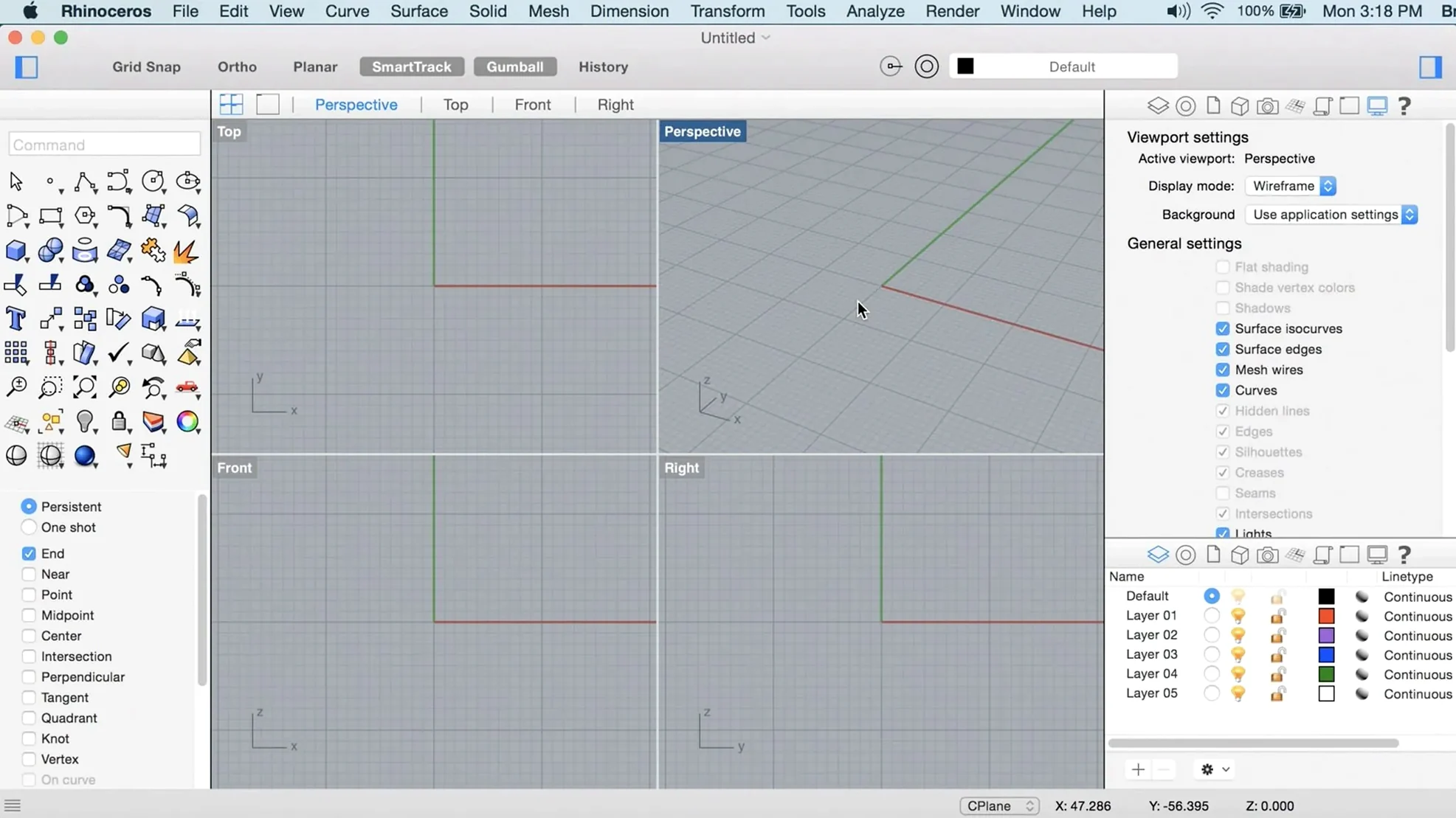
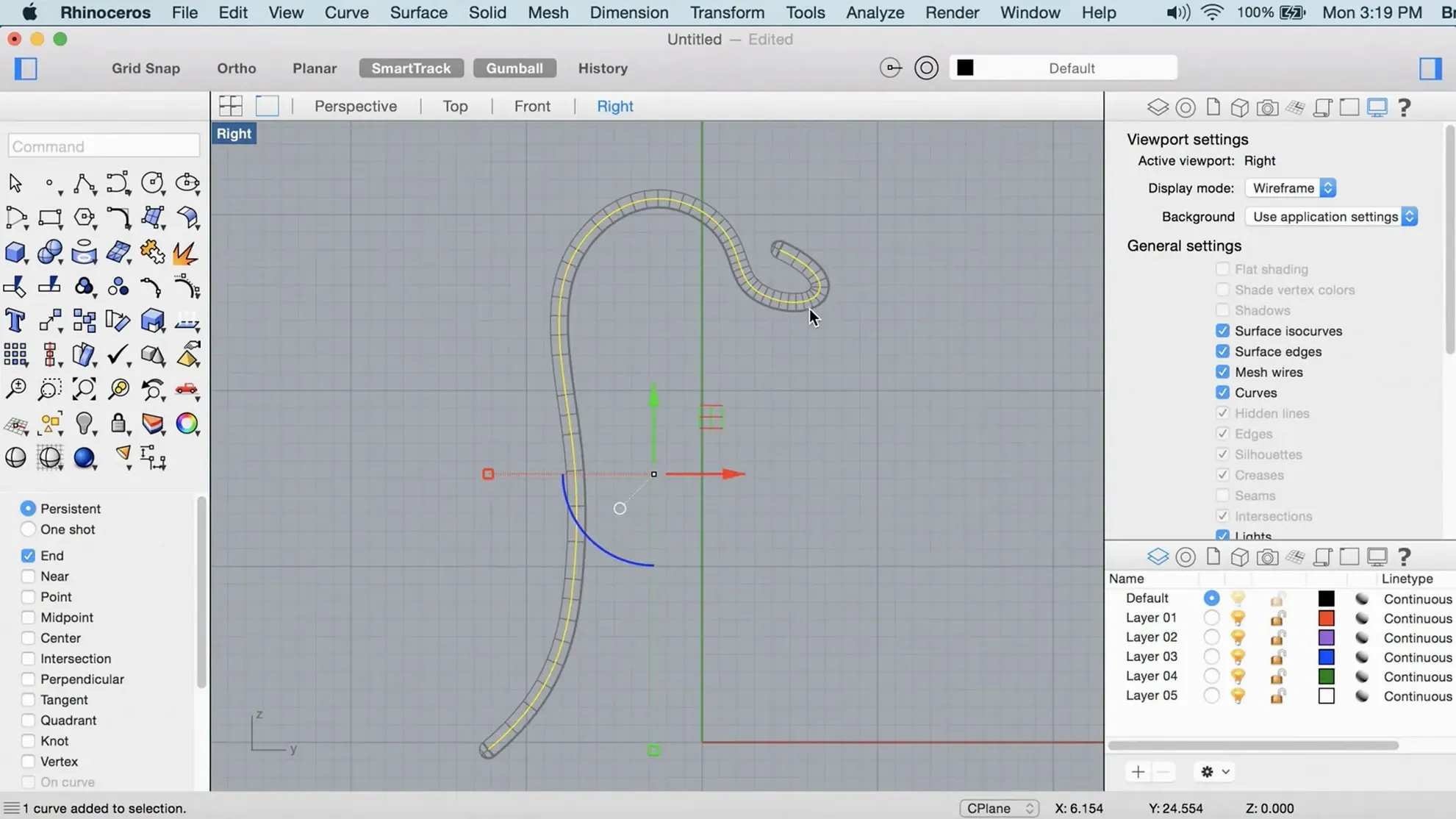
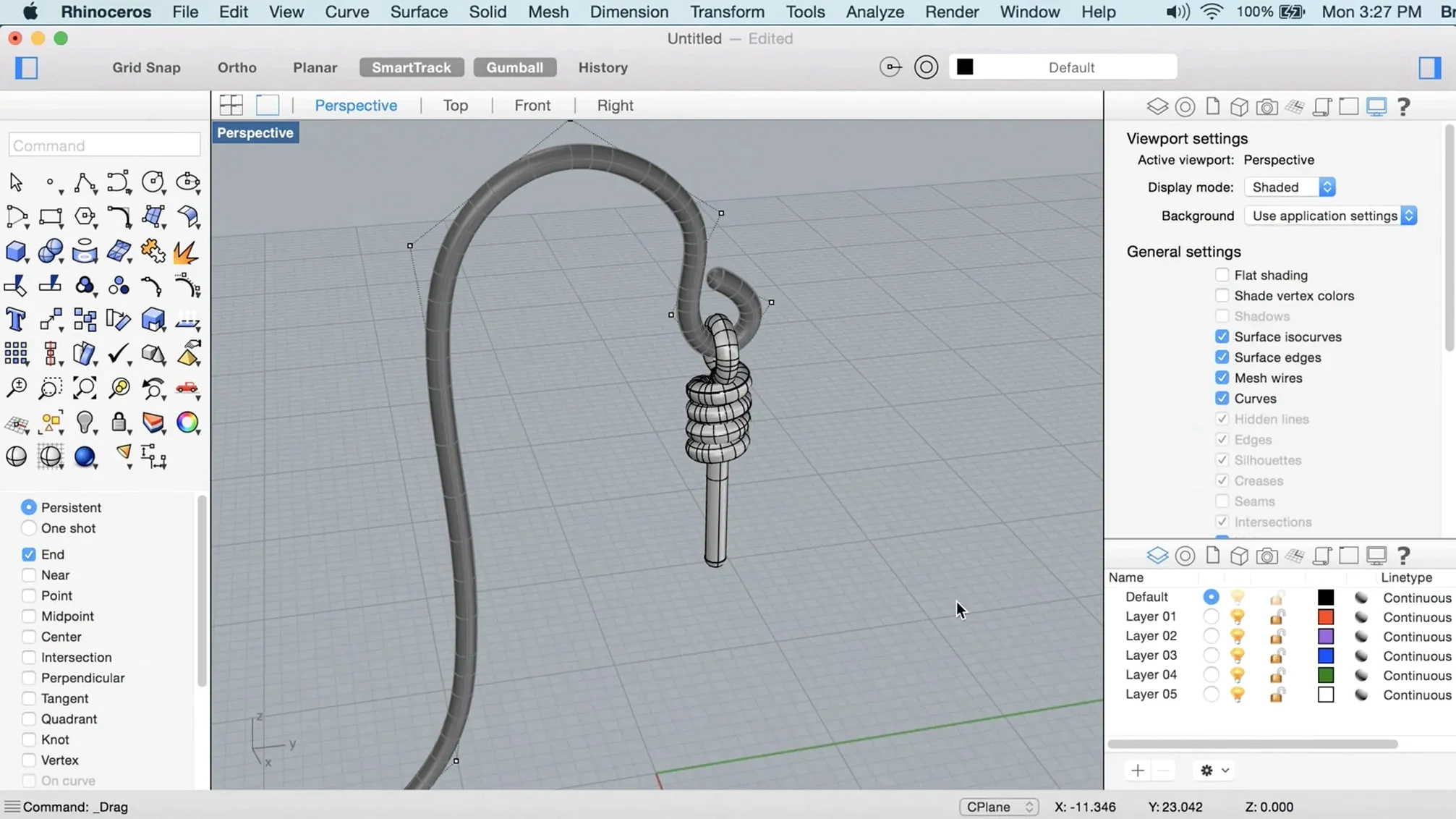
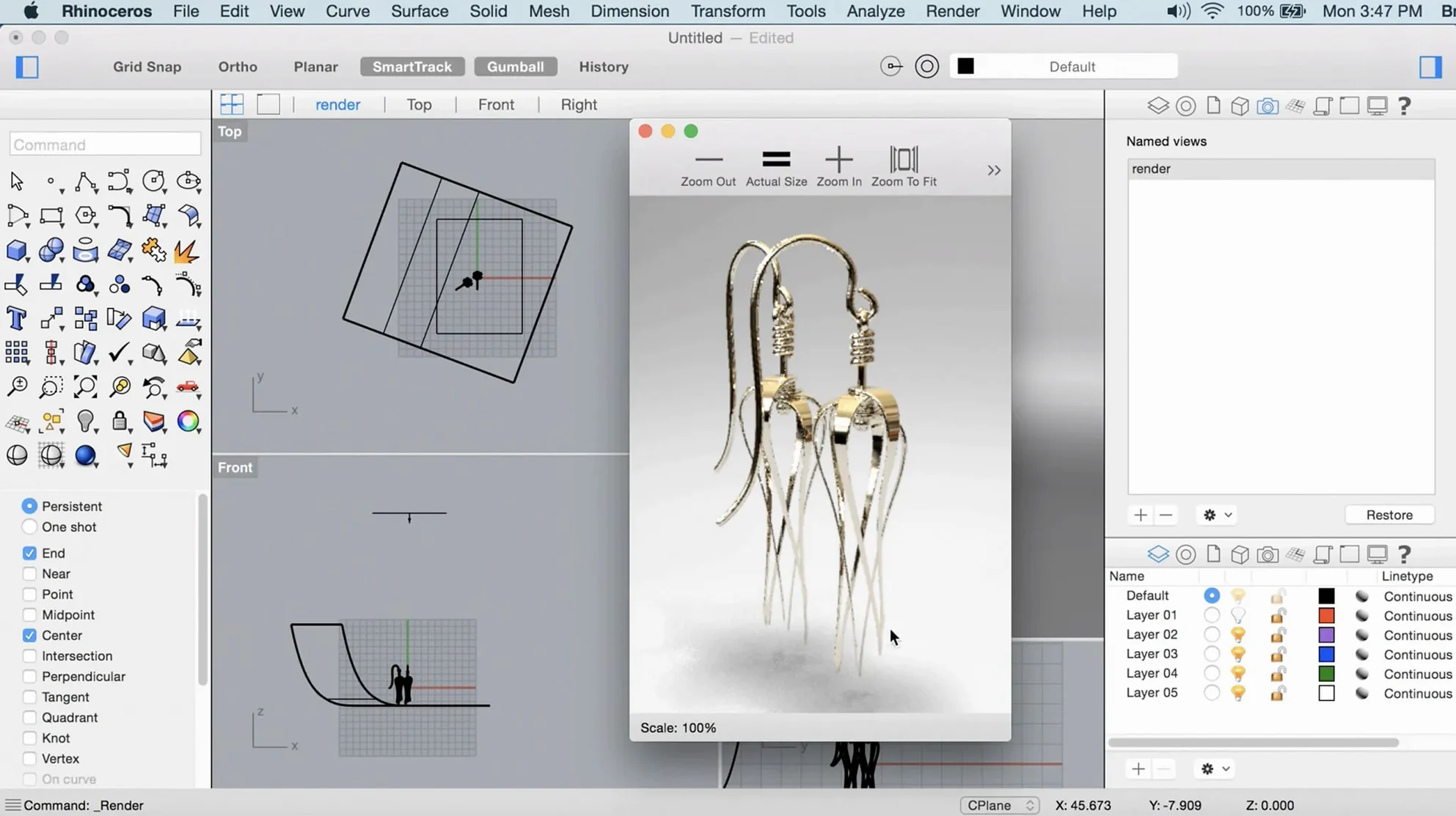
Most Mac creative tools stop at polygons, which gets frustrating the moment you need a precise curve for manufacturing. Rhino steps in where other modellers tap out, giving you real NURBS geometry that plays nicely with CAD, CAM, and your existing design stack.
It runs natively on Apple Silicon and Intel, so it feels at home alongside Sketch, Blender, or Adobe tools. The interface comes in thirteen languages, and version 8 leans on Apple Metal for snappier viewport performance.
You can create, edit, and analyse NURBS curves, surfaces, solids, polygon meshes, point clouds, and SubD models. PushPull workflows let you grab a face and tug it into shape without digging through menus.
Rhino 8 adds new Grasshopper data types and keeps the node-based logic tightly integrated. Designers run parametric scripts on screen while watching the geometry update live, no export-import dance needed.
The built-in render engine is faster than the previous generation, and Metal-based display keeps the viewport responsive even with complex scenes. SubD Creases give you hard edges without adding control loops, so models stay cleaner for rendering and prototyping.
Version 8.30.26103.11002 didn't just add features—it shifted the speed of ordinary tasks. ShrinkWrap turns messy scan data or overlapping solids into a single watertight mesh. If you import a point cloud from a site survey or a jumbled assembly, you can wrap the whole thing in one click and move on. No manual stitching.
SubD Creases remove the need for edge loops when you want a crisp corner on an otherwise smooth form. Product designers modelling a phone case or a chair shell can mark a crease and keep the geometry light. That means faster renders, smaller files, and less cleanup before sending to a prototype house.
PushPull workflows make solid editing feel more like sketching. Select a face, pull it out, push it in. Architects tweaking a massing model or industrial designers adjusting a bracket do it without opening a single dialogue box. Combined with the Metal-based viewport, the interaction stays fluid on Apple Silicon—the cursor doesn't lag behind a heavy mesh.
The interface is more customisable now. You can dock panels where you actually look, hide toolsets you rarely touch, and save workspace profiles per project type. Switching from a jewellery design layout to an automotive one takes seconds.
Will Rhino 8 feel like a real Mac app or a port? It runs natively on Apple Silicon and Intel, so no Rosetta translation layer. The viewport uses Apple Metal, not OpenGL, and you get standard macOS window management, Spaces support, and trackpad gestures. The interface won't fight your muscle memory from other Mac tools.
Do I need a dedicated GPU? Integrated graphics on M-series chips handle most workflows fine. Large architectural models or dense SubD meshes benefit from more GPU cores, but the render engine scales sensibly. A multi-button mouse with a scroll wheel matters more for daily comfort than maxed-out graphics hardware.
How's file exchange with other CAD packages? Rhino opens and writes STEP, IGES, DWG, DXF, OBJ, STL, and more without extra plugins. You can pull a client's STEP file straight in, modify the NURBS surfaces, and export back. Engineers on SolidWorks or Fusion 360 won't know you switched tools mid-stream.
Will Grasshopper scripts break from version 7? Most definitions open cleanly in Rhino 8. New data types expand what you can pass between nodes, but older scripts stay intact. If something relies on a deprecated third-party plugin, check that plugin's compatibility first.
Rhino sits between freeform modellers and parametric CAD. You can rough out a shape in Blender, bring it into Rhino as a mesh, then rebuild critical surfaces as NURBS for CAM. The SubD toolset bridges both worlds—organic sculpting that still exports clean geometry to engineering tools.
On the macOS side, Rhino respects standard file dialogs and drag-and-drop. You can drag a JPEG reference image from Finder onto the viewport to set up an underlay. Copy and paste curves into Adobe Illustrator for presentation boards. The app shows up in the standard Open With menu, so you can set it as the default for .3dm files and open them from Finder or email attachments.
Grasshopper ties into external data sources through its new data types. You can pipe live sensor readings, CSV exports, or even JSON from a web API into a parametric definition. Architects pull environmental data to drive façade designs; product designers link to spreadsheet-driven dimensions.
Shapr3D feels light and immediate on an iPad or Mac. Its direct modelling approach works well for quick mechanical parts, but it lacks NURBS depth, Grasshopper, and the scripting ecosystem. Shapr3D suits a single designer sketching a bracket; Rhino suits a team iterating that bracket through manufacturing constraints.
Fusion 360 bundles CAD, CAM, and CAE in one tool. Its parametric timeline helps when you need to revise feature history, but the Mac version runs through a translation layer and can feel sluggish on large assemblies. Rhino gives you faster local performance and a more open file pipeline—you aren't tied to a cloud platform or a single vendor's storage.
Blender dominates polygonal modelling, animation, and rendering, and it's genuinely free. When you need precision—say, a watertight mould ready for CNC—Rhino's NURBS engine and tolerance-based modelling take over. Many Mac studios run both: Blender for concept and visualisation, Rhino for the production-ready geometry.
If your work touches CNC, 3D printing, or any process where tolerances matter, Rhino earns its place. If you only need organic sculpting and rendering, a dedicated polygon modeller may suit you better.
Yes. Rhino 8 runs natively on Apple Silicon and Intel Macs, using Apple Metal for display.
The interface supports Russian, English, German, Spanish, Italian, Traditional Chinese, Simplified Chinese, Korean, Polish, Portuguese, French, Czech, and Japanese.














Chat 0
Hop in or make an account to join the chat.
Quiet in here so far. If you have used this build, tell me what the install actually did.