
 RAR Extractor
 Radio Silence
 Raycast Pro
 QuarkXPress
 Reeder
 QSpace Pro
 QLab
QLab ProPresenter


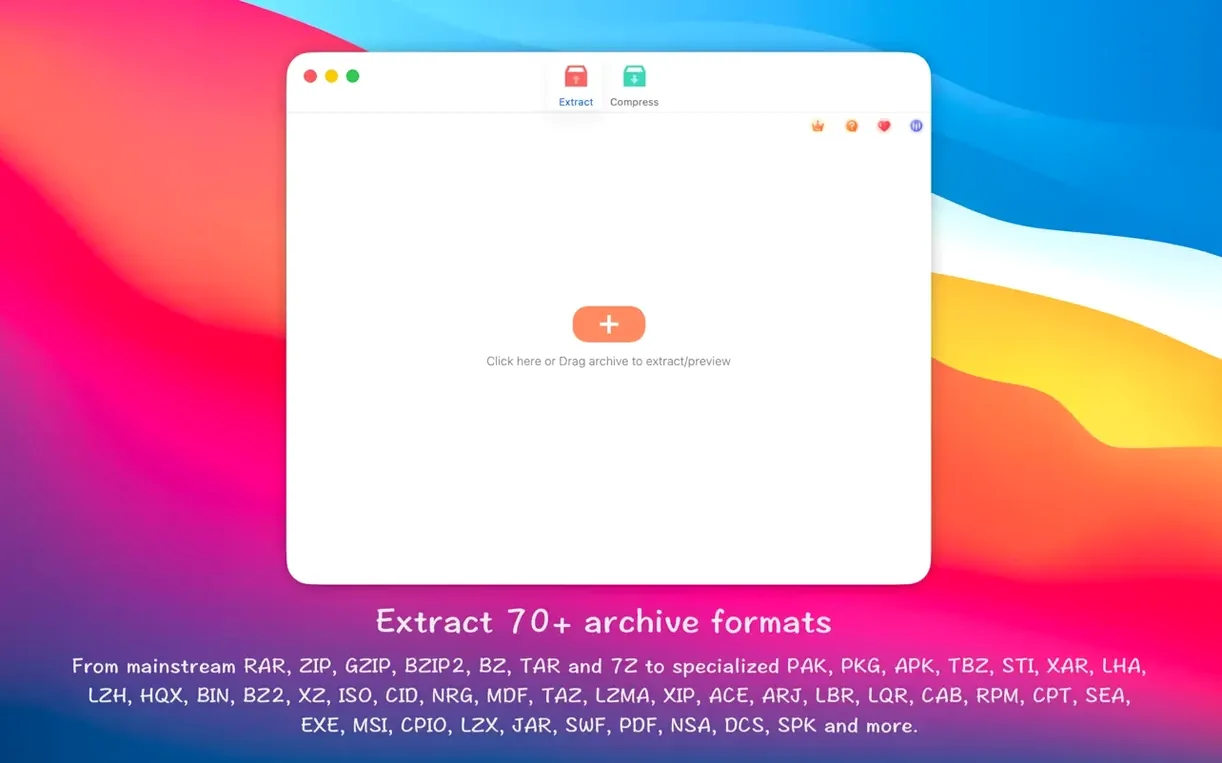
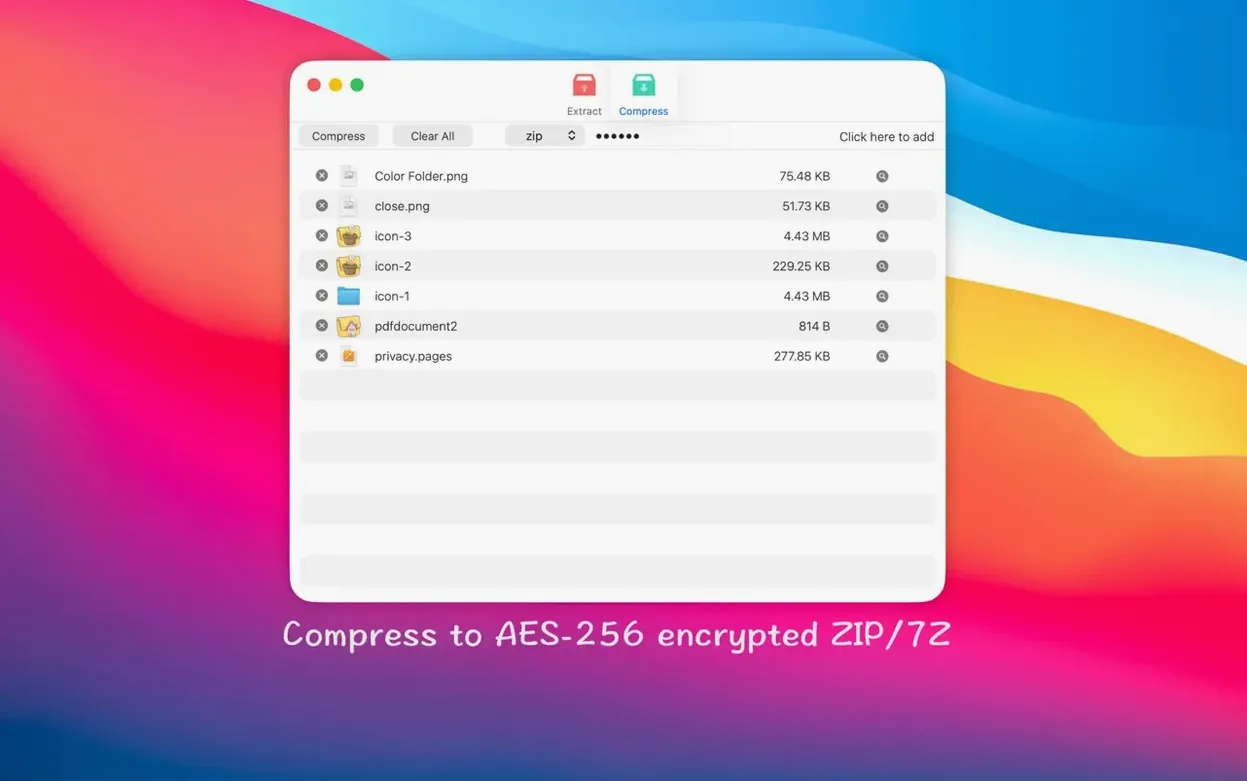
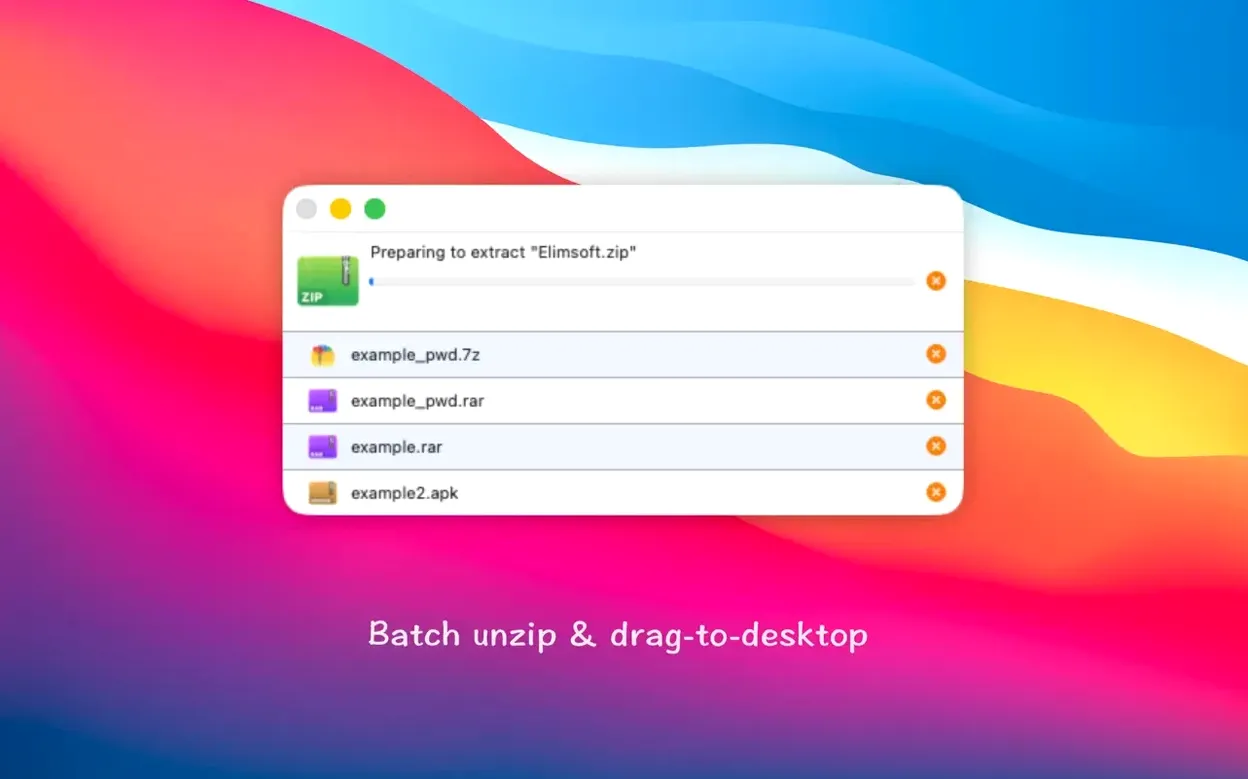
You’ve just downloaded a .tar.xz file for a new icon set, and Finder shrugs. A colleague sends over a password-protected .7z. These moments happen daily. RAR Extractor – Unzip sits in your Dock as a quiet helper for every archive format that lands on your desktop.
It reads more than 50 compressed formats — RAR, ZIP, 7z, tar, xz, iso, apk, pkg, jar, swf, pdf and plenty of niche ones. Basically, if it’s an archive, this app likely unpacks it.
Yes. You can create ZIP and 7Z archives with AES-256 encryption. It also handles batch jobs, so dragging in ten files at once isn’t a problem.
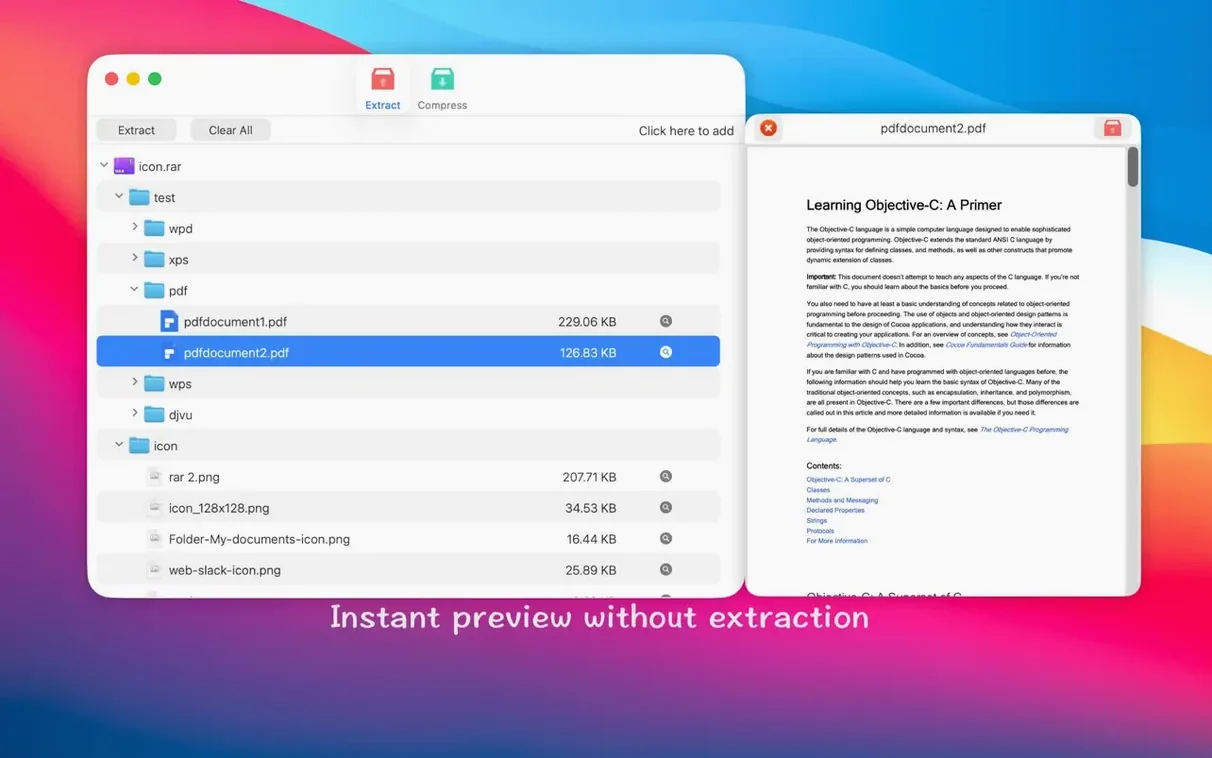
Set it as the default app and double-click any archive to extract. The built-in Quick Look support means you can browse an archive’s contents without unpacking a thing — handy when you just need one font file from a zipped bundle.
Set the default association early. Head to Finder, pick any .rar file, press ⌘I, and switch Open with to RAR Extractor – Unzip. Then tap Change All. From that point, a double-click opens most archives without a second thought.
Drag a folder stuffed with mixed archives straight onto the Dock icon. The batch engine queues them all, keeps the original folder structures, and drops everything into the same directory. No dialog box per file.
Try the right-click shortcut next. Select three .zip files in Finder, control-click, and pick Extract Here from the services menu. It’s the fastest path when you’re tidying downloads before lunch.
Setting the app as default before dragging it into Applications causes odd behaviour. Gatekeeper blocks it from a mounted .dmg, so the association silently fails. Copy it over first, then open.
Another trap: double-clicking a password-protected .7z and staring at a stalled progress bar. The app waits for a password it never prompts for. Right-click instead, choose Extract to…, and the password field appears right away.
Some people tick Delete archive after extraction in preferences and forget they’ve done it. Test with a copy before relying on that setting. A handful of niche lzh and sea formats from old Mac archives don’t preview with Quick Look — that’s a format limitation, not a bug, but it catches newcomers who expect thumbnails for everything.
It runs on macOS 11.5 and later, with native support for both Intel and Apple Silicon Macs.
The app speaks Russian, English, Indonesian, Simplified Chinese, Portuguese, and French.














Chat 0
Hop in or make an account to join the chat.
Quiet in here so far. If you have used this build, tell me what the install actually did.