
 Prizmo Pro
 Principle
 QLab
QLab QSpace Pro
 PowerPhotos
 QuarkXPress
 PopClip
 Radio Silence


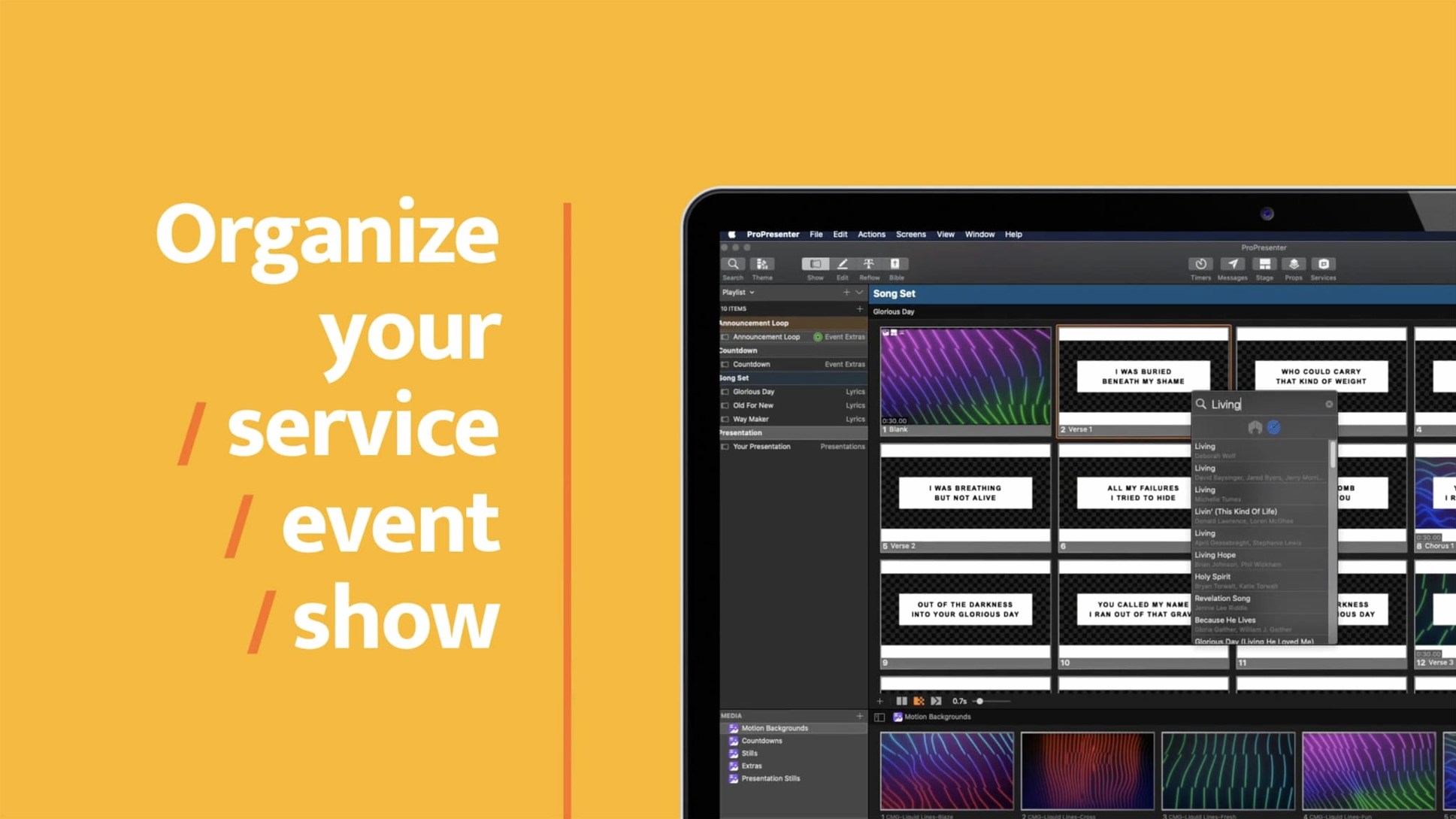
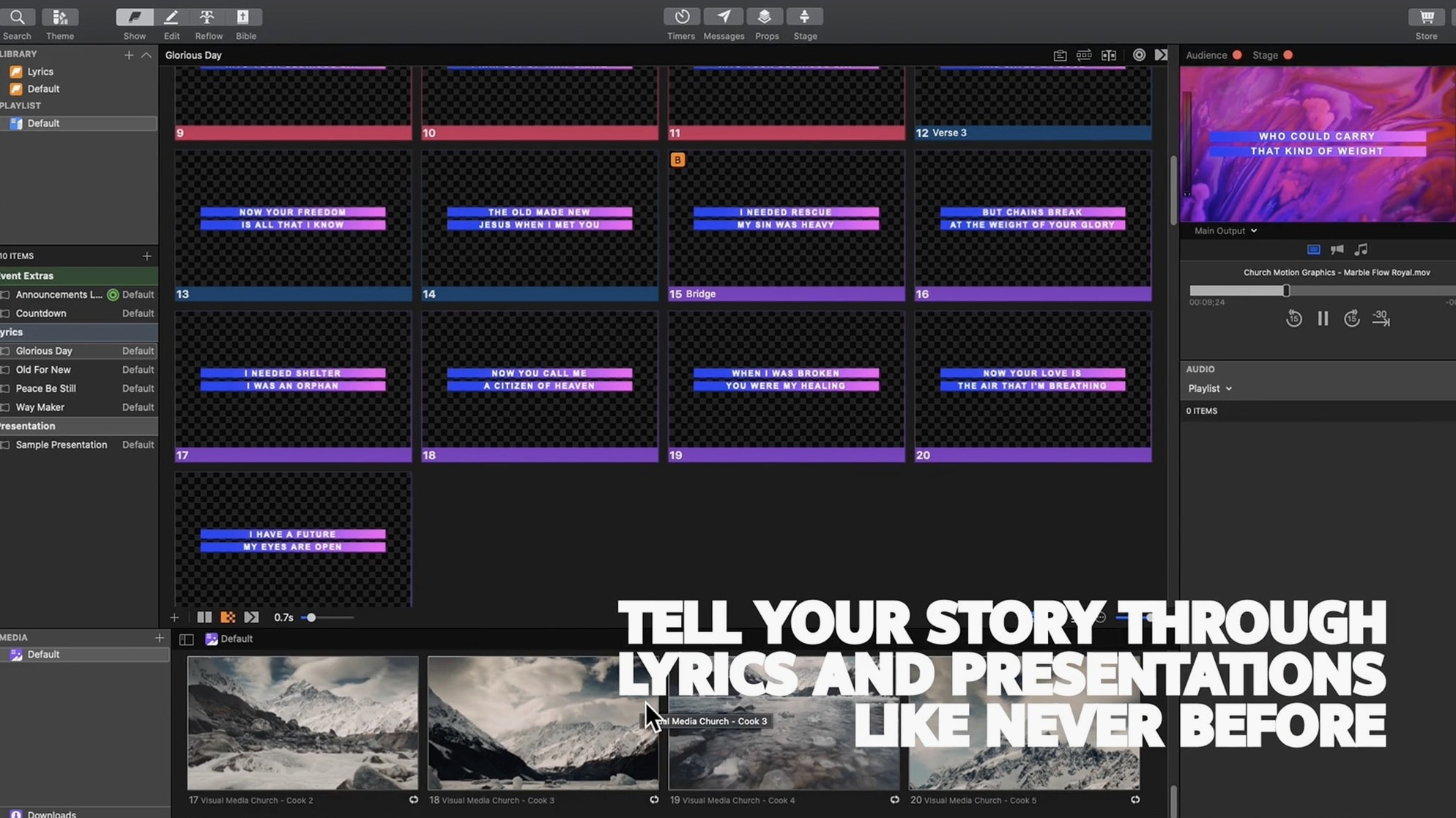
ProPresenter 7 needs macOS 10.15 or newer. It runs natively on both Intel and Apple Silicon machines, so M1, M2, and M3 Macs get full performance without Rosetta. A dedicated GPU helps with heavy HD playback and multi-screen work, but the app is well-optimised for most modern Macs.
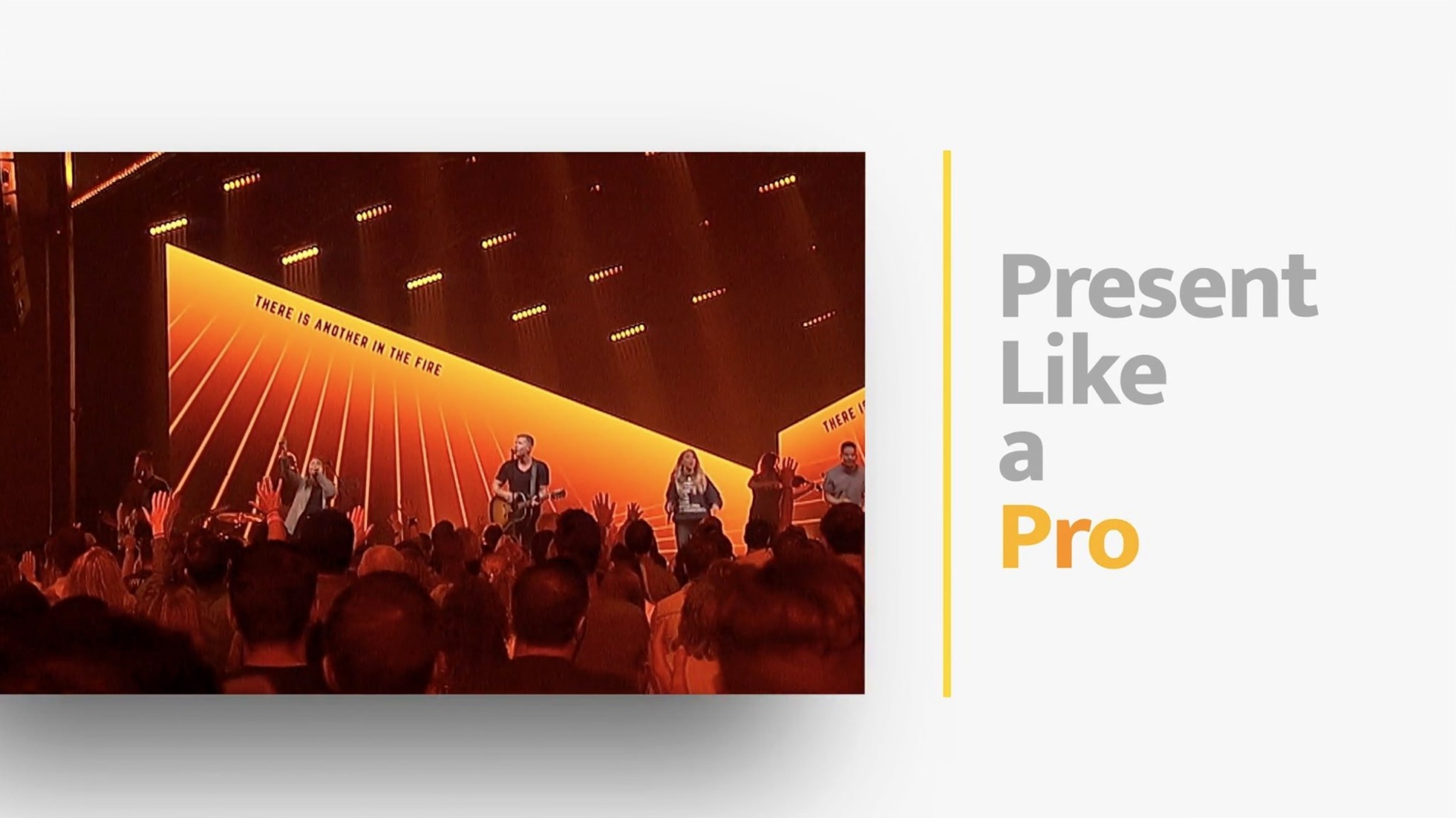
Originally built for houses of worship, the software now powers all kinds of live events. The text engine can transform quotations on the fly, and the multi-screen routing means one Mac drives the whole venue. If you need a crack or torrent, this page won't help — but the compatibility info above tells you whether the real app fits your setup.
Worship producers and volunteer tech teams get the most immediate lift. The multi-screen routing means one MacBook Pro can drive the main projector, a stage confidence monitor, lobby displays and a clean online feed simultaneously — no extra boxes. Volunteers pick up the playlist-based workflow quickly because it mirrors a music queue: drag in a song, attach the slides, set the audio, move on.
Conference and event producers working solo appreciate the single-operator design. You can cue lower thirds, sponsor loops and speaker timers from the same window, then fire everything from the Remote app while roaming the floor. Corporate trainers who pre-build sessions with embedded HD clips find the slide editor's 8-layer stacking useful for combining live camera feeds, countdown timers and text overlays without jumping between apps.
Broadcast and streaming operators lean on the multi-camera recording and Syphon output. Sending a clean program feed to OBS or vMix over Syphon keeps the on-screen interface off the stream, and the built-in audio playback tools handle backing tracks and stingers without a separate DAW. If you run a venue where five different people might operate the same machine across a weekend, the library-based organisation — where every show lives as a self-contained file — saves the kind of chaos where last week's slides vanish.
A few rough edges trip up new users, usually in the first week. Here's what crops up and how to smooth it out.
Before you build a real show, spend an afternoon stress-testing your specific hardware setup. Create a throwaway presentation with five slides: one still, one HD clip, one text-heavy slide with motion background, one slide with a live camera layer, and one with an audio cue. Run that loop to every output you intend to use while watching Activity Monitor. This reveals whether your Mac's thermal profile can sustain the load for a two-hour event — some Intel MacBook Airs throttle after 30 minutes of multi-screen HD output.
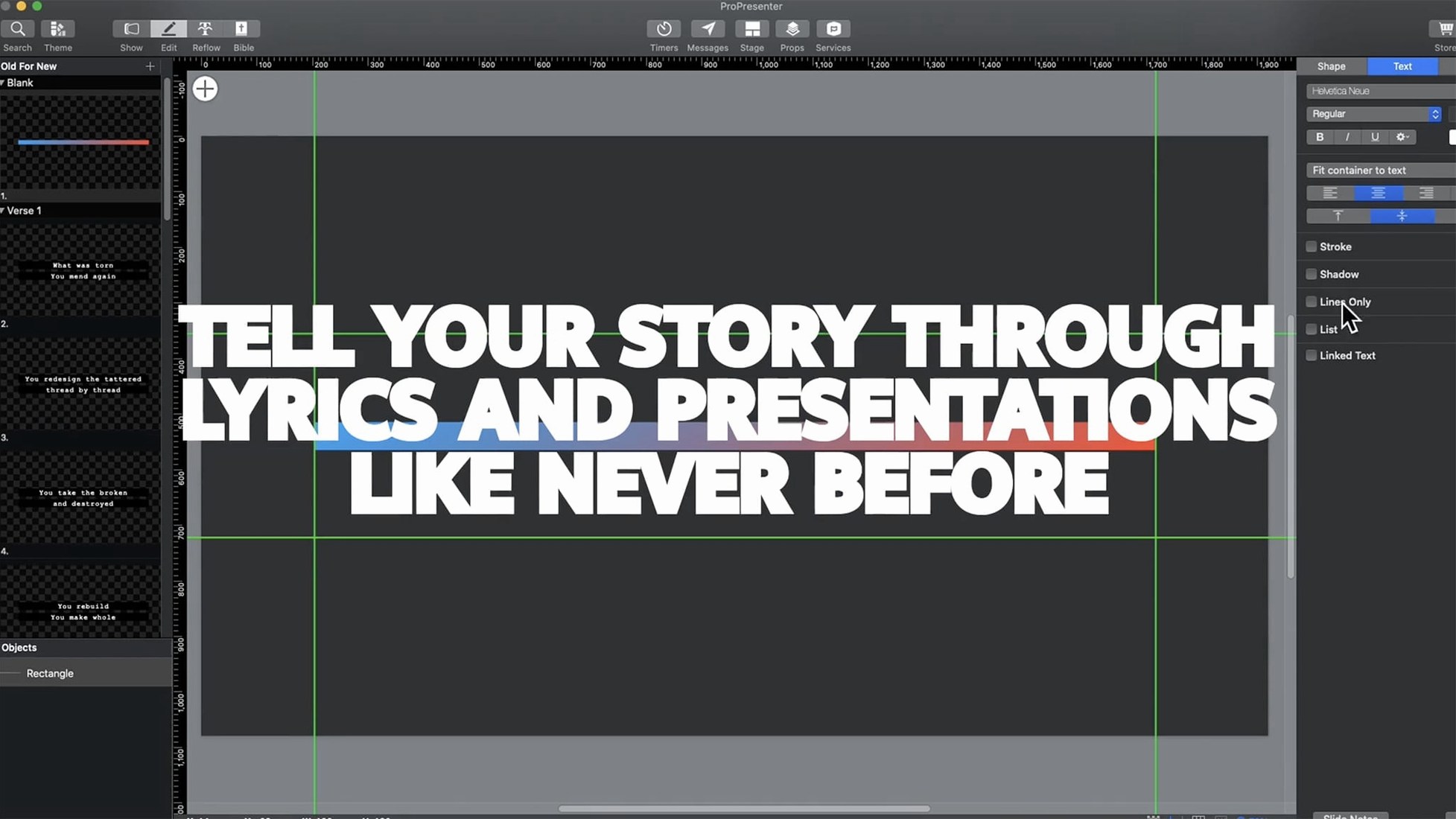
Set your template early. The advanced slide editor lets you save a master layout with your logo, font stacks, and margin guides across all 8 layers. Build it once, lock the guide layers, and every new presentation inherits it. This cuts setup time for recurring events to about 90 seconds.
Map the hotkeys you actually need. The defaults are broad, but three custom shortcuts transform speed: Clear All (dumps every layer from the program output instantly), Next Cue (grabs the following slide without clicking), and Black Out (kills the main screen while keeping the confidence monitor live). Muscle memory on those three alone will carry you through most live hiccups.
Organise your media bin with the folder structure you wish you had six months from now. Start with folders by event type — "Weddings", "Sunday AM", "Conference Sessions" — rather than by media format. ProPresenter's search is fast, but a flat bin with 400 clips gets messy.
On an M2 MacBook Air with 16 GB of RAM, a typical setup — main output at 1080p, one SDI-style stage display, and two HD video layers running — sits around 18–22% CPU and roughly 1.8 GB of memory. The app launches cold in under four seconds on Apple Silicon; on a 2019 Intel i7 MacBook Pro, expect closer to eight seconds. Once running, slide transitions feel instant. The timeline-based playhead doesn't drift, even when scrubbing through a 90-minute playlist with embedded audio tracks.
Stability under extended use is solid but not flawless. The app auto-saves every five minutes by default, and the recovery dialogue after a rare crash restores the last saved state cleanly. Crashes almost always correlate with third-party plug-ins or mismatched Syphon clients — the core engine itself holds up well through six-hour broadcasts. If you push an Intel Mac hard with multiple 4K outputs, the fans will ramp up noticeably. Apple Silicon machines stay cooler and quieter under the same load, which matters when the Mac sits in a quiet auditorium.
The biggest resource variable is the number of live video inputs. Adding two NDI camera feeds bumps memory usage by roughly 800 MB and CPU by another 10–15 points on Apple Silicon. If your workflow includes a propresenter crack mac or pro presenter torrent route, you can still tap into the codec optimisations and hardware acceleration that keep those numbers low — the genuine build includes Metal-based rendering that offloads layer compositing to the GPU efficiently. Keep your NDI sources on a wired network; Wi-Fi jitter will cause dropped frames long before the Mac runs out of grunt.














Chat 0
Hop in or make an account to join the chat.
Quiet in here so far. If you have used this build, tell me what the install actually did.