
 Prizmo Pro
 ProPresenter
 PowerPhotos
 PopClip
 QLab
QLab QSpace Pro
 QuarkXPress
 Plugin Alliance Brainworx bx_mastering studio


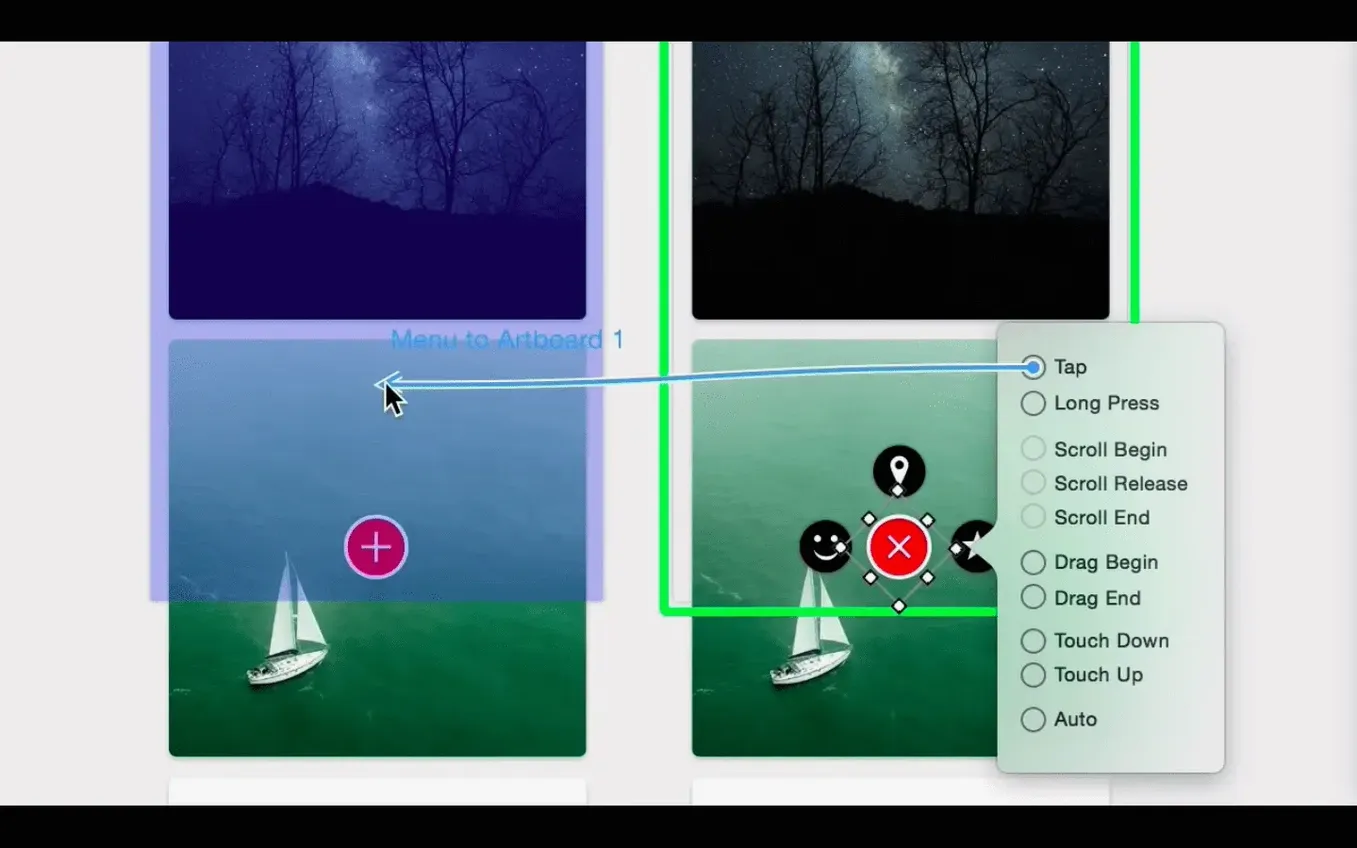
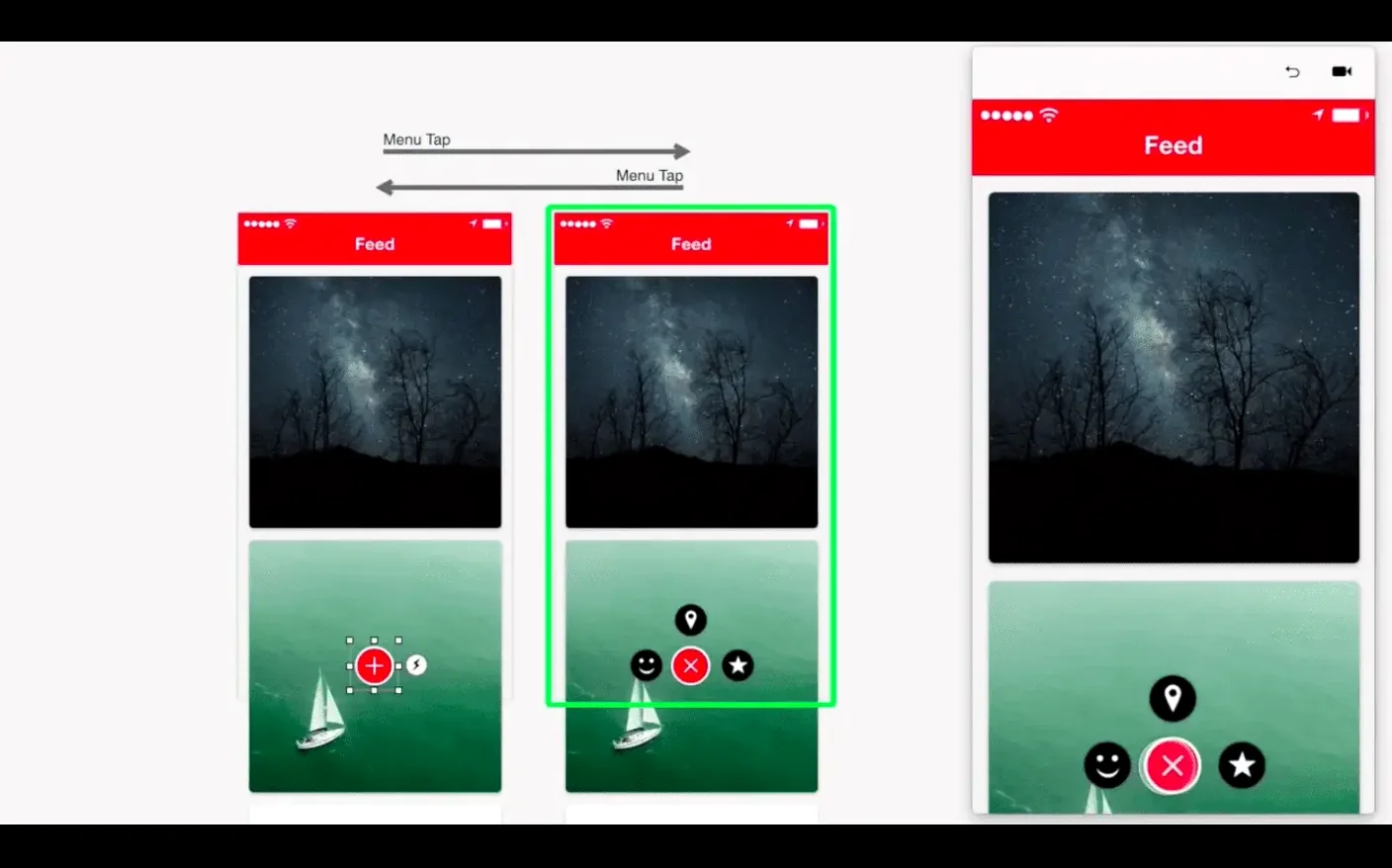
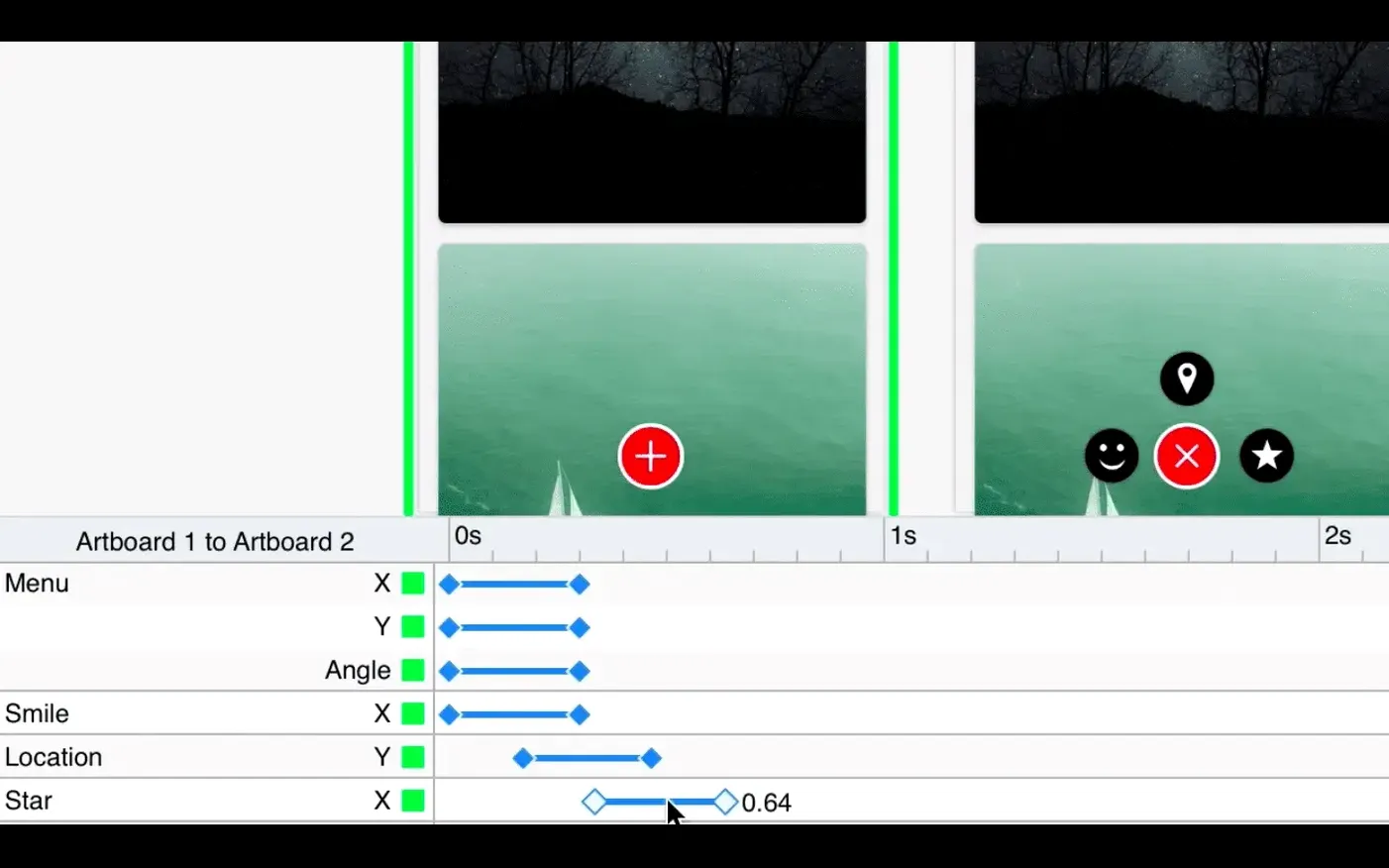
Designers who build app flows, micro-interactions or animated prototypes reach for Principle. It’s the tool Daniel Hooper built for sketching out how a screen moves, responds and connects to the next one — all on a timeline.
You open a blank canvas and drop in an artboard the size of an iPhone screen. A few rectangles become buttons, a text layer turns into a headline. You tap the Animate button and a second artboard appears, linked automatically.
Now the timeline shows its hand. You nudge a button’s position on the second board, drag its opacity to zero, and scrub the playhead. The motion feels snappy. You open the curve editor, pull the handles into a gentle ease-out, and scrub again — it lands softly, exactly how a real button should feel.
You add a hover state next, because the same flow needs a desktop version. Principle lets you pin a trigger to the cursor. No code, just a dropdown. You wire it to a third artboard that slides a card up from the bottom. A quick Cmd-R opens the live preview window, where you click through the flow like a working app.
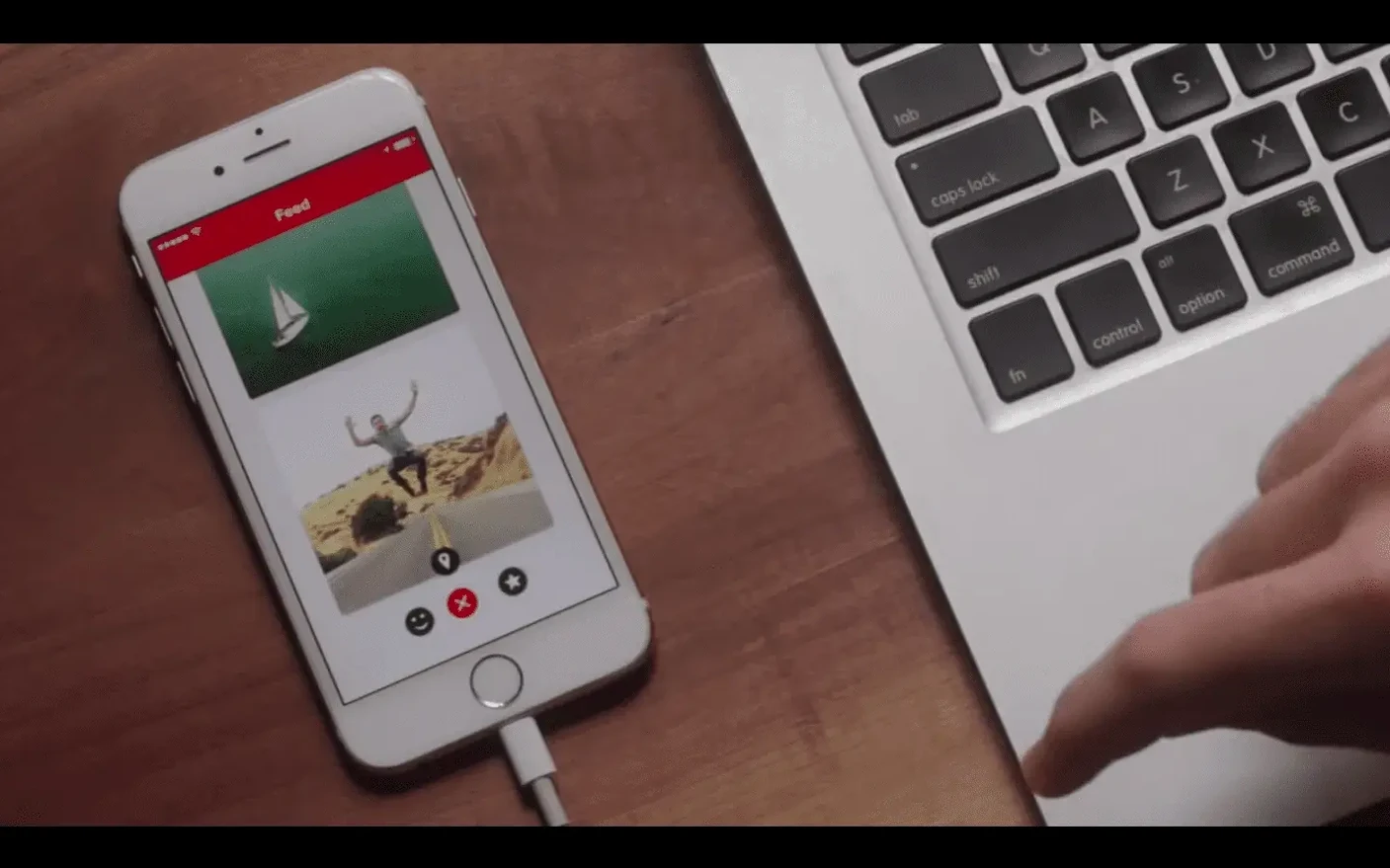
Before sharing, you plug in an iPhone and open Principle Mirror. The prototype runs on the device, touch and all. You hand it to a colleague who taps around, swipes, and spots a screen transition that feels half a beat too slow. Back on the Mac, you tighten the duration from 0.4 s to 0.25 s and re-export a standalone Mac app so the developer can feel the timing themselves.
No. It isn't a vector editor or a layout canvas for final UI. Designers usually import their screens from Sketch or Figma, then bring them to life here. Principle handles the motion, the transitions and the interactive logic — the parts a static mockup can't explain.
Version 6.43 runs on macOS 10.14 and later. It's 64-bit Intel, and it works on Apple Silicon Macs through Rosetta. The app feels native either way — no laggy web wrappers, no Electron.
Yes. The built-in preview window runs every interaction right on your Mac, including hover effects and scroll-wheel triggers that wouldn't make sense on a touchscreen. When you do want a device test, Principle Mirror on iOS connects in seconds.
The export-to-Mac-app feature wraps your entire project into a standalone application. You send a single file, they double-click it and click through the flow like real software. Designers who pitch ideas to clients use that a lot — no setup, no explanation needed.














Chat 0
Hop in or make an account to join the chat.
Quiet in here so far. If you have used this build, tell me what the install actually did.