
 QSpace Pro
 Radio Silence
 QLab
QLab RAR Extractor - unzip
 ProPresenter
 RAR Extractor
 Prizmo Pro
 Principle


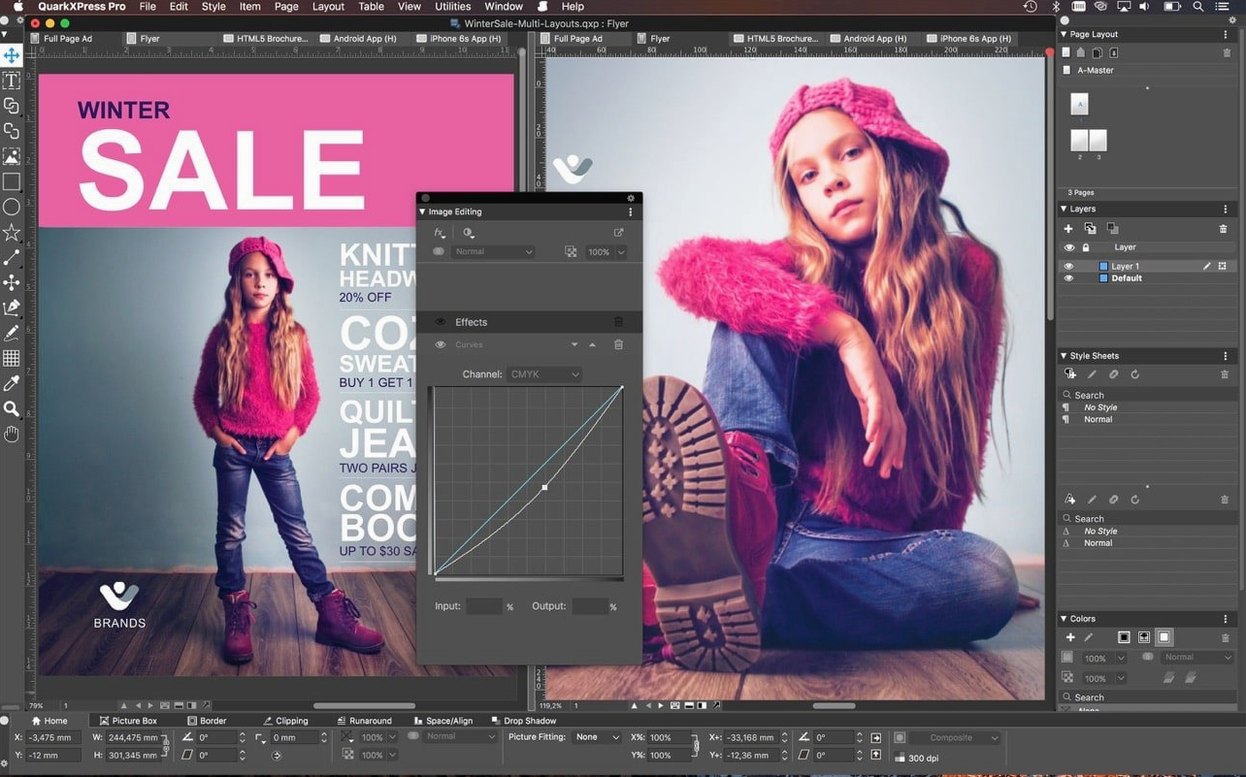
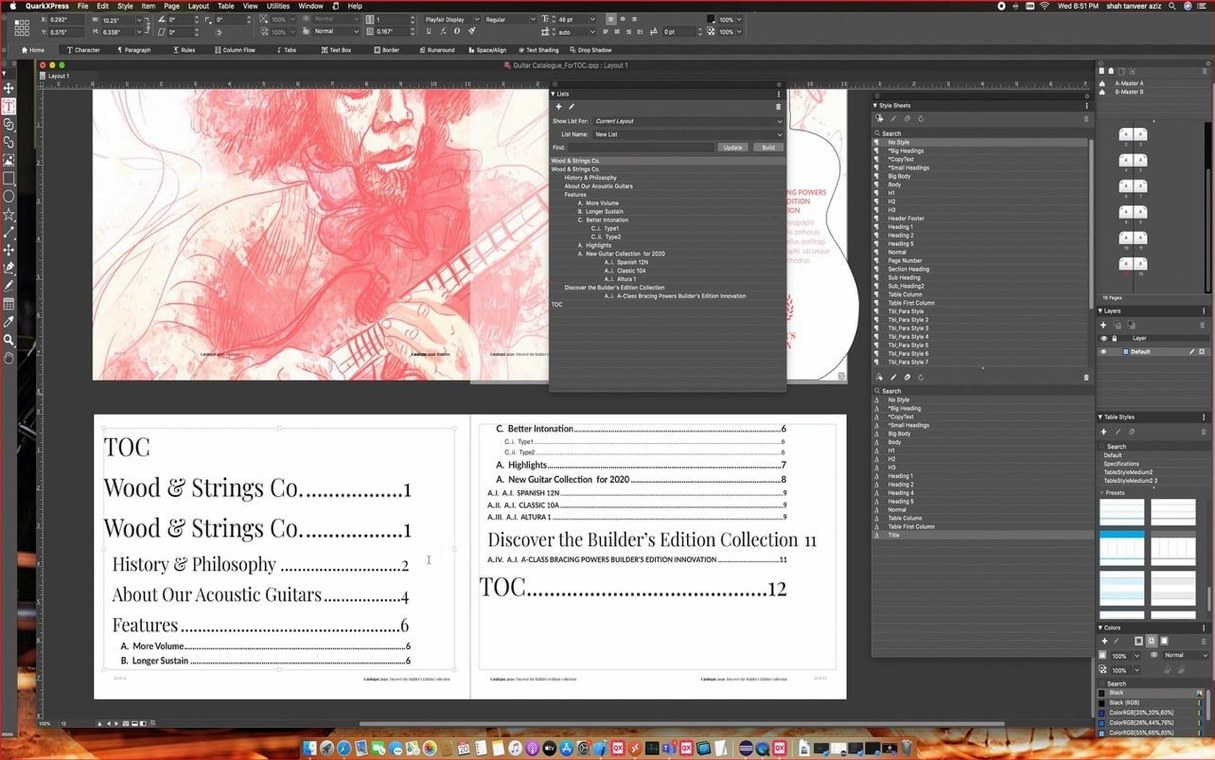
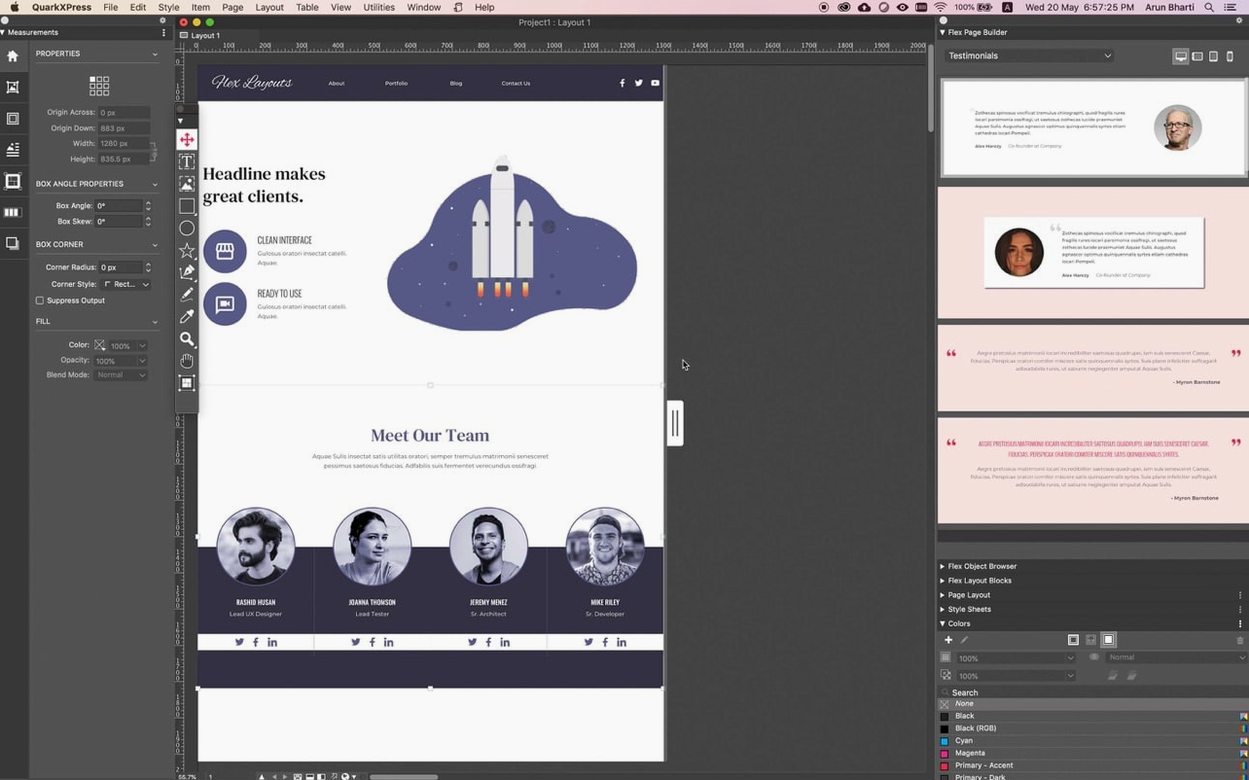
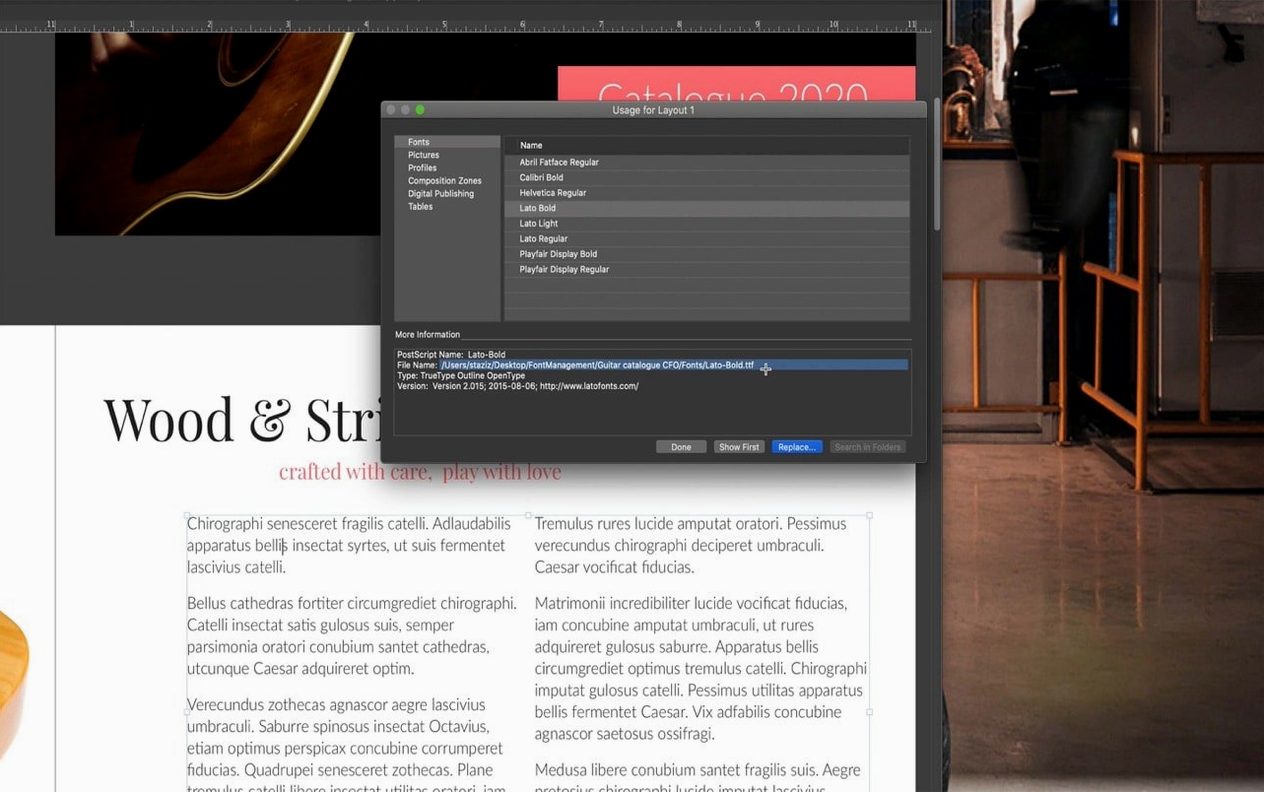
Runs on macOS 12 and up, native on both Intel and Apple Silicon. Here’s what seasoned layout hands will notice in the latest release.
Native equations — Version 22.0 added math equation support right inside the layout, no external editor needed.
Single-file cross-region format — Open and print a project created in a different locale without swapping files or fonts breaking.
List markers — New markers give you finer control over bulleted and numbered lists, handy for long documents and style sheets.
Linkster — The dedicated tool for linking and unlinking text boxes and notes across pages, keeping threaded stories tidy.
ePub export — An export utility builds ebooks for iBooks, Kindle, and Nook straight from the layout.
iPad app creation — Tools are included to package projects as interactive iPad applications.
The redesigned welcome screen in v22.0.1 gathers project size presets, custom workspaces, built-in tutorials, and resources in one spot. Master page consistency through ImageGrid got a polish too.
Beginners often treat QuarkXPress like a word processor, which leads to wobbly layouts and broken text flow. The first mistake is pasting content straight onto a page instead of into a text box. If there’s no box, there’s no story to thread across columns or pages. Another one is ignoring master pages entirely — manually placing the same header on 40 spreads feels productive until the client asks for a different margin. Master pages, set once, ripple through the whole document.
A subtler slip is resizing picture boxes without checking the frame fitting options. Dragging a corner scales the box but leaves the image cropped or pillarboxed. Right-click the box, choose Fit Picture to Box (or its proportional sibling) and the image snaps into place without guesswork. Newcomers also overlook conditional styles. A paragraph that shifts from body copy to pullquote can apply its own rules automatically — spacing, hyphenation, font — once the condition is set. Without it, every tweak becomes manual labour.
Colour management trips people up too. Leaving output setup on default RGB when the printer expects CMYK produces a muddy spread. The Edit > Colour Setups > Output path is worth a visit before sending anything to press.
Hold Option while dragging a box to duplicate it in one motion — no copy-paste dance required. That same key, pressed when clicking through stacked objects, cycles through the pile underneath the cursor. It’s faster than rearranging layers in a panel.
The Story Editor (Edit > Edit Story) is a plain-text workspace that strips away visual noise. Long articles, dense footnotes, and fine kerning adjustments become easier when the layout isn’t fighting for attention. Spelling checks and style tags still work, so you can polish copy and jump back to layout view with a keystroke.
Linkster, tucked in the Window menu, shows every text thread and anchor at a glance. A document with 30 linked boxes and a misbehaving overflow is no longer a scavenger hunt. Click a chain in Linkster to highlight the boxes, then unlink or relink as needed.
Callouts deserve more love. Attach a small note box to a paragraph and it travels with the text when the flow shifts — no more orphaned annotations drifting half a page away. The same trick works for pullquotes and sidebars anchored to body copy.
Does it open old QuarkXPress projects? Projects going back many versions open directly, and the single-file format means a file authored in a Spanish locale opens cleanly on an English-language Mac. Fonts map smoothly when OpenType equivalents are available, and the layout doesn’t reflow unless you tell it to.
Will it run on current Macs? Yes — version 22.0.1 is built for Apple Silicon and Intel 64-bit, and it works on macOS 12 Monterey through to the latest releases. No Rosetta gymnastics required on M-series machines.
Can I bring in Illustrator and Photoshop files? Native import is supported. Place an AI or PSD file into a picture box and QuarkXPress keeps the layers intact. You can toggle layer visibility without returning to the source app.
Is activation needed? Activation isn’t required, so setup is straightforward. Once the package is installed, you’re straight into the welcome screen with its size presets and tutorial links.
People hunting a quarkxpress free download or a quarkxpress mac torrent often just want a layout tool that doesn’t phone home. This build fits that bill — drop it on the Mac, pick a workspace, and start composing. The same goes for those who look for quarkxpress mac crack or a quarkxpress 2024 download; what they really need is a working version that handles print and digital output without friction, and that’s what’s here.
Good to know: Reflow View is a quiet hero when the layout heads to an e-reader. Turn it on to preview how text and images will reshuffle on a smaller screen before exporting to ePub — saves a round of proofing later.














Chat 0
Hop in or make an account to join the chat.
Quiet in here so far. If you have used this build, tell me what the install actually did.