
 RightFont
 Sensei
 Rhino
Rhino Serato DJ Pro
 Serato Studio
 Shadowrocket
 Reeder
 Raycast Pro


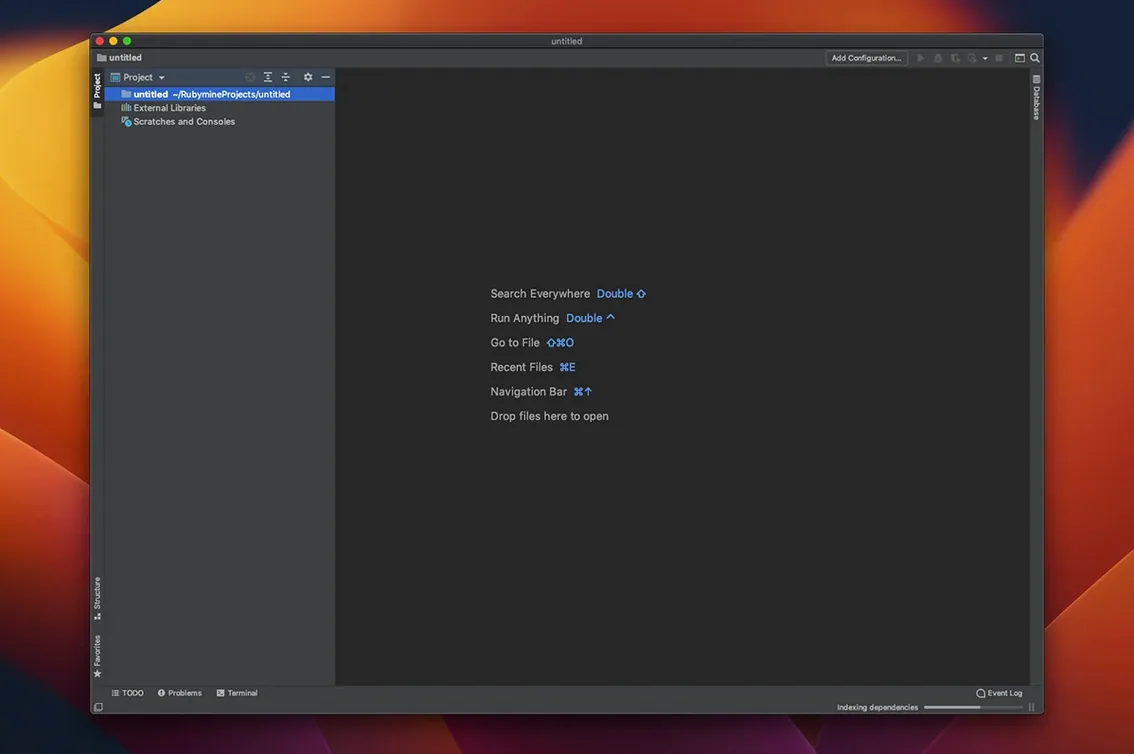
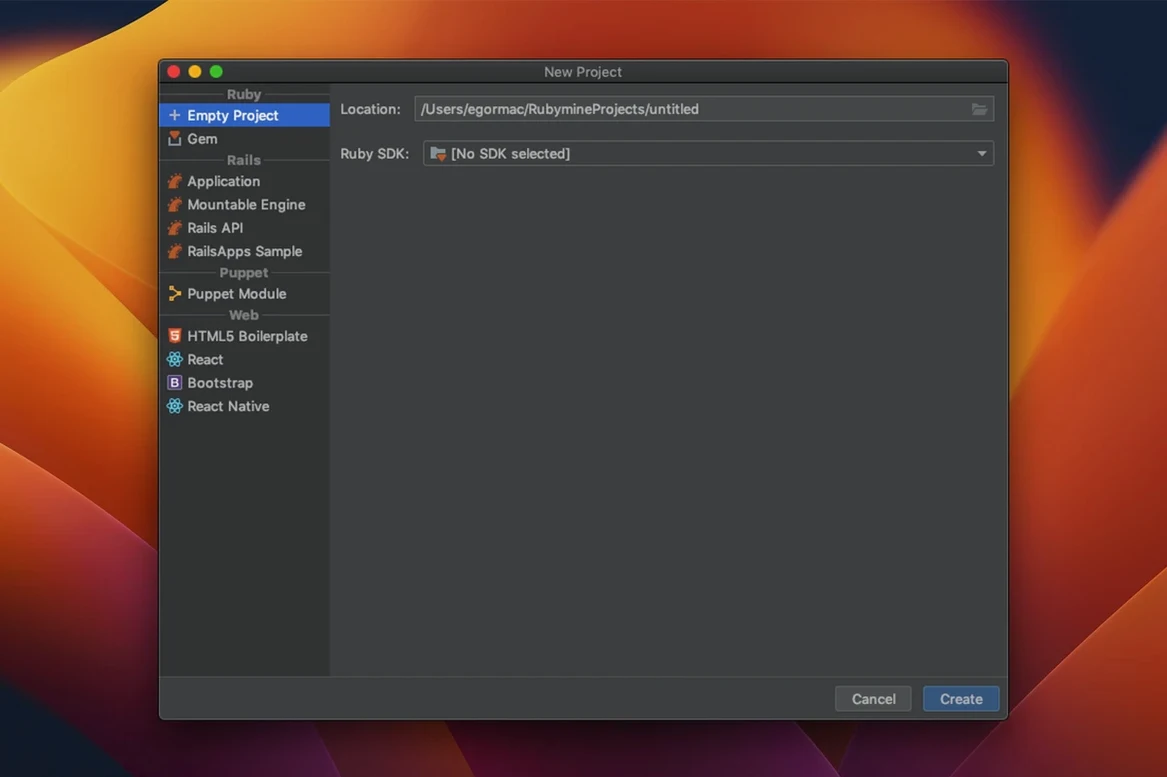
RubyMine is a dedicated macOS IDE for Ruby and Ruby on Rails development, built to handle the full cycle from writing code through to deployment.
RubyMine clicks with developers who live in Rails projects and want tooling that understands the framework deeply. Rather than piecing together a text editor with plugins, you get a coherent IDE where the debugger, test runner and deployment settings share the same environment. The code diagrams help when you're untangling a sprawling codebase, and the safe refactors let you rename or restructure without second-guessing breakage. It also supports RBS type signatures and the Rake task runner, so everyday chores stay inside one window.
Out of the box the IDE is ready, but a few tweaks make it feel personal. Head to Preferences → Editor → Code Editing and turn on Reformat code on save — it quietly keeps indentation and spacing consistent across every file you touch.
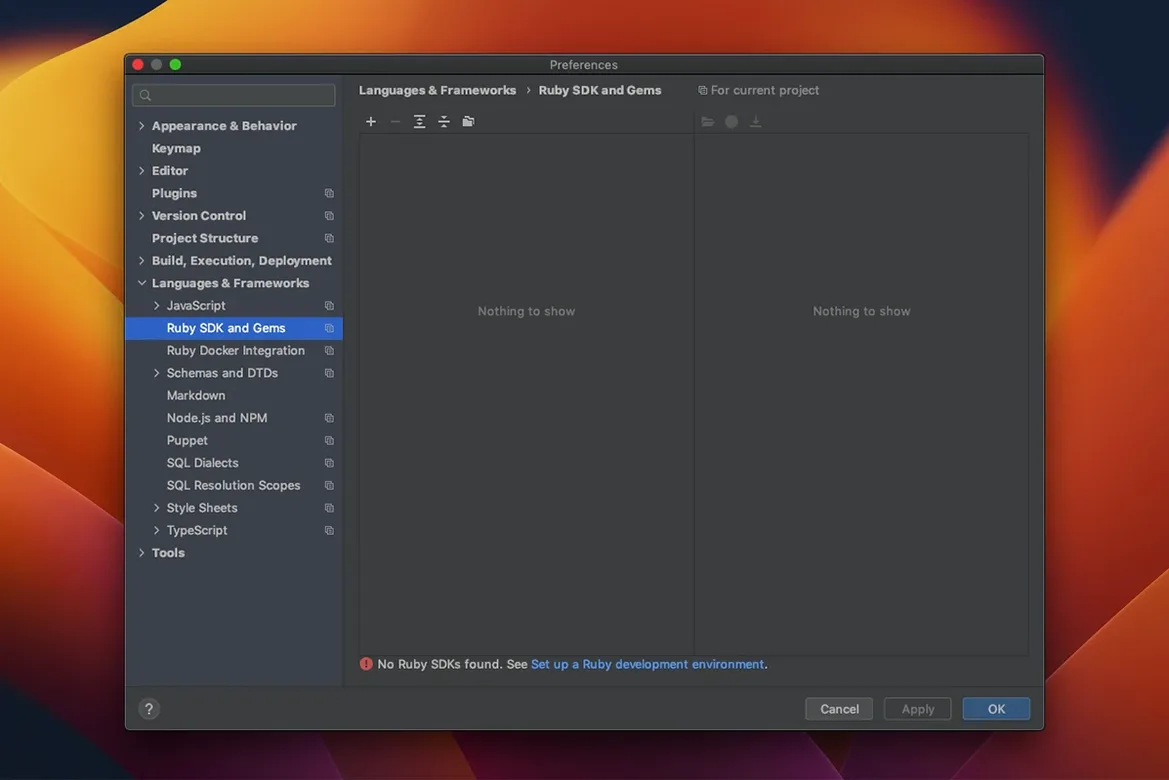
Next, open Preferences → Languages & Frameworks → Ruby and confirm your Ruby interpreter and gemset. If you use rbenv or RVM, RubyMine auto-detects them, but locking it to one version saves confusion when you switch projects. While you're there, enable RuboCop inspection so style violations appear as you type rather than waiting for a manual lint run.
Under Keymap, try the IntelliJ IDEA Classic preset if you came from an older JetBrains tool. The default macOS shortcuts are smartly chosen, but Search Everywhere (double-tap Shift) is the one you'll lean on hardest — it finds classes, files, symbols and preferences in a single bar.
You open a Rails project and RubyMine indexes the codebase in a few seconds. The project tree unfolds on the left, and you spot a model you want to refactor. Double-tap Shift, type the model name, and hit Enter — the file opens instantly.
You start renaming a method. A small lightbulb appears; you press Option+Enter and choose Rename. RubyMine highlights every call site across controllers, views and specs. You type the new name once, and the change propagates safely.
Midway through, you write a test block. The editor suggests completions that understand Rails conventions — expect blocks, fixture names, route helpers all surface without hunting. You notice a wavy underline on a line: RuboCop flagged a redundant return. One keystroke fixes it.
Time to debug. You set a breakpoint inside a controller action, click the green beetle icon, and the app pauses mid-request. The debugger shows local variables and the call stack. You step through, watch a variable change, then let the request finish. When you're ready to ship, you switch to the terminal tool window, run a Rake deploy task, and watch the output scroll by — still inside the same workspace.
Yes, it can create and run tests for RSpec, Cucumber, Shoulda, MiniTest and Test::Unit.
Absolutely. You can configure FTP and SFTP deployment so you push changes without leaving the IDE.
It integrates with RVM, rbenv and Bundler out of the box, plus Zeus for preloading Rails environments.














Chat 0
Hop in or make an account to join the chat.
Quiet in here so far. If you have used this build, tell me what the install actually did.