
 Serato Studio
 Sidebar
 Serato DJ Pro
 Sensei
 Sketch
 SketchUp Pro
 RubyMine
 SoundSource


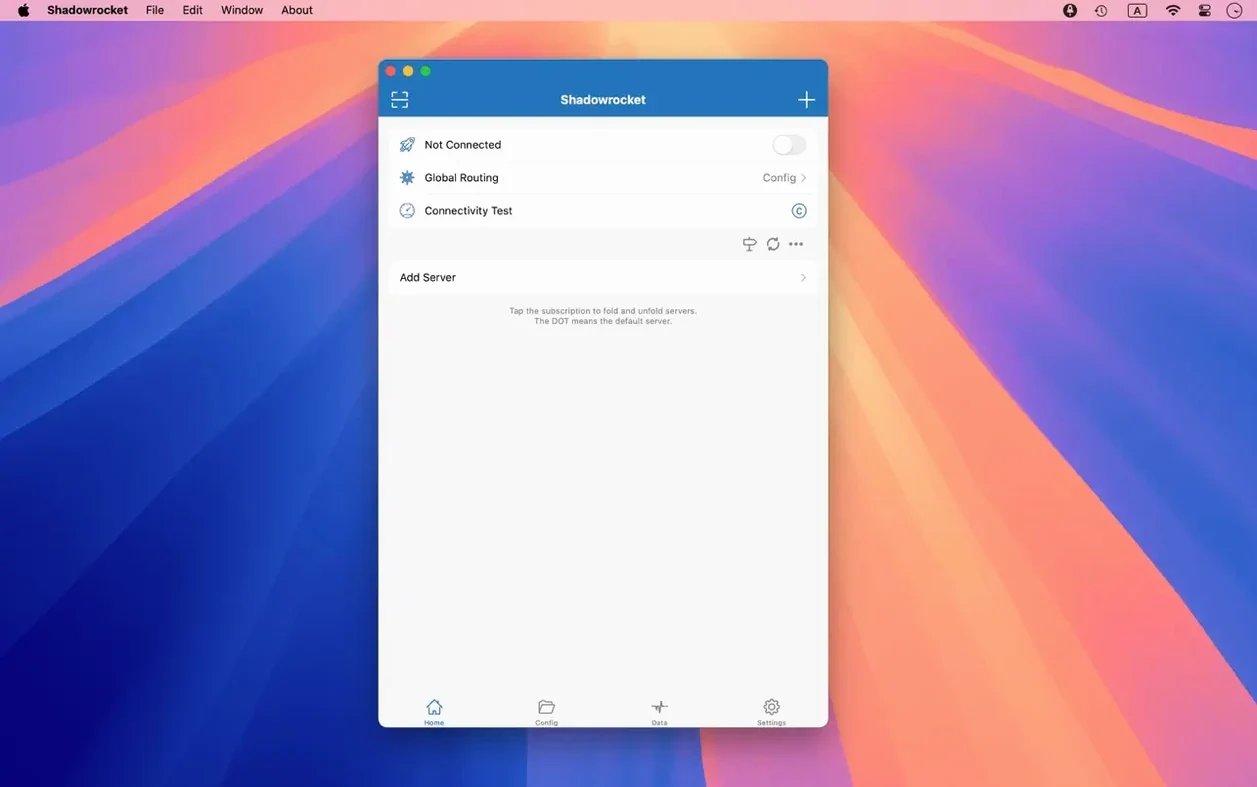
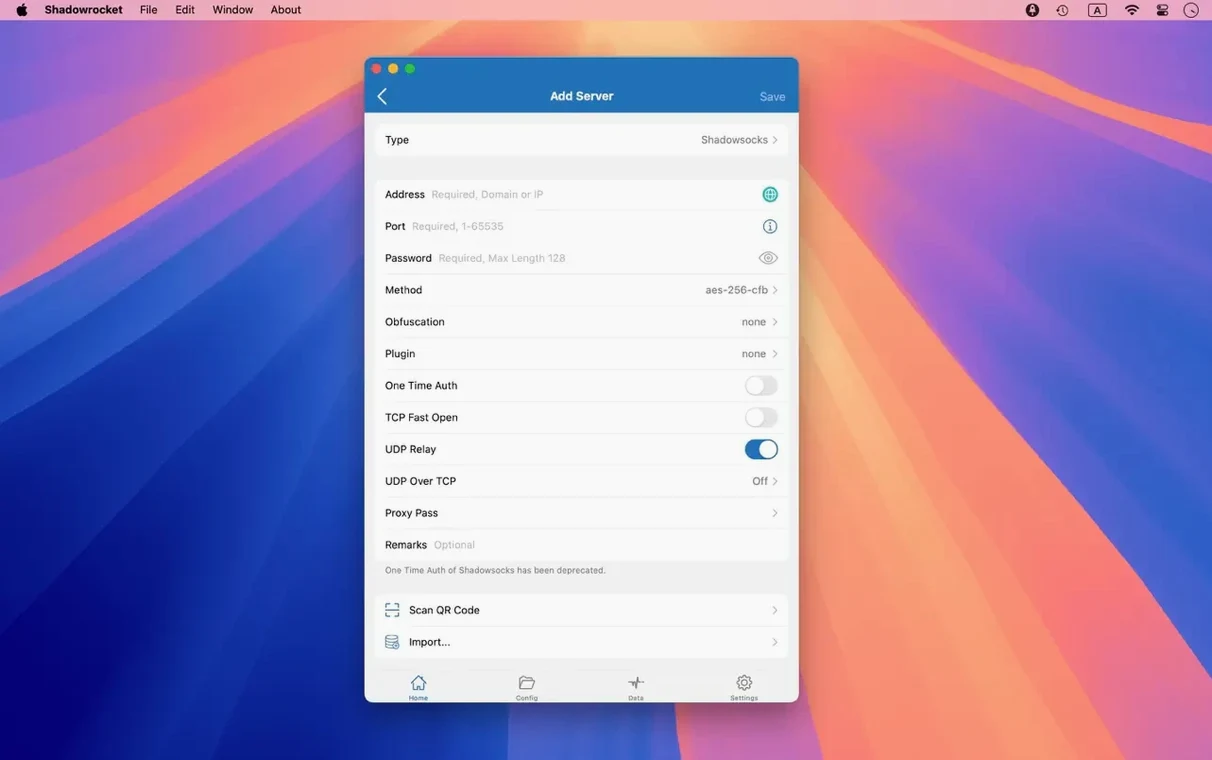
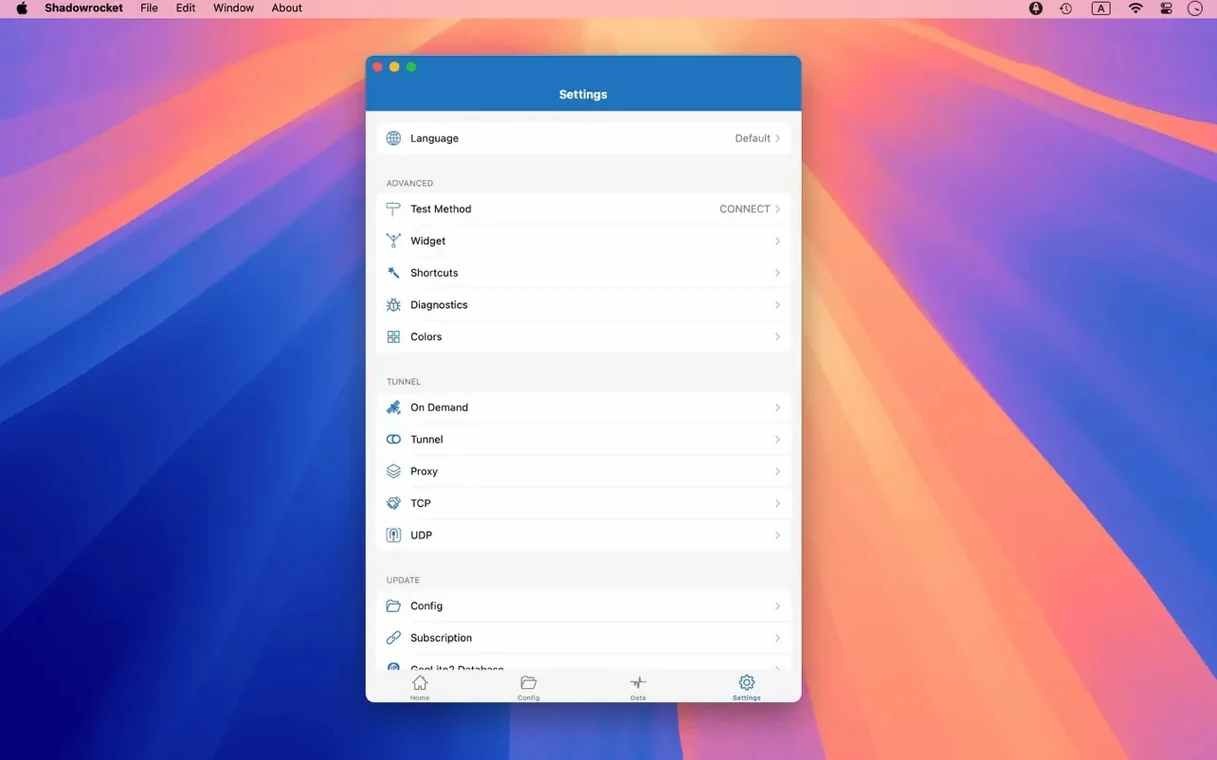
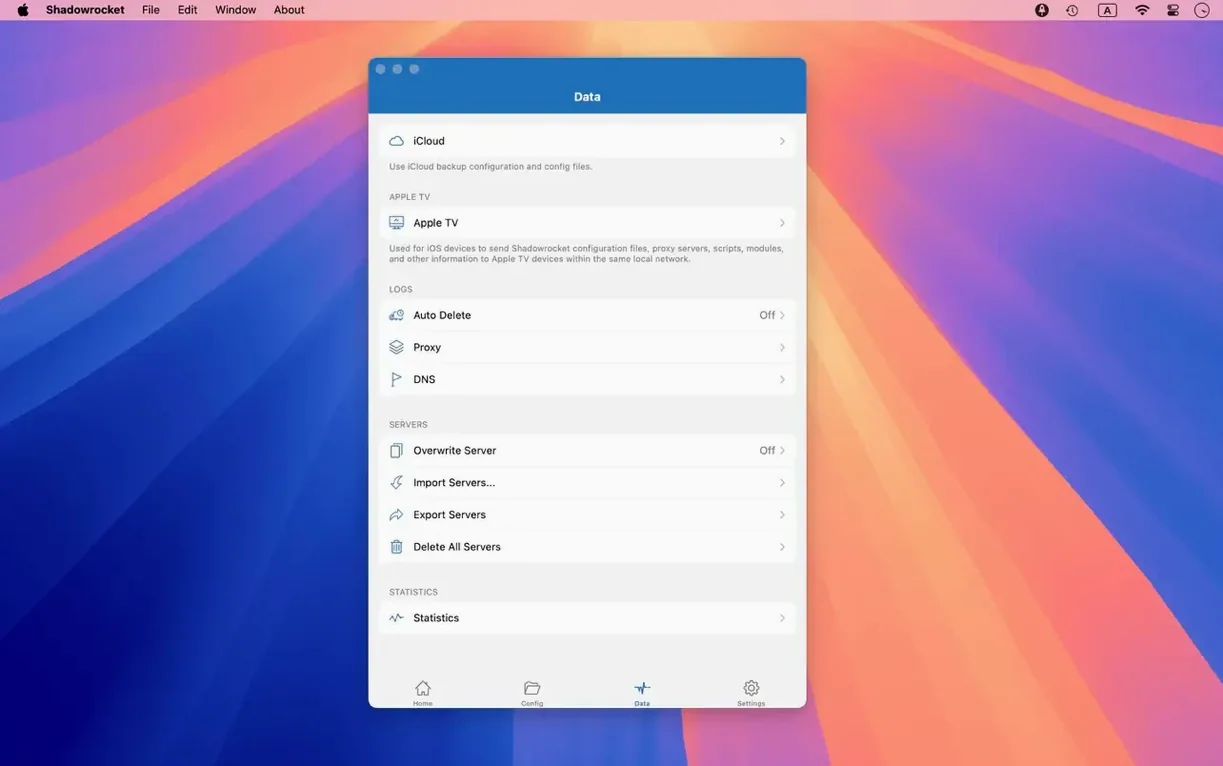
If you have ever used a VPN and wished you could tell it exactly which traffic goes where, Shadowrocket is that wish granted. It is a proxy client built on rules, not just a single tunnel. You set the conditions, and it directs connections accordingly.
This is not a one-click privacy app. It expects you to know your way around a server config. Developers, network engineers, and anyone who runs their own proxy will feel at home. The interface lets you decrypt HTTPS traffic for debugging, chain proxies together, and write script filters for fine-grained routing. It is a toolbox for people who like to inspect what their network is doing.
A few features sit just off the main screen and make daily use smoother. The menu bar icon shows live upload and download speeds for both your direct Wi‑Fi connection and the active proxy. You can toggle proxies on or off from there without opening the full window.
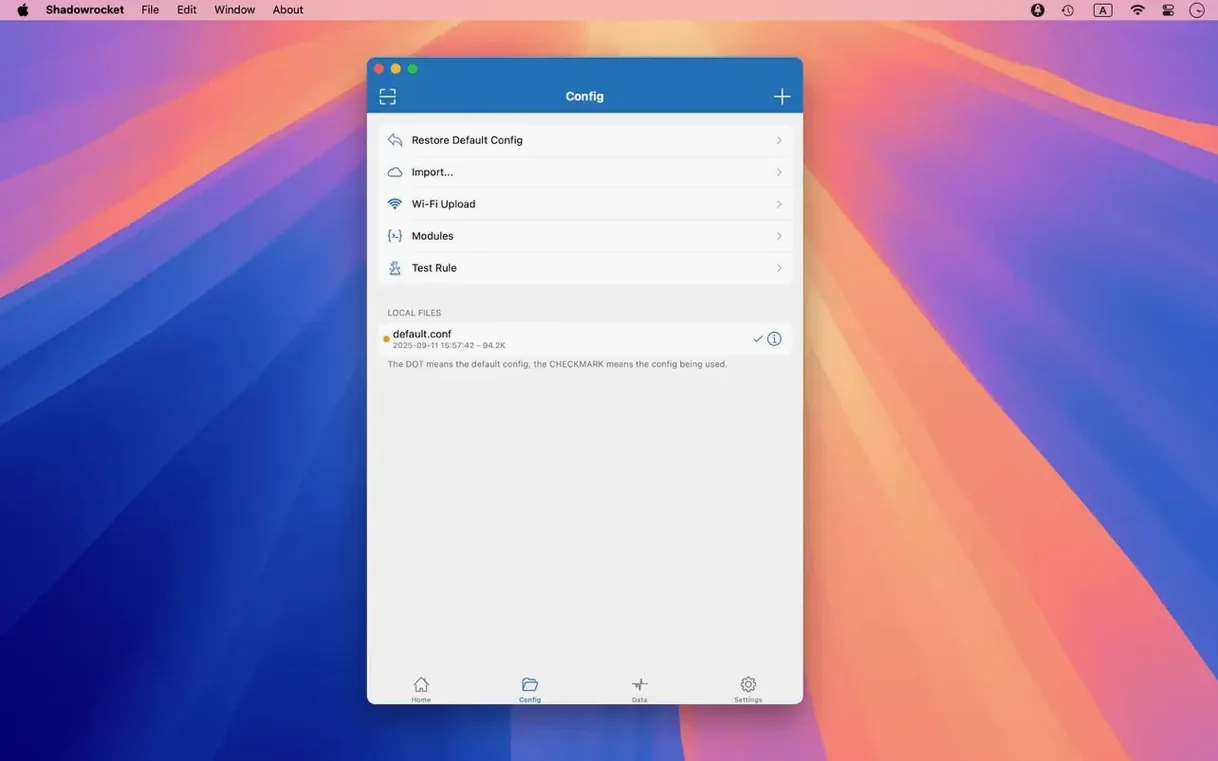
Long-pressing a server in the table brings up a quick menu to duplicate, measure latency, or switch to that server instantly. The import dialogue accepts rule files from iCloud Drive, so you can push a ruleset from an iPhone or iPad and have it appear on the Mac within seconds.
Another subtle touch: the URL rewriter supports capture groups. You can rewrite a request path like /v1/old-endpoint to /v2/new-endpoint without touching the app that sent it. For local development, local DNS mapping lets you point a domain to a staging server while everything else resolves normally.
Imagine someone testing a mobile banking integration from a Mac. They need traffic from the bank’s sandbox domain to route through a dedicated Shadowsocks node, while all other requests go direct. At the same time, they want to inspect every HTTPS call the staging app makes, including headers that a standard proxy would mangle.
They start by importing a rule file that matches the sandbox domain suffix. They chain a SOCKS5 proxy behind the Shadowsocks node for an extra layer of isolation. HTTPS decryption is switched on for the staging domain only, leaving personal traffic untouched. The traffic recording pane shows each DNS query and HTTP response code in real time. When a 403 appears, they open the request details, spot a missing auth header, and rewrite the URL to the correct endpoint on the fly. Twenty minutes later, the integration passes, and they export the session log for a colleague. No other tool on their Mac would let them do all that without juggling three separate apps.
A shadowrocket dmg download attracts a broad audience, but a few groups genuinely need what it offers. Developers debugging microservices benefit from the HTTPS inspection and URL rewriting. The app shows them the exact request their code is sending, not what they assume it sends.
Security researchers who run isolated testing environments lean on script filters and multi-level chaining. They can route traffic through a chain of proxies in different jurisdictions, log every DNS query, and block analytics domains with a single rule set. The GeoIP rule matcher helps them simulate requests from specific countries without spinning up cloud instances.
People who maintain their own Shadowsocks or V2Ray servers get the most polished macOS front-end for their infrastructure. Many proxy server projects ship solid back-end configs but leave the client side to third parties. Shadowrocket fills that gap with a native Mac interface that handles rule import, latency measurement, and traffic statistics in one place. It is the kind of app you reach for after you have outgrown a basic VPN client and want to control routing yourself.














Chat 0
Hop in or make an account to join the chat.
Quiet in here so far. If you have used this build, tell me what the install actually did.