
 SuperDuper!
 Sublime Text
 Studio One
 Sweet Home
 SwiftServer - Monitoring & SSH
 Swinsian
 SwitchResX
 Steinberg Nuendo

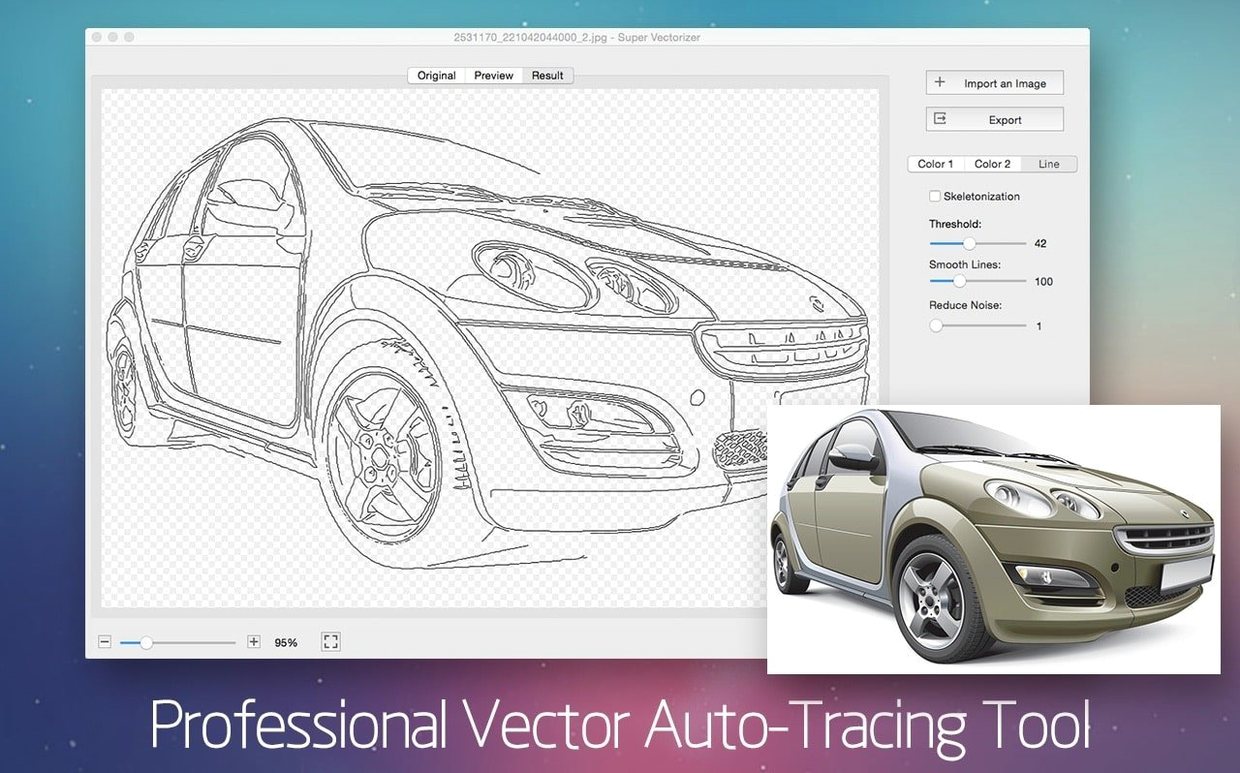
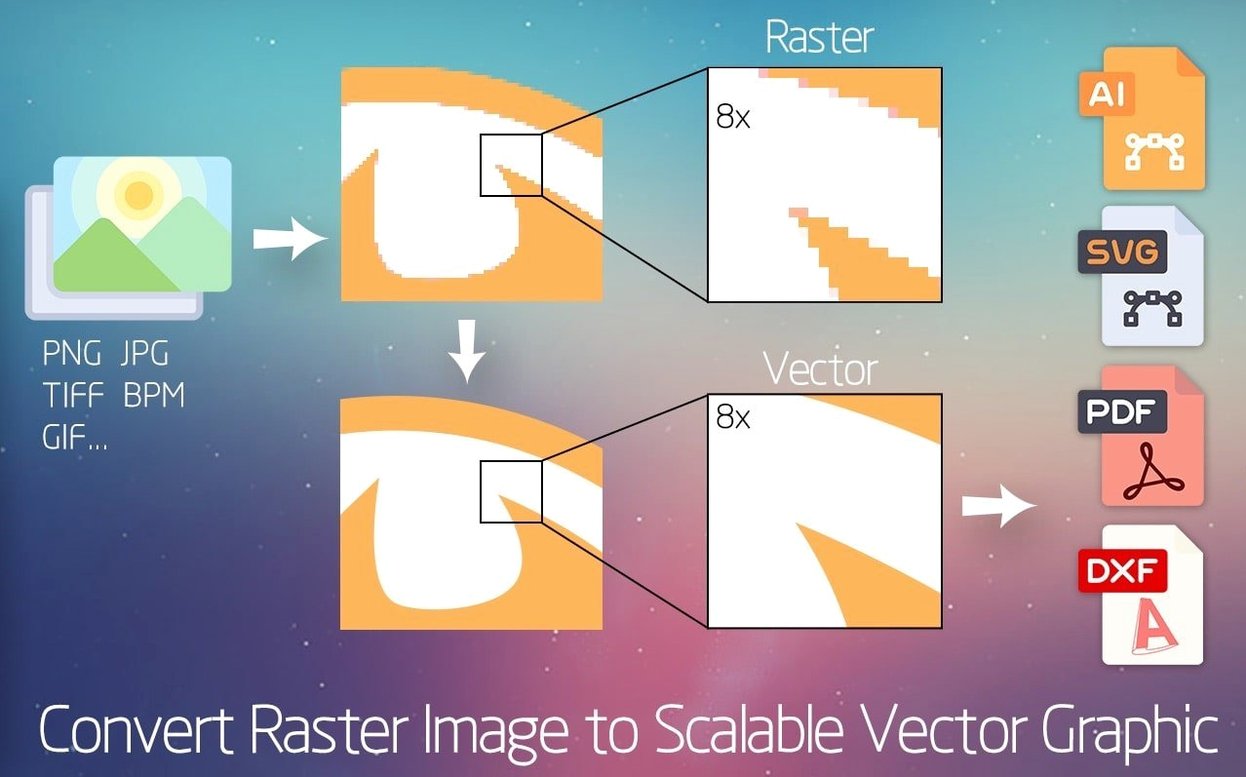
If you've used Preview's signature capture, you know the Mac can trace a line. Super Vectorizer Pro extends that idea from a single scrawl to a whole image, converting bitmap files into editable vector paths.
Live preview — the tracing result updates as you tweak settings, so you see exactly what you'll get.
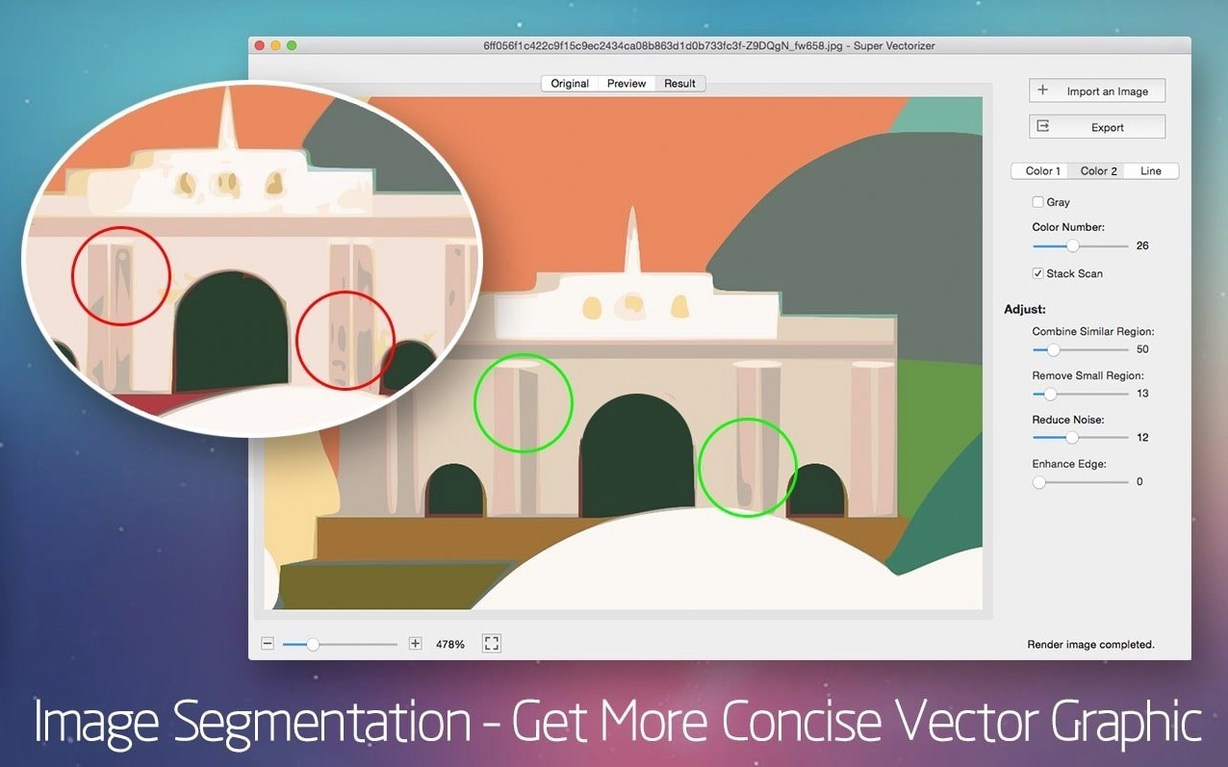
64-color mode — go beyond flat silhouettes; the app can segment a photo into up to 64 solid vector colours.
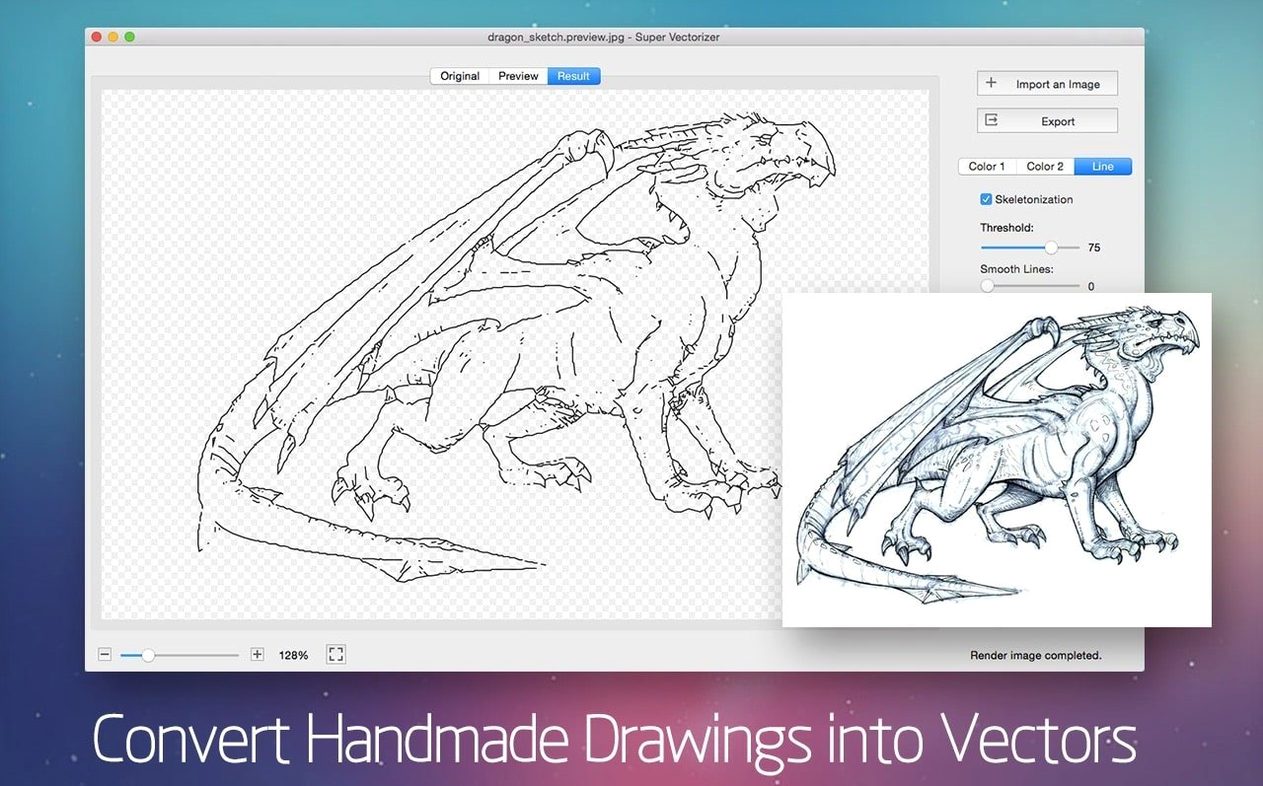
Pencil-to-path — scan a hand-drawn sketch and turn it into smooth, scalable line art.
Logo tracing — drop in a client's low-res JPG and pull out a crisp SVG ready for a sign writer.
70+ input formats — from common JPEGs and PNGs to rawer camera formats, it reads almost anything you throw at it.
Designers who jump between raster and vector work get the most mileage. If you redraw logos from client-supplied JPEGs, clean up scanned pencil drawings for a branding deck, or pull a shape out of a photo to laser-cut, the app slots in without fuss. It also suits illustrators who prefer sketching on paper first — scan a page, trace it, then refine the curves in Illustrator or Corel. Less clicking around bezier handles by hand.
Speed is tied to how complex your source image is. A monochrome logo with clean edges traces in under a second on an M1 Mac. A 24-megapixel photo set to 64 colours chews for a few seconds while the live preview catches up, but it never beachballed. Memory use stays modest — rarely above 300 MB — and the app launches cold in about two seconds. On older Intel machines running macOS Yosemite it’s still responsive, though photo traces with full colour segmentation take a noticeable breath.
Mornings at a small drinks brand start with supplier emails. One morning a label printer sends back a flat “need vector, not PNG” for a botanical illustration the team bought from a stock site. The designer drops the 1200-pixel-wide PNG into Super Vectorizer Pro, picks 12 colours, and ticks the transparent background option. The live preview shows clean separation between the juniper branch and the white backdrop. Thirty seconds of slider nudging later, the SVG is saved and attached to a reply. No redraw, no Illustrator trace panel guesswork. The printer confirms the file works before the second coffee.
Good to know: the app runs natively on both Apple Silicon and Intel Macs, so it feels snappy on any modern machine.
Yes. It's designed to trace pencil sketches and turn them into clean, scalable vector graphics you can edit in Illustrator or other vector apps.
The interface is available in Russian, English, German, Spanish, Italian, Traditional Chinese, Simplified Chinese, French, and Japanese.
Yes, it has native support for both ARM (Apple Silicon) and 64-bit x86 architectures.














Chat 0
Hop in or make an account to join the chat.
Quiet in here so far. If you have used this build, tell me what the install actually did.