
 Squash
 SQLPro Studio
 Studio One
 Sublime Text
 Super Vectorizer Pro
 SuperDuper!
 SoundSource
 Sweet Home


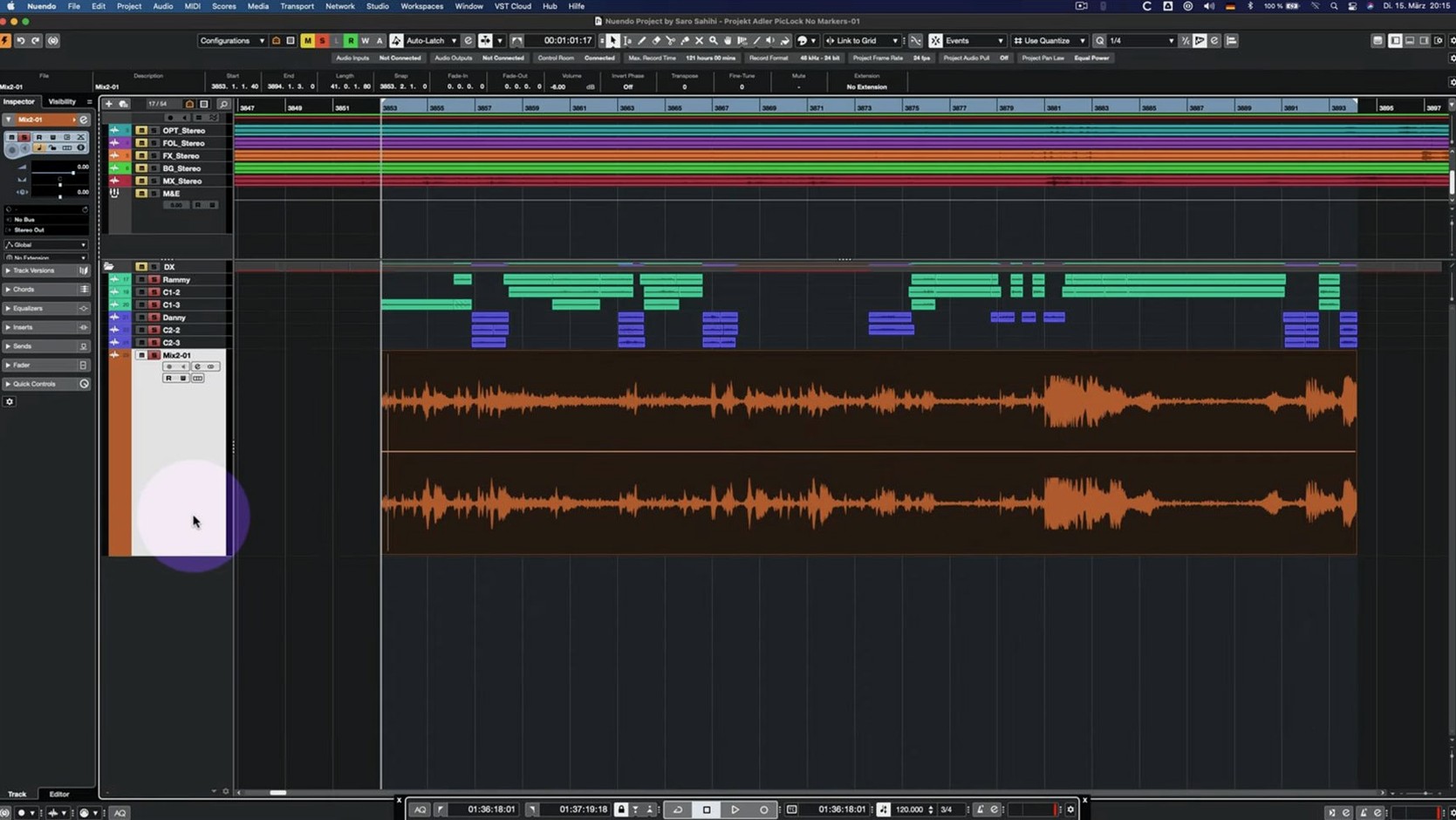
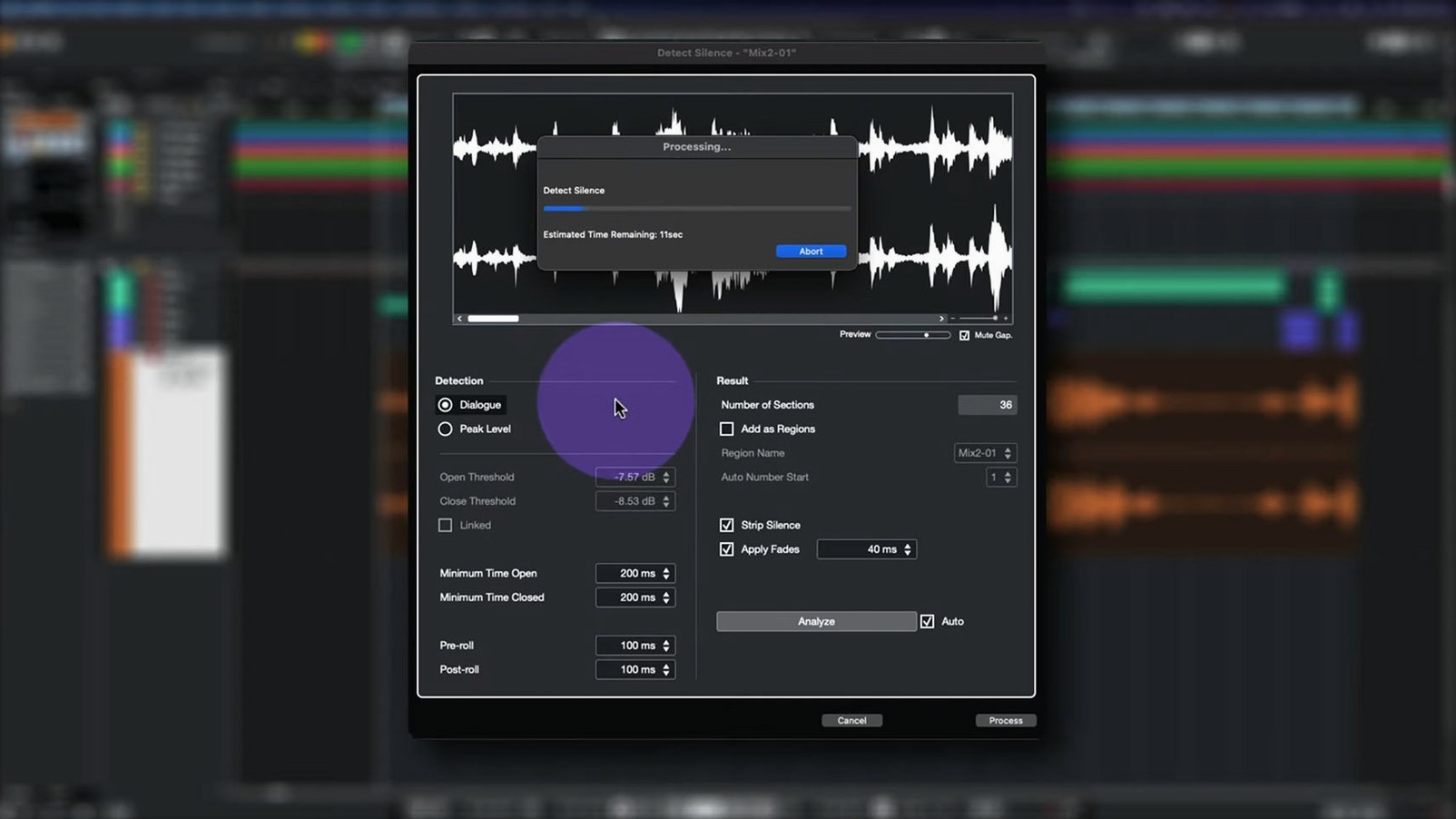
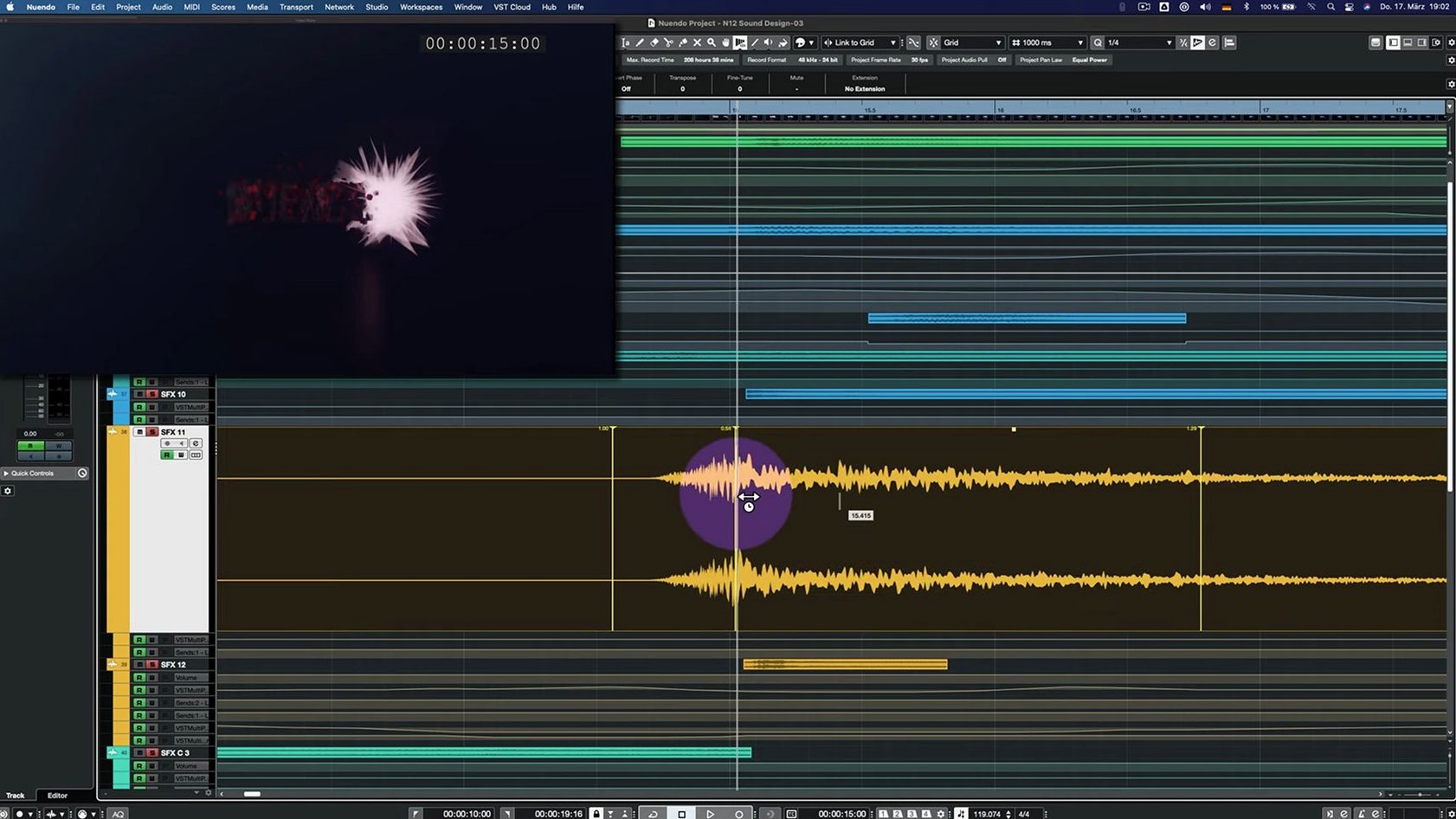
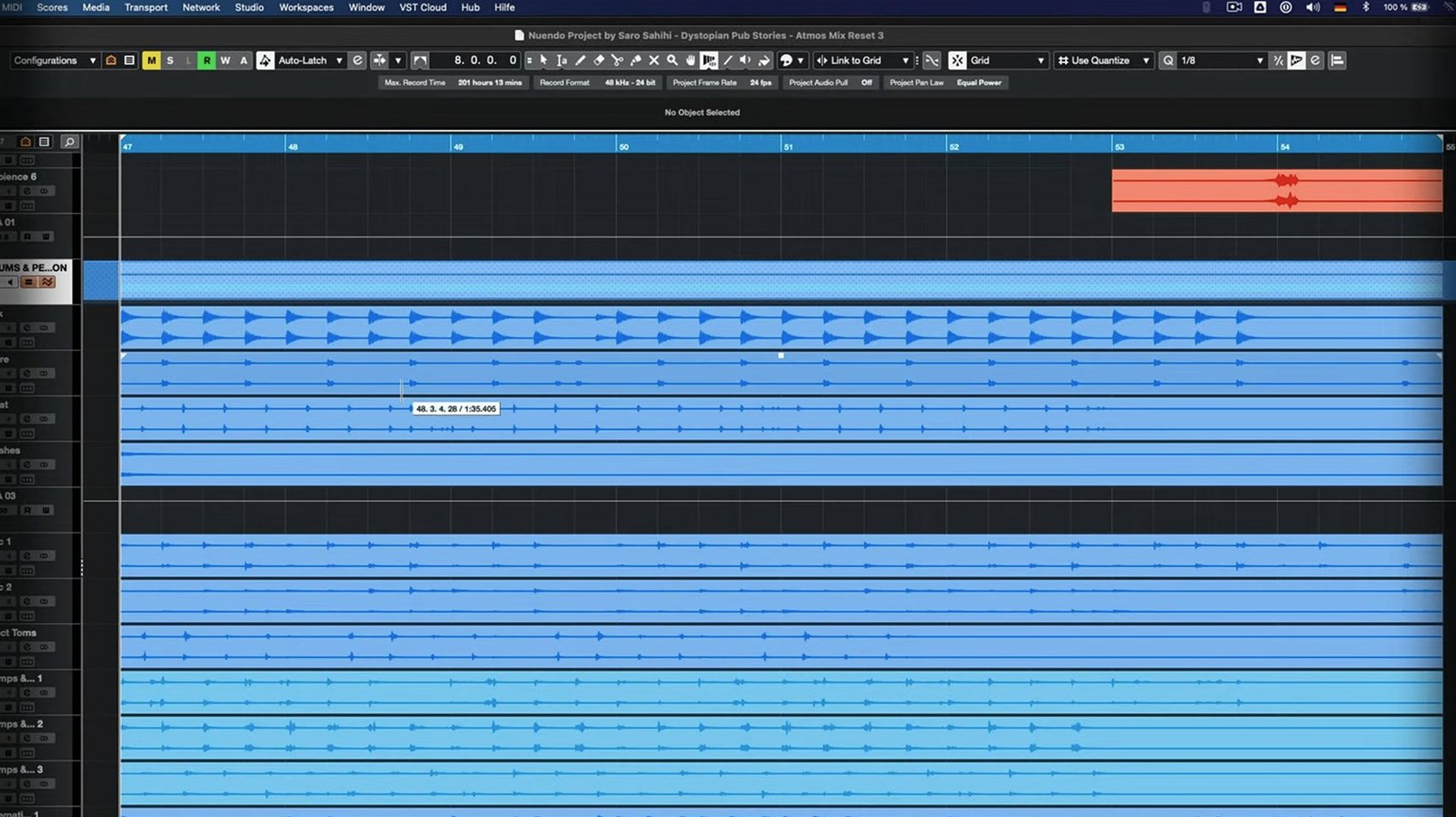
Steinberg Nuendo 15 is a dedicated audio post-production workstation built for film, television, games and immersive audio projects.
Before you install, check your macOS version. The 15.0.30 build runs on macOS 11 (Big Sur) and later, with native support for both Intel and Apple Silicon Macs. That means smooth performance whether you’re on an older machine or a newer M-series chip.
This release, updated in early June 2026, focuses on stability and workflow polish. Imported track settings and track archives behave more reliably now, and the Comp Tool works properly with Group Editing. If you use the Score Editor, a lock on a global track won’t trip it up. There’s also a nice efficiency gain: the Multiband Envelope Shaper no longer drains resources when bypassed.
Nuendo comes in English and stays current with regular updates that sharpen its editing, routing and mixing tools. It’s a hefty toolkit, so checking these specs first saves time later.
Even seasoned editors bump into a few recurring rough spots with Nuendo. Most are not bugs — they are setup or routing habits that need a quick nudge.
No sound on playback after importing an AAF. This almost always traces back to output routing. Nuendo does not automatically map imported tracks to your main monitor path. Open Audio Connections (F4), check the Outputs tab and confirm your imported tracks point to the correct stereo or surround bus. A quick drag in the MixConsole fixes it.
Plugin windows vanish behind the project window. The Direct Offline Processing fix in 15.0.30 smooths out some UI quirks, but floating plugin windows can still hide on multi-monitor rigs. Tap F3 to bring up the MixConsole, then click the plugin slot again — it forces the window to the front. For a permanent fix, set the plugin editor to "Always on Top" in Preferences under VST Plug-ins.
Analyzer track shows flat data. The 15.0.30 build tweaked Analyzer track behaviour. If you see no reading, right-click the track and confirm the source assignment is not set to "None." Also check that the track you are analysing is not muted or trimmed to silence upstream — the Analyzer only sees what hits its input.
Group Channel folder routing confusion. The update changed how folder tracks interact with Group Channel functionality. If a folder suddenly stops summing correctly, open its routing inspector and verify the folder output is not accidentally set to a child bus. Reassign it to your master or stem bus, and the signal path snaps back.
Quick Link drops a MIDI port mid-session. The release notes mention adjustments here. If a linked pair of tracks loses sync, open Quick Link settings, unlink, then relink the ports. A project save after linking locks the assignment into the session file, reducing dropouts on reopen.
New users coming from music DAWs often carry over habits that slow them down in post-production workflows. Spotting these early keeps sessions tidy.
Nuendo 15 feels deliberate rather than featherlight. It is not a lightweight DAW and makes no apology for it. On an M2 Max MacBook Pro with 32 GB RAM, a 140-track film mix with heavy iZotope and FabFilter inserts hums at a 256-sample buffer without glitches. The 15.0.30 build improved the Multiband Envelope Shaper bypass performance — plug-ins that idle now sip almost nothing, which keeps large template sessions from bogging down.
Launch time sits around eight to ten seconds on Apple Silicon, depending on your plugin scan. Once loaded, the GUI stays snappy. Drawing automation across a busy timeline, zooming into sample-level edits and scrubbing video in the dedicated Video Player feel responsive. I have not seen the spinning beachball on moderate sessions once the initial VST scan finishes.
Memory use hovers between 2 GB and 4 GB for medium-weight projects. Large orchestral templates with hundreds of disabled Kontakt instances push it higher, but Nuendo handles disabled tracks gracefully — they reserve almost no CPU until you enable them. The architecture runs natively on ARM, so Rosetta is not part of the equation, which helps battery life and thermals on MacBooks.
Stability has been solid. A six-hour ADR session with constant loop recording, cue marker jumps and live input monitoring did not trigger a single crash. The fixes to the Comp Tool with Group Editing in this build mean grouped multi-mic drum or ensemble edits no longer desync randomly, a bug that dogged some 14.x releases. If you are hunting a nuendo free download to test on your own rig, the current build is a reliable snapshot to benchmark against.
Here is how a morning sound design pass flows inside Nuendo 15, from blank timeline to first playback review.
You open the project template — a 5.1 film layout with stems routing to a print bus. The first thing you do is import the picture lock. Dragging the QuickTime file into the Video Track snaps it to frame one. Nuendo reads embedded timecode automatically, so the timeline ruler syncs with the burnt-in window dub without manual offset fiddling.
Next, you pull in the production sound AAF. The import dialog lets you pick which tracks to bring across and whether to preserve clip-based gain and pan data. You keep everything, let Nuendo create missing tracks, and watch it populate the session in under three seconds. The dialogue tracks land in a folder routed to a Dialogue Bus group channel — the folder routing fix in 15.0.30 means the sum now hits your processing chain exactly as expected.
You spot a section where footsteps need reinforcement. You open the MediaBay, type "concrete steps" and audition five takes with the spacebar before dragging the best two onto a new Foley track. Clip gain brings them level with the dialogue, then a quick crossfade smooths the overlap. The Comp Tool is open on the second monitor — if you were layering multiple footstep passes, Group Editing would keep every layer in phase while you trim region boundaries.
Mid-way through, you insert an Analyzer track and set its source to the Dialogue Bus. The readout updates in real time as you notch out 400 Hz on the dialogue EQ. The fix in this build means the Analyzer no longer stutters when you bypass the EQ to compare — the curve snaps cleanly between active and bypassed states.
You drag a drone bed from the sound library onto an ambience track, but the low end needs shaping. You open Direct Offline Processing, add the Multiband Envelope Shaper, dial in a slow attack on the sub band, then apply. The process window renders quickly. When you bypass the plug-in to A/B, CPU use drops to near zero — the bypass optimisation does its job quietly in the background.
By lunch, you have 18 tracks of dialogue, foley and
Yes, version 15.0.30 provides native support for Apple Silicon and Intel processors.
You need macOS 11 (Big Sur) or a later release to run the 15.0.30 build.
The interface is available in English, and the application is designed for film, television and game audio work.














Chat 0
Hop in or make an account to join the chat.
Quiet in here so far. If you have used this build, tell me what the install actually did.