
 VMware Fusion Pro
 ViWizard Spotify Music Converter
 WidgetWall
 Vivid
Vivid WiFi Explorer Pro 3
 VideoProc Converter
 Winclone Pro
 VideoProc Converter AI

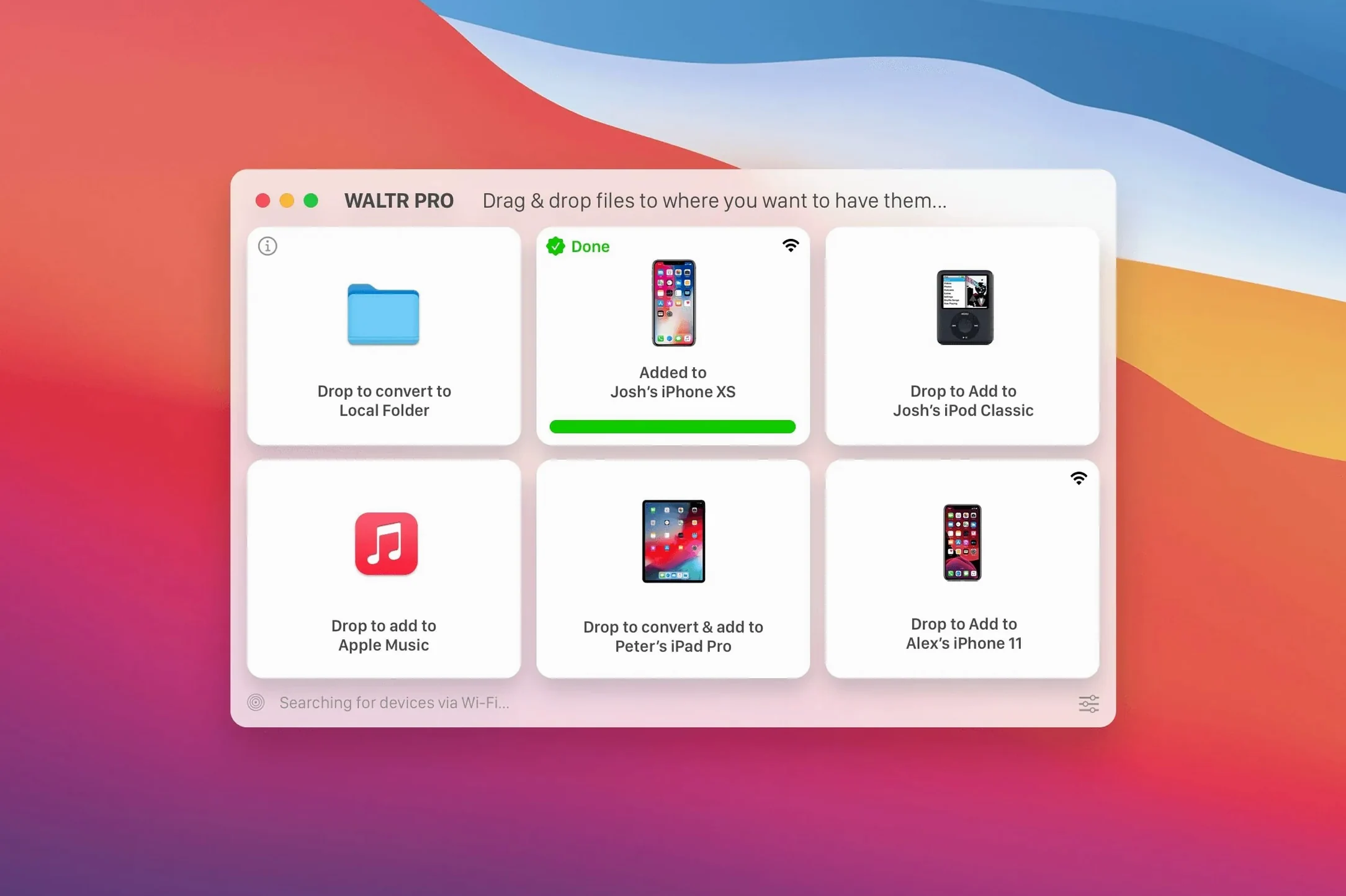
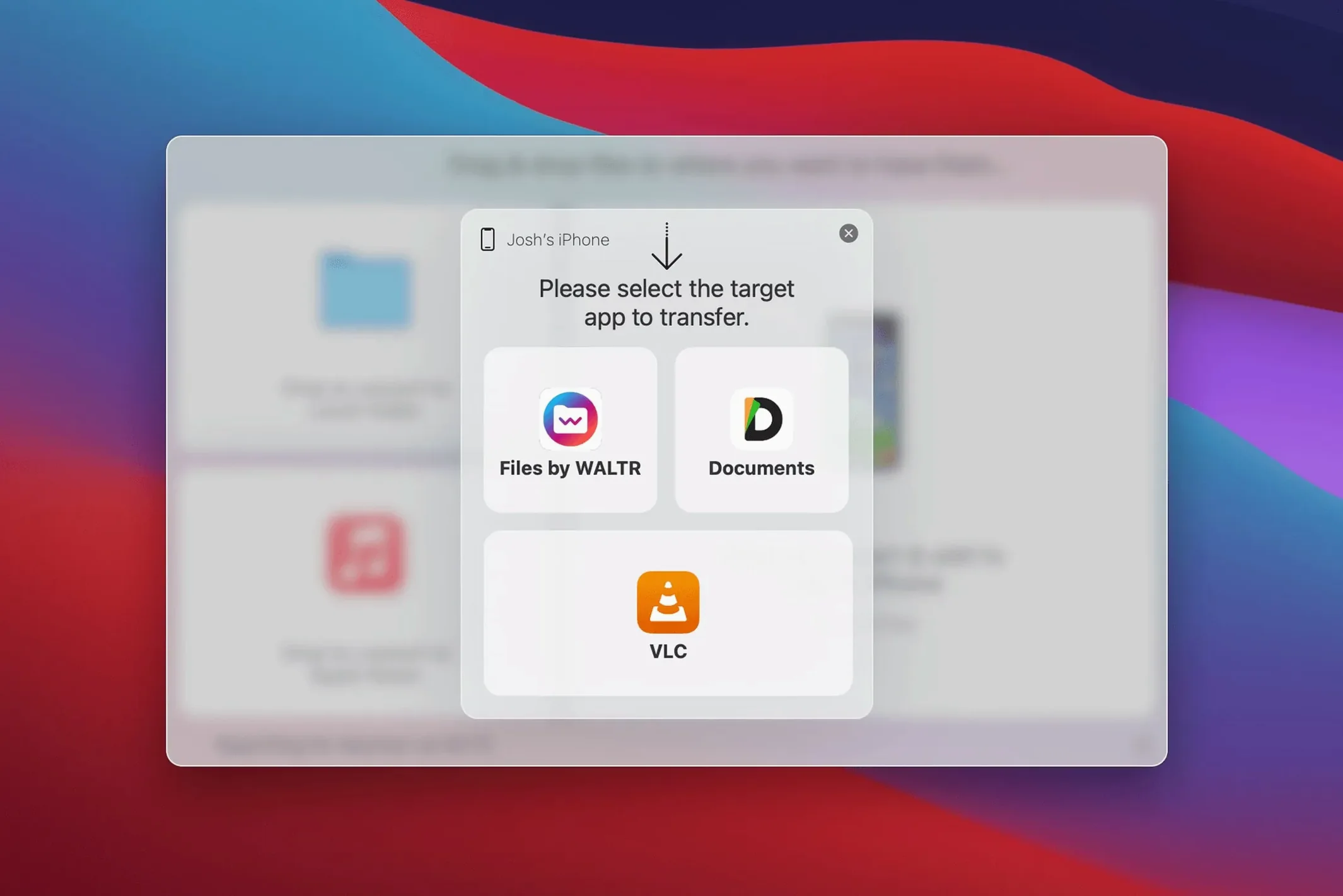
You drag a folder of FLAC albums onto your Mac, select your iPad from a list, and a moment later the music is sitting in the stock Music app — no sync cable, no iTunes. That is the kind of shortcut WALTR PRO 4.0.122 is built for.
The app asks for macOS 10.13 High Sierra or anything newer. It runs on Intel Macs and supports Apple silicon natively, so M-series machines get full speed without Rosetta. Once installed, it leans on your local Wi‑Fi to reach an iPhone or iPad; the devices just need to be on the same network.
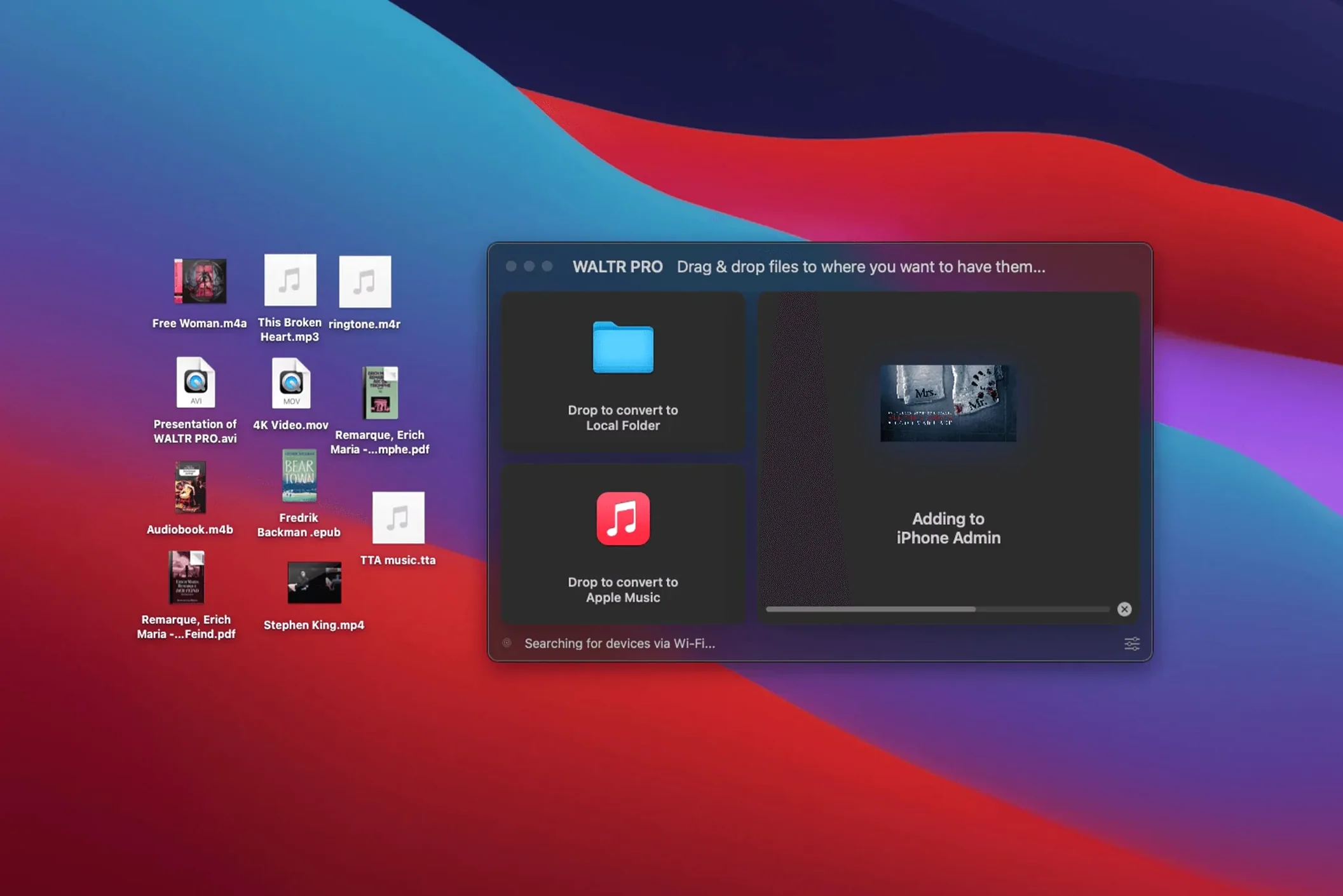
WALTR PRO is a wireless bridge for files that iOS normally rejects. Drop in an MKV movie, an AVI clip, a FLAC album or a CUE sheet, and the app converts and places it straight into the correct system app — TV for video, Music for audio. The transfer runs in the background while you keep working, and the original file stays put on your Mac.
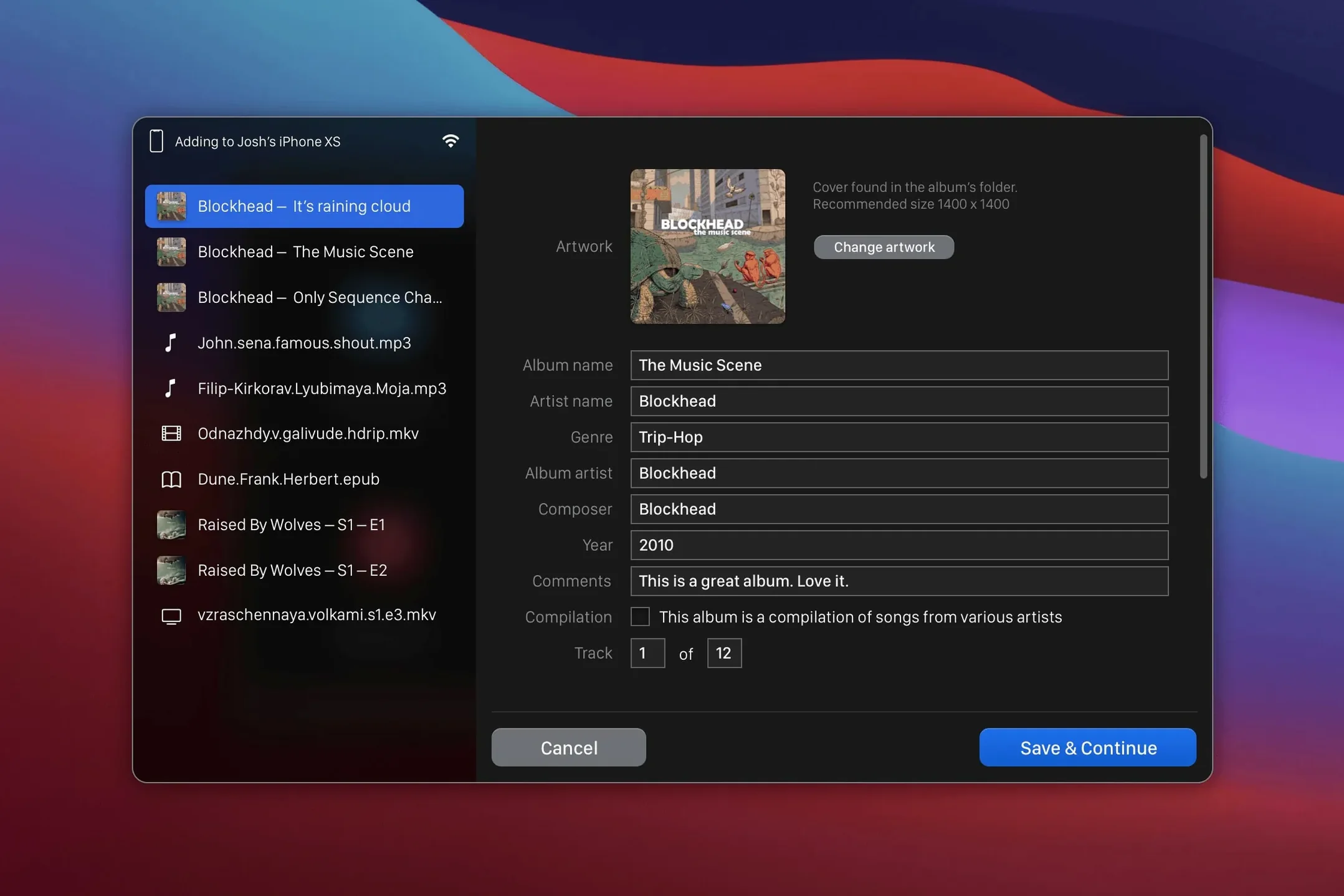
Say you have a dozen live concert recordings in FLAC — a format the Music app stubbornly ignores — and an iPad that needs a lean, offline playlist for a long flight. Connect the iPad to the same Wi‑Fi as your Mac, open WALTR PRO, and drop the folder in. The app scans the CUE sheets inside, splits the tracks, converts them to ALAC on the fly, and pushes everything into the Music app. Five minutes later, the playlist is ready to go. No cable touched the iPad, no Finder window was opened.
You open the app on a Tuesday evening. The interface is a single window with an empty drop zone and a list of nearby devices — your iPhone and iPad appear almost instantly. You drag a season of a show, a mix of MKV and AVI files, onto the window. A thin progress ring fills next to each filename as the conversion runs. While it works, you switch to Safari, answer a few emails, and notice the notification when the last episode lands in the TV app. You pick up the iPad, open TV, and the episodes sit there with correct artwork, ready for the commute.
The first stumble is forgetting to check the Wi‑Fi network. Both devices must be on the same one, or WALTR PRO simply won't see the iPhone. A quick glance at the Wi‑Fi icon on each device saves five minutes of puzzled staring.
Another common slip is dragging a folder before the target device appears in the list. The app needs a moment to discover iPhones and iPads over the local network; dropping files too early just queues them with no destination. Wait for the device name to show, then drag.
People also assume a failed transfer means the file is broken, when often it is the container. An MKV with an unusual codec or a DRM-locked M4V will stall. Try a different file first, then troubleshoot the tricky one. And if you are after a waltr pro mac setup that works every time, keep iOS devices awake during long transfers — auto‑lock pauses the connection.
The app places ringtones in the correct system folder automatically, so an M4R file dropped onto the window lands exactly where the iPhone expects it. No digging through settings, no extra steps.
It supports MKV, AVI, FLAC and CUE files, converting them on the fly so they play back in the stock iOS Music or TV apps.














Chat 0
Hop in or make an account to join the chat.
Quiet in here so far. If you have used this build, tell me what the install actually did.