
 ViWizard Spotify Music Converter
 Vivid
Vivid VideoProc Converter
 VideoProc Converter AI
 VideoByte BD-DVD Ripper
 WALTR PRO
 Vector Magic
 WidgetWall


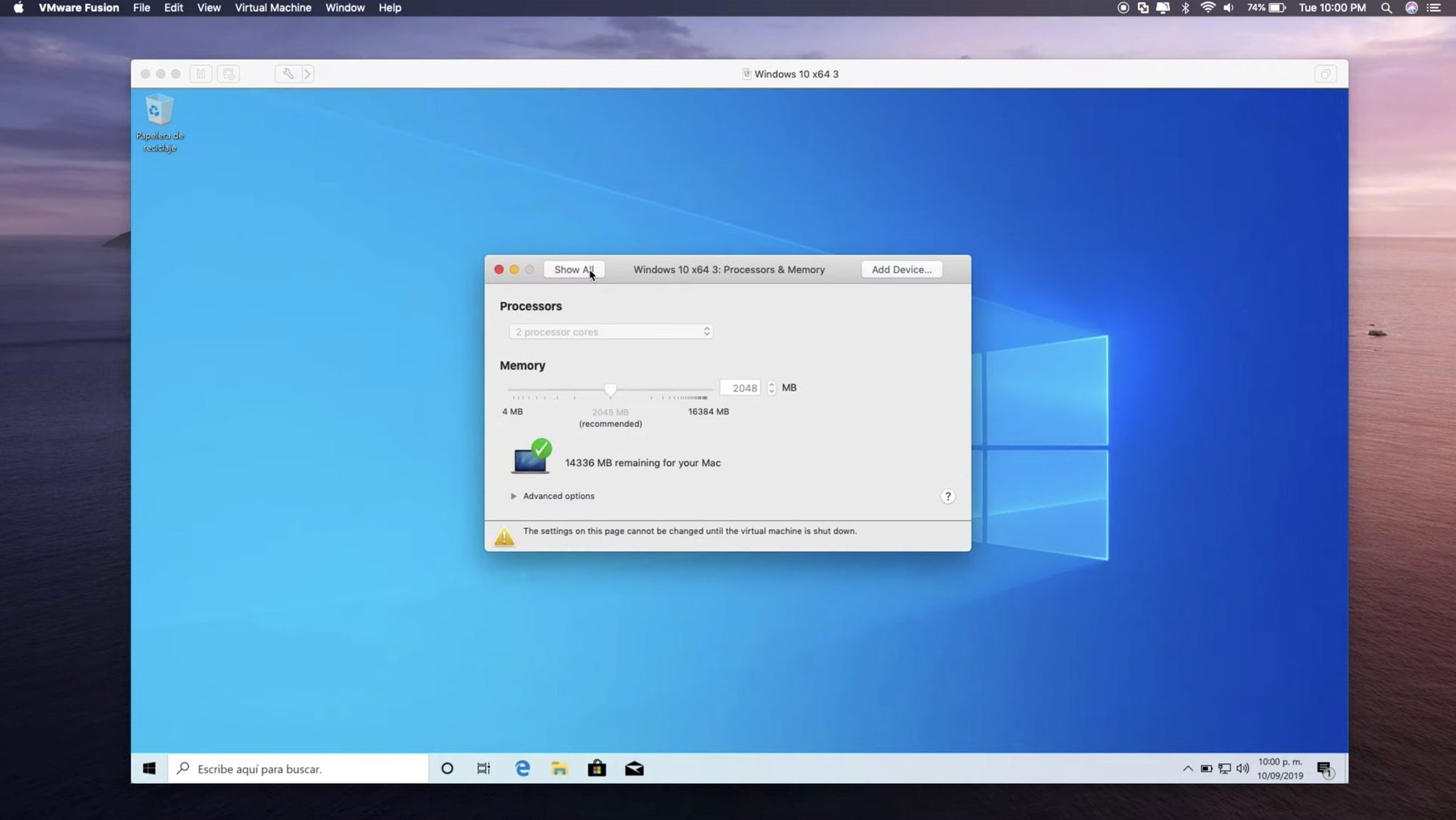
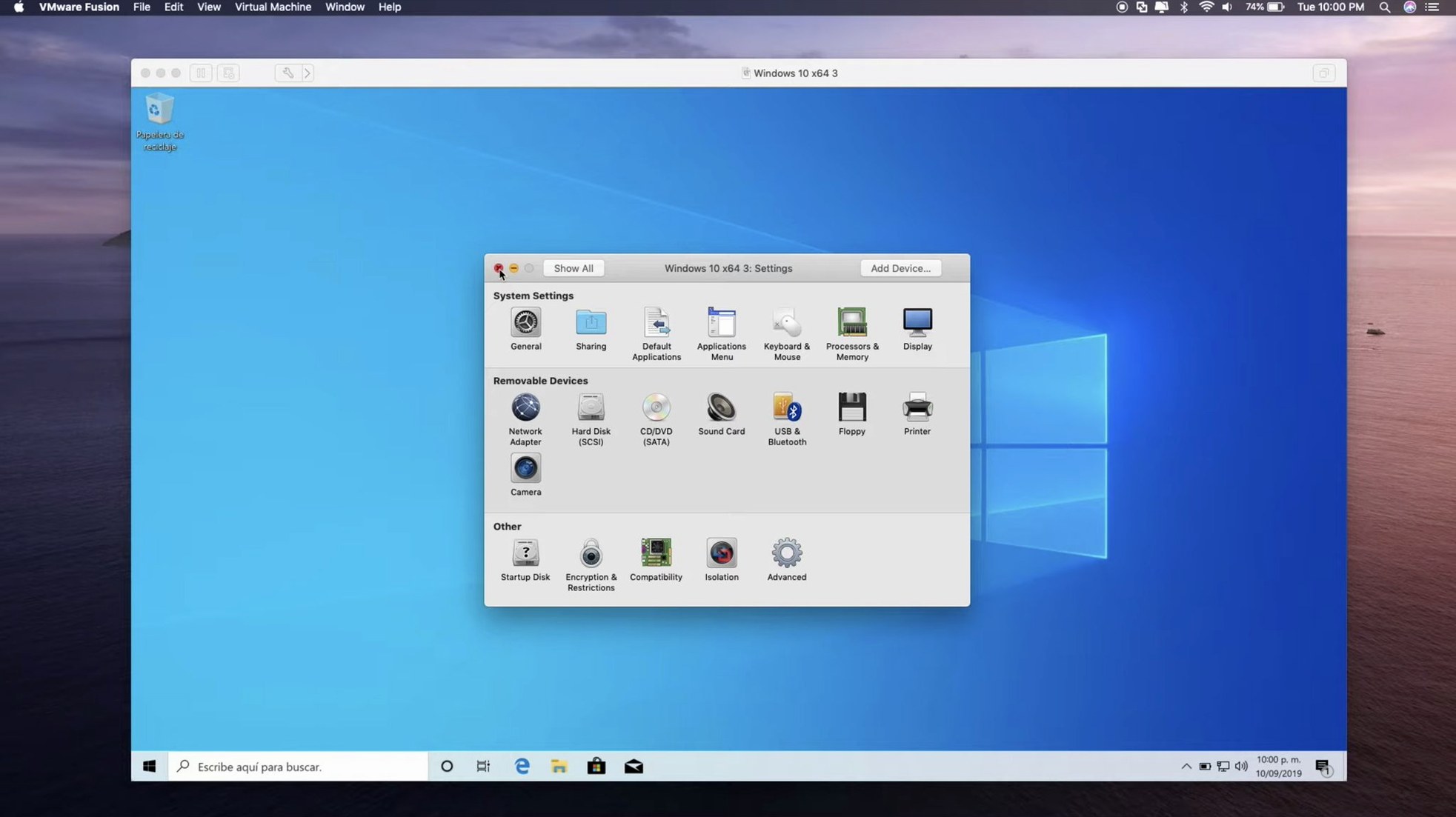
A single virtual machine can hold up to 128 GB of RAM and 32 processor cores — enough to run a small server room on your desktop. VMware Fusion Pro 26H1 is built for developers, IT admins and anyone who needs a second operating system without a second computer.
It suits anyone running Windows-only software on a Mac, testing apps across different OS versions, or building local Kubernetes clusters. The Pro edition targets technical users who need advanced networking controls and remote ESX host connections.
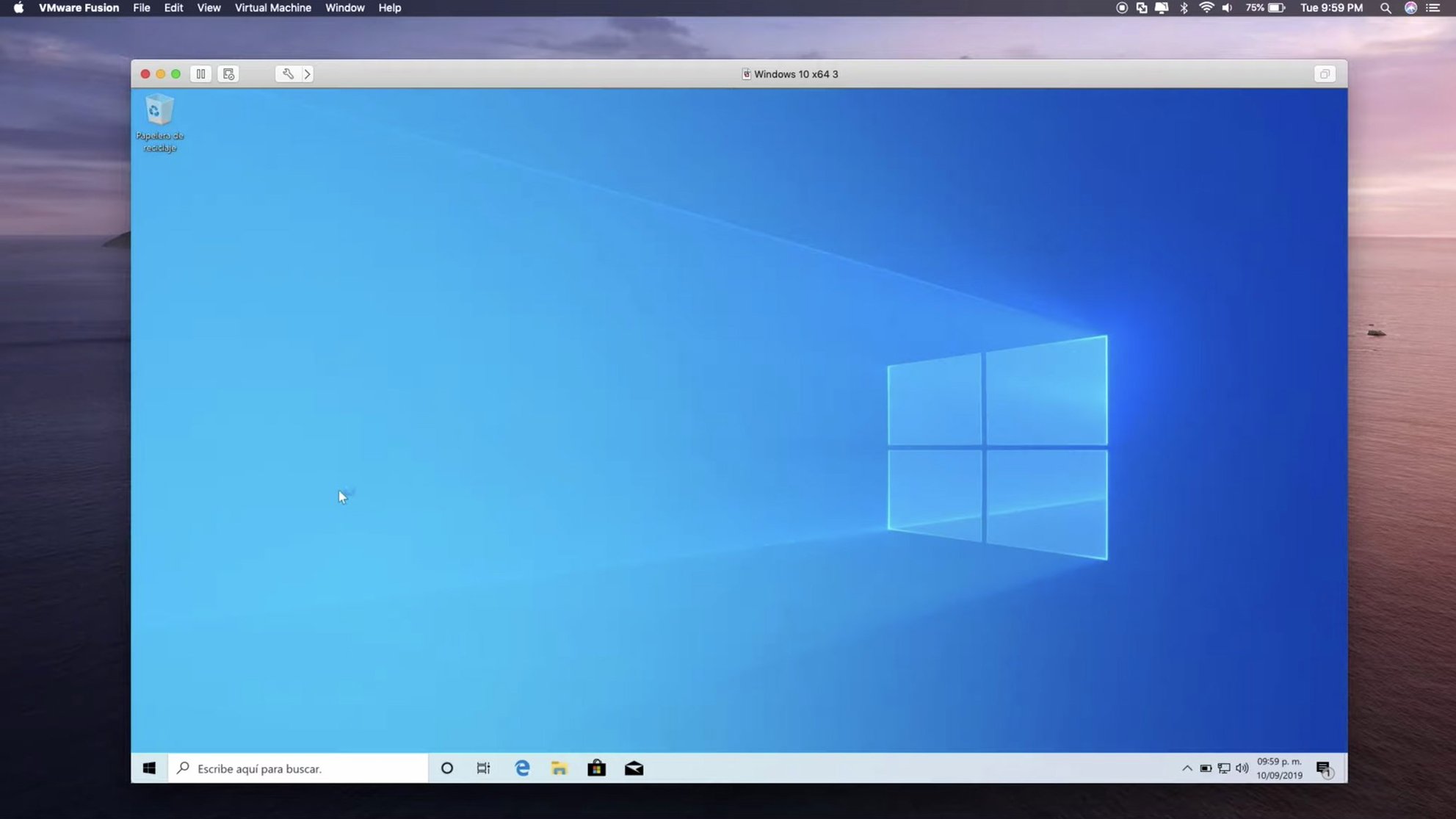
Windows 10 virtual machines get DirectX 11 hardware acceleration, so light 3D apps and older games work smoothly. The guest OS list now covers recent releases: Ubuntu 26.04 LTS, Fedora 43, FreeBSD 15.0 and SUSE Linux Enterprise 16 are all supported.
This update adds timestamps for virtual machine creation and last power-on time — handy when you manage a dozen VMs and need to track which one you spun up last Tuesday. Remote connections to ARM-based ESX hosts are also new.
USB 3.1 devices pass through to your virtual machines with near-native speed. Network configuration tools let you build isolated test environments or bridge straight to your Mac's Wi-Fi.
On an M2 MacBook Air with 16 GB of RAM, a Windows 11 VM set to 4 cores and 8 GB of RAM boots in under 15 seconds. The guest feels responsive — windows snap, menus drop without lag, and File Explorer doesn't keep you waiting. Memory pressure stays low even with Slack, a browser and Xcode open on the Mac side. If you push harder, say a Visual Studio build inside the VM while compiling something in Xcode on the host, the fans might finally wake up, but the system stays usable.
Disk I/O is the quiet hero. Virtual machines stored on the internal SSD open large projects noticeably faster than those on an external drive. The 26H1 release doesn't change that, but it does make tracking VM ages easier — the new creation and last-power-on timestamps let you spot stale test environments at a glance.
Stability over a full workday holds up. Leaving a VM suspended overnight and resuming it the next morning rarely causes hiccups. Snapshots restore cleanly, and the hypervisor recovers gracefully if your Mac runs out of battery mid-session. Resource use idles around 2–3% CPU for a running but idle Windows VM, so background guests don't eat your battery for no reason.
Web developers testing sites against Internet Explorer or legacy Edge builds get a straightforward solution — no cloud VMs to spin up, no latency. A local Windows 10 VM with DirectX 11 acceleration handles older design tools and map viewers that never made the jump to macOS. The eGPU support matters here: connect an external graphics enclosure and your VM can drive a second display without stutter.
Network engineers and sysadmins will reach for the remote ARM ESX host connections added in 26H1. Managing a mixed cluster from a single Mac desk saves context-switching. And the local Kubernetes cluster support paired with OCI containers via the CLI turns Fusion into a portable lab — spin up containers, test orchestration, tear it down, all on the same machine you write emails on.
Students and tinkerers running obscure Linux distros or FreeBSD 15.0 benefit from the wide guest OS support. You can snapshot a clean install, experiment fearlessly, and roll back in seconds. The activation instructions come bundled, so setup doesn't stall at a licence screen.
Unity mode hides the Windows desktop and lets you launch Windows apps straight from the Mac Dock. It's easy to overlook, but once you pin a single Windows utility next to your Mac apps, the mental wall between operating systems fades. Dragging files between Finder and the VM works without shared folders if you just drop them onto the guest window.
Keyboard shortcuts are worth learning early. Cmd+G grabs or releases the mouse from the guest, and custom key mappings prevent the muscle-memory clash of switching between Mac and Windows modifier keys. A custom profile per VM means your Windows shortcuts stay Windows, and your Linux terminal behaves as expected.
The virtual machine library shows thumbnails and the new timestamps on one screen — no digging through Finder to remember which clone was the baseline. Right-click a VM to duplicate it, open its package contents, or jump straight to snapshot management. These small conveniences add up when you're juggling five or six guests daily.
Good to know: Fusion Pro runs on both Intel and Apple Silicon Macs with macOS 13 or later.














Chat 0
Hop in or make an account to join the chat.
Quiet in here so far. If you have used this build, tell me what the install actually did.