
 Wirecast Pro
 WinZip Mac Pro
 Wondershare Filmora
 Winclone Pro
 Wondershare Recoverit
 Wondershare UniConverter
 WiFi Explorer Pro 3
 WidgetWall


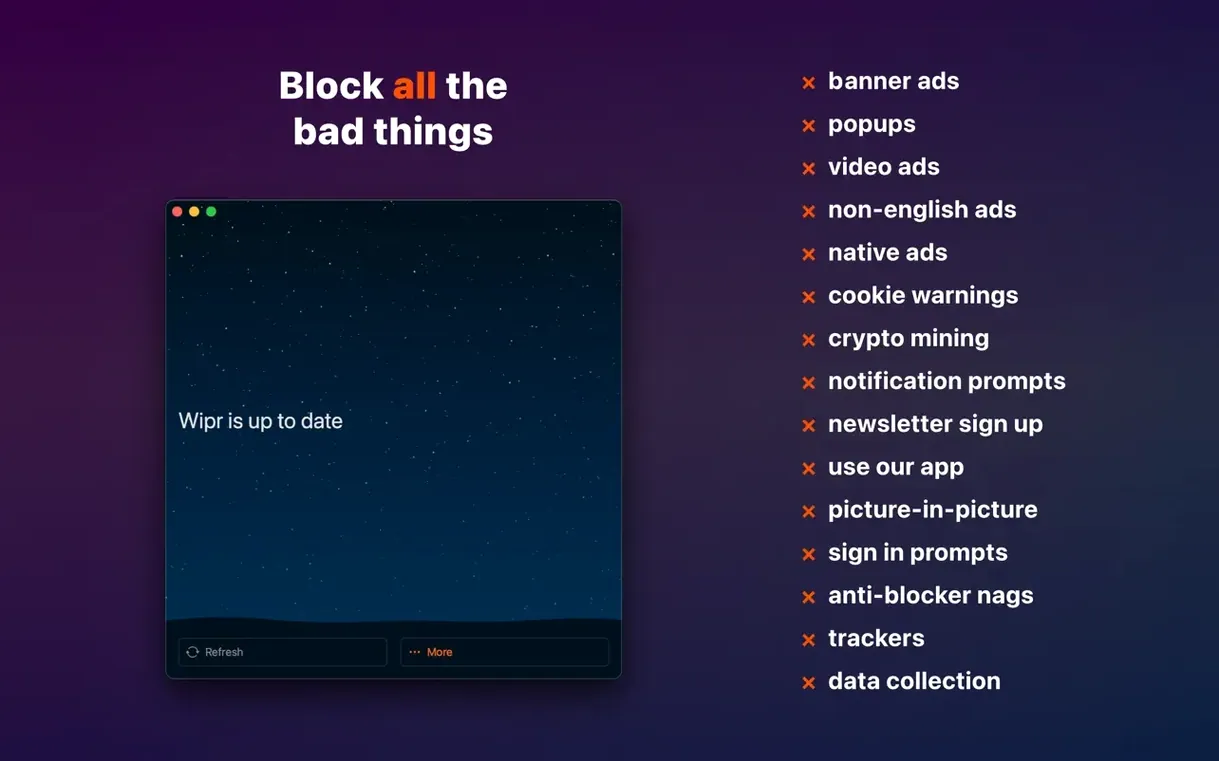
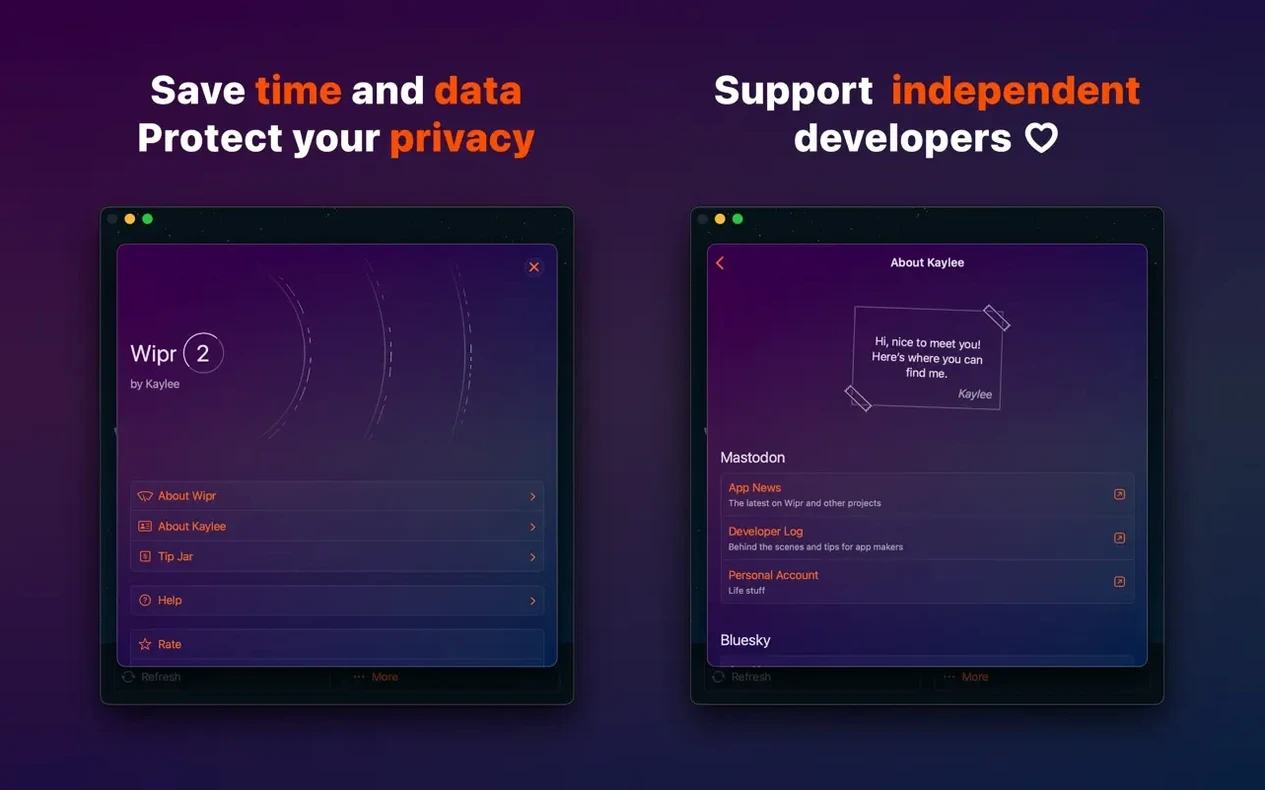
Wipr Extra handles the stubborn bits — those cookie consent banners and leftover whitespace that simpler blockers miss. The 2.38 release tidies up how it works across a pile of sites, so pages load cleaner than before.
You need macOS 14.0 or later. It runs on both Apple Silicon and Intel 64-bit Macs, same app whether you install on a MacBook, iPhone, iPad or even Vision Pro. No separate versions to track down.
The blocking list refreshes twice a week. You don't nudge it — new rules just arrive. One language (English), one purchase, and it quietly gets on with blocking in Safari without toolbars or settings panels cluttering the place.
Wipr ships fairly quiet — it blocks and stays out of the way. A few early tweaks make it suit your browsing better straight away.
Open Safari’s preferences, head to Extensions and tick the box that lets Wipr run in private windows. Plenty of people miss this one and wonder why pages look different when they switch modes.
Next, check the extension’s permissions. Safari sometimes asks again after updates. Make sure Wipr can read and alter web pages on all websites, not just the one you're currently viewing. The broader permission keeps the blocking list working everywhere, not just on a handful of tabs.
If you visit a site that breaks — rare, but possible — use Safari’s Reload Without Content Blockers option. Long-press the refresh button or find it under the View menu. You don’t need to disable Wipr completely, just that one page. It’s the quickest way around a payment form or login screen that misbehaves.
Lastly, resist hunting for a Wipr settings window. There isn’t one. The whole design choice is deliberate — Kaylee Calderolla keeps the app invisible on purpose. Your only real setup is picking which Safari profiles it runs in and whether it works in private tabs.
Wipr works by feeding Safari a set of rules the browser enforces natively. That matters for speed: the blocker itself isn’t inspecting every network request in real time. Safari does the heavy lifting, and Wipr just provides the list.
In practice, pages feel lighter. News sites with heavy ad stacks shed a noticeable chunk of load time. On a MacBook Air, the fan stays quiet on pages that used to spin it up. Memory use from Wipr itself barely registers — it’s a thin wrapper around Safari’s content-blocking API, not a standalone process running in the background.
List updates happen twice a week and weigh almost nothing. A few kilobytes of new rules arrive, Safari refreshes its internal engine, and you never notice. No splash screens, no “update complete” dialogs.
Stability has been solid across High Sierra and everything newer. The 2.38 release tightened accessibility support, so screen readers navigate blocked pages without tripping over invisible ad containers. That’s the kind of polish you notice only when it’s missing elsewhere.
Does Wipr 2 replace the old Wipr? Yes. Wipr 2 is the successor, and version 2.38 is the current build. The legacy app doesn’t get the updated blocking lists anymore. If you search for wipr 2 download or grab it directly, you’re on the right track.
Can I use it alongside other blockers? You can, but it’s not wise. Two content blockers in Safari will step on each other’s rules and slow down page rendering. Pick one and let it do its job.
What about trackers that ads sneak through? Wipr blocks trackers as a separate category from ads. The list covers the usual suspects — analytics scripts, social media beacons, cross-site tracking cookies. It’s not a VPN and won’t hide your IP, but it stops the browser from phoning home to ad networks.
Is there a Wipr free version? The app is a single purchase. Searching wipr free doesn’t lead to a separate product — it’s the same universal app whether you install on iPhone, iPad, Mac or Vision Pro. One download covers all your devices under the same Apple ID.
Does it work on older macOS versions? Wipr 2 requires macOS 14.0 or later. If you’re still on Monterey or earlier, you’ll need the legacy version, which doesn’t receive the latest list updates. The system requirement is firm.
Will I see blank spaces where ads used to be? Wipr Extra cleans up most of them. The 2.38 release improved how it collapses empty ad containers, so pages reflow naturally. A few stubborn layouts might leave faint gaps, but they’re rare.
Layouts fall into shape faster because nothing's waiting to load that shouldn't be there. That's really the whole pitch.














Chat 0
Hop in or make an account to join the chat.
Quiet in here so far. If you have used this build, tell me what the install actually did.