
 Wipr
Wipr Wondershare Filmora
 WinZip Mac Pro
 Wondershare Recoverit
 Wondershare UniConverter
 Winclone Pro
 Workspaces
 WiFi Explorer Pro 3


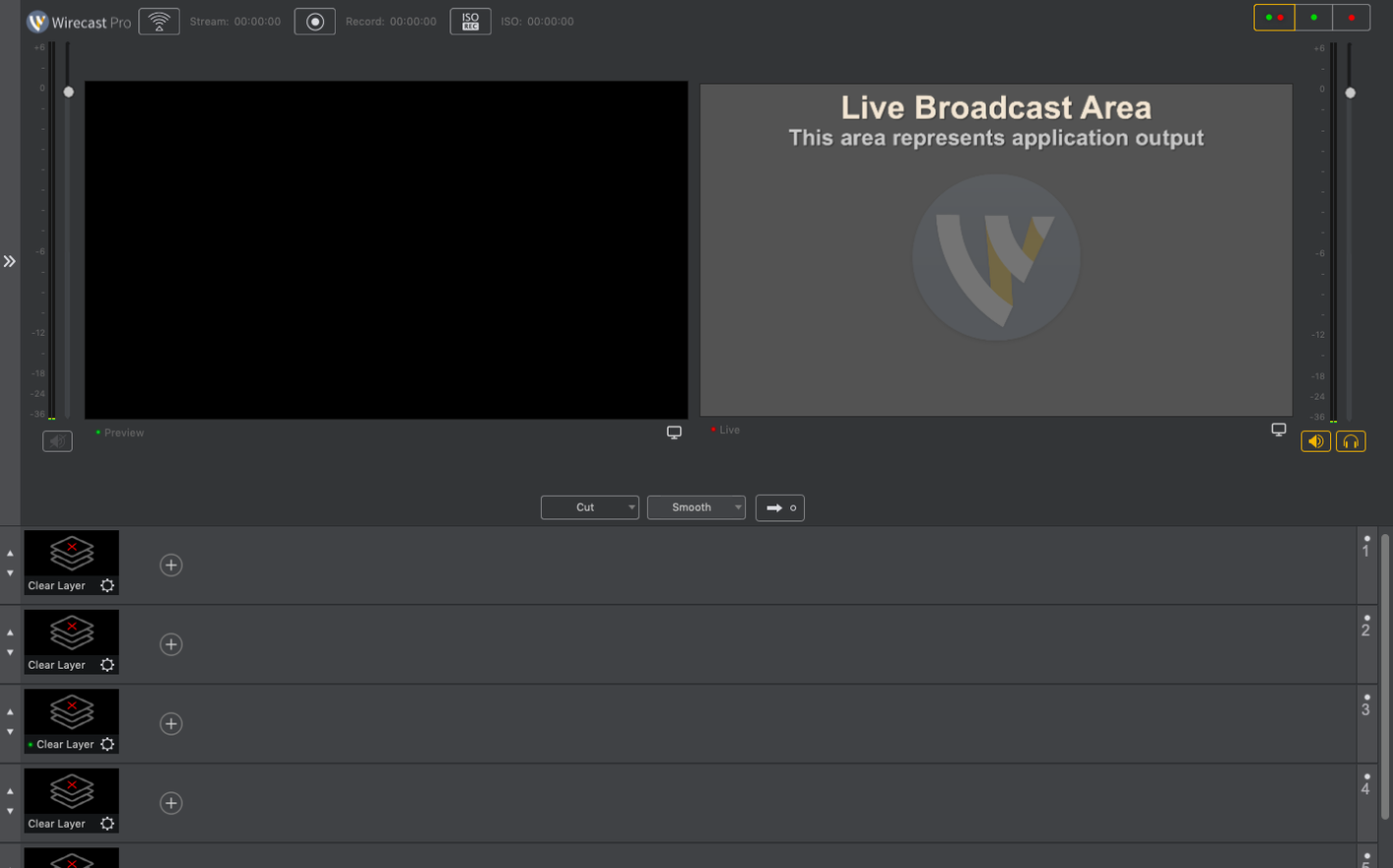
A broadcast control room shrunk to your Dock — Wirecast Pro handles live switching, streaming and recording for interviews, music videos and small studio productions.
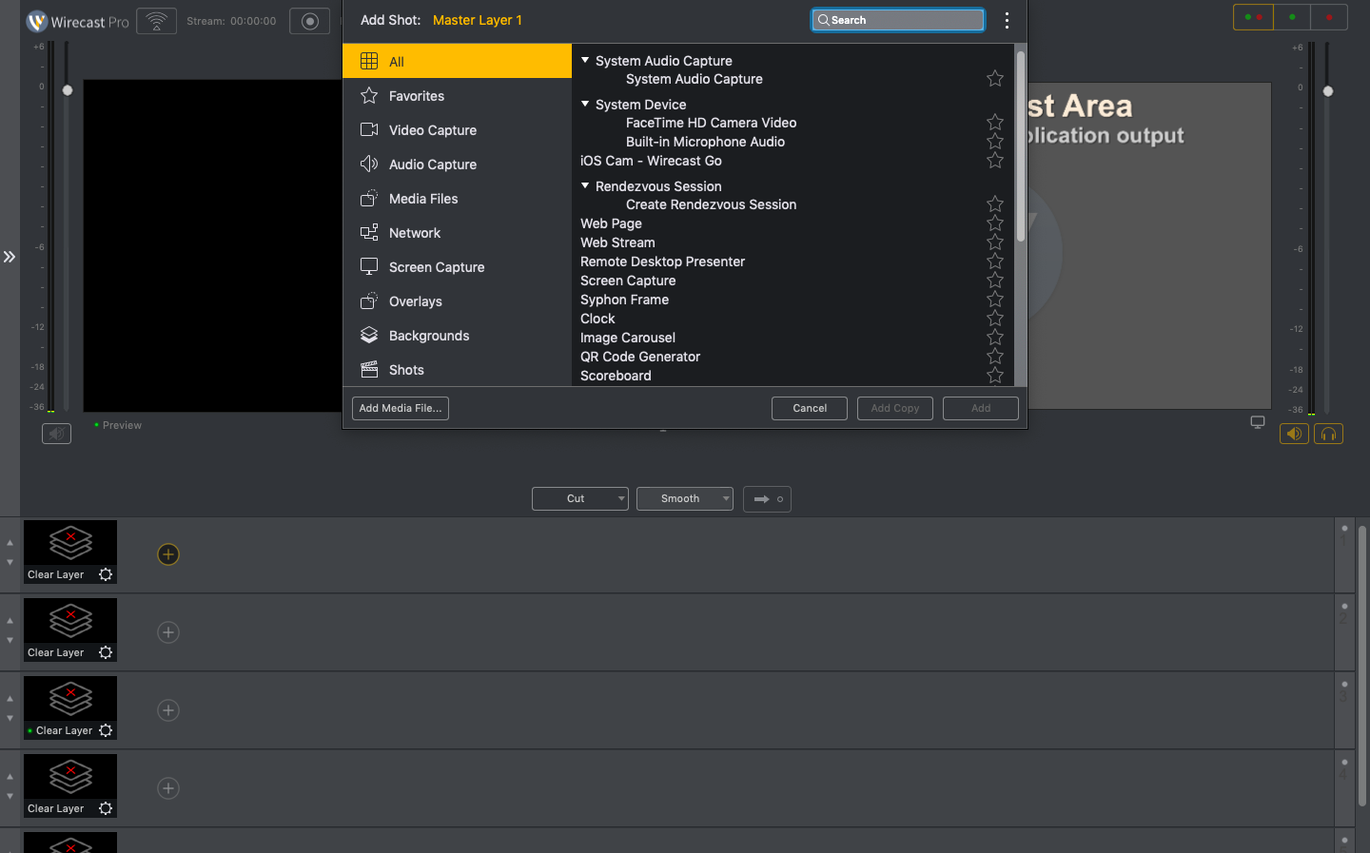
Shot switching — mix cameras, screens and media bins in real time, the way a hardware vision mixer works. It talks to NDI sources and PTZ cameras across your local network.
Titles — 30 built-in lower thirds and full-frame captions, plus live scoreboards and clocks for sports or event streams.
Where it slots in — think of it as the glue between your capture cards, NDI feeds and the audience. It sends a clean program feed to Zoom, YouTube or a local recorder while audio runs through your usual interface in the background.
Good to know: the virtual camera and microphone drivers let Wirecast appear as a webcam source in other Mac apps, handy when you need polished switching inside a video call.
Wirecast Pro does a lot right out of the box, but a few moves early on keep things smooth. Start by mapping your hardware before you build a scene. Plug in every capture card, NDI source and audio interface, then open Preferences > Sources and give each device a short, readable label. Live-switching with names like "USB Capture HDMI (4)" is a recipe for misclicks mid-stream.
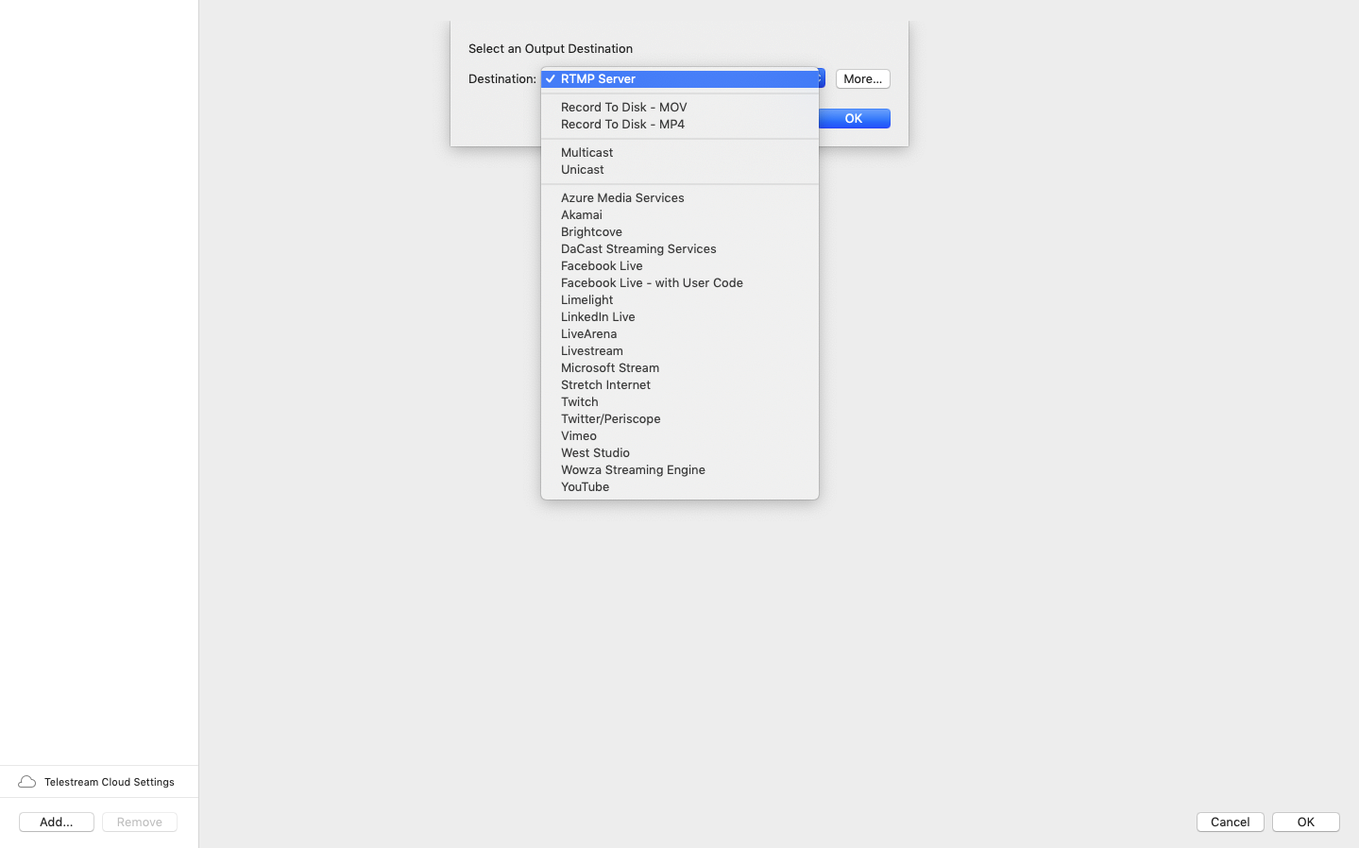
Next, lock your canvas resolution. Wirecast picks one based on the first source you add, but mixed-format setups — say a 1080p camera and a 720p screen share — can trigger scaling surprises. Set it manually under Output > Canvas Size and stick with it. While you are there, assign a local recording destination that is not your system drive. A busy stream plus a high-bitrate ISO recording can choke a single disk.
Last ritual: run a five-minute test stream to a private channel. Watch it back on a phone, not just the preview window. Things like audio sync drift and keyframe stutter show up on real playback far more than they do inside the app.
The virtual camera driver is brilliant until it disappears. Some corporate Mac setups block the virtual microphone component at the OS level, which can take the whole virtual camera with it. The 16.5.4 update fixed a specific case of this, but if you still hit a grey screen in Zoom or Teams, check System Preferences > Privacy & Security > Microphone and confirm Wirecast is ticked. A restart of the receiving app is usually enough after that.
PTZ owners chasing wirecast 16.5 specifically for NDI camera discovery should know: certain PTZ models needed that detection fix in 16.5.4. If you upgraded from wirecast 16.4.1 and a familiar camera vanished, re-scan the NDI sources panel rather than re-adding the device manually. The network path often stays intact; the discovery handshake just needed a nudge.
Audio drift is the other big one. Wirecast syncs audio to video at the output stage, not per-source. If you run a separate USB mixer and a capture card from different clock sources, a tiny drift compounds over hour-long streams. The fix is unglamorous: add a short silence buffer to the audio input delay setting — 40 to 80 ms is the ballpark — and test with a clap-sync recording.
The biggest trap is treating Wirecast like a webcam app. It is not a lightweight encoder; it is a live production switcher with layers, transitions and a render pipeline. New users often pile eight HD sources into one shot, leave shot previews running in the background, and wonder why the MacBook Pro fan sounds like a jet engine. Shots you are not actively switching to still consume GPU cycles. Close the unused ones or flatten them into a precomposed media file.
Another common one: ignoring the built-in title templates and building graphics from scratch in Photoshop while a stream deadline looms. The 30 included styles cover lower thirds, scoreboards and full-frame captions. You can swap text live in the shot editor — no round-trip exports needed. The "quick text changes during a live broadcast" feature exists precisely for this. Lean on it.
Encoding presets also catch people out. The default "Very High" quality preset pushes a bitrate that some conference Wi-Fi cannot sustain. If viewers report buffering at 1080p60, step down to the "Good" preset and bump the keyframe interval to two seconds. The visual hit is minor; the reliability gain is not.
Good to know: if you are evaluating a wirecast pro download for a multi-cam podcast, start with two cameras and one shared media playlist. Wirecast rewards restraint — once three shots and two overlays feel second nature, add complexity. Most stumbles happen when someone tries to run a six-angle sports setup on day one.














Chat 0
Hop in or make an account to join the chat.
Quiet in here so far. If you have used this build, tell me what the install actually did.