
 Wondershare UniConverter
 Wondershare Recoverit
 Wondershare Filmora
 Wirecast Pro
 Wipr
Wipr Yoink
Yoink WinZip Mac Pro
 Winclone Pro


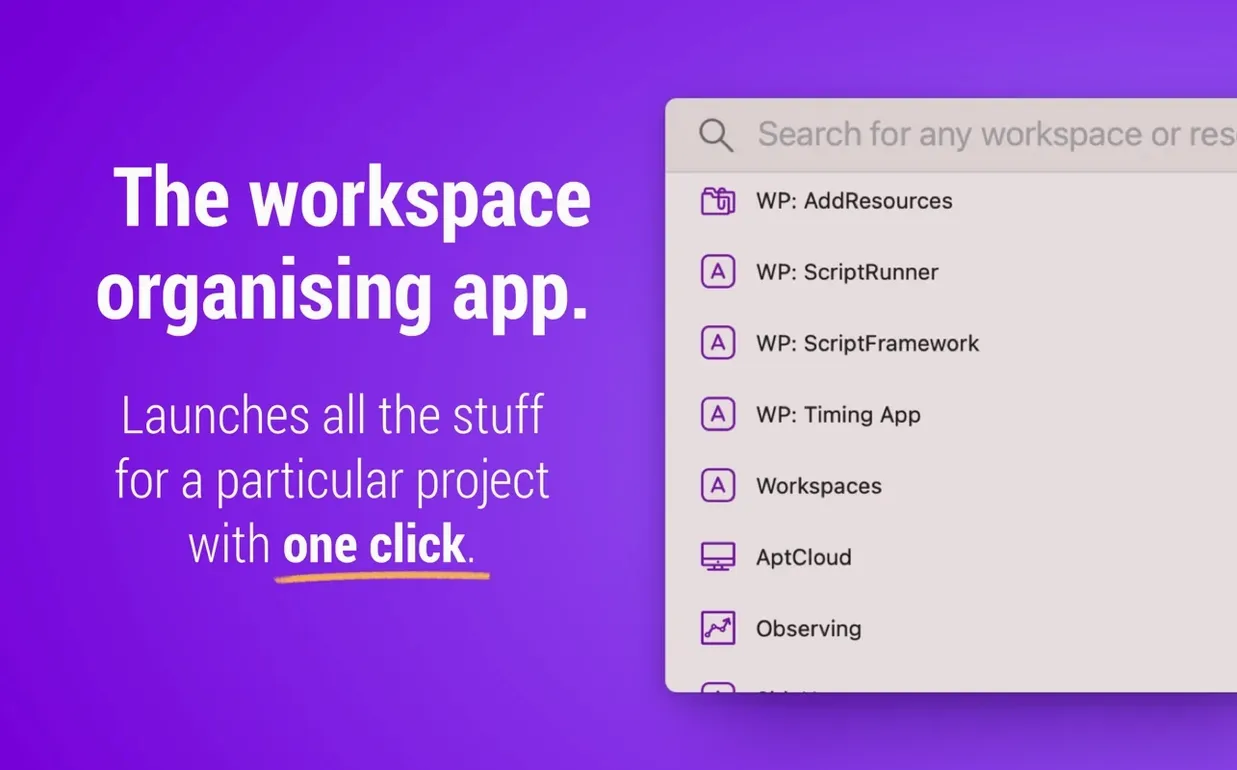
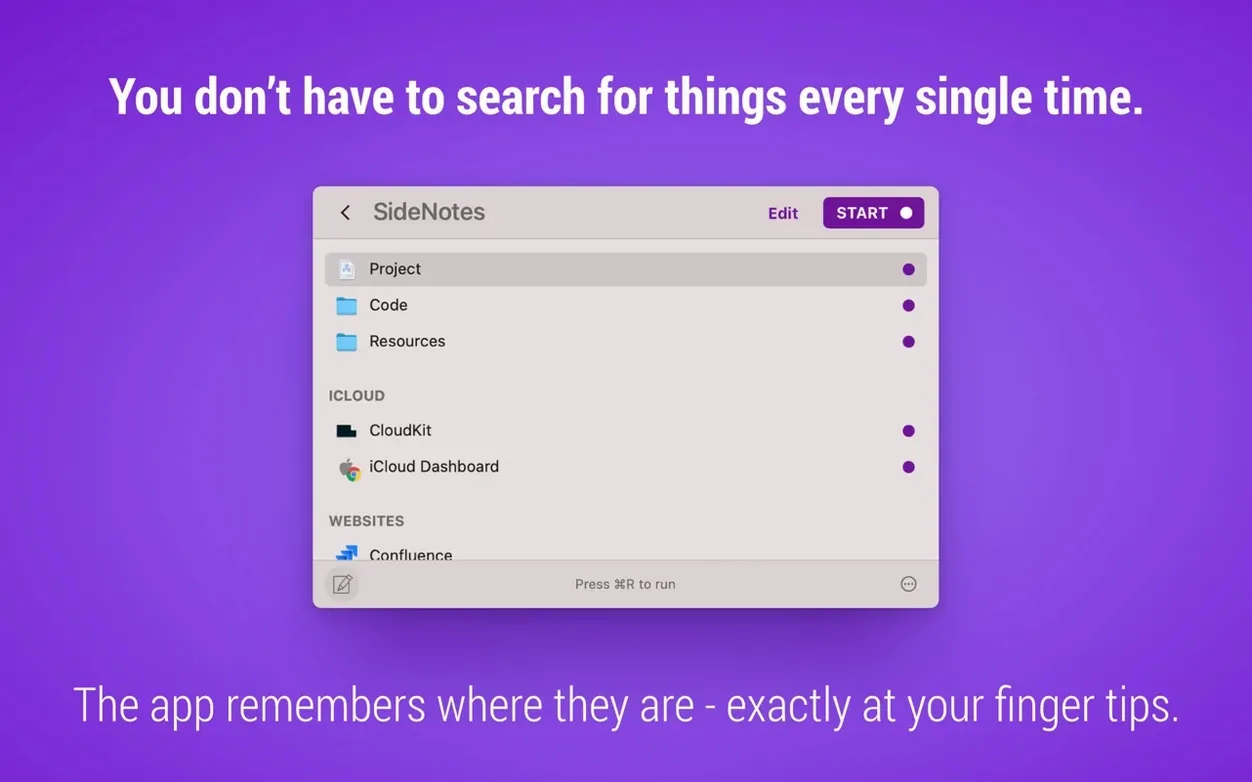
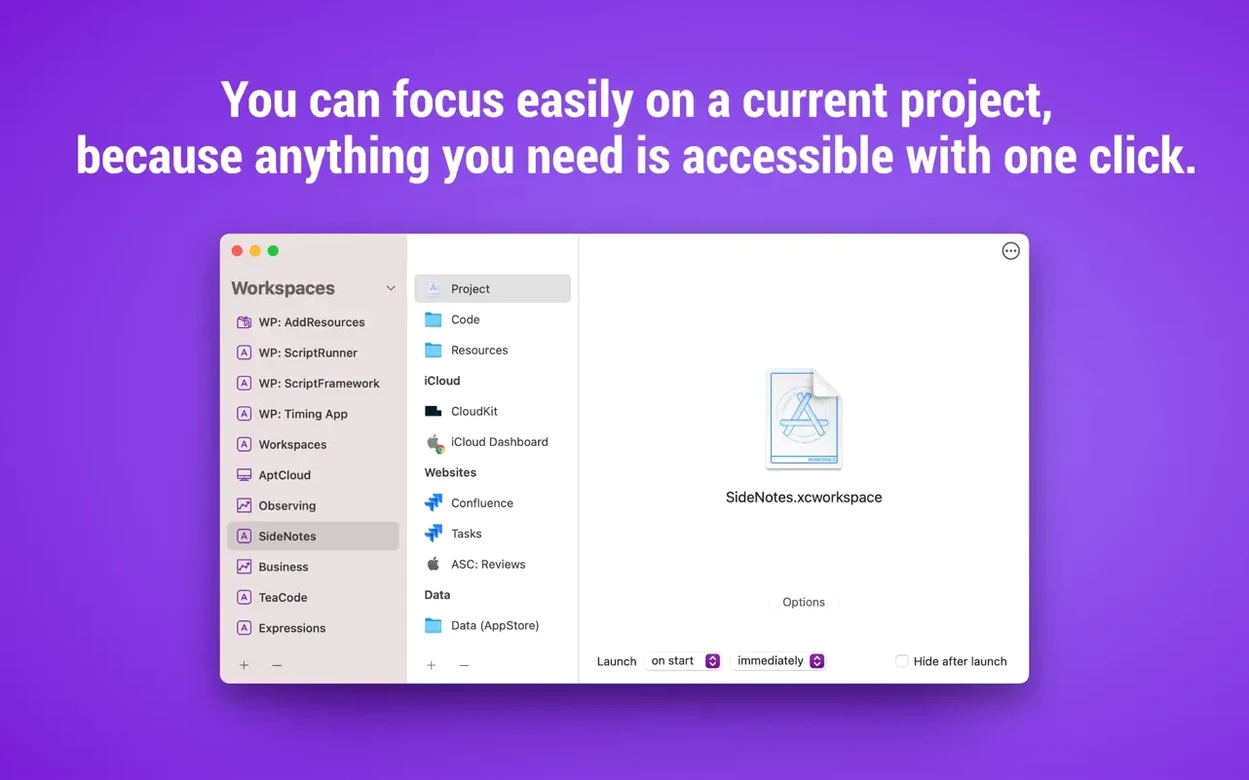
Switching between projects usually means opening a handful of folders, a browser tab or two, and maybe a note or email draft — every single time. Workspaces takes that repeat chore and bundles it into a single click. You pick the resources once, save them as a workspace, and launch them as a group when you sit down to work.
People often wonder what they can actually launch with it. Files, folders, websites, apps, and even specific email messages are all fair game. You can trigger individual items from the menu bar icon or fire off a whole set at once. If the menu bar suits your flow, version 2.2 added a context menu there for launching workspaces directly.
Another thing new users check is whether it plays well with extras. It supports Workspaces plugins, and the current version flags when a plugin update is available so you are not left guessing. The search panel got a little smoother in 2.2 too — you can open items from search results with a single click and optionally close the panel once you jump to the editor.
Imagine you kick off each day reviewing a design sprint. You need three Figma files, a shared Dropbox folder with the latest assets, the project Notion page, and the last email thread from the client. Here is how a single workspace handles it in under a minute.
Open the editor and create a workspace called Sprint review. Drag in the three .fig files from Finder, then drop the Dropbox folder from the sidebar. Add the Notion URL by pasting it straight into the resource list, then grab the client email from Mail — just drag the message into the workspace. Hit save.
Next morning, click the workspace name in the menu bar or use the context menu added in version 2.2. Everything opens at once: files in their default apps, the folder in Finder, the web page in your browser, and the email in a new window. No hunting, no reloading yesterdayʼs mental map.
Workspaces plays nicely with Spotlight and Automator if you like chaining actions. Save a workspace file to a folder indexed by Spotlight, and you can launch it by typing the name. Automator can run a workspace as part of a larger workflow — pair it with a calendar event trigger and your Monday morning setup launches before you pour a coffee.
The menu bar icon doubles as a quick launcher for single resources, which means you rarely need to open the full editor once things are configured. And because the app stores references rather than duplicating files, your Finder structure stays clean. If you have been searching for workspaces torrent macos to test the concept before committing, the native Intel and Apple Silicon build means performance is the same as the official release — no translation layer, no guesswork.
Good to know: the app runs natively on both Intel and Apple Silicon Macs, so there is no Rosetta lag to worry about.
Yes, version 2.2 introduced a menu bar context menu that lets you launch workspaces without opening the main window.














Chat 0
Hop in or make an account to join the chat.
Quiet in here so far. If you have used this build, tell me what the install actually did.