
 Zipic
Zipic Workspaces
 Wondershare UniConverter
 Wondershare Recoverit
 Wondershare Filmora
 Wirecast Pro
 Wipr
Wipr WinZip Mac Pro


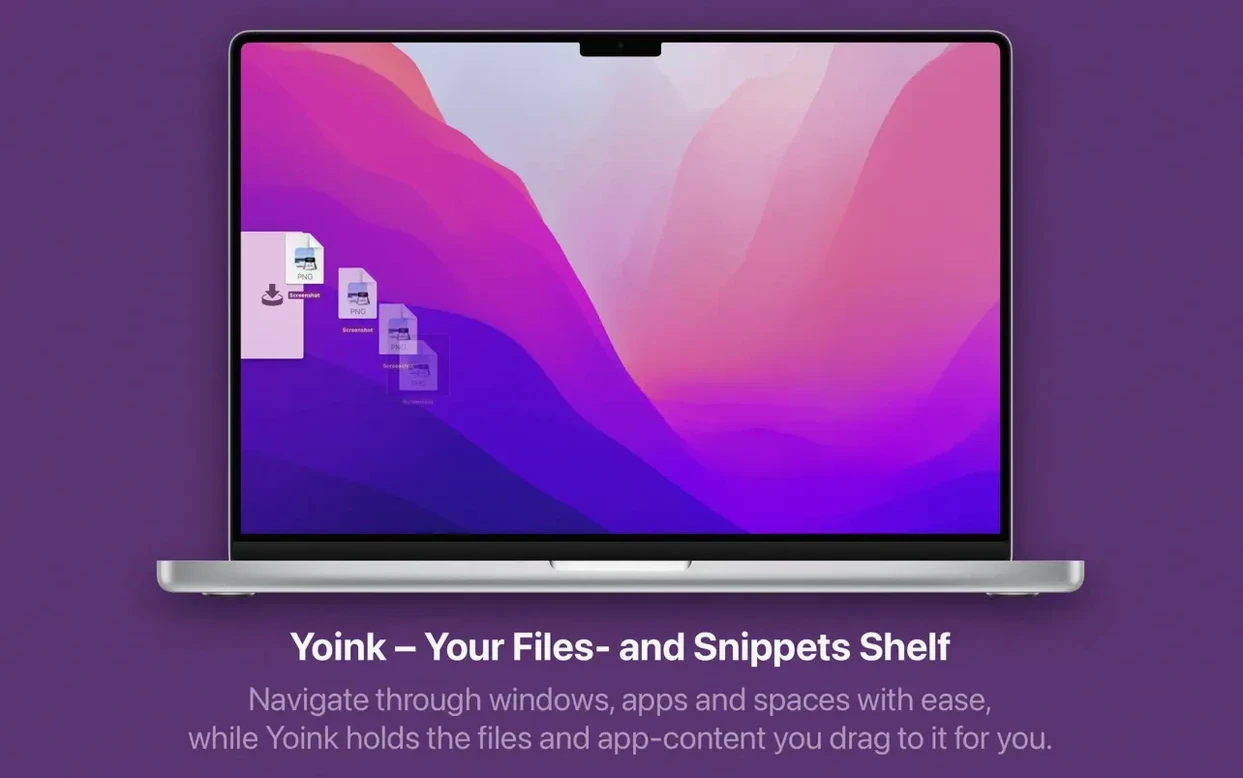
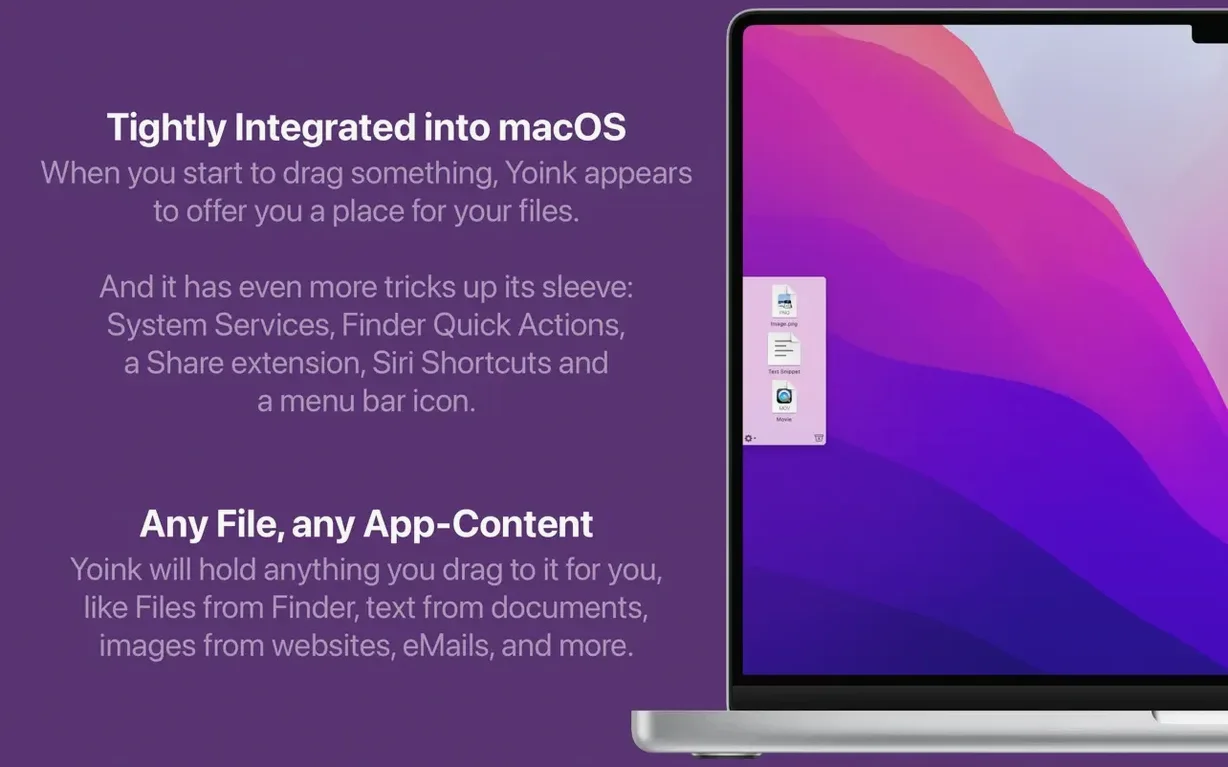
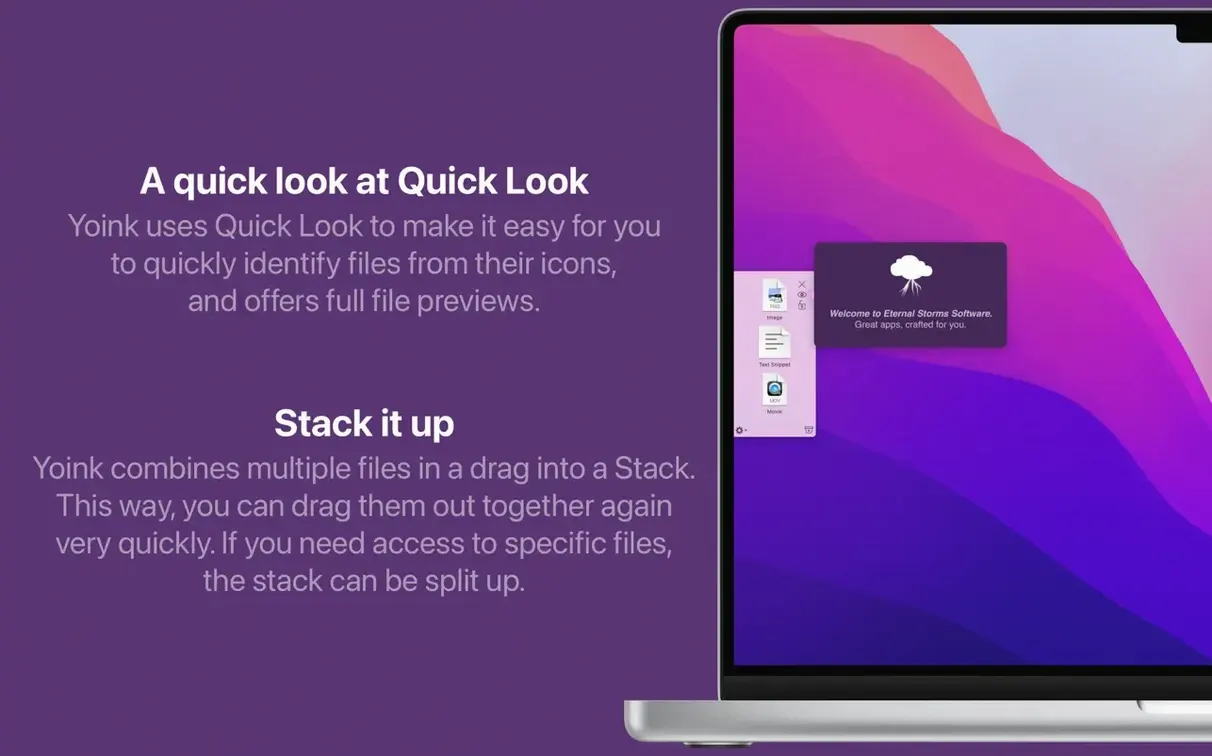
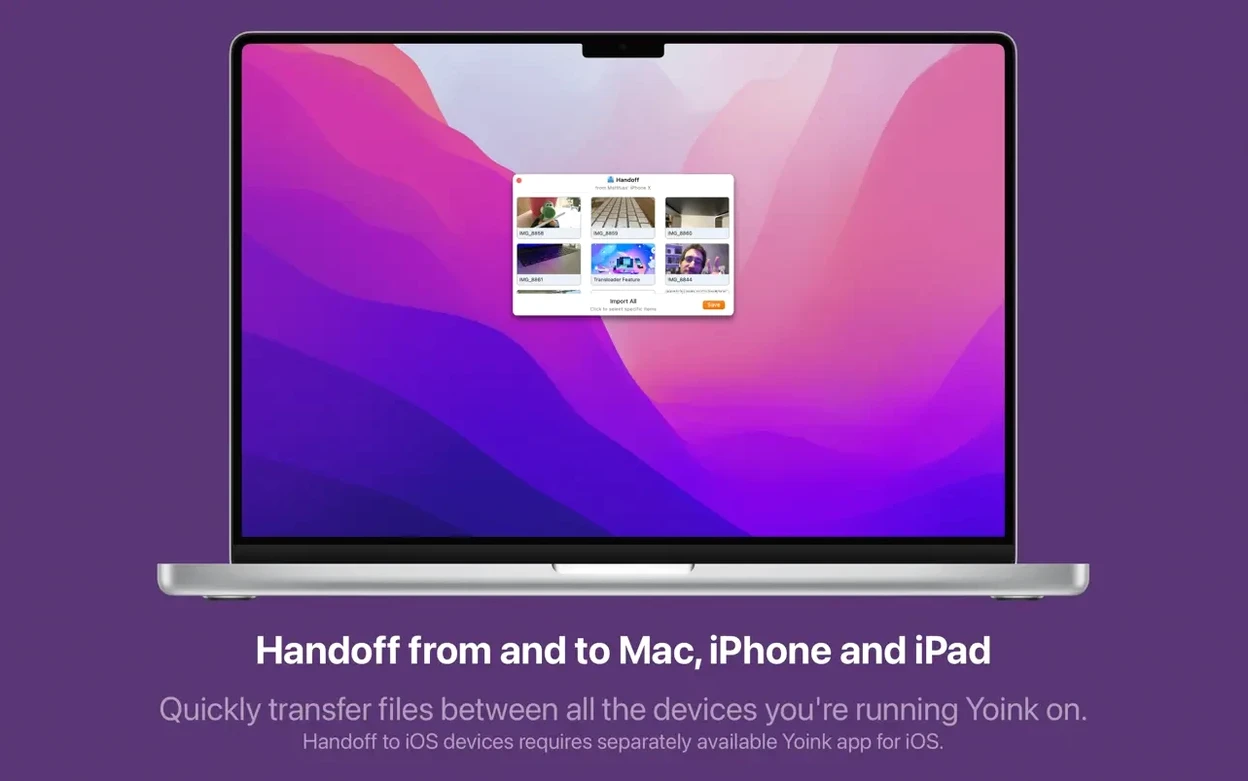
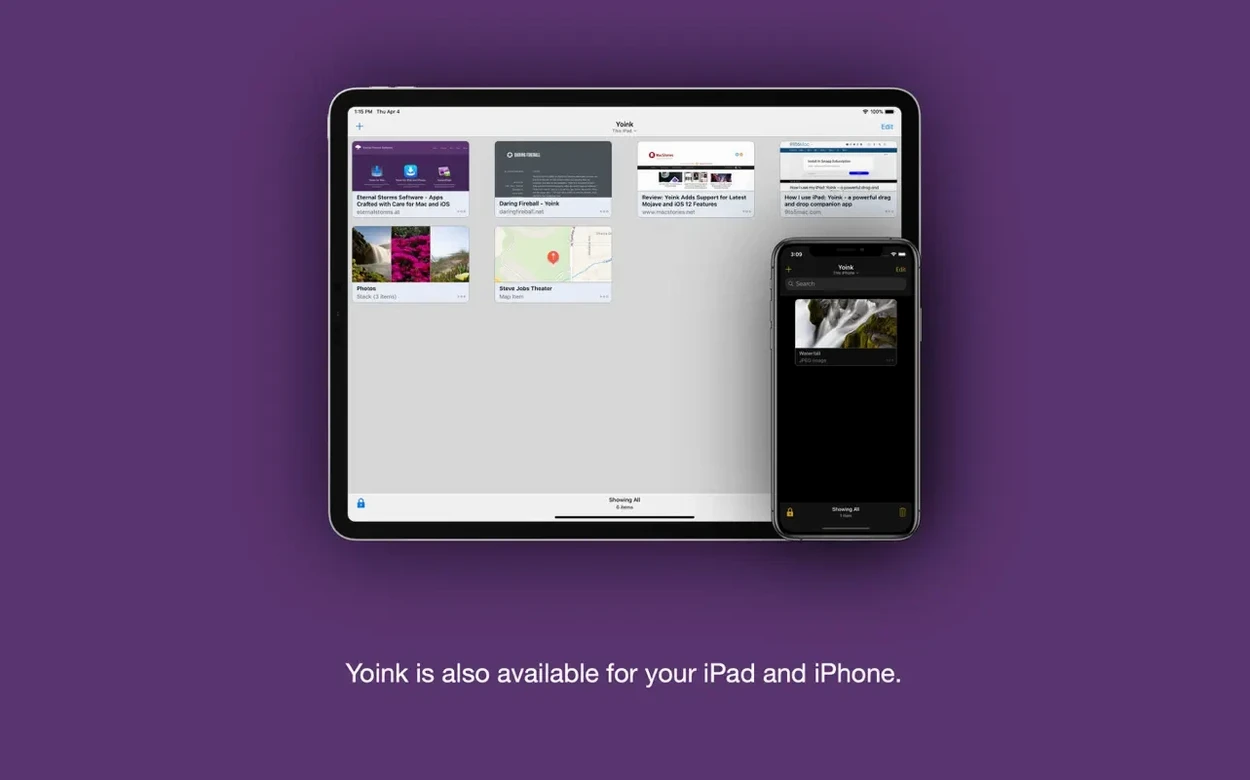
Yoink is a Mac shelf app that holds dragged files, images and text until you're ready to place them.
The Quick Look panel now sizes itself properly for log files, and drags from the Dia browser play nicely with the shelf. File names you drag from a web browser are also cleaner than before.
Hold Option to force a copy of the item, or Command to force a move. The behaviour mirrors what you already know from the Finder.
Yes. Stacks of files can be split apart, reordered, or moved as a group right inside Yoink's window, so you can tidy things up before dropping them into a project.
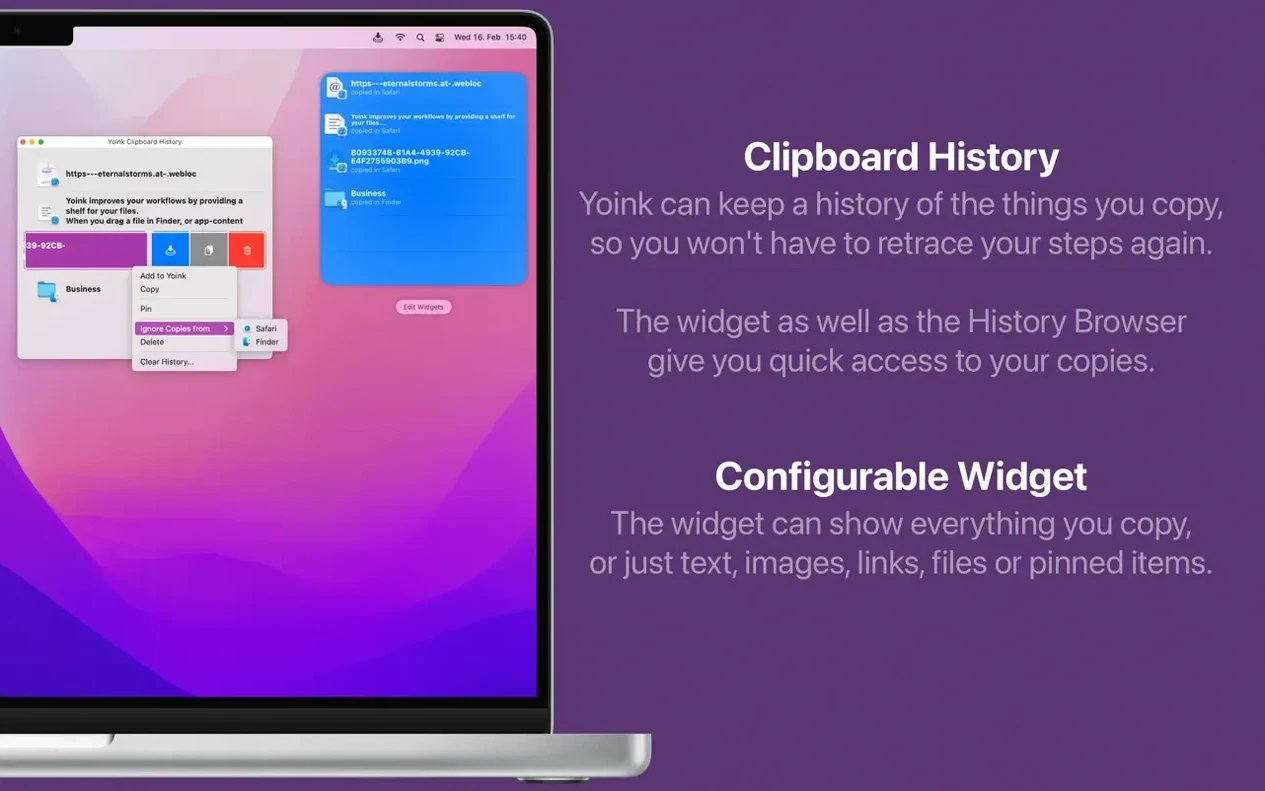
Yoink quietly remembers up to 20 items you've copied. You can grab them from the menu bar widget or the app's context menu, and a long press brings back items you've recently removed from the shelf.
Picture a layout designer juggling client assets across Finder, Sketch and a project folder in Dropbox. They're pulling logos from a messy downloads stack, a hex colour value from Slack and a chunk of body copy from a supplier's PDF. Without Yoink, the dock gets crowded and something always lands in the wrong spot. With the shelf pinned to the left edge, they drag each piece onto it in quick succession — three SVGs, the colour snippet, the text file — then switch to the destination folder and drop everything in one go. The stack stays visible until they're done, so nothing gets lost between clicks.
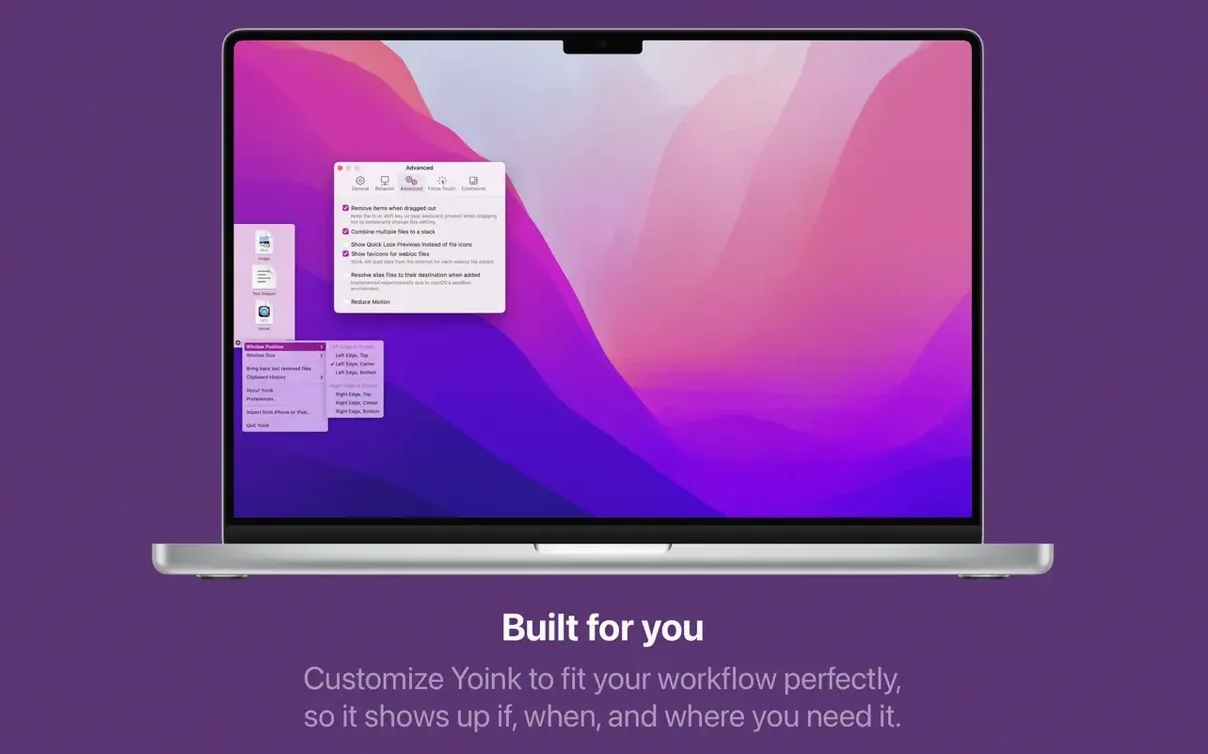
The shelf doesn't pop up when you expect it to. Open preferences and check the Appearance tab — you've likely set it to show only when you drag to a screen edge you're not using. Try switching to Show at the start of a drag if you want it to slide out the moment you grab something.
Stacks feel stubborn when you're trying to grab one item. A light two-finger tap on the stack expands it, or you can drag the whole pile out and split it later. If you accidentally pull the top file, a quick long press on the shelf restores anything you just removed.
Files dragged from a browser arrive with gibberish names. Version 3.7.6 cleans that up considerably for Dia and Vivaldi, but if you're on an older Firefox build you might still see hashes. Drop the file onto the shelf, tap the spacebar for Quick Look to check it's the right asset, then rename it in Finder after you place it.
If you grabbed a yoink mac full version build from a third-party site and the clipboard widget stays blank, delete the preference file at ~/Library/Preferences/at.eternalstorms.Yoink.plist and relaunch. A stale plist from a yoink crack can be refreshed by removing it, so a clean start usually sorts things out. For a yoink free download direct from the developer, this same plist reset trick works just as well.














Chat 0
Hop in or make an account to join the chat.
Quiet in here so far. If you have used this build, tell me what the install actually did.