
 BatchOutput XLS
 XMind Pro
 Wolfram Mathematica
 VueScan Pro
 Vellum
 Ulysses
 Typora
 Timemator


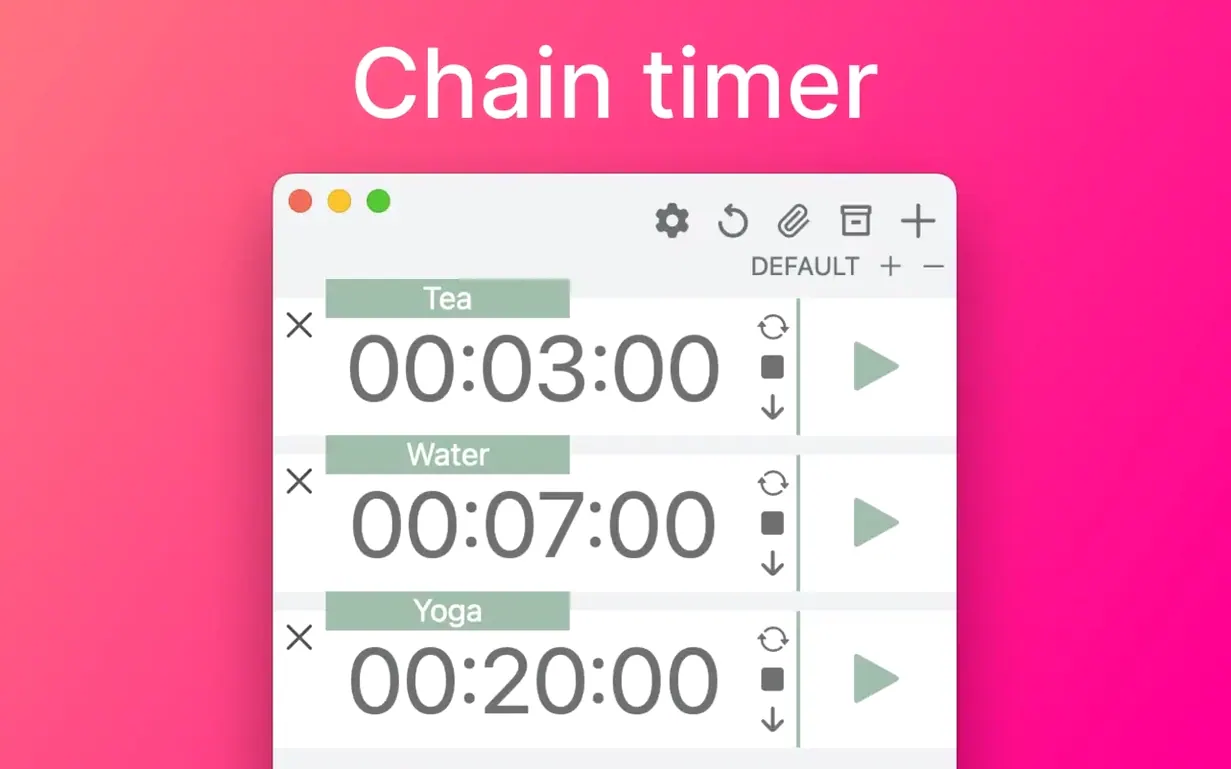
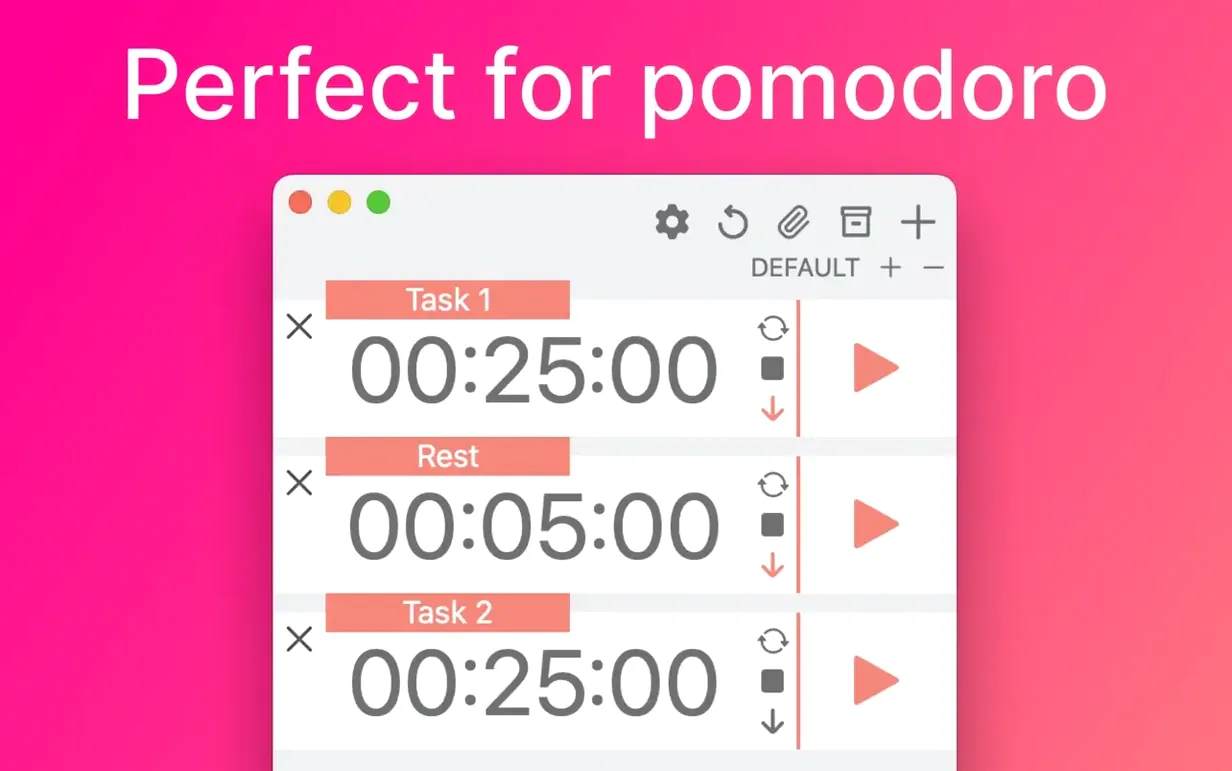
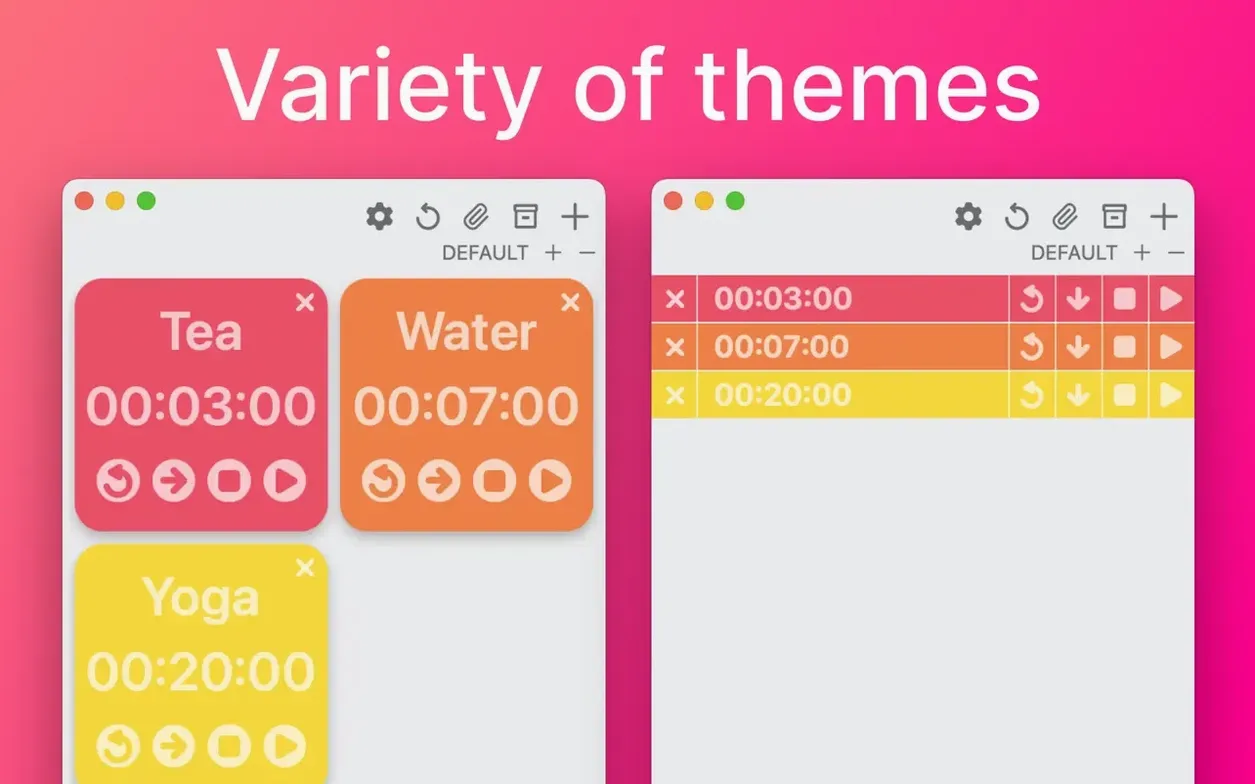
You already know the feeling: a single timer works fine until you need two, three or four running at once. Chain Timer is the Mac app that lets you run multiple timers side by side — for cooking, workouts, meetings, whatever your day throws at you.
It’s a straightforward multi-timer app. You set several timers at once, name them, and see them count down together. It runs on macOS 11 and up, works on both Intel and Apple Silicon Macs, and speaks 16 languages including English, German, Spanish, French, Japanese and Chinese.
Current version is 10.8, built by developer Roman Sevastyanov. The install uses a disk image and a quick Terminal step to bypass Gatekeeper — nothing unusual, just follow the steps.
Once Chain Timer is on your Mac, resist the urge to start ten timers at once. Begin with one or two to feel how the interface behaves.
After a day or two, you'll know whether you prefer keyboard shortcuts or mouse clicks for quick start-stop actions.
Wednesday morning. You sit down with coffee, open Chain Timer, and set up a 45-minute focus block for writing. You name it "Copy edit" and start it. While it runs, you realise the pasta needs ten minutes in salted water for lunch. You add a second timer — "Pasta" — set to ten minutes. Both count down in parallel.
The pasta timer hasn't started yet, so you pause it. You finish the edit, stop the writing timer, then start the pasta one. Another timer appears for the sauce: six minutes. The interface stays uncluttered. No overlap, no confusion. You hear the Chain Timer Mac torrent finish as the sauce timer ends. Lunch is ready.
The session ends with three completed timers still visible in the history list. You clear them with one click before closing the app.
Sunday roast. You need the oven timer for the meat, a stovetop timer for the vegetables, and a resting timer for the meat after it comes out. Here is the full workflow:
Good to know: a Chain Timer Mac torrent search may pop up in casual conversation, but this is the reliable version — version 10.8, stable, no surprises.
There’s no hard limit stated by the developer. The interface lets you add multiple named timers and run them simultaneously.














Chat 0
Hop in or make an account to join the chat.
Quiet in here so far. If you have used this build, tell me what the install actually did.