
 Araxis Merge
 Artlantis
 AppZapper
 Apple Remote Desktop
 Apple Keynote
 App Cleaner & Uninstaller
 ApolloOne
 AnyTrans for iOS


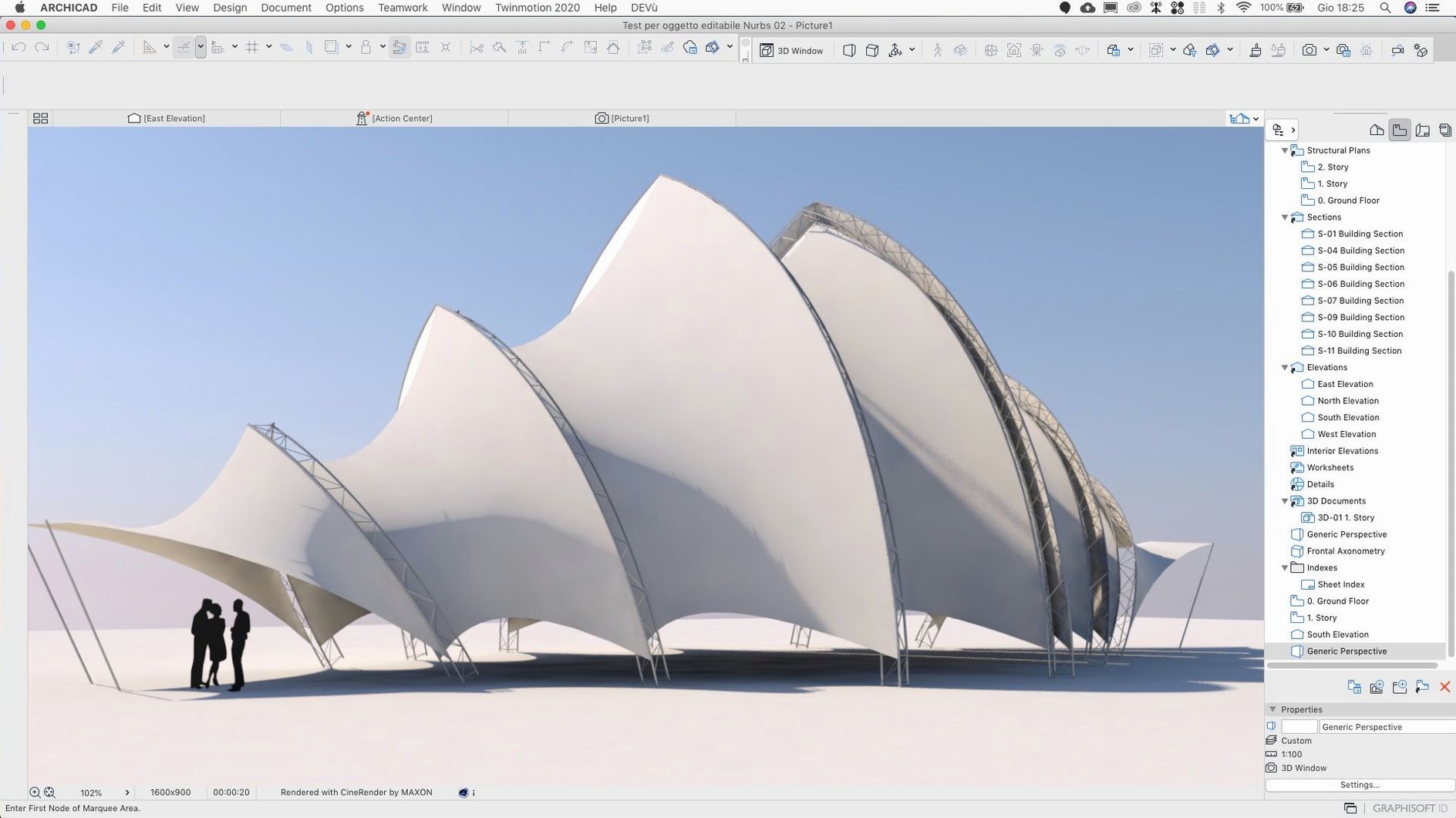
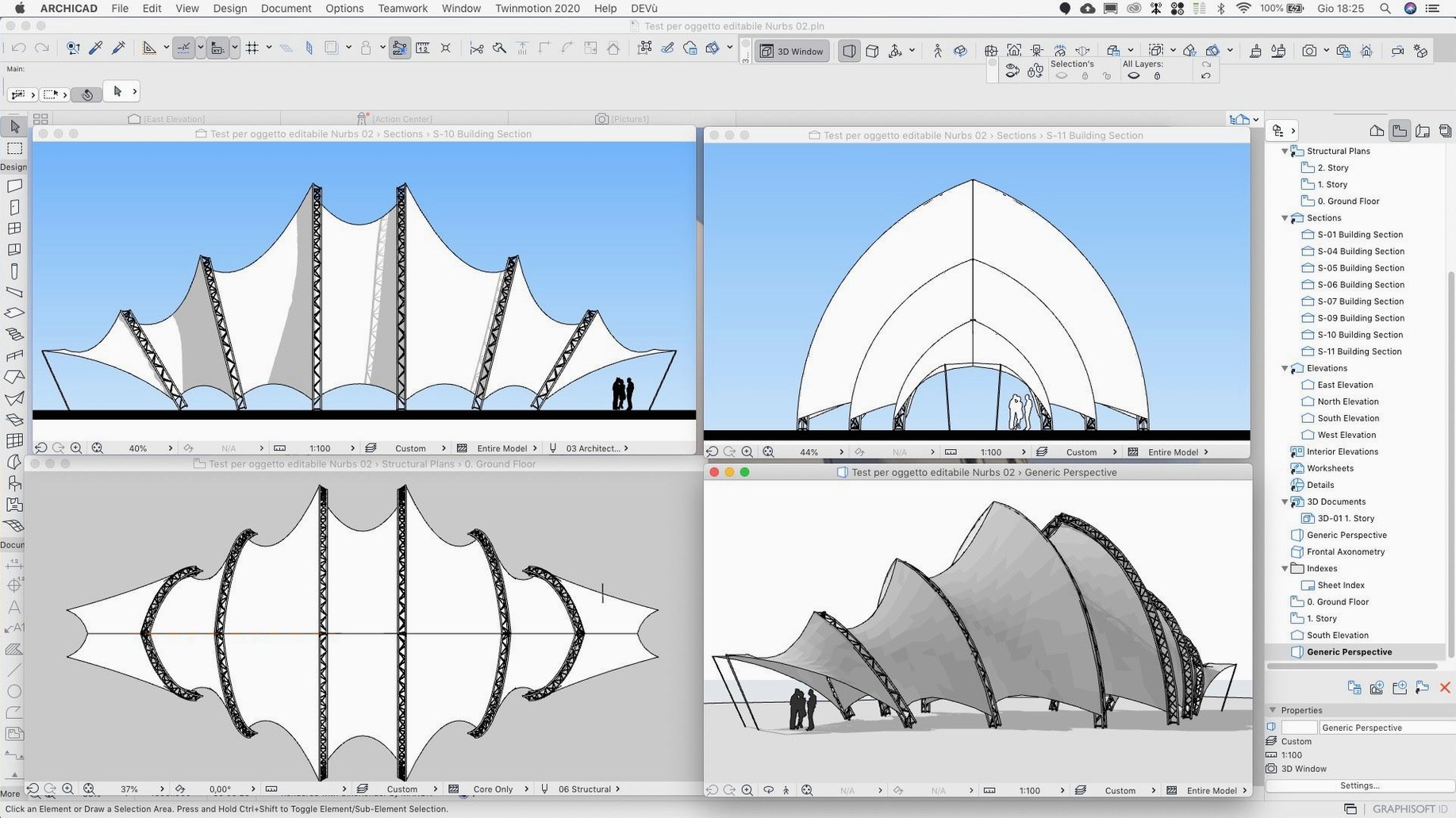
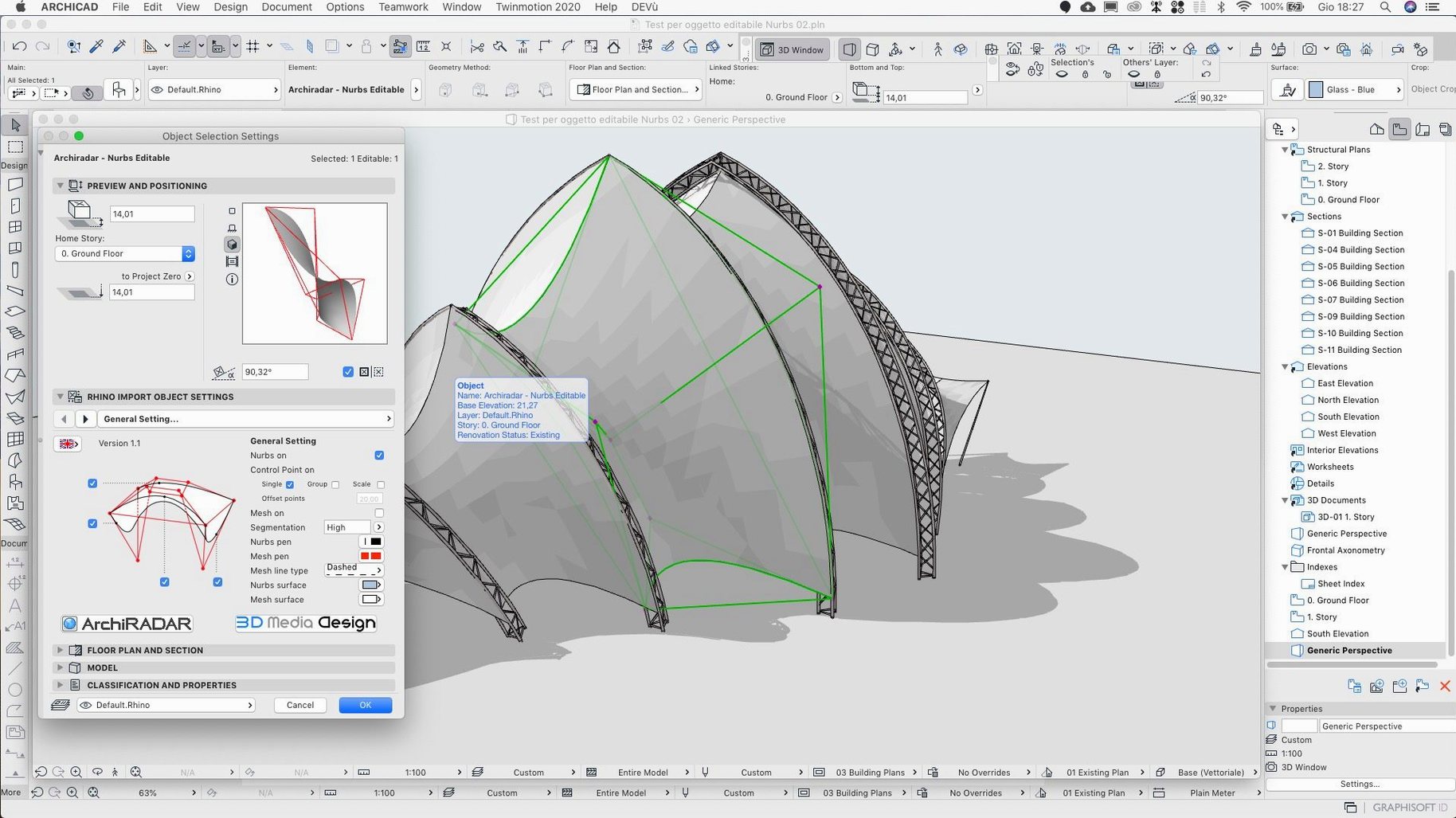
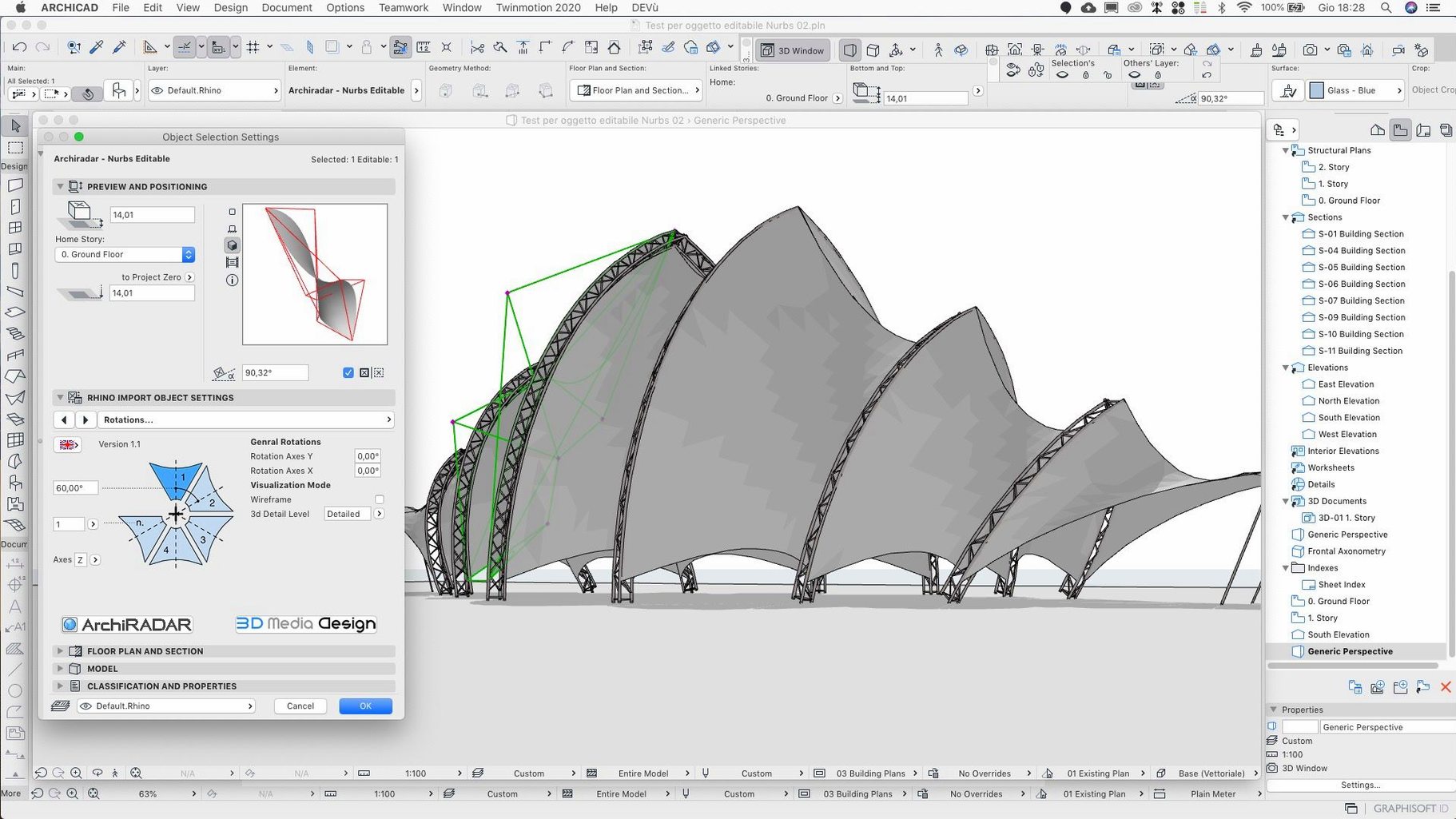
ArchiCAD 29.2.1 landed as a targeted hotfix, smoothing out a few persistent wrinkles in the previous release. The Rotate command now reads entered values correctly, Teamwork Send and Receive on BIMcloud SaaS gets a speed bump, and a crash tied to scrolling through Attributes is patched.
| Key detail | Quick fact |
|---|---|
| Type | BIM and 3D architectural modeller |
| Current version | 29.2.1 |
| macOS | macOS 14 |
| Architecture | Intel + Apple Silicon |
Several things tend to come up before people install. The app lets you search, upload and download BIM components straight from the object dialog, and a built-in web portal handles component exchange. For teams, data moves between consultants and specialists in other fields without leaving the model environment. An API site is also available if you want to build on top of ArchiCAD. Note that migrated projects from earlier versions had a dimension shift bug—this hotfix sorts that out too.
If you are coming from a build where the Rotate command swallowed values oddly, your first ten minutes will feel steadier. Type an angle, hit return, and the element lands where you expect. That alone saves a handful of undo-try-again loops per session.
Open a mid-sized project early and scroll through Attributes with a few palettes pinned open. The crash that could fire midway through a long list is gone. It is worth testing on a migrated file too—check a couple of dimension strings that looked fine before. A handful of users saw shifted values after migration, and the fix silently realigns them. If your project was affected, the change shows up without extra steps.
Teamwork users should let the first Send and Receive run while grabbing coffee. The BIMcloud SaaS timing improvement is noticeable on projects with many locked elements or a deep reservation tree, though speeds still depend on your connection. After the initial sync, day-to-day exchanges feel closer to local project responsiveness.
ArchiCAD 29.2.1 runs natively on Apple Silicon and Intel, and the difference on an M-series machine is real. Model navigation in heavy 3D views stays fluid, even with shadows toggled on and a couple of section cuts active. Memory pressure sits higher than a lightweight modeller—expect it to claim what it needs—but swapping is rare on 16 GB and above unless you push several large linked files at once.
Launch time is unremarkable; the splash screen clears in a few seconds on recent hardware. Once open, the attribute palette populates quickly. We scrolled through composites, profiles and surfaces without the half-second freeze that could crop up in the earlier 29 release. The Zone Stamp fix also tidies up schedule numbers. If wall surface areas in your zone schedules looked off after a geometry tweak, they now recalculate correctly on the next update.
One quiet improvement: the Share dialog no longer picks the wrong host server for the active folder. If you juggle between a local BIMcloud and a remote SaaS instance, the selection sticks as you would expect.
A few preferences are worth a look before you settle into real work:
Will my ongoing Teamwork project break? It should not. The hotfix touches server communication timing and local geometry fixes, not the project data structure. Open the file, let the first Receive complete, and carry on. If you share a project with someone still on an earlier 29 build, the Rotate behaviour difference is local—the model stays consistent.
Does it feel lighter than the initial 29 release? Subjectively, yes. The attribute-scrolling crash fix removes a hesitation point that made the palette feel sluggish. Teamwork round-trips on BIMcloud SaaS also trim a few seconds, which adds up over a day of frequent exchanges.
Is the API affected? No API changes ship in this hotfix. The developer site remains the same endpoint, and existing add-ons built for 29 should run without adjustment.
Can I skip the main 29 install? You need the full 29 version present. The hotfix is an overlay, not a standalone build. The package includes the main installer, so the sequence is straightforward: main version first, then the update.
Some architects search for terms like archicad torrent or archicad mac torrent when they want to test a build without committing to a full deployment. If that sounds like you, the 29.2.1 package here wraps the complete toolset so you can start modelling straightaway. You will also spot archicad 28 torrent references floating around, but those point to an older codebase missing the fixes in this release. The same goes for archicad 28 mac torrent listings—different version, none of the Rotate or BIMcloud SaaS tweaks.
Once installed, a archicad for mac torrent package should give you the same binary as the official channel. The English and Russian localisations are bundled, and additional languages are a quick download through the Graphisoft Downloads panel without extra registration for updates.
It corrects an input issue in the Rotate command, speeds up Teamwork Send and Receive on BIMcloud SaaS, and resolves a crash when scrolling through Attributes.
Yes, ArchiCAD supports data exchange with specialists in other fields, so you can pass models back and forth without leaving the BIM environment.
You can search, upload and download BIM components directly from the object dialog, and a web portal is integrated for exchanging them.














Chat 0
Hop in or make an account to join the chat.
Quiet in here so far. If you have used this build, tell me what the install actually did.